

Free AI Caption Generator: Master Your Video Captions and Win the Search Game
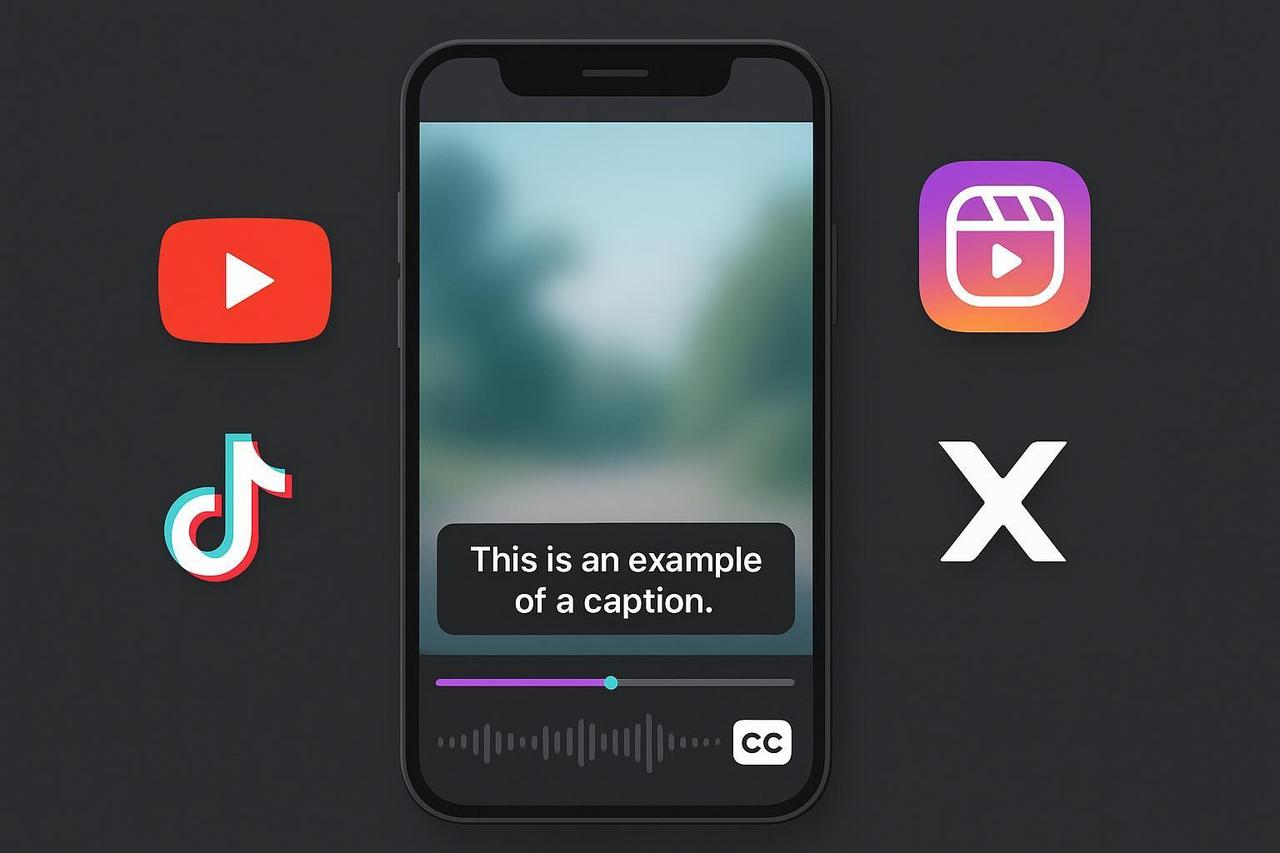
You know that 85% of videos are watched on mute, yet you're still relying on inconsistent auto-captions or slow, manual transcription. This creates legal risk and tanks comprehension. You need a fast, reliable, free ai caption generator system that delivers professional quality every time.
As your AI Creative Buddy, I’m giving you the playbook for world-class captions. We’ll define What are the best practices for captioning? and show you how to leverage AI tools like NemoVideo to scale without sacrificing accuracy or accessibility.
Phase 1: What "Good" Captions Actually Mean
Before asking "What is the best caption generator?" you must define quality. Professionals judge captions against four pillars, which apply universally from broadcast to short-form social video:
Accuracy: Words match spoken content; names, numbers, and brand terms are correct.
Synchronicity: Timing aligns perfectly with speech (no early or late entries).
Completeness: All dialogue is captioned; meaningful non-speech audio is represented.
Placement: Captions are legible, have high contrast, and do not obscure critical visuals.
Readability Parameters for Mobile
Characters Per Line (CPL): Keep to roughly 42 CPL maximum and two lines per event. These are standard thresholds used by industry leaders like Netflix.
Reading Speed (CPS): Target about 20-21 characters per second for general audiences. Consult guidelines aligned with the EBU "spotting rules" for complex timing.
Accessibility Foundation: For web video, compliance starts with the W3C’s captioning requirement for prerecorded media. See the W3C’s definition in the official WCAG 2.2 specification.
Phase 2: An End-to-End Caption Workflow That Scales
This workflow balances the speed of caption generation with the non-negotiable need for human quality assurance.
Prepare the Audio: Use an external mic and lock the picture before captioning. Preventing timecode drift is essential for sync.
Transcribe with AI: Use a reputable ASR engine (like the one built into NemoVideo). Export timestamps in SRT or VTT format if available.
Human QA and Editing (Non-Negotiable):
Verify names, numbers, URLs, and brand terms.
Add non-speech cues for accessibility (e.g., [music], [laughter]).
Fix line breaks by sense units (natural phrasing), not just screen width.
Conform to CPL/CPS thresholds; trim verbosity instead of cramming lines.
Format and Style for Mobile: Use a semi-opaque dark box behind white text for high contrast. If lower-thirds or product UI are at the bottom, move the captions to the top temporarily.
Export the Caption File: Prefer SRT/VTT uploads for platforms that support caption tracks. This keeps the text selectable and searchable. If a platform requires it, burn-in cleanly.
Archive and Version Control: Use a consistent naming convention (e.g., videoName.locale.srt) and track the QA status.
Phase 3: Platform-Specific Execution Notes
Knowing What are the rules for image captions? and video captions depends entirely on the platform and whether you're uploading an SRT file or using in-app tools.
YouTube (including Shorts): Preferred method is to upload caption tracks in SRT/WebVTT. Validate safe areas manually due to UI overlays. Check the W3C guidance, as it aligns with YouTube’s best practices.
TikTok (Organic and Ads): Organic posts use in-app auto-captions; edit them before posting. External SRT upload isn't broadly supported for organic. Follow TikTok’s accessibility guidelines for your videos.
Instagram (Reels/Stories) and Facebook: For ads, upload SRT in Ads Manager for accuracy. For organic posts, use the Captions sticker/workflow in-app.
X (formerly Twitter): Upload a single SRT file per video via the web composer. See the official instructions to upload a caption (.srt) file.
Trade-Off Reminder: Burn-in gives you visual control but loses searchability. Caption Tracks (SRT/VTT) are generally superior for accessibility and discoverability.
Phase 4: Accessibility and Compliance in Practice
Captions are a legal requirement in many sectors. Align your process with WCAG standards to ensure compliance.
WCAG 2.2 AA: Provide captions for prerecorded media, per the WCAG 2.2 standard. This is often the risk-reduced baseline for private organizations, even though the final Department of Justice Title II rules primarily target state and local governments. See the DOJ's 2024 Title II web accessibility fact sheet.
Testable Checklist: Use practical criteria from resources like the U.S. government’s Section508 guidance on Captions and Transcripts to verify synchronization, non-speech cues, and speaker identification.
Readability and Design Checklist
Break lines by sense. Prioritize natural phrase boundaries over equal line lengths.
Keep duration sensible: typically $$0.5 \text{ to } $$ seconds per event.
Use a semi-opaque background box or drop shadow to guarantee contrast on dynamic footage.
Phase 5: Scaling and Automation Without Losing Quality
At volume, the failure point is often inconsistent QA, not the technology. Leverage AI to do the tedious work, then keep humans in the loop for the critical details.
Standardize Templates: Define your default CPL/CPS, line-break rules, and SDH conventions.
Maintain a Lexicon: Create a list of product names, feature terms, and preferred casing to train your ASR engine and improve accuracy.
Automate Where Reliable: Trigger ASR on file ingest. Lint SRT for timing overlaps and CPS breaches before human review.
NemoVideo Empowerment: We sometimes use NemoVideo in editing pipelines to automatically generate a clean SRT baseline. This lets you focus human time only on verifying names, numbers, and nuance—the non-negotiable elements.
Troubleshooting: Typical Issues and Quick Fixes
Symptom | Cause | Quick Fix |
Numbers and names wrong | ASR confusion on proper nouns and numerals. | Require human verification for all digits, currencies, and brand terms. |
Timing drift after re-edit | Editorial changes after captioning. | Lock picture before captioning. If unavoidable, reflow timecodes with a retiming tool. |
Lines too long on mobile | No CPL enforcement. | Enforce ~ 42 CPL and 1 to 2 lines. Shorten phrasing. |
Captions obscured by UI | Platform buttons or lower-thirds hide text. | Increase safe-area margins; temporarily move to the top during dense graphics. |
Final Perspective (Action)
Great captions are a system, not a one-off task. Define quality in measurable terms, let a free ai caption generator handle the heavy lifting, and keep humans in the loop for the parts that matter.