
Stop Editing, Start Selling: The Ultimate 2025 Guide to Short-Form Video Ideas that Convert
If your awareness campaigns are stalling, it’s rarely the audience—it’s the creative. In 2025, thumb-stopping, short-form video is the fastest path to fresh reach and aided recall across platforms like TikTok, Instagram Reels, and YouTube Shorts. This guide gathers high-performing top-of-funnel (TOFU) ideas, platform-native formats, and the tools you need to ship winning content this week—plus pragmatic tips to scale without burning out.
This AI subtitle automation tools guide is specifically tailored for US-based realtors, fitness coaches, and small business owners who are stuck in the "300 views jail" and need to boost sales from their video content . We’ll show you how to leverage cutting-edge AI to simplify subtitle creation and enhance accessibility.
We focus on short-form because marketers consistently report it leads ROI among video formats in 2025.
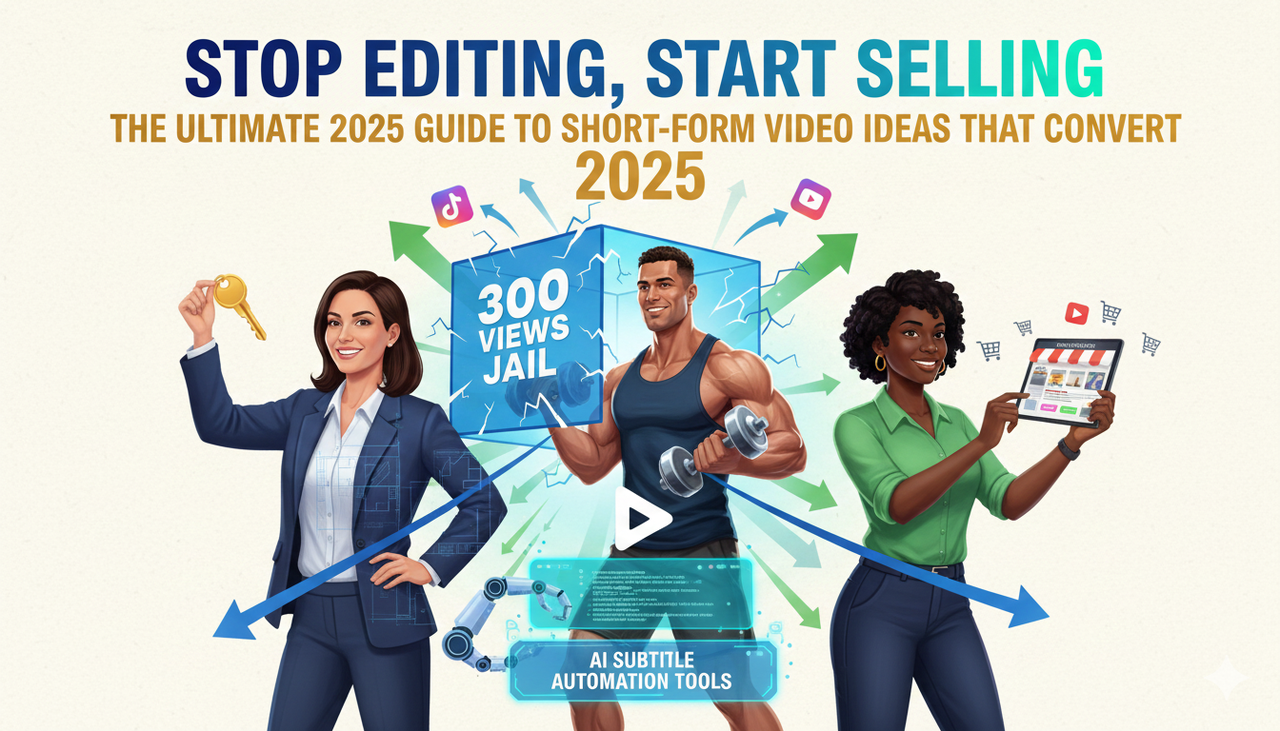
Marketing graphic: "Stop Editing, Start Selling: Short-Form Video Ideas 2025
The Creative Buddy's Methodology
To keep this practical and simple, we evaluated formats and tools based on a few key questions:
Goal Match (30%): Does it reliably create attention, watch time, and recall?
Workflow Fit (15%): Can lean teams execute it weekly without needing professional editing skills?
Evidence Quality (20%): Is it backed by reputable reports and platform documentation?
Scalability (20%): Does it support versioning, cross-platform use, and help overcome the frustration of long editing time and repetitive dirty work?
Ecosystem Fit (15%): Does it play well with ad platforms and export specs?
Primary sources consulted include platform documentation like TikTok’s guidance on Creative best practices for ads (updated through 2025), which stresses vertical, hook-forward storytelling and continual testing . We also accounted for YouTube’s Shorts format expansion and Instagram’s ad guidance . For legal compliance in the US, remember to use cleared tracks from the Commercial Music Library for ads and to follow guidance on disclosure like the FTC Endorsement Guides: What People are Asking when running creator campaigns.
Note: Specs and recommendations change quickly. Always validate within each platform’s latest help center and ad preview tools.
A. Attention: Hooks & Pattern Interrupts that Win 3 Seconds
A killer hook is a must-have if you want to escape low video views . These openers are designed to interrupt the scroll:
Motion-Openers that Create Curiosity
What it is: Start with a visual jolt—a rapid push-in on the product, a dramatic “before” frame, or a quick “watch this” gesture.
Best for: DTC products, mobile apps, visual tech.
How to execute: Change the frame or angle in the first second . Add a bold on-screen title card.
Pro Tip: Cut three openers for the same concept and test them head-to-head.
Problem-First Cold Open
What it is: Lead with the pain (“Your sales videos are failing?”) before revealing the product.
Best for: Utility products and SaaS painkillers.
How to execute: Frame the pain in 3–5 words on-screen. Show the “after” by second five.
Pro Tip: Record two reads—calm and urgent—and test which draws longer retention.
Strong POV Line or Hot Take
What it is: A direct POV that aligns with your ideal customer (“Hot coffee > cold brew—prove me wrong”).
Best for: Community-oriented brands.
How to execute: Keep it playful yet specific; invite stitches/duets or comments.
I. Interest: Social Proof Formats that Feel Native
Once you have their attention, build interest by using formats that feel like part of the platform, not an ad.
Creator POV Demo with Quick Cuts
What it is: A creator shows the product solving one job-to-be-done, handheld and conversational .
Best for: Beauty, home, fitness, consumer apps.
How to execute: Script beats, not lines: hook → problem → demo → outcome. Add dynamic captions and pull quotes to highlight benefits.
Pro Tip: Vertical, native style often outperforms polished studio looks.
Side-by-Side Comparison (Stitch/Duet Style)
What it is: Compare outcomes or workflows with a simple A vs. B framing.
Best for: Measurable improvements (speed, clarity, finish).
How to execute: Use on-screen labels, identical tasks, and a timer/stopwatch overlay. Let the visual do the persuasion.
Pro Tip: Invite viewers to vote A or B in comments to boost interaction.
Educational Micro-Tutorials (15–60 seconds)
What it is: Teach one outcome end-to-end in under 60 seconds .
Best for: Software features, repeatable routines.
How to execute: Use step labels and quick B-roll inserts; tease the “after” in the first few seconds.
D. Desire: Tools to Accelerate and Automate Creative
If you're struggling with long editing time and repetitive dirty work , the right tools can be your "Creative Buddy." You shouldn't have to jump between five different apps just to ship a great Reel.
Feature | Traditional Editors (e.g., CapCut, Premiere) | Nemo (AI Video Editor) |
Editing Style | Manual Timeline Editing | Text-Based (Conversational Editing) |
Subtitle Creation | Manual/Auto-Generate (Requires Edits) | AI Subtitle Automation Tools (One-Click, Branded) |
Variant Testing | Time-Consuming, Manual Duplication | Automated A/B/C/D Hook Testing |
Pacing Optimization | Requires Expertise | AI Analyzes and Optimizes Pacing |
Content Strategy | Must Find Inspirations Elsewhere | All-in-one inspiration, scripting, and editing |
Watermark | Free Tiers often include Watermark | Free Tier includes No Watermark Export |
US-Specific Accessibility | Must manually verify accessibility | Built-in high-contrast options, designed for enhance accessibility |
Leveraging AI to Skip the Dirty Work
Many other AI tools are too automated that leave no space for your creativity and take the control from you . Nemo (AI Video Editor) is different.
Text-Based Editing: You edit the video by editing the transcript, making it feel like working with a simple document. This is the cutting-edge AI workflow that frees up your time.
Automated Variants: The tool is best for Growth teams and performance marketers who need many short-form variants fast . The AI analyzes drafts to surface strongest shots and generates multiple versions tailored to channels or audiences.
Pro Subtitles: Nemo's AI subtitle automation tools generate styled, highly accurate captions in seconds, a key requirement for enhance accessibility and a crucial element for the 85% of social media videos watched with the sound off.
External Authority Citation:
Short-form video is not just a trend; it's an economic force. The global AI-in-Video Content Creation market is projected to reach $4.4 billion by 2033, demonstrating the massive ROI behind cutting-edge AI video solutions .
D. Desire: Niche (but Potent) Ideas to Test
Silent “Caption-Only” Story
What it is: Design purely for sound-off: bold titles, step labels, and animated pointers. This requires excellent subtitle creation .
Best for: Environments where viewers watch muted (commutes, offices).
Tip: Add a final end-card with a loop-friendly visual so the video replays seamlessly.
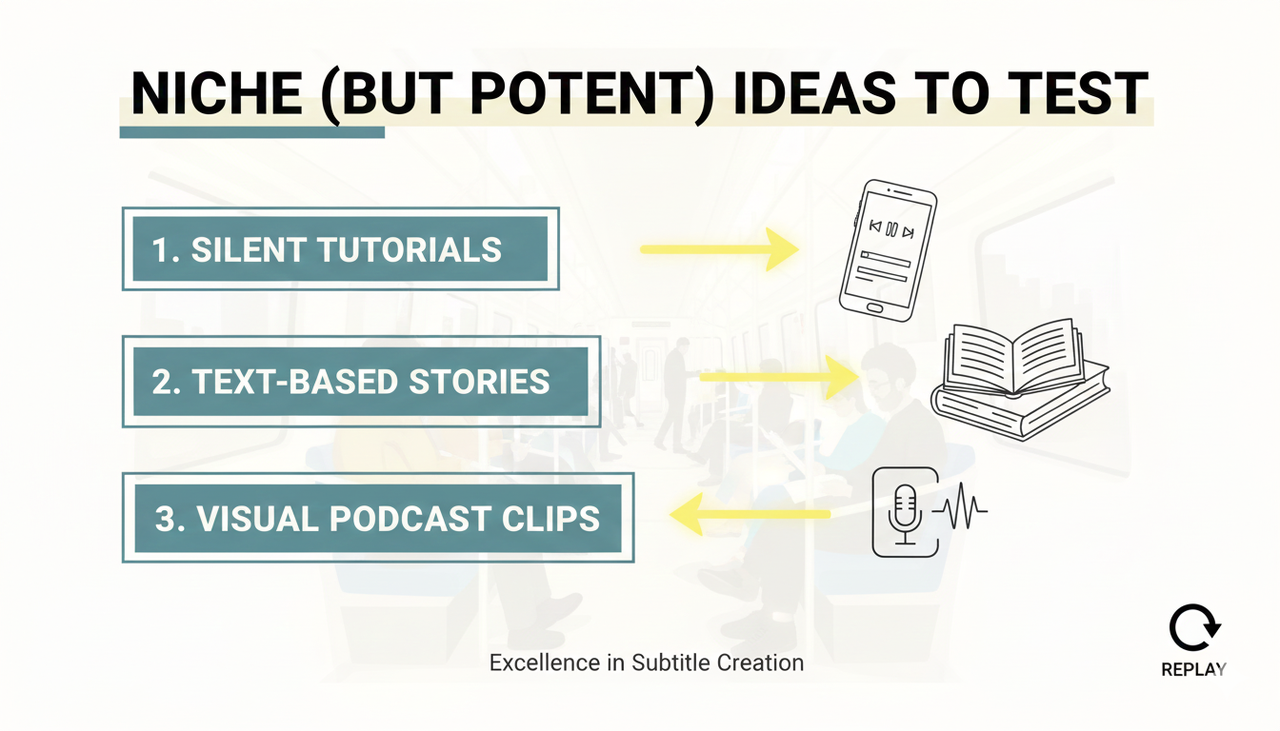
Stylized sound-off video story with title, step labels, and loop graphic
Founder or Expert Teardown
What it is: A knowledgeable voice explains “what most people get wrong” and fixes it live.
Best for: B2B/SaaS and high-consideration purchases.
Tip: Publish a slightly longer cut (up to 3 minutes is now allowed per YouTube’s 2024 announcement) to YouTube Shorts and a tighter 30–45s to TikTok/Reels.
E. Technical Deep Dive: The AI-Powered "Creative Buddy" Workflow
The Science Behind Why Nemo Works
Nemo (AI Video Editor) operates on a principle called Conversational AI Video Generation.
AI Analysis: The system first ingests your raw footage and uses natural language processing (NLP) to generate a full, timed, and accurate transcript.
Intent Mapping: When you edit the transcript—say, deleting a sentence—the AI's proprietary engine simultaneously snips the corresponding video and audio clip, ensuring clean cuts and pacing .
Optimization: The AI then scans the resulting edit for pacing issues and key visual moments. This is where it helps you with hook testing and cross-platform adaptation . Instead of needing professional editing skills, you just need a clear idea.
A. Action: Ready to End the Edit Grind?
Execution Checklist (Quick-Start)
Hooks: Write 5 hook options per concept; film 2–3 openers; select the one that wins attention in the first second.
Safe zones: Keep key text centered and away from UI overlays; use ad preview tools to validate placements .
Captions + audio: Use readable dynamic captions (Nemo excels here); for Meta ads/boosts, stick to cleared tracks such as those in the Commercial Music Library .
Variant matrix: Test opener, CTA style, caption style, and length. TikTok’s guidance favors running multiple creatives and continuous testing. Learn more about testing with Split test best practices .
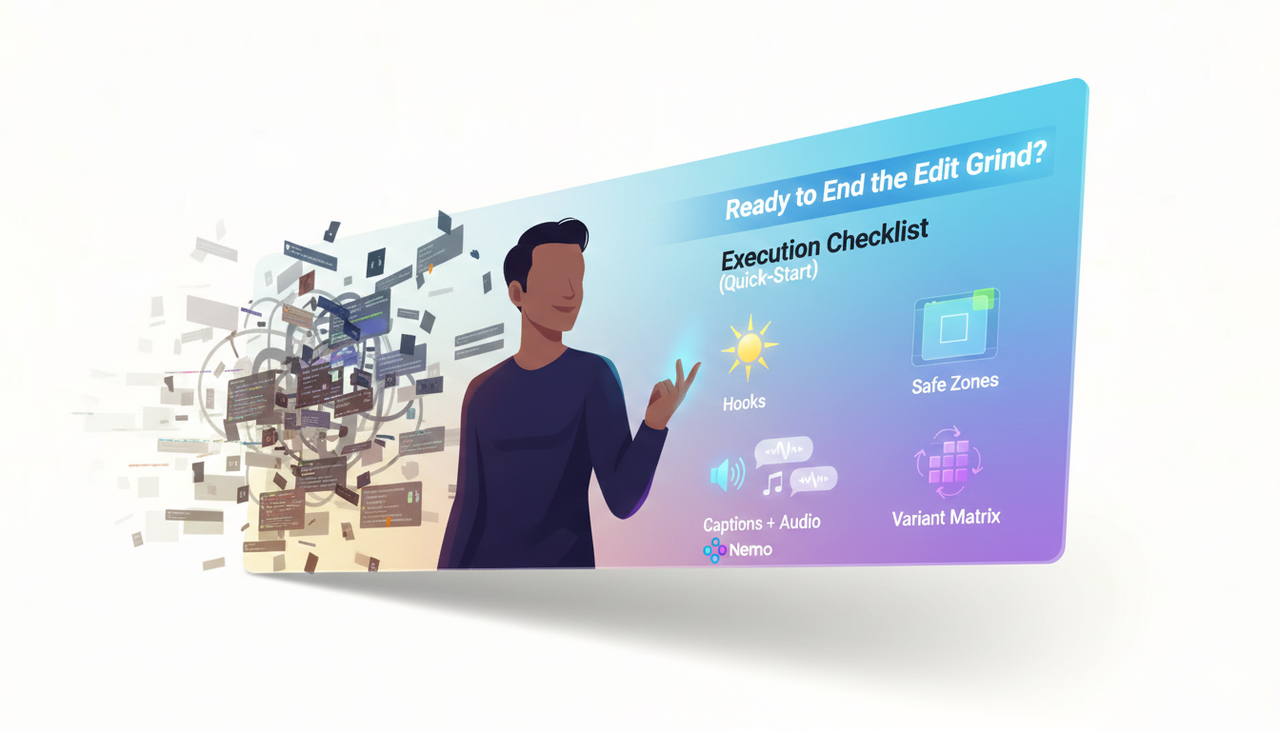
Person efficiently editing content, transitioning from grind to creative flow
FAQ
Q: Why are captions so important for my US-based video content?
A: Captions are mandatory for enhancing accessibility (ADA compliance is important in the US) and are critical for watch time, as most social videos are watched on mute. Using tools with AI subtitle automation tools saves massive time on this step.
Q: Can I really get high-quality sales videos without complex software like Adobe Premiere?
A: Absolutely. Tools like Nemo (AI Video Editor)offer an all-in-one solution that eliminates the need to jump between multiple tools. It's designed to deliver professional-grade output with a simple, conversational editing interface, eliminating the need for professional editing skills.
Q: Is it safe to use AI tools for my paid ads on platforms like TikTok and Instagram?
A: Yes, as long as you adhere to platform-specific rules. For instance, always use cleared music from platform libraries (like the Commercial Music Library) for boosted posts and follow disclosure guidelines (like the FTC Endorsement Guides: What People are Asking in the US) when working with creators.