

Your Best Video Hooks Are Waiting: Fix Drop-Offs with AI in 3 Steps
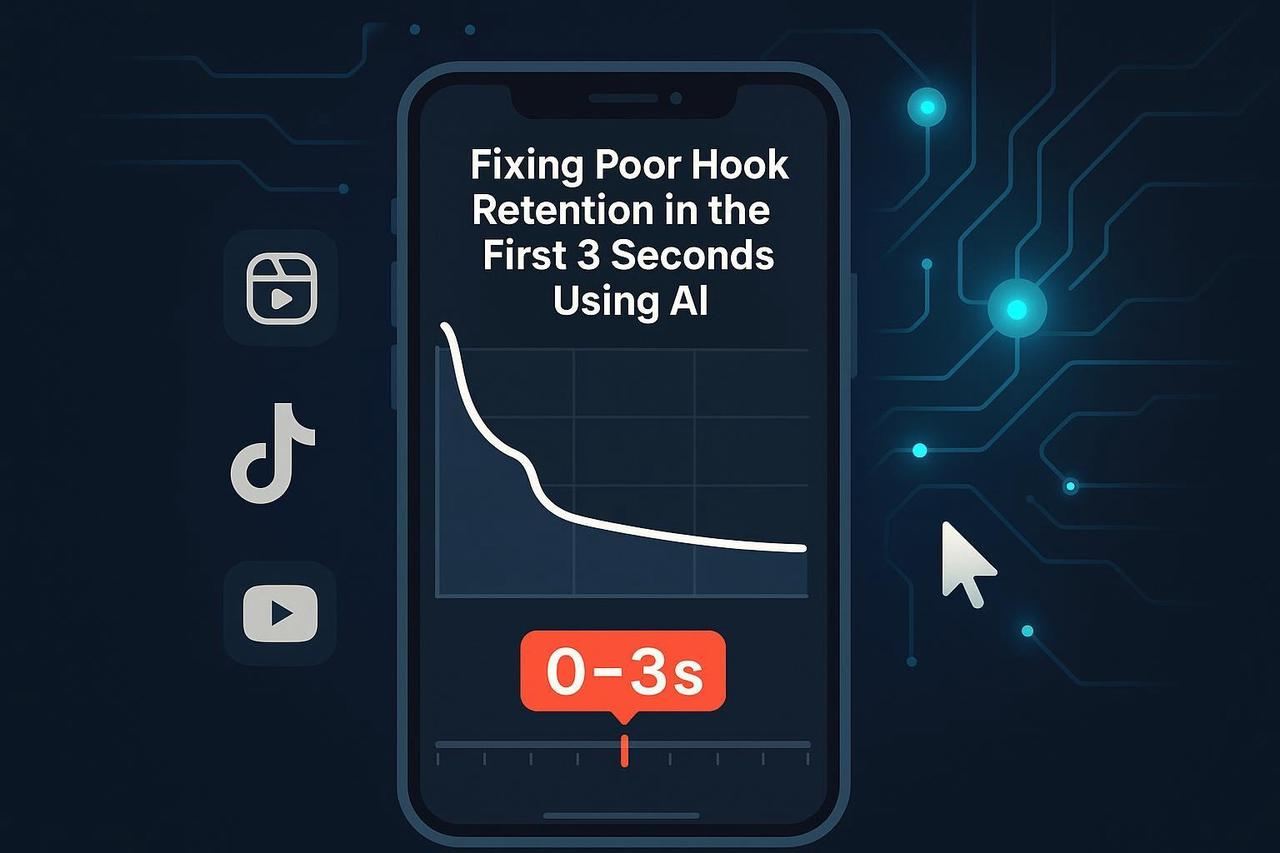
Here’s the creative reality: If people swipe away in the first three seconds, the rest of your video is invisible. That painful drop-off means your ideas aren’t bad; your video hooks are just weak.
Stop letting valuable content die! We’ll show you how to find the best video hooks using a simple, repeatable workflow. This blend of native analytics, proven hook patterns, and AI-assisted editing will help you stop the scroll on TikTok, Reels, and YouTube.
At a Glance
The Goal: Reduce the 0-3 second drop-off and boost overall watch time.
What you’ll achieve: A three-step method to diagnose weak openings and rebuild a stronger hook based on data.
Time to First Win: 60–90 minutes for your first test cycle.
Step 1: Diagnose the Problem with Native Analytics
Your audience is already telling you why they leave—you just need to read the charts. Your goal here is to confirm the opening is the problem and identify the likely cause (slow, confusing, or buried value).
Where to Look for the Drop-Off
Instagram Reels (for Viral Video Hooks for Reels): Look for the Skip rate and the Retention chart in Insights. A steep plunge in seconds 0–3 or a high skip rate (a feature Instagram introduced around 2025, covered by Social Media Today’s retention insights directly flags a poor hook. For creators, Metricool’s guide explains where to find these metrics.
YouTube (for Best Video Hooks for YouTube): Review the Audience retention graph and Key moments in YouTube Studio. A sharp cliff at the start signals a slow cold open.
TikTok (for Best Video Hooks for TikTok): Check Average watch time and the retention curve. A quick nosedive means your opening isn’t stopping the scroll, as detailed in Hootsuite’s TikTok analytics guide.
The Hook Decoder: What Early Dips Mean
The Fluff: Logo slates, wide shots with no movement, or a delayed value promise.
The Mute Fail: The opening only makes sense with audio (you failed the Hook videos for Reels mute test).
The Pacing Lag: Hesitations, filler words, or visual dead air.
The Text Fail: Too many words, low contrast, or text outside safe zones.
Checkpoint: If your retention curve plummets in the first 3 seconds, that video is your test case for Step 2.
Step 2: Rebuild Your Hook with Proven Patterns and AI Assist
You need an opening that’s immediate, specific, and compelling. You’ll craft 3–5 different variants to test, keeping the rest of the video unchanged to isolate the hook’s effect.
A) Start with an Iron-Clad Promise
The First Frame Rule: Choose a first frame that shows motion, a face, or action. Avoid logos or slow cut-ins in the first 0–3 seconds.
The Mute Test: Can a viewer understand the premise without audio? Put your core promise on screen immediately: “Make your apartment smell expensive for under $5.”
B) Use Proven Hook Frameworks (Your Toolkit)
These patterns work across platforms for the best video hooks:
Problem-First: “If your [X] keeps breaking, do this first.”
Pattern Interrupt: “Stop scrolling—try this 10-second fix.”
Fast Reveal: “Here’s the exact result—then how to do it.”
The Don’t-Do-This: “Don’t start with a logo; start with action. Here’s why.” (This one often creates the best video hooks funny effect).
Creative Anchor: For short-form, TikTok’s best practices emphasize immediate engagement and native, creator-style visuals. For longer-form, focus on early audience retention, as Backlinko’s retention hub stresses the need to fix confusing openings.
C) AI-Assisted Path: Create Variants Fast
This is where your AI creative buddy, NemoVideo, accelerates the testing loop.
NemoVideo can auto-detect low-energy frames, trim dead air, and even generate 3–5 opening variants that swap the first frame and on-screen line while preserving the core content.
This approach, using the NemoVideo AI Video Editor Tool, effectively gives you a Video hook Generator that works with your existing footage. You get multiple testable assets without manual cutting. Searching for a Viral video hooks download is unnecessary when you can generate custom, relevant hooks for your own video!
Checklist: Your Rebuilt Hook
First frame shows motion/action (no logos).
On-screen promise is clear in ≤10 words and readable at a glance.
Pacing is tight; no breaths or dead air.
Platforms reward strong openings. Audiences punish slow ones.
Fix your first 3 seconds with NemoVideo’s AI-powered hook variants, built to improve retention, reduce skips, and increase watch time across TikTok, Reels, and YouTube.
Step 3: Re-measure and Iterate Like a Pro
The only thing that matters is the retention chart. You need to validate which opening variant actually reduces early drop-off.
Run Controlled, Light Testing
Since you have 3–5 variants, post them several days apart to minimize audience overlap and compare results:
Compare Retention Curves: Did the steep cliff in seconds 0–3 become a gentle slope? Did the Skip rate drop?
Watch the Secondary Signals: A winner will show modest gains in average watch time, more rewatches, and smoother retention after the 3-second mark.
Lock the Winner: Keep the highest-performing opening and convert it into a lightweight template for future videos—your new standard for Viral video hooks for Instagram or any platform.
Variant Label | Hook Text | Early Metric (Skip/0–3s Slope) | Outcome |
V2 (Winner) | “Stop wasting $5 - brew this at home.” | Skip 31% vs. 44% baseline | Keep & Templatize |
V3 (New Test) | “This coffee habit costs you $1825/year.” | Next A/B test | Test against V2 |
Why This Workflow Works
This approach works because it aligns your creative effort with the exact metrics platforms use to decide distribution. You are using data to create the best video hooks that fit the native environment.
You are no longer guessing; you are running an efficient, AI-powered Video hook Generator on your own content.
Stop guessing which hook works. Turn one video into 5 hook tests with NemoVideo and run faster, cleaner retention experiments, without rebuilding the entire edit.
Conclusion: Stop Guessing, Start Growing
You’ve got this. Strong openings are a skill, and with data and iteration, they improve fast. Don’t waste another minute on manual edits that might not even work.
Ready to accelerate variant creation and scale your testing loop? Give NemoVideo a try to analyze your clips, auto-trim dead air, and generate multiple hook variants faster than any manual editor.
Your best hook isn’t missing, it just hasn’t been tested yet.
If you want to generate 3–5 opening variants, cut dead air, and fix 0–3s drop-offs without manual editing, create better video hooks with AI using NemoVideo and turn weak openings into scroll-stoppers.