

Stop Getting Rejected! The Ultimate Guide to Platform-Compliant Video Ads
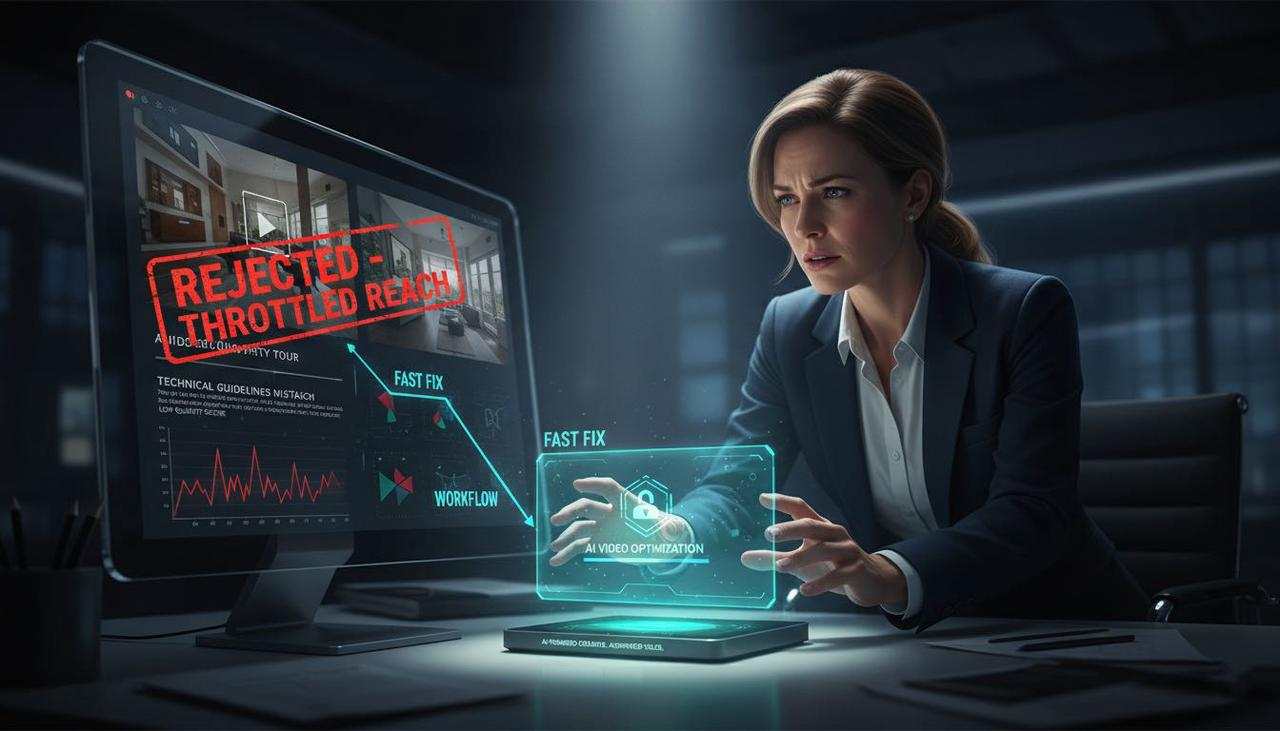
If your video ads and thumbnails keep getting stuck in the dreaded "review limbo"—rejected or having their reach throttled because of too much text or poor quality—you are definitely not alone. It's frustrating when you've nailed the creativity, only to be stopped by technical rules you didn't even know existed.
Here’s the good news, creative buddy: You can fix this fast, and you can set up a workflow to prevent it from happening again. This guide is built for ai-video-tools-professional users—like real estate agents and marketing managers—who are tired of long editing time and repetitive dirty work and want videos that actually sell.
What You'll Master in This Guide
Quickly spot text-density risks across Meta, Google, and TikTok in minutes.
Redesign your text overlays so your stunning creatives stay compliant and keep video views high.
Discover an AI video editing tools professional solution to generate and test lighter variants at scale.
Estimated Time: 45–90 minutes to set up the workflow; 10–15 minutes per future batch.
Difficulty: Intermediate.
Why Are My Creatives Failing Review?
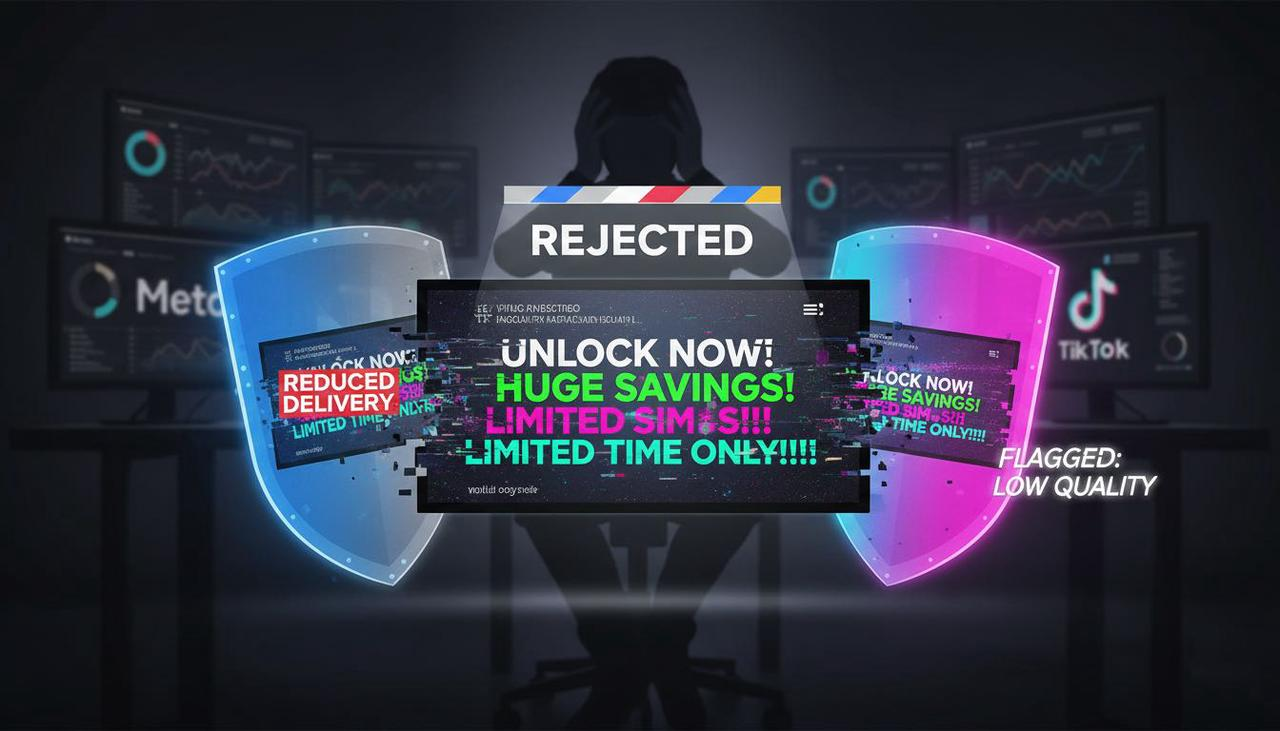
The core problem for many professionals is the endless, manual jump between tools. You're creating product videos that never convert to actual sales because the ad platforms flag them. While you're focusing on the script and message, the platforms are looking at technical compliance:
Meta: Cautions that heavy on-image text can reduce delivery.
Google: Rejects images with illegible or distracting text under its editorial standards.
TikTok: Flags low-quality or distracting text styles, like excessive caps or symbols.
It’s not enough to be creative; you have to be platform-compliant.
The AI-Powered "Text-Density Buster" (How It Works)
How NemoVideo Simplifies Compliance
Forget the complicated, time-consuming coding in the original process! We’re not selling complex software; we’re selling a better way to work. NemoVideo, your AI Creative Buddy, handles the technical analysis for you, moving you away from struggled with inspirations and into fast, compliant creation.
Instead of manually checking, the modern ai-video-tools-professional workflow uses AI to analyze the visual:
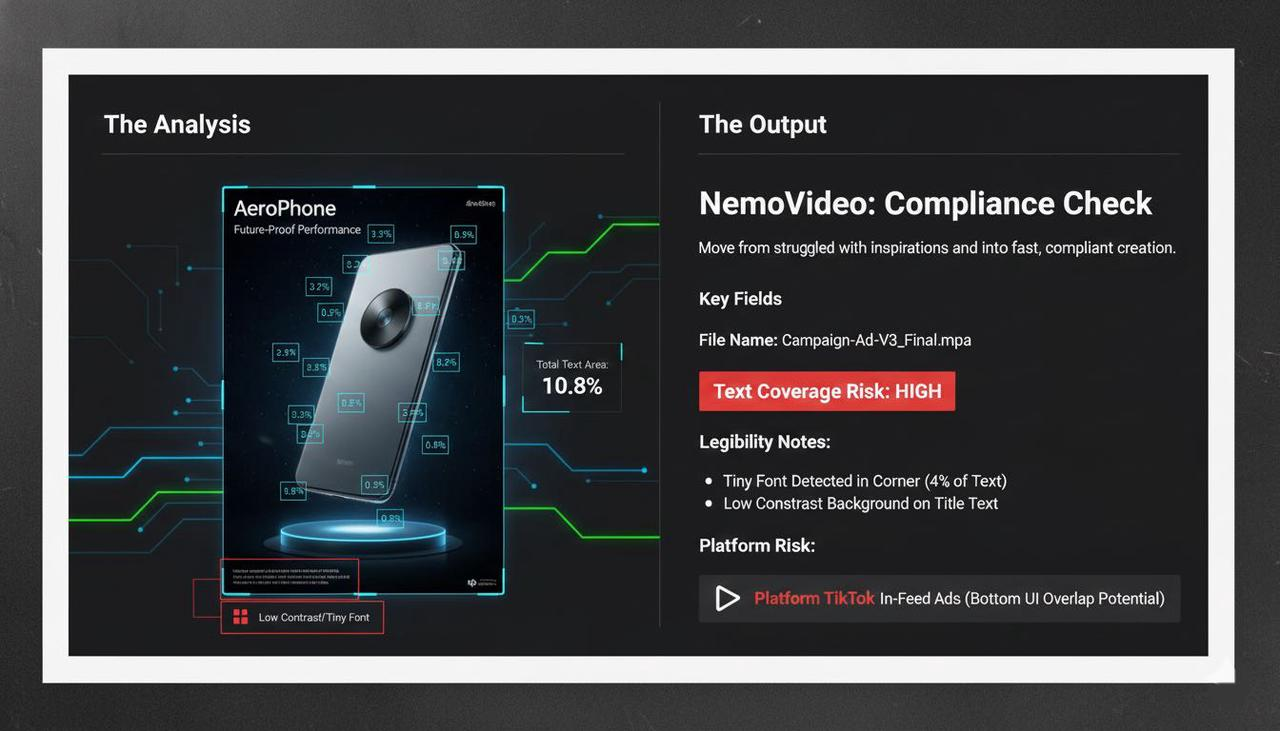
Detect & Quantify: An AI model scans your image or key video frame (like the thumbnail) to find all text regions. It then calculates the total text area as a percentage of the entire image.
Flag Risks: It identifies tiny fonts, low contrast, or text placement that will get covered by the platform's UI (especially important for TikTok Auction In‑Feed Ads or the bottom caption area on vertical video).
Risk Labeling (US Context): For the US market, risk bands (e.g., Low <5%, High >12%) help you avoid the pitfalls of reduced delivery noted in Meta’s guidance.
The Expert Approach: Your Output from the Scan
Your goal is a simple report:
File Name
Text Coverage Risk (Low/Med/High)
Legibility Notes
Platform-Specific Risk (e.g., "Google Search image extensions require no overlays" )
Creating Compliant Creatives at Scale
The biggest pain point is that you don't need to be a professional editing skills required for Adobe user, but you also don't want a too ugc style for CapCut video. NemoVideo gives you control and compliance.
3.1. Ditch the Clutter: Safe Visual Hierarchy
The image or video should carry one core idea—the product, the benefit, or a compelling scene. Move all non-essential words into the ad's native text fields (headline/caption).
Use Overlays Sparingly: If you must include text on the image, use short phrases (2–5 words) and ensure strong contrast.
Respect Safe Zones: On vertical formats like TikTok, watch out for the edges where buttons and UI live. Review Creative best practices for specific platform advice.
3.2. Generate Variants Automatically
This is where the magic happens and you stop wasting time. The best strategy is to have a set of compliant variants ready for every placement.
Feature | Traditional/Legacy Editor | NemoVideo: The AI Creative Buddy | Why It Matters |
Workflow | Jump between TikTok, ChatGPT, CapCut, and more. | All-in-one tool for you. | Saves you countless hours of long editing time. |
Text Compliance | Manual check; guesswork on Meta's 20% rule. | AI detects text density and safe zones automatically. | Dramatically reduces rejection/throttling risks on Meta and Google. |
Version Scaling | Tedious duplication and manual cropping. | Auto-generates No-Text, Low-Text, and Medium-Text variants for different placements. | Ensures you have the clean asset required for Google Search image extensions. |
Custom Music | High risk of copyright claims. | Built-in compliance with a pre-cleared Commercial Music Library. | Keeps your ad spend on track by avoiding legal issues. |
By having variants, you can map them perfectly:
No-text: For Google Search image extensions.
Low-text: For most Meta placements, where minimal text performs better.
Start Creating, Stop Editing
You’ve got the knowledge, and you know the risks. Now, let’s choose the ai-video-tools-professional solution that supports your goals: getting more views and conversions.
Frequently Asked Questions (FAQ)
Q: Is there a universal “percent text” limit I should aim for?
A: No. The old 20% grid rule is gone. Meta still says heavy on-image text can reduce delivery, and Google focuses on overall legibility. Treat any percentage scan as your internal risk metric, not a hard-and-fast rule.
Q: What if I need to include a legal disclaimer?
A: Always put them in the ad's caption/description fields first. If it must be on the image (e.g., specific FTC Endorsement Guides: What People are Asking), keep it short, high-contrast, and readable at mobile size.
Q: Why do my "approved" ads still get limited delivery on Meta?
A: This is usually because of heavy overlays. Meta’s guidance states that excessive image text can limit delivery. Remove or shrink the on-image text, move details to the headline, and relaunch.
Q: Does NemoVideo support accessibility features?
A: Yes. By ensuring compliance with image quality and focusing on clear contrast, NemoVideo helps you align with the Accessibility for watching videos guidelines from platforms like TikTok.
Ready to stop struggling with inspirations and the technical headaches of ad compliance?
Ready to stop editing and start creating? Give Nemo (AI Video Editor) a try. It's the AI video tools professional solution designed to streamline repetitive work, letting your creativity shine without worrying about review hiccups.