

What Is Video AI? A Plain-English Guide for 2025
Let's cut through the noise.
"Video AI" sounds like science fiction. But if you are a creator, marketer, or business owner in 2025, it is actually your new production assistant.
What is video AI?
It is the use of artificial intelligence to generate, edit, and analyze video content. It is not just about deepfakes or replacing human creativity. It covers three practical pillars that you can use today:
Generative AI: Creating new video clips from text prompts.
Assistive Editing: Automating boring tasks like cutting silence or resizing videos.
Video Analysis: Understanding what is inside a video to make it searchable.
Whether you are looking for a free AI video generator or wondering what is video AI TikTok trends are all about, this guide breaks down exactly how the technology works and how you can use it to scale your content.
The 3 Pillars of Video AI
Video AI isn't one single tool. It is a toolkit. Here is how the three main types work.
Generative: Creating Video from Nothing
This is the "magic" part. AI video generator models take a text prompt (e.g., "A futuristic city at sunset") and create a video clip from scratch.
How does text-to-video AI work?
Models like OpenAI's Sora and Google's Veo use deep learning to understand the physics of the real world. They predict how pixels should move over time to match your description.
Best For: Creating B-roll that is impossible to film, visualizing concepts, and making abstract backgrounds.
Limitations: It can still struggle with complex human hands or physics. It is great for short clips, but not for full movies (yet).
Assistive Editing: Your 24/7 Editor
This is the most practical pillar for businesses. Instead of generating fake video, these tools help you edit real video faster.
Think of it as a "smart" editor. It can:
Auto-Cut Silence: Remove all the "ums," "ahs," and pauses instantly.
Smart Crop: Automatically reframe a landscape video into a vertical 9:16 video for TikTok, keeping the subject centered.
Auto-Captions: Transcribe audio and burn in subtitles with perfect timing.
Real-World Example:
You record a 10-minute Zoom interview. Instead of spending 2 hours editing it, you upload it to a tool like NemoVideo. Our AI video editor tool analyzes the footage, cuts the fluff, adds captions, and gives you a polished video in minutes.
Analysis: Making Video Searchable
Imagine if you could "Ctrl+F" your video library. That is what analysis AI does. It watches your videos and tags objects, actions, and faces.
Use Case: You are a sports broadcaster. You need to find every clip where "Player X scores a goal." AI scans 1,000 hours of footage and finds those 5 clips instantly.
Context: The Stanford AI Index Report 2025 highlights how computer vision is getting better at understanding complex actions, making large video archives actually useful.
Why Video AI Matters Now
Speed is the new currency.
For marketing teams, the goal isn't just to make one great video. It is to make fifty variations for different platforms and audiences. AI allows you to:
Scale Production: Turn one long video into 10 TikToks.
Personalize Content: As discussed in Harvard DCE’s 2025 overview, AI allows marketers to tailor video content to specific user segments at scale.
Save Money: Reduce the cost of basic editing and B-roll production.
Ethics & Disclosure: The "Deepfake" Problem
With great power comes great responsibility. The rise of realistic AI video has led to strict rules about disclosure.
YouTube: Requires creators to label realistic AI content. See YouTube’s policy announcement.
Meta (Instagram/Facebook): Applies "Made with AI" labels to manipulated media. Check Meta's transparency standards.
Technical Standards: The C2PA standard and Adobe's Content Credentials allow creators to embed a digital "signature" proving how a video was made.
Your Checklist:
Always disclose if a video is AI-generated.
Never use AI to mimic a real person without consent.
Use watermarks to protect your work.
How to Get Started with Video AI
Ready to dip your toes in? You don't need a PhD in computer science.
Start with Assistive Tools: Don't try to generate a movie. Start by using AI to speed up your editing workflow.
Define Your Goal: Are you looking for a free AI video generator for fun, or a robust video AI app for business?
Try NemoVideo: If you want to see assistive AI in action, sign up for NemoVideo. It is built to help creators edit faster, not replace them.
What is video AI free vs. paid?
Free tools usually have watermarks and limits. Paid tools (like NemoVideo, Runway Gen-3, or Google Veo) offer higher quality, no watermarks, and commercial rights.
The Future is Collaborative
Video AI isn't here to steal your job. It is here to take the boring parts of your job away.
By automating the tedious editing tasks, you get more time to focus on the story, the strategy, and the creative spark that AI can't replicate.
Ready to edit smarter?
Try NemoVideo today and experience the power of assistive video AI.
Mandatory Metadata
URL Slug: what-is-video-ai
SEO Title Tag: What Is Video AI? The 2025 Guide to Generative & Assistive Tools
Meta Description: What is video AI? Learn how generative AI, assistive editing, and analysis tools work. Discover the best AI video generator apps for creators in 2025.
Image SEO Metadata
Image Description | Keyword-Optimized File Name | Descriptive Alt Text |
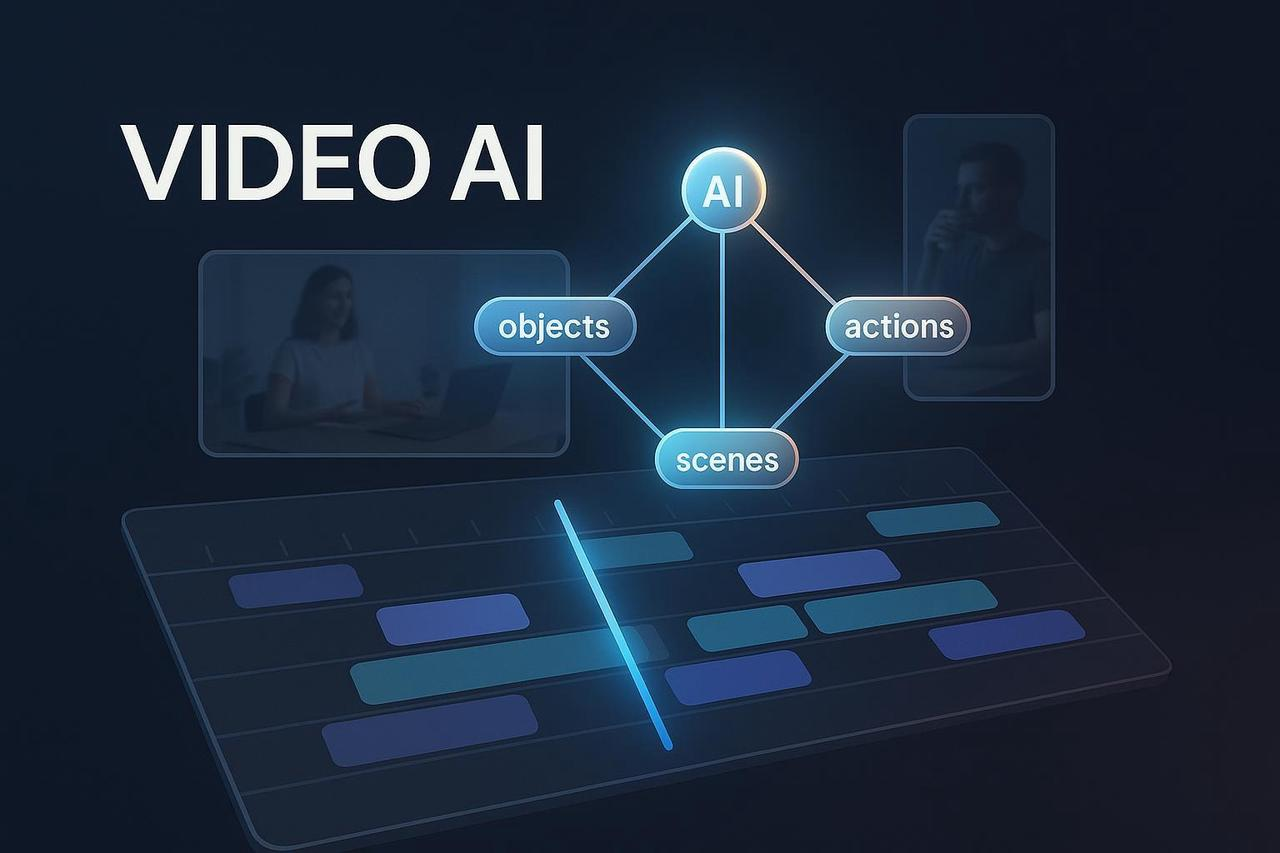
An abstract illustration showing a video editing timeline connected to AI nodes, with labels analyzing objects and scenes within the video. | what-is-video-ai-process-diagram.jpg | An illustration explaining what is video ai by showing how generative and assistive AI models analyze and edit video content on a timeline. |