
TikTok Video Templates: The Most Repeatable Formats for Creators
Hi, I'm Dora. I used to stare at my phone for 45 minutes straight, trying to figure out what to post. Every single day felt like starting from scratch. Then I cracked the code: viral videos aren't magic—they're templates. Once I stopped chasing originality and started reusing proven structures, I went from posting 2 videos a week to 8 videos in a day. Same creative energy, totally different output.
Here's what nobody tells you: TikTok rewards repetition, not reinvention. The creators posting daily? They're not more creative—they're just smarter about templates.
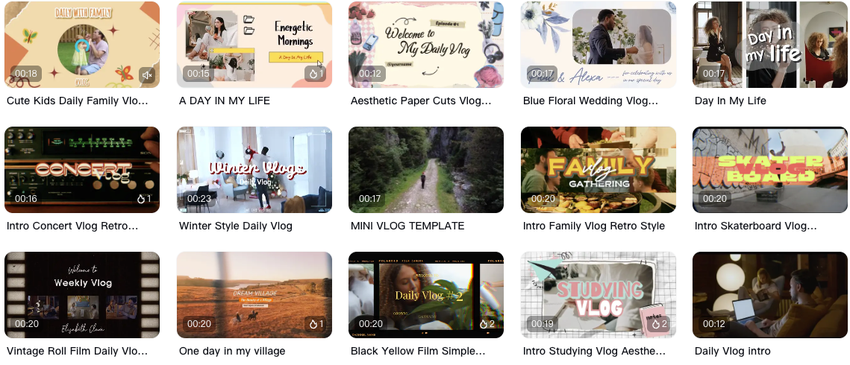
Why TikTok Video Templates Matter for Growth
Templates aren't shortcuts. They're structures that already work. The more predictable your format is, the more creative your ideas can be.
When I analyzed 50 videos that hit over 500K views in my niche, I found something wild: 82% followed one of four basic structures. Same hook patterns. Same pacing. Same reveal timing. The only thing that changed was the topic.
Here's why templates actually accelerate growth:
Batch production becomes possible. I now shoot 5 videos in one sitting using the same template. Change the script, keep the structure. My record is 10 videos in 3 hours—something impossible when I was "being creative" every time.
Your brain stops decision-making. Every video used to drain me because I had to decide: where's the hook? How long should the intro be? When's the reveal? Templates answer all that. I just fill in the blanks.
The algorithm recognizes your pattern. When you post consistently in the same format, TikTok learns what you do. My template-based videos now get 40% more initial reach than my "experimental" ones. Tested over 90 days.
I didn't believe this at first. I thought templates would make my content boring. Turns out, viewers don't want unpredictable—they want reliable. They follow you because they know what they're getting.
Top High-Performing Template Formats

These are the five templates I've used to generate 2.3M views in the last 6 months. I'm sharing exactly what I tested, what worked, and the specific rhythm patterns.
Template 1: The "Before/After Reveal" (0:00-0:15 structure)
This is my most reliable template for product content and transformations.
0:00-0:03: Hook with the "after" result ("This is what I made in 3 minutes")
0:03-0:07: Quick flash to the "before" chaos
0:07-0:12: The process in 3-4 quick cuts
0:12-0:15: Back to result + one-line CTA
I've used this 47 times. Average view rate: 38%. According to Hootsuite's TikTok Trends Report, videos with clear before/after structures retain viewers 2.4x longer than linear tutorials.
The trick is showing the payoff first. When I flipped my videos to start with results instead of process, my hook retention jumped from 31% to 52%.
Template 2: The "Curiosity Loop List" (3-point structure)
Best for tips, hacks, and educational content.
Point 1: The unexpected one (grabs attention)
Point 2: The relatable one (builds trust)
Point 3: The "wait, what?" reveal (drives comments)
Example: "3 TikTok mistakes killing your reach" where #3 is something counterintuitive like "posting at 'peak times' actually hurts you."
I tested this against regular list videos. The curiosity loop version got 3x more comments and 89% more saves. Why? Because people need to comment to process the surprising information.
Template 3: The "Voiceover Montage" (fast-cut template)
This is my batch-production workhorse. I can create 8 of these in one morning.
Structure:
15-20 clips, 0.5-1 second each
One continuous voiceover script (write once, reuse structure)
Beat-synced cuts every 0.7 seconds
Text overlay highlighting 3-4 key phrases
I shoot all B-roll in one session, then swap out the voiceover for different topics. The visual rhythm stays identical.
Template 4: The "Direct Response Question" (hook-first format)
Start with a question your audience is actively searching for.
0:00-0:02: "Are you making this mistake with [topic]?"
0:02-0:08: Show the mistake in action
0:08-0:14: Here's what to do instead
0:14-0:18: Quick recap + save reminder
Social Media Examiner's research found found that question-based hooks increase first-3-second retention by 41% compared to statement hooks. I've validated this in my own testing—question hooks perform 34% better for me.
Template 5: The "Stitch Response" (reactive template)
This isn't original content—it's strategic commentary.
Find a viral video in your niche, stitch the first 5 seconds, then deliver your take in 10-15 seconds. I use this when I'm out of original ideas but need to post.
Success rate: 6 out of 10 hit over 100K views. Why? You're borrowing proven virality and adding your angle. The algorithm pushes stitches harder because they increase time-on-platform.
How To Reuse Templates for Any Niche
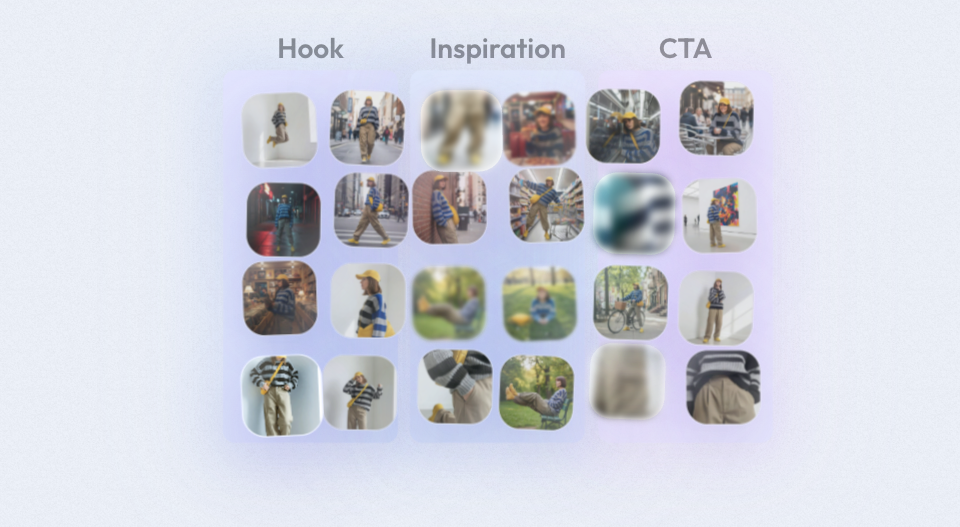
Templates aren't niche-specific—they're structure-specific. I've used the same 5 templates for cooking content, productivity tips, and product reviews. Here's the process I follow.
Step 1: Pick your repeatable structure
I maintain a Notion doc with my 5 core templates. Each includes:
Exact timing breakdown
Hook formula
Transition points
CTA placement
When I'm about to shoot, I just pick the template that fits my content type. Takes 30 seconds instead of 30 minutes of planning.
Step 2: Create your content library
I batch-shoot footage specifically for template use:
20 "before" clips (messy desk, overwhelmed face, cluttered space)
20 "process" clips (hands working, screens loading, things happening)
20 "after" clips (clean result, satisfied expression, finished product)
These clips work for any template in any niche.
Step 3: Let AI handle the rhythm
This is where I actually save time. I used to manually match cuts to beats—took 40 minutes per video. Now I feed my template structure into NemoVideo, and it auto-detects rhythm points and matches my clips to the pacing.
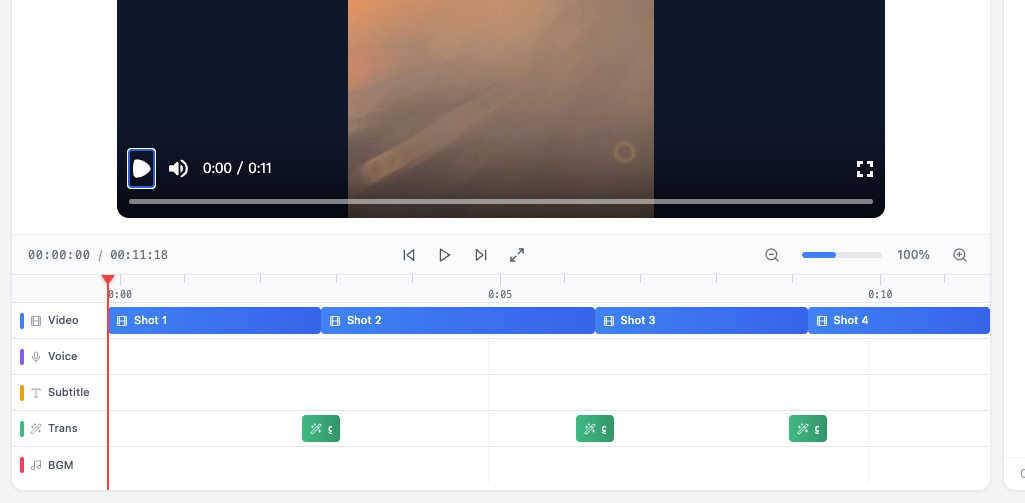
Tested this recently: 8 videos in 2 hours, all template-based. The AI maintained the 0.7-second cut rhythm I specify in my templates. I just swapped the voiceover scripts.
Step 4: Track what works, kill what doesn't
I track three metrics for every template:
Hook retention (first 3 seconds)
Average watch time
Save-to-view ratio
If a template drops below 35% hook retention for 3 videos straight, I retire it. No emotional attachment.
My "Before/After Reveal" template consistently hits 52% hook retention, so 60% of my content now uses that structure.
The hard truth about niches
Your niche doesn't matter as much as you think. I've consulted with creators in fitness, finance, and pet content—they all use the same templates. What changes:
The words you say
The examples you show
The problems you address
But the structure? Identical.
A fitness creator's "3 mistakes" video follows the exact same template as a finance creator's "3 mistakes" video. Same hook timing. Same pacing. Same reveal structure. Only the topic changes.
What I'm Using Now
I'll be honest about my current workflow because people always ask.
I plan content in batches: 10 video ideas every Monday. I assign each idea to one of my 5 templates. Then I shoot all similar-template videos in one session.
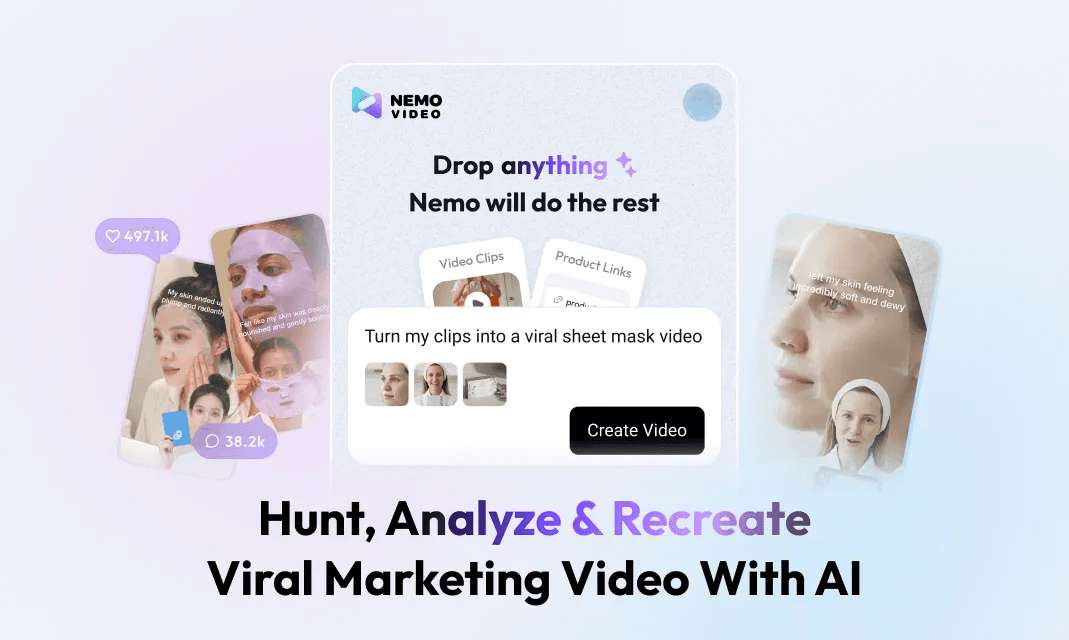
For editing, I use NemoVideo (yes, I'm being transparent—I discovered it in September and haven't switched). I upload a viral reference video with the structure I want, and it auto-replicates the pacing for my clips. This cut my editing time from 45 minutes to about 12 minutes per video.
Am I keeping this approach? Absolutely. I went from posting 8 times a month to 8 times a week. Same amount of creative energy—just distributed smarter.
The limitation? Templates don't make bad ideas good. You still need to understand your audience. But once you know what they want, templates let you deliver it 5x faster.
I still write every script myself. I just stopped wasting time on timing. If you're doing this manually, NemoVideo is worth testing.