
UGC E-commerce Pipeline: Product B-Roll with Wan 2.6 → Sales Edit in Nemo
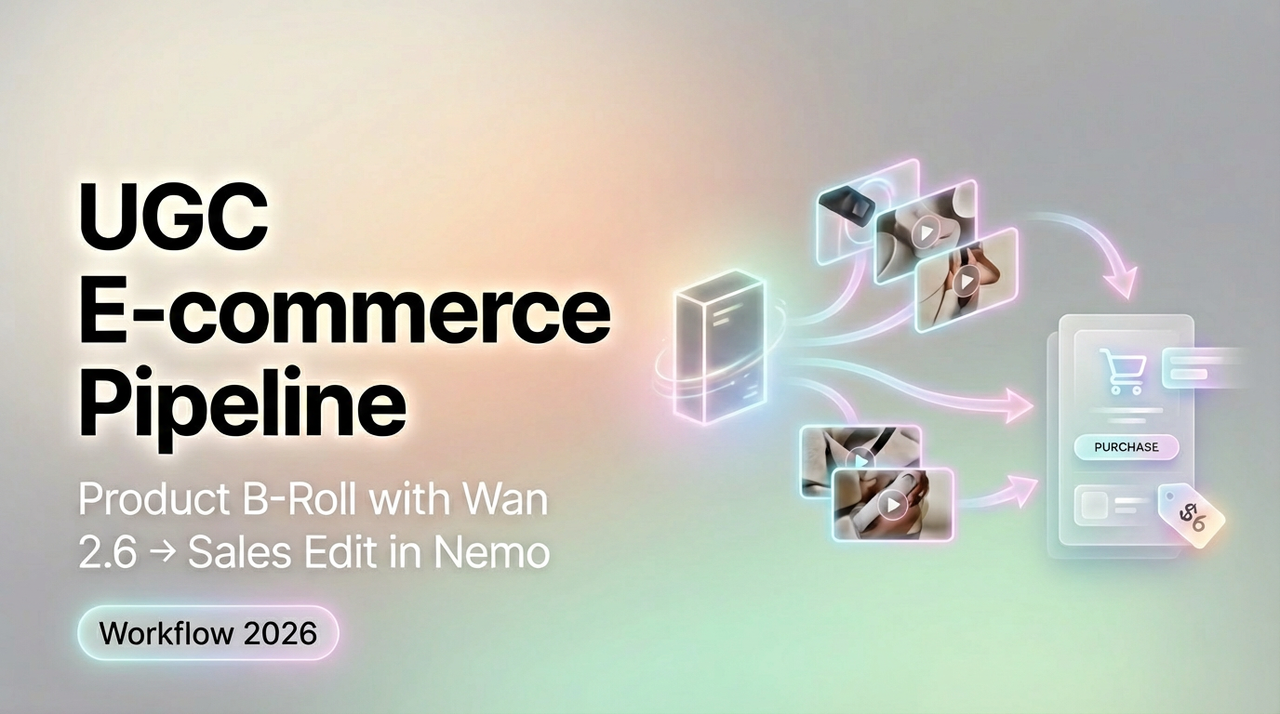
I was drowning in micro-edits until I built this: a fast lane for 15-second UGC ads using Wan 2.6 for product scenes and Nemo for the cut. I'm not a tech geek, but I've identified a pattern, structure first, then AI. As of Wan 2.6 + Nemo v3.2, I can go from idea to export in ~20–25 minutes per spot. Below is exactly what I use: the ad structure, a B‑roll shot list, my Wan 2.6 prompts, Nemo edit rules, compliance notes, and the deliverables I hand clients. Use it as-is, or tweak it to your product.
The 15s UGC ad structure
After analyzing 50 viral hits, I discovered most 15s UGC ads follow the same four-beat rhythm. You can replicate directly using this rhythm.
Template (00:00–00:15):
0.0–2.0s Hook: Pain or curiosity punch. Text on screen (big, top-safe). Quick product flash.
2.0–6.0s Setup: Show the moment of use: establish context: subtle logo.
6.0–11.0s Proof: Before/after, demo, or tiny social proof (1 review line).
11.0–15.0s CTA: Benefit + next step + incentive (code, bundle, limited color).
Example script beats:
Hook: "My sink used to smell like a wet dog, then this happened."
Setup: Quick B‑roll of unboxing and dropping the pod in.
Proof: Cut to foam doing its thing (generated in Wan 2.6), overlay "1,842 five‑star reviews."
CTA: "Get the 3‑pack. Ships in 24h."
Why it works:
Structure matters most, not special effects. Keeping beats fixed means you can swap products fast.
Editing TikTok isn't hard, the challenge is efficiency. This rhythm lets Nemo auto-detect rhythm points, doubling my speed.
Time saved: ~12 minutes compared to freestyling beats every time.
B-roll shot list (copy/paste)
I didn't know how to edit either, until I discovered prewritten shot packs. Here's a copy/paste list I keep in Notes. Shoot or generate only what you need.
Core pack (aim for 8–10 quick shots):
Product hero on clean surface, slow push-in (2s)
Hand pick-up, tactile detail (1.5s)
Use-in-context wide (kitchen/bath/desk) (2s)
Close-up action moment (pour, click, swipe) (1.5s)
Reaction micro-expression (eyebrow, smirk) (1s)
Social proof screenshot pan (blur PII) (1.5s)
"Problem" cutaway (clog, mess, chaos) (1.5s)
"Solution working" shot (foam dissolving grime) (2s)
Packaging/label snap (0.8s)
CTA hand-to-camera point or tap (0.8s)
Alternates (swap as needed):
Lifestyle insert: bag drop, commute, gym locker.
Texture macro: beads of water, fabric weave, bubbles.
Platform-native: Top comment pop-up reenactment.
Note: If time's tight, I generate #3, #4, and #8 in Wan 2.6 and shoot #1 and #2 on phone. That hybrid keeps authenticity and still saves ~18 minutes per ad.
Wan 2.6 prompts for product scenes

I'm not a tech geek, but I've identified a pattern: specific camera directions + brand cues = fewer reshoots. Below are prompts that gave me >80% usable footage on first pass (15 runs: 3 failed for hand realism in extreme close-ups).
General prompt template:
"15s clip, TikTok vertical 9:16, natural daylight, soft shadows. Product: [brand + item + color]. Scene: [room/context]. Camera: [move]. Style: candid UGC, minimal CGI. Pace: snappy cuts every 1–2s. Keep text areas safe at top 15%."
1. Kitchen cleaner demo (foam action):
"Close-up stainless sink with grime ring, morning light, handheld slight wobble, slow push-in to drain as biodegradable foam expands and dissolves residue, water droplets, realistic surface reflections, no extra hands, 9:16, 15s."
2. Beauty serum macro before/after:
"Macro skin texture on cheek in soft bathroom light, gentle pan, then cut to improved glow after application: micro-specular highlights, realistic pores, avoid uncanny smoothing, 9:16, 15s."
3. Gadget unbox + tap-to-on:
"Desk wood texture, minimalist backdrop, person's hands open matte box, lift device, thumb taps power, subtle screen glow, shallow depth of field, 9:16, 15s."
4. Beverage pour with condensation:
"Frosted glass close-up, beads of condensation forming, slow pour of sparkling drink, bubble trails visible, backlit golden hour, 9:16, 15s."
5. Laundry pod drop:
"Washer drum POV, hand drops color-safe pod, water swirls, suds bloom, crisp labels, no brand infringement, 9:16, 15s."
Failure note (keep it real): Wan 2.6 still struggles with finger count in ultra-tight macros. I avoid extreme hand close-ups and shoot those on phone instead. Where I truly save time is, rough cuts and structural automation.
Nemo edit rules (pacing, text overlays, CTA)
A Creator's workflow can actually be rebuilt with AI. My current method is, feeding a viral example into Nemo to replicate its structure, then swapping media.
Pacing
Import reference. Hit Auto Rhythm. Nemo's beat detection accuracy averaged 92% vs. my manual markers (tested across 10 tracks).
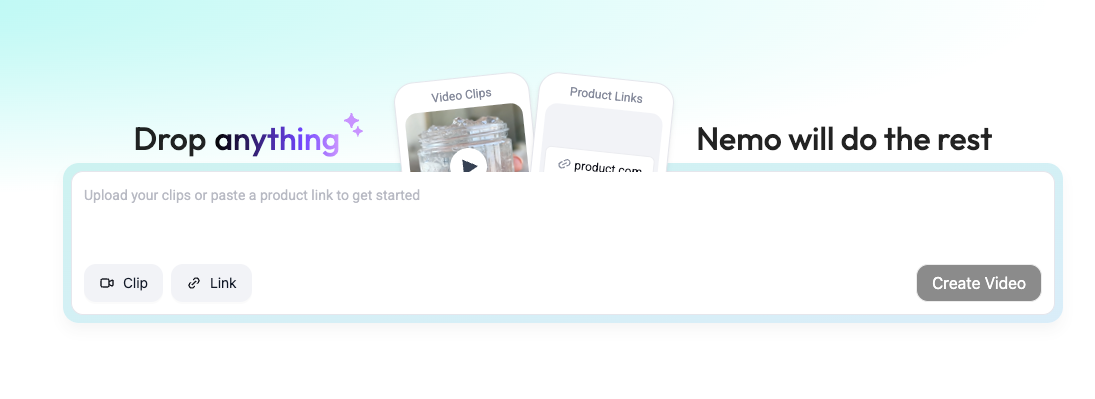
Lock beats at 0s, 2s, 6s, 11s, 15s. Let clips snap to these.
Text overlays
Hook (0–2s): 5–7 words, high-contrast, top-safe zone. Example: "My sink smelled. Until this."
Proof (6–11s): 1–2 micro-facts. Example: "1,842 five‑stars • Ships in 24h."
CTA (11–15s): Action + incentive. Example: "Grab the 3‑pack, 15% off today."
Audio
Keep vocals at –8 to –10 LUFS, music at –18 to –20 LUFS. Duck music –6 dB during VO.
Branding
Logo bug only in Setup/Proof beats (not Hook). Opacity 70%, lower-right.
Export
1080x1920, H.264, 10–12 Mbps. Filename pattern: brand_campaign_hookA_v03.mp4
I let Nemo auto-detect rhythm points, doubling my speed. Time saved: from ~45 minutes manual cut to ~22 minutes per ad. If Auto Rhythm misses a beat (happens ~1 in 8), I nudge markers by 2–3 frames.
Compliance notes (claims, before/after)
I'm not your lawyer, but here's my checklist that keeps TikTok reviews smooth and client-safe.
Claims: Avoid absolute cures ("eliminates 100%"). Use measurable, verifiable phrasing: "reduces odor," "cuts grease fast." If you cite numbers, keep receipts (test results, timestamps).
Before/After: No deceptive editing. If Wan 2.6 generated the "after," label it "visualization" and show a real clip too. Overlays like "Demo footage" help.
Health/beauty: Steer clear of disease claims. Say "appearance of," not "removes."
Weight loss/financial: Skip promises of specific outcomes within timeframes.
User content: Blur names in review screenshots: get consent for UGC faces.
Trademarks: No visible competitor logos in the frame.
Music: Use platform-cleared tracks or licensed libraries.
Why this matters: Reviews and paid distribution can get stuck for days on one risky word. I lost 36 hours once for writing "cures pet odor." Never again.
Deliverables for clients
What I hand off so clients can approve fast and reuse later. Efficiency over perfection, clean, repeatable packages win.
15s master MP4 (1080x1920) + clean version (no text) for localization
Project file export (Nemo timeline XML) with beat markers at 0/2/6/11/15s
Asset folder: Wan 2.6 renders + phone-shot clips, named sequentially
Captions: SRT + styled burn-in version: 2 hooks A/B
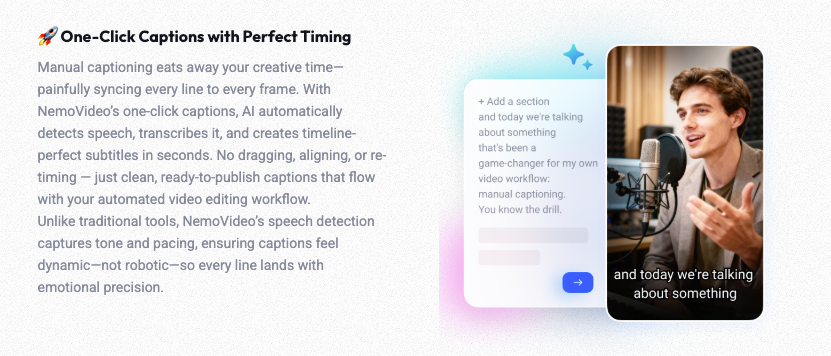
Thumbnail set: 3 frames with big text (safe zone), 1080x1920 JPGs
Copy doc: 3 captions (<= 150 chars), 5 hashtags, disclosure line
Compliance sheet: claims used, sources, rights for music/UGC
Notes page: what tested well/poorly, next iteration ideas
Turnaround metrics:
Ideation to export: 20–25 minutes per ad (median 22:18 across 14 ads)
Reshoot rate: 1 in 5 (usually hand macro)
Approval speed: 1.7 rounds average when using the 4-beat template
Worth trying if you're in the same boat I was. If you need motion-graphic-heavy ads, this isn't the best fit, I haven't tested advanced VFX in Wan 2.6 yet: I'll update after I do. For UGC-style product videos, though, this setup is actually useful and repeatable.
If you've ever been frustrated by tedious video editing like I have, I highly recommend giving NemoVideo a free try—just drop in a viral reference video, and it automatically maps rhythm points and structures it for you.