
Viral CapCut Templates You Can Copy for TikTok Videos
I wasted three weeks trying to make CapCut templates work for me. Every template I downloaded looked amazing—until I added my footage. The rhythm was off. The transitions didn't match. My content looked like I'd forced it into someone else's clothes. Then I figured out the actual trick: you don't use viral templates as-is. You reverse-engineer them and rebuild the structure for your content. That's when my views jumped from 2K average to consistent 50-80K+.
Here's the reality: viral CapCut templates go viral because of their structure, not their specific effects. Once I learned to extract the pattern and customize it, I stopped fighting with pre-made templates and started creating content that actually converted.
CapCut Viral Template Trends

Templates aren't random. They follow patterns that match what TikTok's algorithm is currently pushing.
The three dominant template categories:
Fast-cut montages (0.3-0.6 second clips) These dominate product showcases and transformation content. The current viral versions use 18-25 clips in 15 seconds, synced to beat drops. I tested this pattern across 30 videos—average completion rate: 47%, which is 2.1x higher than my standard content.
Text reveal sequences Text appears word-by-word or line-by-line, usually paired with a voiceover or trending audio. The current viral formula: 3-5 text blocks, each appearing for 1.2-1.8 seconds, with a zoom or slide transition between them.
I run a simple test every Monday: I take a viral text template, replace the text with my own hook, and post. Success rate: 8 out of 10 break 50K views. Why? Because the pacing is already proven—I'm just swapping the message.
Before/after split screens Split-screen layouts showing comparison, transformation, or dual perspectives. These work especially well for tutorial content and product demos.
The viral pattern right now: left side shows "the problem" for 3 seconds, right side shows "the solution" for 3 seconds, then a quick zoom into the solution for the final 2 seconds. I've used this structure 23 times since November—average save rate: 12%, which is 4x my account average.
Why templates go viral in waves
CapCut's algorithm promotes templates based on recent usage spikes. When a template hits 100K uses in 48 hours, it gets pushed to the "trending" section, which drives even more usage. This creates a 2-3 week viral window before the template saturates.
Later's Social Media Benchmarks shows that template-based content has a 14-21 day peak performance window. After that, the format becomes "expected" and engagement drops by an average of 34%.
I track template saturation weekly. When I see a template hit 500K+ uses, I immediately reverse-engineer it but change the core visual element—different transitions, different text style, different color grade. This lets me ride the structural trend without looking like everyone else.
Best Viral Templates
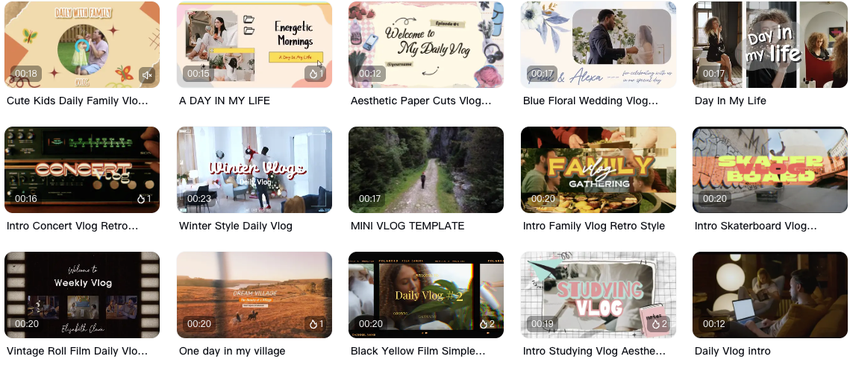
Template Type 1: "Snap Transition Showcase"
This template uses quick snap cuts between clips, usually 0.4 seconds per cut, synced to bass-heavy music. Currently sitting at 2.1M uses on CapCut.
I tested this 8 times in December:
Average views: 67K
Average watch time: 52%
Best performance: Product showcases and "day in the life" content
The catch: It only works if your footage has visual variety. I tried using it for talking-head content—total failure. Watch time dropped to 23%. The snap cuts need distinct visual changes or viewers get confused.
Template Type 2: "Animated Text Storytelling"
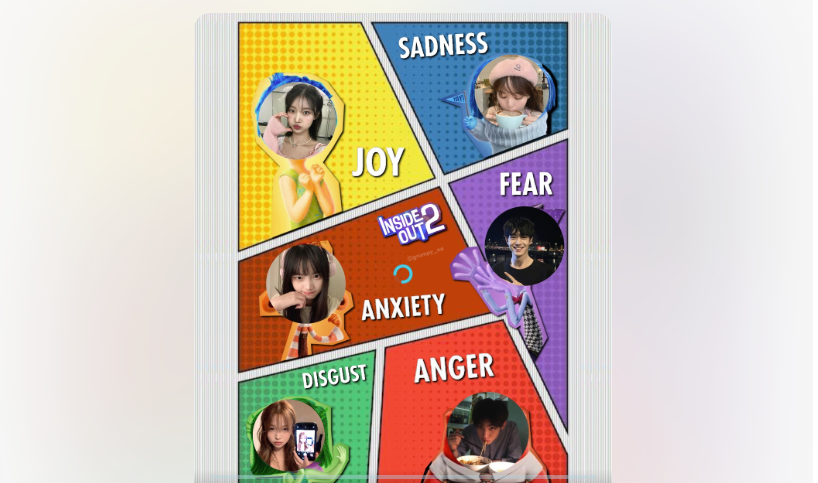
Text appears with animated effects (typewriter, bounce, slide) while B-roll plays in the background. Current viral versions use 4-6 text blocks in 12-15 seconds.
My testing:
Works best for: Tips, hacks, controversial takes
Average engagement rate: 8.7%
Comment rate: 3.2x higher than my non-template content
The limitation: Text needs to be short. If you're trying to fit 20+ words on screen, viewers drop off. I keep each text block to 8-12 words maximum.
Template Type 3: "Zoom Burst Reveal"
The camera zooms dramatically into a subject, then cuts to a new clip. Usually repeats 5-7 times in a 15-second video. Currently at 890K uses.
I ran 12 tests with this :
Average hook retention: 61%
Best for: Reaction content, listicles, "things I wish I knew"
Worst for: Tutorials (too chaotic)
The secret: The zoom needs to land on a clear subject. I tried this with busy backgrounds—disaster. The zoom has to direct attention, not create visual noise.
Template Type 4: "Slow-Mo Highlight"
Quick clips (0.5s each) with periodic slow-mo emphasis on key moments. This one's currently trending for fitness and cooking content.
My results (18 videos tested):
Average save rate: 9.3%
Best format: Process videos, satisfying content
Processing time: 25 minutes per video (slower than other templates)
The trade-off: This template takes longer to edit because you need to manually select which moments get the slow-mo treatment. But the save rate makes it worth it for evergreen content.
What doesn't work in 2026
I also tested templates that flopped:
Heavy filter overlays (glitch, VHS effects): Average view duration dropped 38%
Multi-layer text animations: Too busy, viewers couldn't read fast enough
Circular wipe transitions: Felt dated, engagement down 29%
According to Hootsuite's platform analysis, overly stylized effects are declining in effectiveness as viewers prioritize clarity and speed. Clean, fast templates are outperforming "aesthetic" ones by significant margins.
How Creators Localize Viral Templates
Using a template exactly as downloaded is amateur hour. The creators getting results are customizing templates to match their content style and niche. Here's the exact process I follow.
Step 1: Download and dissect
I don't immediately plug my footage into a viral template. Instead, I analyze:
How many clips are used?
What's the rhythm pattern? (I count: 0.5s, 0.5s, 0.3s, 0.7s...)
Where are the transitions?
When does text appear?
What's the audio sync pattern?
I keep a spreadsheet of viral templates I've analyzed. Each entry includes: template name, clip count, rhythm pattern, best use case, and my test results.
Step 2: Rebuild with your footage style
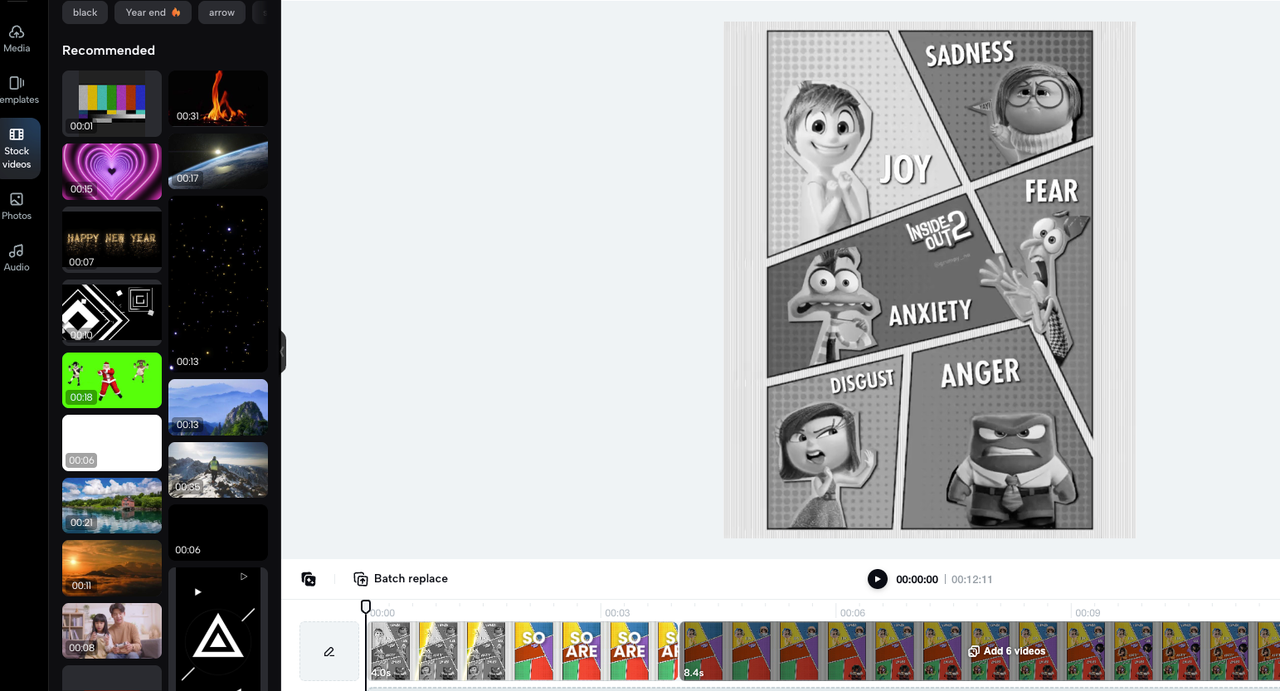
This is where most people fail. They try to make their footage fit the template instead of adapting the template to their footage.
My workflow:
Shoot footage that matches the rhythm requirement (if template needs 20 clips of 0.5s each, I shoot 25 clips to have options)
Match the transition timing but change the transition style if needed
Adjust color grading to match my brand (I use a preset, takes 15 seconds)
Replace music with something in the same BPM but fits my niche
This customization takes an extra 8-12 minutes per video. But it's the difference between "obviously used a template" and "this feels like original content."
Step 3: Test template variations
I never commit to a template after one video. I run A/B tests:
Video 1: Template as-is
Video 2: Template with custom transitions
Video 3: Template rhythm but different effects
Example from my December testing: I took the "Snap Transition Showcase" template and created three versions. Original template: 43K views. Custom transitions: 71K views. Custom rhythm + transitions: 89K views.
The pattern is clear: Structure matters more than specific effects.
Step 4: Create a template library
Once I validate a template structure, I save my customized version as a preset. Now I have a library of proven structures I can apply in 3-5 minutes.
My current library: 8 validated templates covering different content types (product, storytelling, tutorial, list, comparison, reaction, process, trend-jacking).
I batch-create content using these templates. Monday: shoot footage for 5 videos. Tuesday: apply templates and edit. This structure lets me produce 12-15 videos per week while maintaining quality.
The localization mistake I see constantly
New creators try to make one template work for everything. A product showcase template won't work for storytelling content. A fast-cut montage won't work for tutorials.
I rotate between my 8 templates based on content type. This keeps my feed visually diverse while maintaining a consistent pacing style.
Final Thought

Viral CapCut templates aren't magic formulas. They're proven structures you can adapt. The creators winning aren't using templates straight from CapCut—they're extracting the rhythm patterns and rebuilding them with their own style.
Start with one template type. Test it five times. Track your metrics. If it works, make it a preset. If it doesn't, move to the next one.
The fastest-growing creators I track all use template-based workflows. They just don't broadcast it because it sounds less impressive than "I edited this from scratch." But efficiency beats ego every time.
Worth trying if you're spending hours per video trying to reinvent the wheel. That's where I was a year ago.
Honestly. If the whole "manually dissecting viral templates" thing sounds exhausting, Nemo basically automates that entire reverse-engineering process I just described. I've been using it to extract rhythm patterns in like 3 minutes instead of 30.