

The Ultimate Storyboard Generator Workflow: Plan TikTok Videos 10X Faster with AI
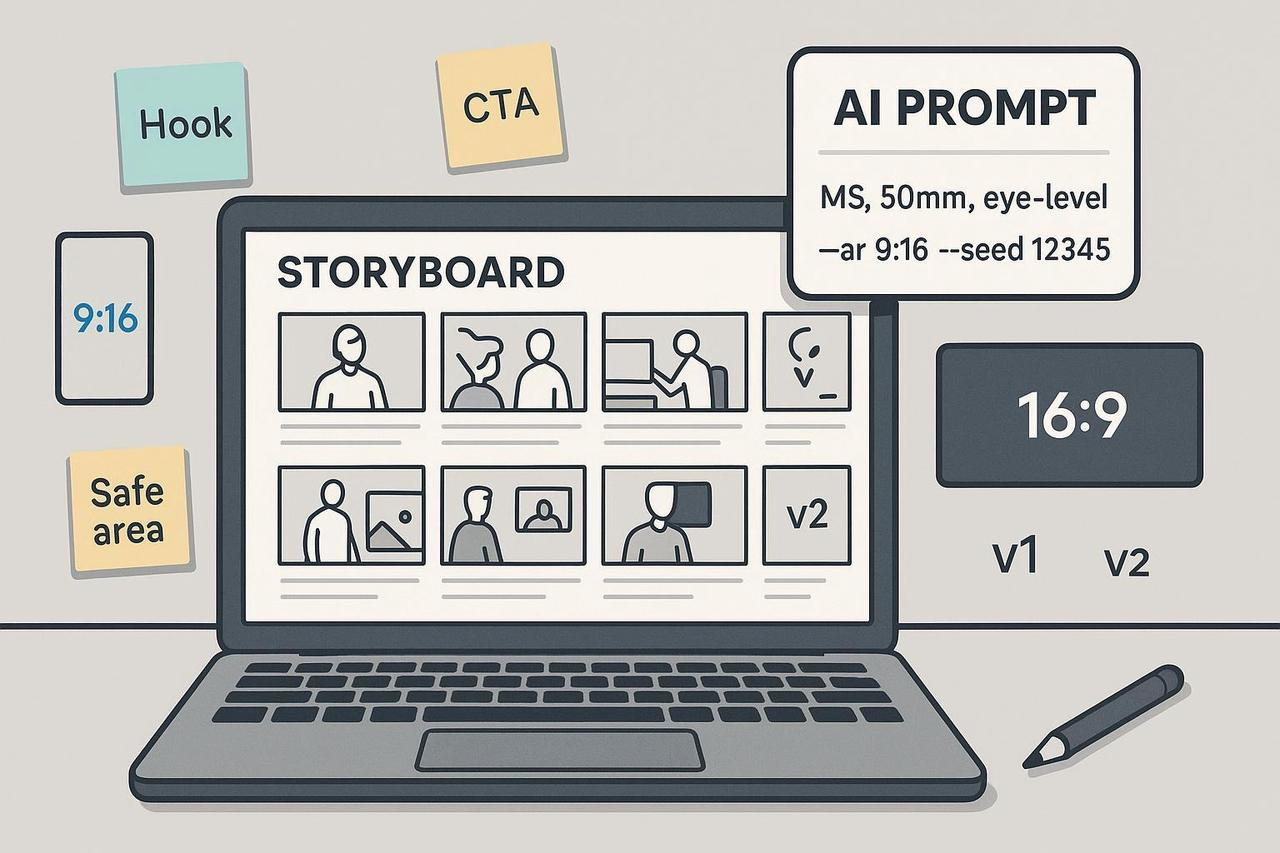
Attention: Stop Drowning in High-Volume Video Production!
Do you need to launch 10 or 20 TikTok campaigns a month? That high volume makes the old-school storyboard process a disaster. Drawing every frame by hand or waiting days for a designer to deliver boards is a massive bottleneck. The moment you scale up, your creative quality and speed drop off a cliff.
But what if you could take a simple script and generate a clean, client-ready storyboard in just 60 to 120 minutes?
This guide is your complete, proven playbook. We're cutting the fluff and giving you the exact workflow my teams use to turn simple text into a full-scale animatic using a powerful free AI storyboard generator setup. We’ll show you how to use an AI storyboard generator from script and build a scalable process for your brand.
By following this step-by-step SOP, you will:
Convert any script into a structured, production-ready shot list.
Generate visually consistent storyboard frames for 9:16 (TikTok) or 16:9 (YouTube).
Fix continuity problems like character drift using seeds and reference images.
Assemble and export a timed animatic for rapid feedback and approvals.
Step 0: The Prep Work That Saves You Hours
Before you click 'generate,' lock down your core creative decisions. Doing this once saves hours of revision later.
Script/Brief: Finalize the text you need to visualize.
Target Platform & Aspect Ratio (AR): Choose 9:16 for TikTok, Reels, and Shorts, or 16:9 for longform YouTube. For precise TikTok ad placements, review the official guidance on TikTok Auction In-Feed Ads specs.
Style & Tone References: Gather 3–5 image links for lighting, color, and mood.
Character Sheet (If Needed): Compile front and 3/4 views, outfit details, and color palette.
Duration Target: Set a clear length (e.g., 30–45 seconds).
File Hygiene: Create a version log for all prompt text, seeds, reference URLs, and aspect ratios. Pro Tip: Always lock your AR before image generation. Rerendering to change AR will cause composition drift.
Step 1: Turn Your Script into a Structured Shot List
You don't need to manually draft a shot list. Use a Large Language Model (LLM) to parse your script into a production-style JSON schema. This forces clarity and consistent camera language, making your image prompts 10X better.
Ask your LLM to convert the script using this minimal schema:
beatNumber, shotId: For tracking.
shotType/angle/movement: Use clear terms (e.g., medium shot, eye-level, static).
action/dialogueVO: What happens and what's said.
durationSec/aspectRatio: The critical timing and format info.
notes: Caption-safe areas, brand asset placement.
The Prompt Template to Use
Copy this template into your LLM:
System: You are a film AD. Convert the script into a JSON shot list. Use CU/MS/WS terms; include lensFraming, angle, movement, action, dialogueVO, onScreenText, durationSec, aspectRatio. Output valid JSON only.
User: Script: [paste script]. Platform: TikTok 9:16. Constraints: 30–45 s total; 5–7 beats. Return an array of shots with cumulative duration ≤ 45.
Verify Before Moving On: Check that shot sizes (CU/MS/WS) are consistent and that the total duration is correct. A structured list is the foundation for a reproducible frame generation process.
Step 2: Generate Consistent Storyboard Frames
The key to a production-ready board is consistency. This is where your AI storyboard generator from text becomes powerful. You need a tool that supports reproducibility and image/character references.
Midjourney: Excellent support for consistency using seeds, character reference (--cref), and style references.
DALL·E 3: Less control over seeds and consistency features. Review the OpenAI image generation guide for current limits.
Stable Diffusion: Allows seed control and img2img anchors, which are great for maintaining style and character across frames.
The Prompt Format for Perfect Frames
Adapt this format for each shot record from Step 1:
A clean storyboard charcoal frame of a 28-year-old barista in a small cafe, product box on counter,
medium shot, 50mm, eye-level, soft morning light, she smiles and slides the box forward.
Aspect ratio 9:16. No watermarks, no text.
Crucial Constants for Consistency:
Aspect Ratio (AR): Must be identical for all frames (9:16 or 16:9).
Character Descriptors: Use the exact same tokens (hair, outfit, age).
Seed/References: Reuse the seed, character reference link, and style reference link (when supported by the tool).
Checkpoint: Review two adjacent frames. If the character's hairline, outfit, or color palette doesn't match, re-attach references or increase the character reference weight.
Step 3: Assemble the Board and Build an Animatic
A storyboard becomes a dynamic planning tool when you turn it into an animatic. An animatic is a timed preview that verifies pacing and flow before shooting.
You can use a dedicated platform like Storyboarder.ai or LTX Studio's AI storyboard generator, or a simple slide tool. For a detailed walkthrough on assembly and timing, check out the process in the Boords how to storyboard guide and the how to make an animatic walkthrough.
Import and Label: Import your frames and label each with the scene/shot IDs (e.g., 01A, 01B). Include camera notes (MS, 50mm).
Add Layers: Place dialogue/VO, SFX/music notes, and on-screen text next to the corresponding frame.
Build the Animatic: Set the durationSec from your shot list for each frame. Drag timing markers until the pacing feels right, and add scratch VO or music.
Export: Export a PDF (for markups) and an MP4 (for time-based feedback).
Step 4: Adapt for Platform Placement
Don't let your board get cut off! Match your board's safe areas to the target platform.
Vertical Short-Form (9:16): Keep key text, calls to action (CTAs), and logos inside a central, high-contrast safe band. This prevents platform UI (like the TikTok heart, share button, or profile info) from obscuring them. Review the Auction In-Feed Ads specs for visual examples.
Hook Pacing: For short-form ads, the hook must land in the first 1–3 seconds. Ensure your first 2–3 beats are compelling and clear in the animatic.
Step 5: Collaborate and Legal Check-Out
The final steps are about alignment and risk management.
Feedback Focus: Share the MP4 and ask reviewers to comment on the objective per beat (e.g., "Does this frame communicate the product benefit in 2 seconds?"), not just aesthetics.
Legal Basics (U.S.): Purely AI-generated images lack U.S. copyright protection. Your selection, arrangement, and human edits to the outputs are where the copyright may lie. Maintain an audit trail of prompts, seeds, and references. See the U.S. Copyright Office's report for detail.
Troubleshooting: Fix Common AI Storyboard Issues Fast
Issue | Quick Fix |
Style or Character Drift | Reuse the seed; re-attach Midjourney Character Reference (--cref); lower denoise in Stable Diffusion img2img. |
Wrong Camera Angle | Tighten the prompt! Use explicit terms like "medium close-up, 50mm, eye-level" instead of just "close-up." |
Text Illegibility | Move supers into the center safe band; increase contrast and font weight. Always preview at phone size. |
Mismatched Aspect Ratio | Reset the AR parameter (--ar 9:16 or width/height) and re-render the frame. |
Desire: Empower Your Creativity with NemoVideo
You now have the best free AI storyboard generator setup, empowering you to scale your content without losing quality. But storyboarding is only the first half of the battle.
Once your boards are approved, the real race begins: execution.
NemoVideo is built to bridge the gap between your approved board and the final video. After generating your boards, use the NemoVideo AI Video Editor tool to rapidly assemble cuts, optimize pacing, and generate multiple versions tailored for different audiences and channels.
NemoVideo enables speed and scale, turning your 2-hour AI storyboard into a dozen high-performing video variations.
Ready to Scale Your Video Production?
Stop letting slow planning processes kill your momentum. Leverage the power of an AI storyboard generator and the speed of NemoVideo.
Sign up for NemoVideo today and go from script to scale-ready video faster than ever.