

NemoVideo vs OpenShot: Which Editor Fits Agency Workflows?
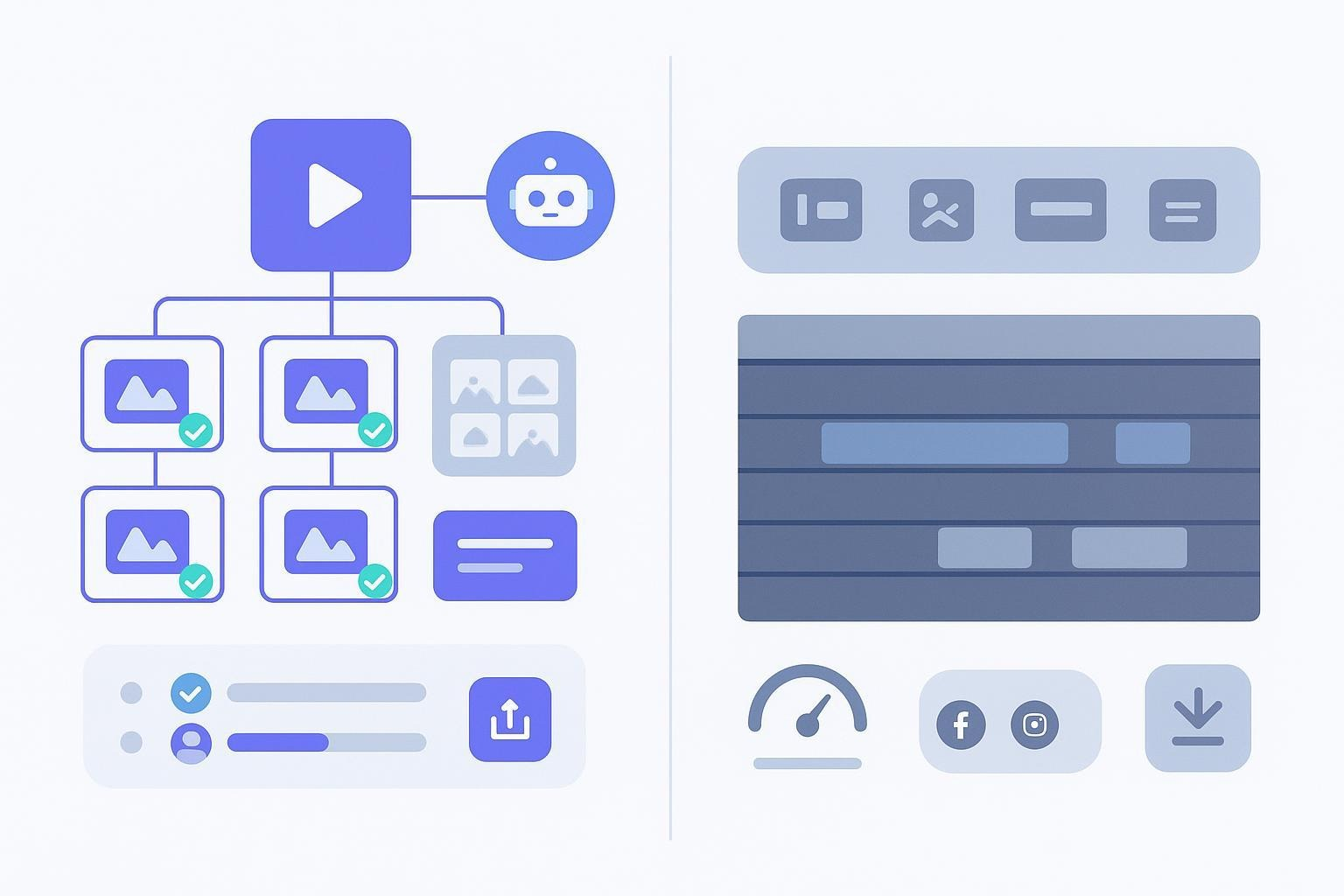
Choosing the right video editor for your agency often comes down to one question: are you prioritizing craft or speed? Performance marketing teams and creative agencies face relentless pressure to deliver high-performing variants without exploding labor costs.
In this NemoVideo vs OpenShot comparison, we strip away the fluff to see how these tools handle real-world agency workloads. We compare NemoVideo’s AI-driven bulk versioning and viral replication against OpenShot’s free, open-source manual timeline. Whether you need to automate 50 social ad variants in one click or need a zero-cost tool for simple, one-off projects, this guide breaks down the total cost of ownership, testing velocity, and output scalability to help you decide.
NemoVideo vs OpenShot: At a Glance
Feature | NemoVideo | OpenShot |
Primary Use Case | Scalable Ad Production & A/B Testing | Simple, Craft-First Manual Editing |
Automation | AI-driven (Bulk Versioning & Viral Cuts) | None (Traditional NLE) |
Labor Cost | Low (Automates repetitive edits) | High (Manual per-project duplication) |
Pricing | Paid SaaS (ROI-focused) | Free (Open Source) |
How we evaluated
We looked at seven dimensions that drive agency outcomes: scalability and automation for multi-variant campaigns, creative performance enablers (like replicating proven formats), time-to-output across revision loops and exports, ease of use and learning curve for mixed-skill teams, stability and performance on larger timelines, collaboration and review practices you can adopt today, cross-platform support, and the real total cost of ownership (license plus labor). For OpenShot, we cite official documentation and release notes to reflect its latest capabilities.
Quick verdict by scenario
Best for scalable ad production and rapid testing: Nemo Video. It automates repetitive editing, intelligently mirrors viral content patterns, and generates bulk variants so you can test more creative ideas with the same team.
Best for budget-conscious, craft-first editing: OpenShot. It’s free, cross-platform, and offers plenty of hands-on control if you’re producing smaller volumes or have more time for manual work.
If scalable ad production and rapid testing are your bottlenecks, the fastest way to validate the ROI is to run your own assets through NemoVideo’s Workspace and time the difference end-to-end.
Side-by-side at a glance
Feature | NemoVideo | OpenShot |
Ideal Use Case | Performance marketing & high-volume agencies. | Freelancers, students, & budget-conscious hobbyists. |
Core Value Prop | Scalability: Automates repetitive edits and testing. | Flexibility: Traditional manual control at zero cost. |
Bulk Versioning | Native: Export dozens of platform-specific variants at once. | Manual: Must duplicate projects and export one-by-one. |
Creative Automation | AI-driven "SmartPick" & viral pattern replication. | None. All cuts, transitions, and effects are manual. |
Ease of Use | High (Web-based, AI-assisted interface). | Moderate (Classic NLE layout; learning curve for effects). |
Collaboration | Built-in review loops and cloud-based sharing. | None. Requires external file sharing (Drive/Dropbox). |
Integrations | Optimized for social platforms (TikTok, Reels, Shorts). | Supports Blender (3D titles) and Inkscape (vectors). |
Total Cost (TCO) | Paid SaaS (Saves ~10-15 labor hours per week). | Free: $0 License (High labor cost for high volume). |
Verdict | Winner for ROI & Speed. | Winner for Zero-Budget projects. |
For capabilities like export workflow and collaboration, the official OpenShot documentation confirms project-by-project exporting and no built-in multi-user commenting. See the OpenShot team’s canonical reference, the OpenShot User Guide (PDF).
Deep dive: scalability and automation
Think of your pipeline like an assembly line. If you can tell the system what “good” looks like, it can duplicate that quality across dozens of outputs. NemoVideo is built for that mode of work: it intelligently deconstructs viral video structures, detects key visuals, and automates the repetitive edits that usually eat your afternoons. Result: you can produce many tailored cuts fast—intros, hooks, CTAs, captions, formats—without rebuilding timelines from scratch.
OpenShot takes the traditional, hands-on route. You’ll get plenty of control and a familiar non-linear timeline with layers, effects, and keyframes. But when you need 10–30 variants for TikTok, Reels, and Shorts, you’ll mostly duplicate projects or sequences and export each one. It works, but the effort scales linearly with your output.
To increase testing velocity, agencies rely on Viral+ Studio — NemoVideo’s AI engine that reverse-engineers high-performing ads so you can replicate winning hooks, pacing, and structure across new variants.
Deep dive: creative performance and testing workflows
Better creative performance starts with faster iteration. When you can replicate the structure of content that already resonates—tight hooks, quick pacing, high-contrast cuts — you raise the floor on every new variant. NemoVideo’s AI helps you do that at speed, so your team can test more ideas per sprint and learn what lifts CTR and ROAS.
With OpenShot, creative performance depends fully on the editor’s manual craft and time available. You can absolutely produce winning ads in OpenShot; the difference is velocity. If testing is central to your strategy, automation can be the multiplier that keeps experiments flowing while your team stays sane.
⚡ Scale Creative Output Without Scaling Headcount
NemoVideo is built for agencies that need volume without chaos:
• Auto-generate dozens of ad variants from one source • Replicate proven viral structures instead of guessing • Export platform-specific cuts in one pass • Eliminate manual duplication across timelines
Build your first automated variant →
See it in action with real campaign assets.
Deep dive: time-to-output, revisions, and export
Agencies live in feedback loops: client notes, brand reviews, platform-specific tweaks. NemoVideo accelerates those loops by automating the tedious parts—finding the right moments, adjusting pacing, and generating multiple formatted versions in one go. That compresses the path from “feedback received” to “new exports shipped.”
Smart Caption automatically generates accurate subtitles and applies platform-native styles (TikTok, Reels, Shorts) in one click — no manual styling per export.
OpenShot’s latest versions have improved usability and speed for timeline edits, ripple operations, and undo/redo, which is welcome when you’re refining cuts. But you’ll still handle exporting and versioning one by one. For small volumes, that’s fine. For weekly campaign sprints with dozens of deliverables, those minutes add up.
Deep dive: collaboration, stability, and platforms
Most agencies already use Drive, Dropbox, Frame.io, or similar tools for review and approvals. Nemo Video aligns well with those habits — produce versions in bulk, share links or files, collect feedback, and repeat quickly. If your policy requires specific hosting or SSO, confirm your setup during onboarding.
OpenShot is actively maintained and cross-platform by design. According to the OpenShot team’s “New OpenShot Release 3.3.0” (2024), the release includes a Recovery Menu to restore project states and a batch of performance and ripple editing improvements, which help when timelines get busy. It doesn’t include built-in multi-user commenting or collaboration, so teams lean on shared folders and naming conventions. For many small shops, that’s acceptable—just plan for process discipline.
For an authoritative overview of OpenShot’s capabilities, formats, and workflow assumptions, consult the official OpenShot User Guide (PDF).
Product capsules
NemoVideo
Nemo Video focuses on agency throughput. It uses AI to analyze and replicate elements from viral content, detects key visuals, optimizes pacing, and automates repetitive edits. That foundation enables bulk versioning—so your team can spin up multiple audience-tailored variants quickly instead of cloning timelines and tweaking each one.
Pros you’ll notice in practice: faster variant creation, more tests per week, and less time lost to repetitive edits. Who it’s for: small creative agencies handling multi-client social content and performance marketing teams that live and die by test velocity and ROAS. Constraints to consider: as a paid product, you’ll want to validate the time savings during your trial and confirm how it fits with your review stack and device policies.
OpenShot
OpenShot is a free, open-source editor that runs on Windows, macOS, and Linux. You get a familiar non-linear timeline with unlimited layers, keyframes, transitions, effects, and even 3D titles via Blender. The 3.3.0 release added useful quality-of-life upgrades like ripple editing improvements, faster undo/redo, enhanced zoom, a Recovery Menu, and more, which make day-to-day editing smoother.
Pros you’ll notice in practice: zero licensing cost, cross-platform flexibility, and enough control for craft-focused work. Who it’s for: agencies or freelancers on tight budgets producing small batches, training junior editors, or handling simpler social edits. Constraints to consider: no AI automation, no built-in bulk/multi-variant export, and no native team comments — so high-volume campaign work will rely on manual duplication, external review tools, and disciplined file management. As a data point, user feedback on platforms like G2 often praises approachability while noting slowdowns or instability on heavy projects. If you want the community snapshot, see G2’s OpenShot reviews page.
For talking-head ads and founder-led content, NemoVideo’s Talking-Head Editor removes filler words, tightens pacing, and syncs AI-matched B-roll automatically.
Frequently Asked Questions
Is OpenShot good for professional agency work?
OpenShot is a capable, free editor for basic cuts, but it lacks the automation required for modern agency workflows. While its 3.3.0 update improved stability, the lack of bulk exporting and team collaboration features means agencies often face high labor costs and slower delivery times compared to AI-driven tools.
How does NemoVideo speed up video ad testing?
NemoVideo accelerates testing velocity by using AI to analyze viral structures and generate multiple variants of a single project automatically. Unlike traditional editors where you must manually tweak every hook or CTA, NemoVideo allows performance marketers to export dozens of A/B test versions in one click.
Is NemoVideo better than OpenShot for social media content?
Yes, for high-volume creators. NemoVideo is specifically designed for social formats like TikTok and Reels, offering smart cropping and automated captions. While OpenShot supports these aspect ratios, the process is entirely manual, making it less efficient for teams producing daily social content.
Can you collaborate with a team in OpenShot?
No, OpenShot does not have native collaboration or review tools. Teams using OpenShot must rely on external platforms like Frame.io or Dropbox to share files and collect feedback. In contrast, NemoVideo is built for agency teams to streamline the transition from initial edit to final client approval.
Does OpenShot support 4K video editing for agencies?
OpenShot does support 4K video editing, but performance can vary based on your hardware. According to user reviews on G2, high-resolution projects with many layers can experience lag. NemoVideo uses a cloud-optimized engine to handle high-output workflows without requiring expensive local hardware upgrades.
Which video editor has the best ROI for marketing teams?
For marketing teams, NemoVideo typically offers a higher ROI despite being a paid product. By automating the "dirty work" of versioning and captioning, it reduces the hours spent on each campaign. The time saved usually outweighs the subscription cost when compared to the manual labor required in OpenShot.
Launch More Video Tests — Without Burning Nights
NemoVideo turns one edit into dozens of platform-ready variants automatically. Ship faster, test more ideas per sprint, and stop duplicating timelines by hand.
Start with one campaign. Cancel anytime.
How to choose for your agency
Map your next 90 days of deliverables. If you expect dozens of variants per week across platforms, automation will pay off quickly.
Estimate labor. Compare the hours to build and export variants manually versus generating them in bulk.
Consider testing velocity. If ROAS depends on rapid A/B/C learning cycles, favor tools that shorten iteration by default.
Check your review stack. If your team already uses external review tools, make sure exporting and sharing are frictionless.
Run a realistic trial. Use real assets, recreate a current campaign, and time each step end to end.
Want to see how automation changes your week? Start your free trial of Nemo Video and put bulk versioning to work on your next sprint. If you’re evaluating the free route or need a cross-platform craft editor, visit the official OpenShot site and kick the tires with a small project.
Sources and further reading
According to the OpenShot team’s “New OpenShot Release 3.3.0”, the update adds ripple editing upgrades, faster undo/redo, enhanced zoom, a Recovery Menu, and more.
For workflow and feature details, the official OpenShot User Guide (PDF) is the canonical reference.
For aggregated user impressions on performance and stability for heavier projects, see G2’s OpenShot page.
Explore Nemo Video to start a free trial.
Visit the official OpenShot site for downloads and updates.
Automate Your Agency’s Video Production Pipeline
NemoVideo replaces manual duplication with AI-driven bulk versioning, faster revisions, and predictable output — so your team delivers more without increasing labor costs.
View pricing & business plans →