

Image to Video Product Showcase: Turn Static Photos Dynamic in 3 Steps
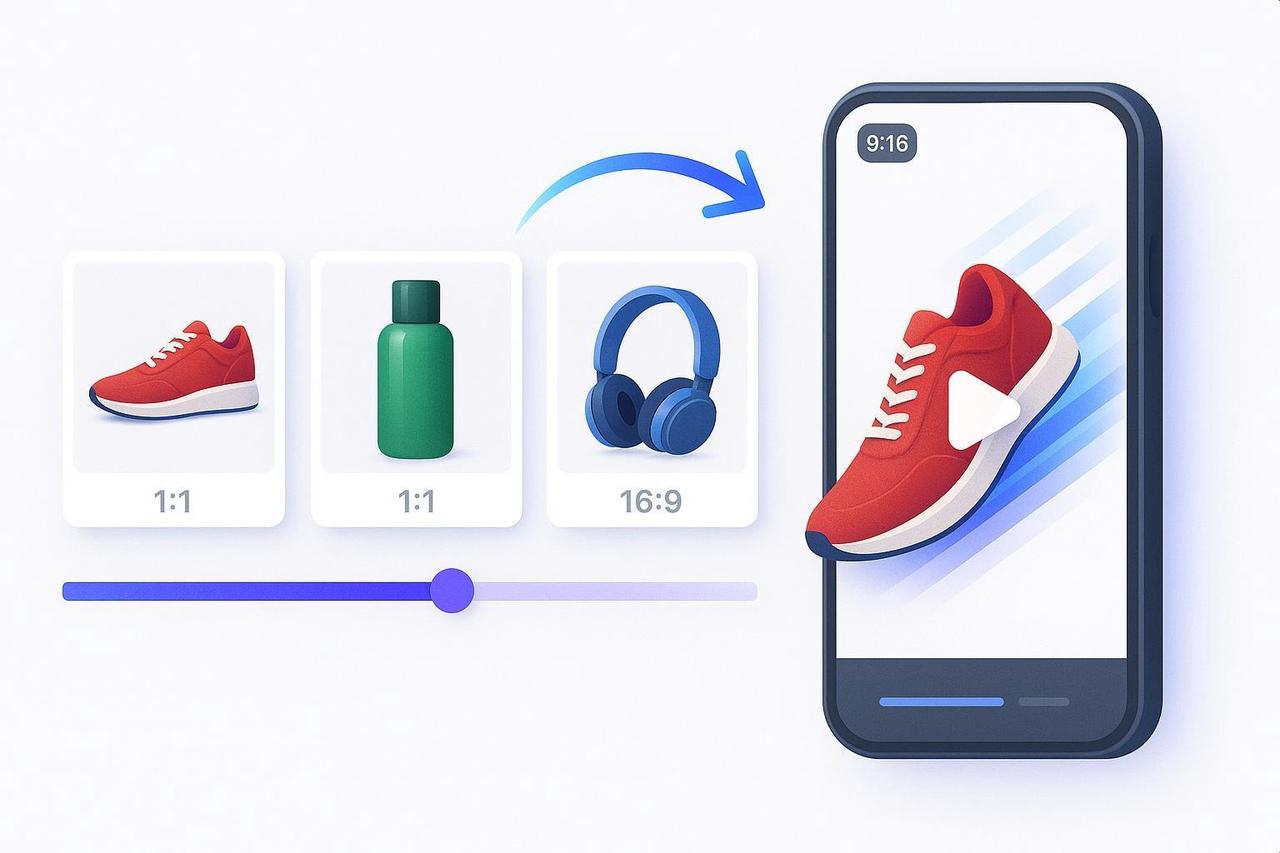
Attention: Your Best Product Photos Are Being Wasted
You have incredible product shots. They're sharp, well-lit, and tell your brand story perfectly. But on a hyper-fast platform like TikTok, static images are invisible. You need video, but the thought of complex editing software just to add motion to a dozen photos is a time killer.
Stop sacrificing speed for quality. This guide gives you the exact, beginner-to-intermediate workflow to take 5-10 product images and convert image to video quickly and professionally. You'll master how to turn static visuals dynamic and create high-impact, short-form video content without the editing headache.
Interest: The 3-Step SOP for Dynamic Ecommerce Image Videos
You will learn to add subtle motion, crystal-clear text, and optimized audio, exporting a 9:16 vertical video in about an hour. Once you have this first video, creating variants is lightning fast.
Difficulty: Beginner-to-intermediate
Time Needed: ≈ 45–75 minutes for the first video; 10–20 minutes per variant after
What You Get: A polished, platform-ready video that maximizes your product image animation.
Step 1: Prep Your Photos and Project Settings
A smooth setup is 80% of the final quality. Get your foundation right before you animate.
Curate and Sequence Your Visual Story
Image Quality: Start with 5-10 sharp, high-resolution photos. Avoid heavy upscaling. For visual cohesion, consider cleaning up backgrounds if they are too varied.
Story Flow: Arrange photos to tell a simple, powerful story: hook → feature → proof → CTA. If your editor respects filename order, prefix them numerically (e.g., 01_hook.jpg).
Draft Pacing: For social video, target 6-15 seconds total. Plan for each image (beat) to hold the screen for a practical 3–5 seconds.
Create a Vertical Project
Aspect Ratio (AR): Set your sequence/preset to 1080 × 1920 (9:16) at 24 or 30 frames per second (fps).
Safe Margins: Use guides to keep critical elements inside the inner 80–85% of the frame. This ensures the app UI will not crowd your text or the product.
Step 2: Add Subtle Motion and Focused Pacing
A still photo can feel incredibly alive with just a touch of motion. We use controlled movement to direct the viewer's eye to the product, turning a photo slideshow creator into a marketing machine.
The Gentle Ken Burns Move
Apply a smooth, slow pan or zoom to each image.
Scale: Start at ≈ 100% scale and end at ≈ 105–115% over 3–5 seconds.
Direction: Use a single direction per shot (e.g., slow zoom-in) and add 20–30% ease-in/ease-out for professional smoothness.
Why It Works: Controlled pans and zooms subtly guide attention without causing distraction. Review the fundamentals in the Cloudinary Ken Burns effect guide.
Optional: Minimal Parallax Depth
For 1-2 hero shots, you can add depth by separating the foreground (product) from the background into 2–3 layers.
Animate the foreground slightly faster than the background (about 1.5–2× speed). Keep the overall displacement very small.
Keep it subtle! Parallax is seasoning, not the main dish. The core concept involves layering elements at different speeds to create a feeling of depth.
Mid-Step QA: Verify the Read Path
Preview on your phone. If you see any jitter or "nausea" from rapid movement, reduce the zoom amount and increase the easing. Does your motion lead the eye to the product and the on-screen text?
Batch Variations with AI Pacing
This is where speed and scale connect. An AI editor like NemoVideo can analyze your product images, select the strongest shots, and generate multiple aspect ratios in a single pass.
Upload your curated images and let the AI propose motion and pacing.
You can then generate a 9:16 vertical version and a 1:1 version immediately, with consistent motion and timing, minimizing manual keyframing.
Step 3: Add Text, Audio, and Export with Clarity
Your video must be clear both with sound on and sound off. This step is about legibility and platform compliance.
On-Screen Text and Contrast
Hook Copy: Lead with the strongest benefit in the first 1–2 seconds (e.g., "Stain-free in 30 seconds").
Legibility: Use a high-contrast font with an outline or background box. Position text away from all edges.
Compliance Check: Aim for a high contrast ratio. The W3C recommends at least 4.5:1 for normal text, a standard summarized in the W3C WCAG 2.2 contrast criteria.
Captions for Sound-Off Viewing
Since most feeds autoplay muted, you must include captions for any spoken words. Edit auto-captions for accuracy and keep them within the safe zone, ensuring they don't block the product.
Audio and Licensing
Music: When promoting a product on TikTok, you must use pre-cleared music from their Commercial Music Library. Check TikTok’s guidance on commercial music use.
Mixing: Keep true peaks under -1 dBTP and duck music by ≈ 6–10 dB under voiceover for maximum clarity. Target integrated loudness around -16 LUFS.
Aspect Ratios and Export
Prioritize 9:16 (Reels/TikTok) first. Use a reliable source like the Hootsuite social video specs guide for quick reference on other variants like 1:1 and 16:9.
Export Settings: Use MP4 (H.264, High Profile) progressive. Target 1080 × 1920 resolution with an 8–12 Mbps bitrate.
Final QA Checklist
Story: Hook → 1-2 benefits → CTA, all within 6-15 seconds.
Motion: Gentle Ken Burns only. No jitter.
Text: High contrast and inside the inner 80–85% safe zone.
Audio: Licensed music; VO clear; no clipping.
Device Test: Watch on your phone to catch any text cropping or fast motion.
Desire: Empower Your Scale with NemoVideo
You've learned how to manually convert image to video with a high-quality finish. Now, imagine automating that process.
NemoVideo is your AI Creative Buddy, designed to remove the technical friction of repetitive keyframing and editing. It’s the perfect image to video product for high-volume content creators, instantly generating multiple aspect ratio and pacing variations from a single set of images.
Focus on the creative hook. Let NemoVideo handle the manual work of turning your product image animation into a dozen tested, polished variants.
Transform Your Static Assets Today
Stop leaving sales on the table with static feeds. It’s time to move faster and produce more effective video assets.
Sign up for NemoVideo and start turning your entire image library into dynamic, sales-ready social videos in minutes.