

Fix Low Performing Video: A Practical Playbook to Revive Your Creative Results
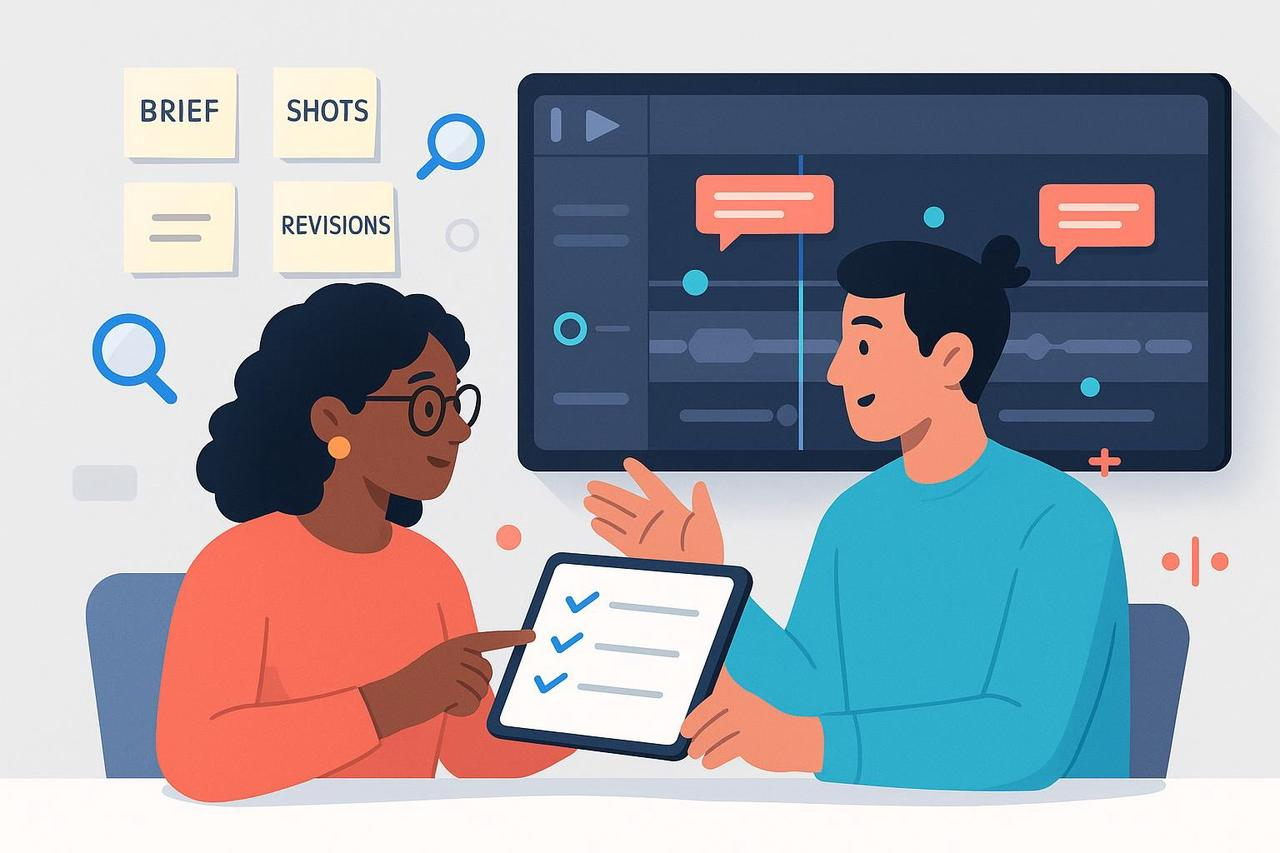
Every marketer has one, that “almost good” video. The concept is there, but it just doesn’t convert. The engagement rate is low, comments are silent, and CTR is flat.
The truth? You don’t need to scrap it. You just need to fix low performing video content the right way.
In this guide, we’ll walk through a creative debugging framework to improve underperforming content, optimize weak video ads, and increase engagement rates, using the same process top creative teams use to rework campaigns, not restart them.
Why Videos Underperform (And Why It’s Not Always About the Idea)
Most “bad” videos actually have a good story trapped inside. The problem lies in the mechanics, pacing, clarity, or mismatch between audience expectations and creative execution.
Here’s what low-performing content often looks like:
The hook comes too late, so viewers scroll past.
The message is clear, but the visuals don’t reinforce it.
The call to action is weak or hidden.
The creative tone doesn’t align with brand or platform norms.
Imagine a global cosmetics brand posting a beautifully shot video that never shows the product until second 12, or a B2B SaaS team explaining features instead of value in their demo clip.
These aren’t creative failures; they’re fixable creative bugs.
Step 1: Reproduce the Problem (What’s Actually Broken?)
Before you can fix, you have to diagnose.
Rewatch the video as if you were your audience. Ask:
Do I understand what this is about within the first 3 seconds?
Is there a clear visual story or just scattered shots?
Would I stop scrolling here, or keep moving?
Pull performance data, CTR, view-through rate, and average watch time.
If engagement drops early, your hook or pacing is likely off.
If CTR is low but engagement is strong, your CTA might be unclear or misplaced.
Pro Tip: Use quick feedback loops. Studies by Gallup show that frequent, meaningful feedback drives engagement, the same applies to creative performance.
Step 2: Inspect the Signals (Get Specific About What’s Working)
Don’t rely on intuition. Build a quick “creative health dashboard” for each video:
Output metrics: time-to-first-cut, delivery pace.
Quality metrics: revision rounds, approval rate.
Engagement metrics: CTR, completion rate, and comment sentiment.
Correlate creative decisions to performance outcomes.
For example, did videos with voiceover intros perform better than text-only ones? Did UGC clips outperform branded studio content?
Example: A lifestyle brand replaced a talking-head intro with a quick before/after reveal. CTR jumped 34%, simply by front-loading the “aha” moment.
Step 3: Find the Root Cause (Skill, Clarity, or System?)
When creative content fails, the issue often falls into one of five buckets:
Clarity: The brief was unclear or changed mid-way.
Skill: The team lacked expertise in storytelling, editing, or visual pacing.
Will: Motivation or confidence dipped — especially after rejections.
Resources: Not enough time, tools, or brand assets.
System: Broken workflow, feedback chaos, or missing review cycles.
Research by PMC (2023) and Deloitte (2025) confirms that most “underperformance” stems from systemic clarity and process gaps, not talent.
Fixing videos means fixing the ecosystem around them — briefs, tools, and timing.
Step 4: Apply the Fix (Creative + Workflow Repair)
This is where creative meets systems thinking.
Use coaching-style reflection plus tactical changes to optimize weak video ads.
Step-by-Step Creative Fix
Rewrite your hook: Place your key message or product moment in the first 3 seconds.
Shorten your intro: Remove redundant animations or long text slides.
Simplify visual focus: Every 1–2 seconds, the viewer’s eye should know what to look at.
Add captions or sound cues: Accessibility improves both reach and retention — backed by the W3C WCAG 2.2 accessibility standard.
Balance emotion with clarity: Use story arcs that resolve quickly but emotionally.
Workflow Fix
Lock your brief 24 hours before production starts.
Cap revisions to two official rounds.
Centralize comments frame-by-frame to avoid vague feedback.
Document changes — clarity compounds over time.
Example: A mid-sized agency restructured its review process using timecode comments and locked briefs. Average turnaround dropped from 9 days to 3, and revision rounds halved.
Step 5: Verify and Prevent Regression
Run your next version like a controlled experiment.
Track these improvement metrics for two sprints:
Engagement lift (watch time, completion rate)
Reduced revision rounds
Shorter feedback-to-final cycle
If results stagnate, go back to your root-cause map.
Ask: Did we fix execution, or just aesthetics?
Example: A SaaS team improved visuals but ignored the message — engagement rose slightly, but CTR stayed flat. The real fix came when they added a human testimonial hook instead of a feature list.
Where AI Tools Like Nemo Video Make Debugging Easier
Fixing creative doesn’t have to mean manual re-editing.
Tools like Nemo Video help teams improve underperforming content through AI-powered automation:
Creative audit video capabilities to pinpoint weak scenes and pacing.
Instant rework suggestions based on platform and audience.
Smart versioning that tailors cuts for TikTok, YouTube, or LinkedIn.
Brand consistency checks to ensure tone and visuals align.
Imagine reworking a brand reel into 3 platform-specific cuts, optimized pacing, resized formats, fresh captions, all in minutes.
That’s not theory; it’s what users achieve daily with the Nemo AI Video Editor Tool.
Coaching Frameworks That Actually Work
Even the best tools can’t replace human growth.
Borrow from proven frameworks like:
SBI (Situation-Behavior-Impact) from CCL to give actionable feedback.
GROW Model from Culture Amp to co-create performance goals.
Performance Improvement Plans from SHRM for fair accountability.
Use these to empower your team, not penalize. The goal isn’t control; it’s confidence and clarity.
Bringing It All Together: Turn Creative Friction Into Flow
To fix low performing video, treat your creative process like an engineering loop:
Clarify the goal.
Measure the gap.
Diagnose the cause.
Apply the fix.
Review and repeat.
You’ll spend less time guessing and more time improving.
Every iteration sharpens not just the asset, but your creative intuition.
And when you pair that mindset with AI assistance, your videos evolve faster, smarter, and stronger.
Ready to Turn Low Performers Into High Converters?
Start by auditing your last campaign.
Then rework one video using Nemo’s AI-powered editor to spot pacing issues, reframe hooks, and generate new versions for each platform, in a single workflow.
👉 Fix your underperforming videos today with NemoVideo