

Don't Let AI Sound Like Everyone Else: The Guide to On-Brand Captions
AI video tools are a miracle for speed. But they have a "personality problem."
You feed your video into an editor, hit "auto-caption," and suddenly your edgy, high-energy brand sounds like a corporate HR manual. Or worse, a robot trying too hard to be "cool."
Inconsistent, off-brand captions don't just look sloppy, they kill trust. A viewer who follows you for your wit will scroll right past a generic "Check this out!" headline.
You don't have to choose between speed and soul. You just need a system.
This is your playbook for mastering brand voice captions. We'll show you how to train AI to speak your language, maintain a consistent on-brand subtitle style, and scale your video output without losing your identity.
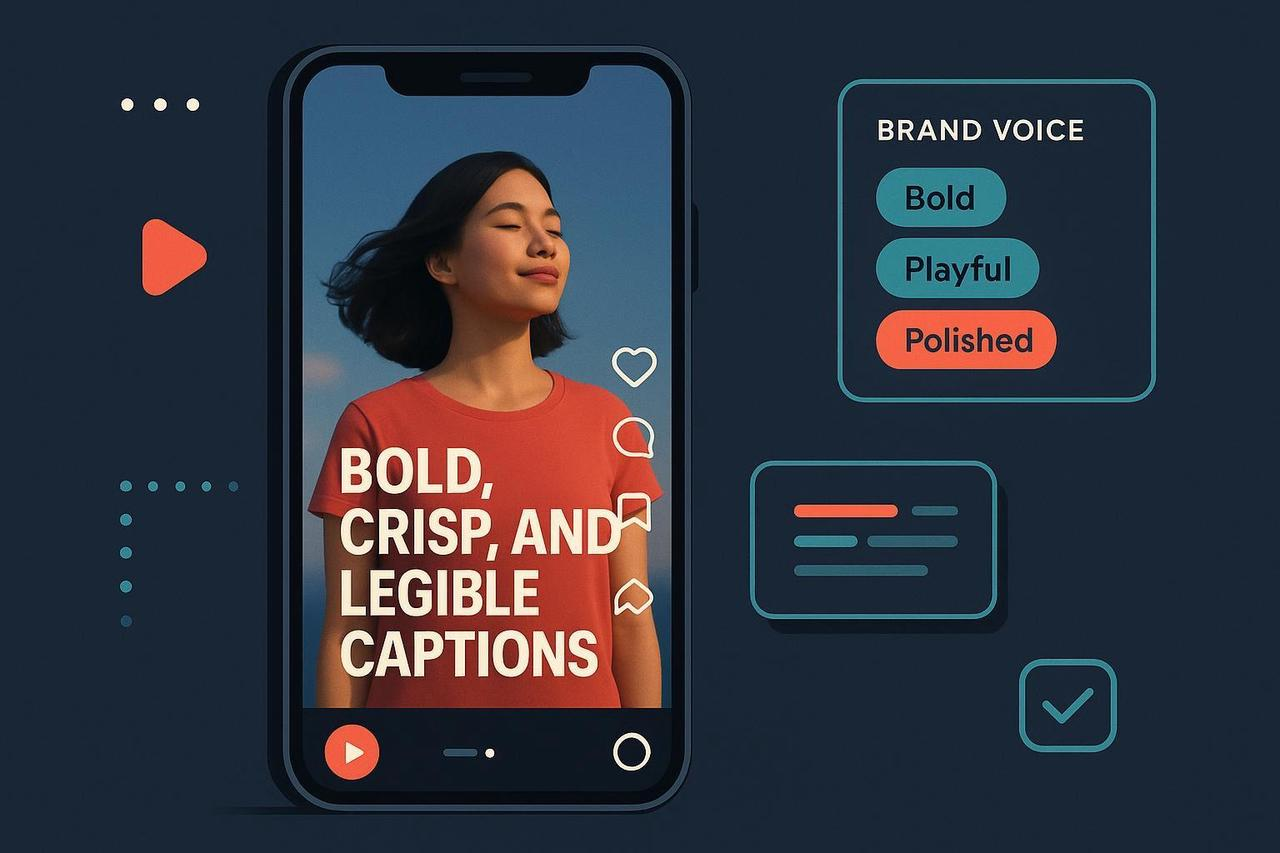
Why "Default" AI Captions Fail Your Brand
AI models are trained on the average of the internet. And the average of the internet is... boring.
If you don't give specific caption writing guidelines, AI will default to safe, flat language. It doesn't know that your LinkedIn audience expects professional insights while your TikTok followers want rapid-fire humor.
The Risk: "Brand drift." Over time, your content starts to sound like everyone else.
The Missed Opportunity: Captions are often read before the sound is turned on. If the tone doesn't hook them instantly, you lose the view.
The Compliance Gap: AI might skip crucial disclosures (like #ad) that keep you safe with the FTC.
Step 1: Build Your "Voice Blueprint" (The Anti-Robot Shield)
You can't expect AI (or a freelancer) to guess your vibe. You need to codify it. Create a simple one-page tone-aligned subtitles guide.
What to Include:
Tone Adjectives: Pick 3. (e.g., Witty, Direct, Empathetic).
The "Never" List: (e.g., Never use slang like "slay" or "bet". Never use passive voice.)
Platform Rules:
TikTok: Hooks must be under 5 words.
LinkedIn: Focus on "Value" and "Takeaways."
Emoji Policy: Use sparingly vs. Use in every line.
Real-World Example:
A financial literacy brand's blueprint might say: "Tone is Encouraging but Firm. Never use jargon like 'synergy'. Always start captions with a clear dollar-value benefit."
Step 2: Train the AI (The "Few-Shot" Method)
Don't just ask for a caption. Give the AI examples of what "good" looks like. This is called "few-shot prompting," and it's the secret to consistent messaging in video.
The "Perfect Prompt" Formula:
"Write a [Platform] caption for a video about [Topic].
Tone: [Insert your 3 adjectives].
Audience: [Target Persona].
Style Reference: [Paste 3 of your best-performing past captions].
Constraints: No hashtags in the first line. Must include a question."
By feeding the AI your "Style Reference," you force it to mimic your rhythm and vocabulary.
Step 3: The Human-in-the-Loop Workflow
AI is the drafter. You are the editor. Never skip the human review.
Generate: Use your blueprint to get 3 options.
Refine: Does it sound like you? Swap out generic words. (Change "utilize" to "use," change "amazing" to "killer").
Check Compliance: Did the AI forget the disclosure? If it's a sponsored post, move #ad to the visible area, per FTC guidelines.
Check Accessibility: Ensure captions don't cover faces or UI elements. (More on this below).
Platform-Specific Nuances (One Size Does Not Fit All)
A caption that kills on TikTok will flop on LinkedIn. Here is how to adapt your maintain tone in captions strategy:
TikTok & Reels
The Vibe: Fast, casual, "friend-to-friend."
The Rule: The hook is everything. "Stop doing this" works better than "Here is a tip."
Accessibility: Use the TikTok accessibility tools to ensure your text is readable. For Reels, follow these captioning steps.
The Vibe: Professional, insightful, "peer-to-peer."
The Rule: Focus on the insight. Why does this matter for their career or business?
Specs: Keep it polished. Check Brandwatch's guide for the latest video specs.
How NemoVideo Automates Your Voice
We built NemoVideo to solve the "generic caption" problem.
Our AI video editor tool allows you to save your Brand Voice Profile.
Input your Tone: Tell Nemo you want to be "Bold and Witty."
Set Constraints: "Never use emojis."
Auto-Generate: Nemo watches your video and generates captions that actually sound like your brand, instantly. It even checks for "banned words" and ensures your subtitles are perfectly timed.
The ROI of Consistency
Brand voice isn't just "fluff." It's revenue.
Recall: People remember unique voices.
Trust: Consistency builds authority.
Speed: A clear blueprint stops the "does this sound right?" debates.
Don't let an algorithm decide your personality. Take control of your captions.
Try Nemovideo for free today and start generating captions that actually sound like you.