
Best AI Video Editors for Scale: Advanced AI Video Editing Solutions Compared (Nemo Video vs. Typito)
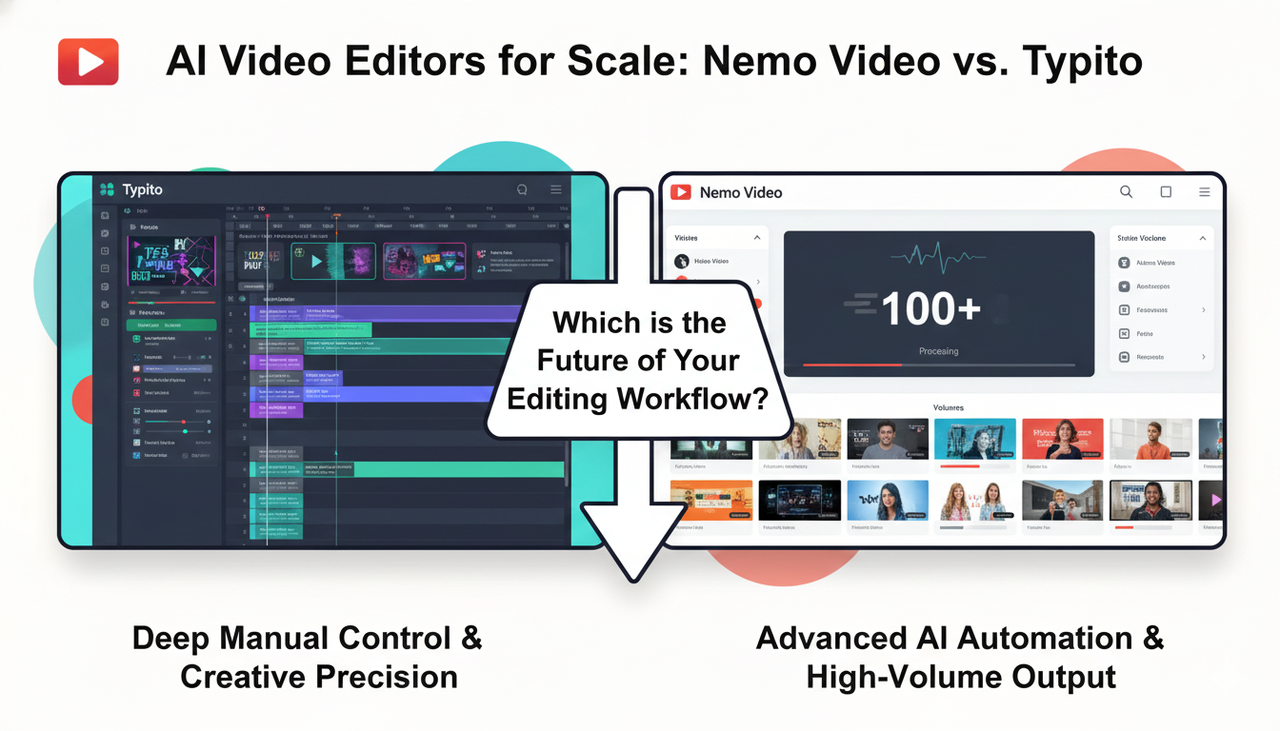
Video is undisputed as the top-performing content type online. Yet, for modern growth teams, the challenge isn't just making one video—it. It's making enough of them. When searching for the best AI video editors, you are likely split between two needs: do you need deep, manual creative control, or do you need advanced AI video editing that automates volume?
This guide compares NemoVideo (AI Video Editor) and Typito to help you decide which tool fits your "future of editing" workflow.
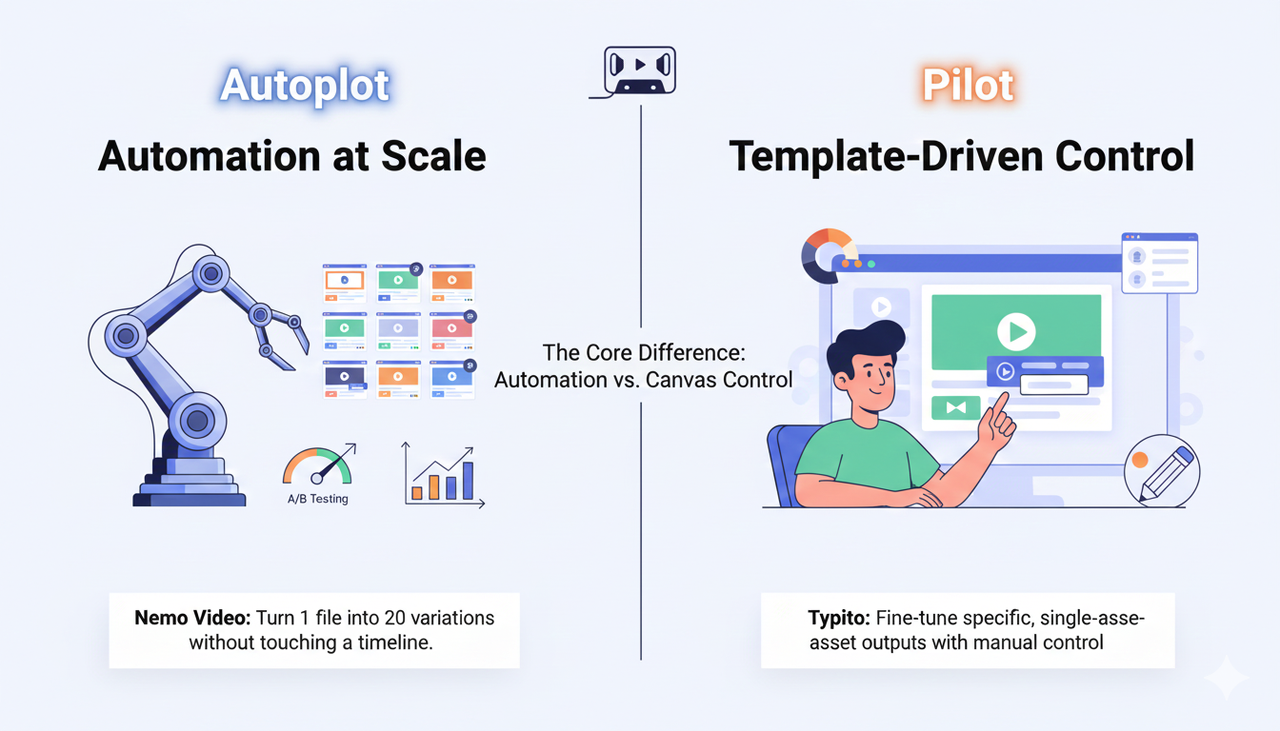
The Core Difference: Automation vs. Canvas Control
In the landscape of AI video editing solutions, tools generally fall into two buckets: "Pilots" (where you fly the plane) and "Autopilots" (where you set the destination).
NemoVideo represents the next-gen video editing approach: Automation at Scale. It is designed for teams running performance marketing who need to turn one raw file into 20 variations for A/B testing without touching a timeline.
Typito represents the "Canva for Video" approach: Template-Driven Control. It is excellent for creators who want to drag-and-drop text overlays and manually fine-tune brand kits for specific, single-asset outputs.
NemoVideo: The Engine for "Creative Filmmaking" at Scale
If your strategy involves high-frequency publishing—such, such as managing TikTok Auction In‑Feed Ads—manual editing is a bottleneck. Nemo Video uses advanced AI video editing to deconstruct viral structures and replicate them.
The "Command -> Result" Workflow
Instead of manually slicing footage to the beat, Nemo allows for intent-based editing.
You Give the Command: "Generate 5 unique hooks from this product demo for a split test."
The Tool's Result: The AI instantly analyzes raw footage, identifies key visual moments, and outputs five distinct video variants with different pacing and opening scenes.
This capability is critical for following Split test best practices, where winning requires testing volume, not just quality.
Key Features for Growth:
Viral Deconstruction: The AI studies high-performing structures to apply proven pacing to your footage.
Bulk Variant Generation: Automatically adjust aspect ratios and call-to-action cards for different platforms.
Typito: The "Hands-On" Brand Designer
For teams that need specific, pixel-perfect control over kinetic typography or explainer videos, Typito offers a robust canvas. It is less about the future of editing automation and more about simplifying traditional workflows.
The "Command -> Result" Workflow
You Give the Command: "Apply Brand Style Kit to these captions."
The Tool's Result: You select a preset, and the tool applies your specific fonts and colors to the timeline. You then manually adjust the position and timing to match the speaker perfectly.
This is ideal for "slow content" where every frame must adhere to strict brand guidelines, rather than rapid-fire ad testing.

Navigating the Ecosystem: Compliance and Assets
Regardless of whether you choose Nemo Video or Typito, accessing the right advanced AI video editing features is only half the battle. You must ensure your content ecosystem is compliant and optimized.
Audio Safety: When producing commercial assets, you cannot just use any track. Integrating tools that connect with the Commercial Music Library (TikTok Ads Help) is vital to avoid takedowns.
Ad Standards: To maximize reach, your output must align with Creative best practices (TikTok Ads Help) and general Promoting a brand, product, or service (TikTok Support) guidelines.
Transparency: As AI tools become more prevalent in creative filmmaking, maintaining trust is key. Always be aware of regulations like the FTC Endorsement Guides: What People are Asking regarding disclosure.
Accessibility: Finally, ensure your chosen editor supports robust captioning, a key factor in Accessibility for watching videos (TikTok Support).
Comparison: Which Fits Your Agency?
Feature | Nemo Video (Advanced AI Automation) | Typito (Creative Control) |
Core Philosophy | Autopilot: "Make me 20 variations." | Pilot: "Let me design this frame." |
Best For | Split test best practices & High-Volume Ads | Brand Explainers & Social Stories |
Workflow | AI analyzes footage -> Auto-edits variants | User selects template -> Manually customizes |
Learning Curve | Low (Intent-based) | Low/Medium (Canvas-based) |
Speed | 10x faster for bulk output | Standard speed for single assets |
FAQ: Choosing Your AI Video Editor
Q: Which tool is better for beginners?
A: Both are user-friendly, but for different reasons. Typito is like a simplified drag-and-drop editor. Nemo Video removes the need to edit entirely by using AI to handle the cuts for you.
Q: Can I use these tools for TikTok Ads?
A: Yes. However, for TikTok Auction In‑Feed Ads, Nemo Video's ability to generate multiple hook variations quickly gives it an edge in performance marketing.
Q: Do these tools handle music licensing?
A: Most AI video editing solutions include stock libraries. Ensure you check if they integrate with the Commercial Music Library to ensure your ads stay live.
Q: Is "advanced AI video editing" expensive?
A: It depends on ROI. Tools like Nemo Video are priced for commercial scale—if you are spending thousands on ads, the cost of the tool is negligible compared to the time saved on manual editing.