

NemoVideo vs. Synthesia: The 2026 Agency Selection Guide
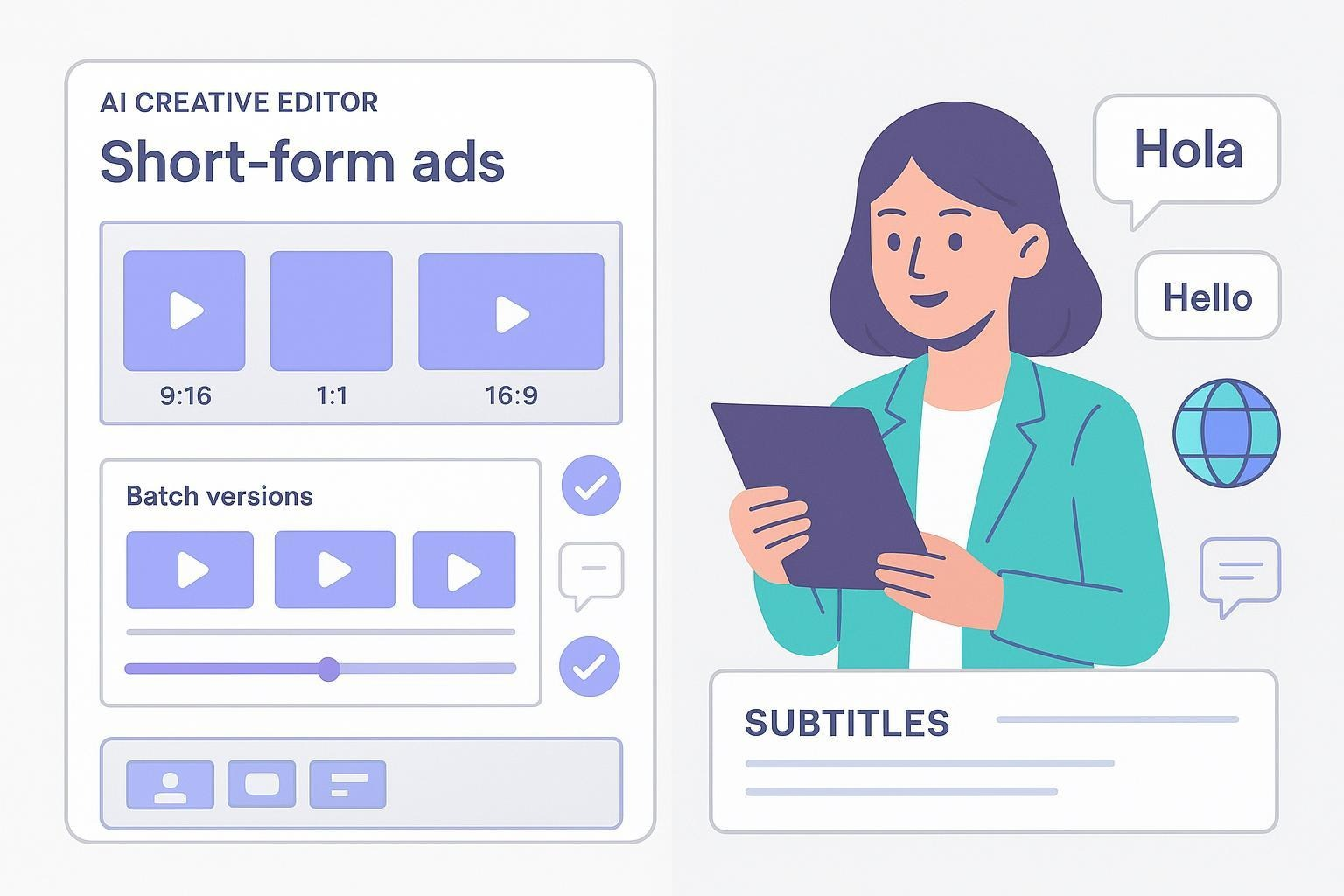
If you run an agency, you’re probably choosing between two very different jobs:
We need to spin up 20–100 short-form ad variants fast to A/B test across TikTok, Meta, and YouTube.
We need consistent presenter-led videos (often in many languages) for training, onboarding, or explainers.
That’s the real fork in the road. In plain terms: Nemo Video is an AI creative editor for ad iteration and social content, while Synthesia is an AI avatar-led, text-to-video platform for scripted presenter videos.
Features and policies referenced below were verified as of November 2025.
On first mention: Nemo Video — Disclosure: Nemo Video is our product.
Quick answer by scenario
Choose Nemo Video if your priority is bulk ad iteration, multi-platform versions, and fast creative testing. Its AI focuses on selecting the best shots, replicating proven viral structures, and automating repetitive edits so your team can ship more variants, faster (per Nemo’s official product materials on the homepage).
Choose Synthesia if you need consistent, presenter-led videos—especially localized into many languages—with enterprise collaboration and governance. Its strength is the avatar pipeline, translation coverage, and roles/permissions designed for repeatable training, onboarding, and explainer content.
Both tools can produce marketing videos; they just optimize for different outcomes. Below, we’ll unpack the workflows, where each shines, and the trade-offs that matter for agencies.
The core difference: creative editor vs avatar-led generator
Nemo Video: An AI-powered creative editor for short-form and social. It analyzes successful formats, detects key visuals, optimizes pacing, and can generate many versions in bulk for different audiences and channels—all to speed up ad testing and distribution (according to Nemo’s homepage positioning).
Synthesia: A text-to-video system that generates videos with AI avatars reading scripts. You’ll write or paste your script, choose an avatar and a voice, and export a polished presenter-led video. It’s excellent when you need consistency of on-screen talent and easy translation.
This difference drives everything that follows: speed-to-variant, localization approach, export options, compliance, and collaboration.
Side-by-side comparison for agencies
Decision pillar | NemoVideo | Synthesia |
Creative workflow | AI creative editing for ad and social variants: shot selection, pacing, viral structure replication | Avatar-led, text-to-video with on-screen presenters; script-first |
Speed-to-variant | Built for bulk versioning and platform-specific outputs (9:16, 1:1, 16:9), suited to A/B testing | Fast to produce a scripted video; less flexible for montage-style ad variants |
Localization & voice | Emphasizes versioning workflows and on-screen text/captions; not an avatar tool | Broad language and voice coverage with 1-click translation pipelines; strong for multi-language presenter videos, as outlined in Synthesia’s supported languages documentation (see link below) |
Collaboration & governance | Agency-friendly editing automation; verify current roles/permissions on trial | Enterprise roles/permissions and workspaces for teams, per Synthesia’s user roles and permissions documentation |
Export & interoperability | Standard social/ad outputs; use your NLEs and ad ops stack as needed | Exports to MP4 (up to 1080p) and captions; interactive experiences remain hosted on Synthesia and aren’t downloadable, per Synthesia’s export/download and interactivity docs |
Rights & licensing | Typical ad/editor workflows; no avatars | Stock avatar usage includes restrictions for certain use cases (e.g., ads endorsing products, news/politics) unless specific permissions exist, per Synthesia’s Acceptable Use Policy and help articles |
Pricing signals | Not publicly listed as of Nov 2025; start a trial to scope fit | Plan tiers vary by minutes/features; confirm on Synthesia’s pricing page at purchase time |
Citations for Synthesia items referenced in the table:
Language coverage and translation workflows documented in the official list of supported languages (Docs, 2025): Synthesia supported languages.
Exports and downloads (Help Center, 2025): How to download or export a Synthesia video. Interactivity and hosting behavior (Docs, 2025): Interactivity overview.
Roles and permissions for teams (Docs, 2025): User roles and permissions.
Avatar usage restrictions (Legal, 2025): Synthesia Acceptable Use Policy.
Note: Limitations and plan details can change. Always verify on vendor sites before committing.
When NemoVideo fits best
Pick NemoVideo when your brief sounds like this:
“We need 50+ ad variants by Friday to test hooks, CTAs, and aspect ratios.”
“We’re turning a winning creative into a cross-platform set without re-editing from scratch.”
“We want to replicate proven viral structures and skip the blank-canvas phase.”
What helps in this mode:
Bulk versioning to create platform-specific cuts and micro-variants in one pass.
AI detection of key visuals and pacing optimization to accelerate rough cuts and keep quality consistent.
Replication of successful structures (hooks, beats, transitions) to reduce creative thrash.
Use NemoVideo to bulk-generate platform-ready ad variants
Practical workflow example (ad iteration):
Feed source content (UGC, product b-roll, prior winners).
Use AI to identify the strongest moments and align to a proven structure.
Generate bulk variants with different hooks, captions, or CTAs for Meta, TikTok, and YouTube.
Export platform-ready outputs and push into your ad ops stack.
Review weekly performance; spin up the next wave with the best-performing elements.
If that’s your weekly reality, an AI creative editor (Nemo’s lane) saves time and increases throughput so you can test more and learn faster. Because public benchmarks aren’t published, the best way to judge fit is to run a short trial and track your internal “cost per creative” and time-to-first-render.
Automate your agency ad iteration with NemoVideo.
When Synthesia fits best
Pick Synthesia when your brief sounds like this:
“We need a series of presenter-led onboarding or training videos in 8+ languages.”
“We want a consistent on-screen presenter for product explainers.”
“We need translation, roles/permissions, and predictable scripts more than montage-style creativity.”
What helps in this mode:
Stock, personal, or custom avatars to present scripts on-camera, with consistent look and feel.
Broad language and voice coverage with translation tools to scale content internationally, as outlined in Synthesia’s supported languages documentation (Docs, 2025).
Roles/permissions and workspaces for enterprise collaboration (Docs, 2025).
Practical workflow example (localized training):
Draft a clear script (and slides if needed) in your source language.
Choose the avatar and voice; generate your base video.
Translate into additional languages and review voice/intonation.
Export MP4s and captions for your LMS or intranet; note that interactive experiences must remain hosted within Synthesia per documentation.
Iterate scripts and re-render as policies or products change.
Visit the official site for current plans and features: Synthesia pricing.
Pricing and licensing notes to watch
Nemo Video: Pricing is not publicly listed as of November 2025. Start a trial or contact the team for current plans.
Synthesia: Self-serve plans generally constrain monthly “video minutes,” avatars, and collaboration features, with enterprise options expanding capacity and governance. Confirm specifics on the current pricing page before purchase.
Licensing for ads: If you plan to run paid campaigns with an AI presenter, review Synthesia’s Stock Avatar restrictions in the Acceptable Use Policy and help center to make sure your use case is allowed, especially for advertisements, endorsements, news, or political topics. The safest route is to verify permissions for your campaign in writing.
Key references (2025):
We cite these to help you spot constraints early and avoid rework.
What to test in your first week (agency checklist)
If you’re a performance marketing agency:
Can you create 20+ variants from one source in under a day?
Are platform-specific outputs (9:16, 1:1, 16:9) quick to generate and review?
Is it easy to swap hooks, captions, and CTAs across batches?
Does the tool reduce the time you spend picking shots and pacing edits?
How well does it slot into your ad ops and reporting loop?
If you’re a brand/creative agency producing social content at scale:
Can you templatize weekly drops without losing creative polish?
Is version control manageable across client rounds and channels?
How fast is delivery from brief to final across multiple markets?
If you’re servicing training/localization programs:
How many languages can you produce without external vendors?
Are roles/permissions sufficient for reviewers, SMEs, and compliance?
Do export formats (MP4, captions) and hosting options fit your LMS or intranet?
Product capsules (balanced overview)
Nemo Video — AI creative editor for bulk ad iteration
Who it’s for: Performance marketing teams and brand/creative agencies that need to scale short-form ads and social content.
Strengths: Bulk versioning, AI-driven shot selection and pacing, replication of proven viral structures, automation of repetitive edits (per Nemo’s official homepage materials).
Limitations: Not an avatar generator; public documentation on localization and enterprise governance is limited; pricing not publicly listed as of Nov 2025.
What to validate in trial: Throughput (variants per hour), quality consistency across batches, ease of platform outputs, speed from brief to export.
Get hands-on: Start a free trial at Nemo Video.
Synthesia — Avatar-led text-to-video at scale
Who it’s for: Corporate training, onboarding, and comms; teams that need consistent presenter-led videos and multilingual coverage.
Strengths: Extensive avatar options, broad language/voice coverage, 1-click translation pipeline, enterprise roles/permissions, and collaboration (per Synthesia docs and help center in 2025).
Limitations: Exports are MP4 files (no editable project files); interactive videos must stay hosted; stock avatar usage has restrictions for ads/news/politics; montage-style creative editing is limited compared to an editor.
What to validate in trial: Script-to-video speed, translation quality, governance for reviewers, export/hosting fit with your LMS and distribution stack.
Explore plans: Visit Synthesia pricing.
Bottom line: pick by job-to-be-done
Best for bulk ad iteration and social variants: Nemo Video. If your KPI is more tests per week and faster learning cycles, an AI creative editor is the right tool for the job.
Best for presenter-led, multilingual explainers and training: Synthesia. If your KPI is consistent delivery of scripted videos in many languages with governance, an avatar-led platform is the right choice.
If your agency does both, you may actually need both: use Nemo to generate and iterate short-form ads at scale; use Synthesia for your scripted presenter content.
Ready to pressure-test the “more variants, faster” workflow? Start a free trial at NemoVideo. And if presenter-led localization is your primary need, confirm current features and pricing at Synthesia before you decide.
Start your NemoVideo free trial