

The Ultimate Free AI Video Editor No Watermark Guide for the US Creator
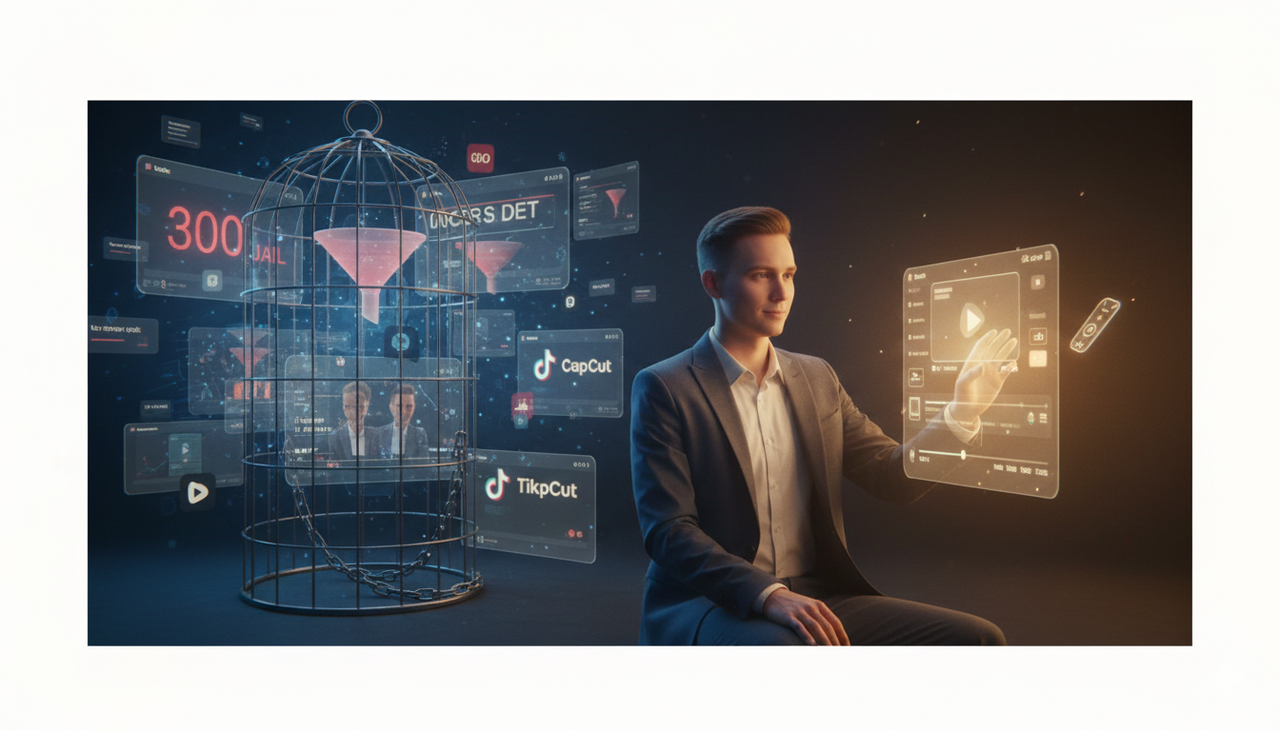
Are you a US-based creator—a realtor, gym owner, or marketer—tired of the video views (the infamous "300 views jail") that never convert into actual sales? If you're spending hours on complex, repetitive "dirty work" like traditional editing, you're not alone.
It's time to stop jumping between TikTok for inspiration, ChatGPT for script, CapCut, and many other tool for editing, and discover the all-in-one solution that puts you back in control. This guide cuts through the noise to show you how to leverage a free AI video editor with no watermark solution that is designed to unleash your creativity, not lock it down.
The Problem with "Free" and the Need for a Creative Ally
Most "free" tools come with a hidden catch: that ugly, giant watermark plastered right over your finished video, or severely limited features. This is a huge roadblock, especially for US professionals like you who need high-quality, conversion-ready video content for platforms like TikTok Ads.
The Pain Points We're Crushing:
Low Video Views: Your content isn't sticking, leading to the dreaded "300 views jail."
Zero Sales Conversions: Product videos that look good but don't move the needle.
Time Sink: Endless editing and repetitive dirty work stealing hours from your day.
Creativity Drain: Other AI tools are too automated, leaving no space for your creativity and taking the control from you.
Skill Barrier: Software like Adobe requires professional editing skills, while others feel too UGC style for CapCut.
We believe that great content starts with a conversation, not a complex timeline. You need an AI Creative Buddy—not another scary, complex piece of software —to help you win back time and drive real results.
Why the Right AI Editor is Your Game-Changer
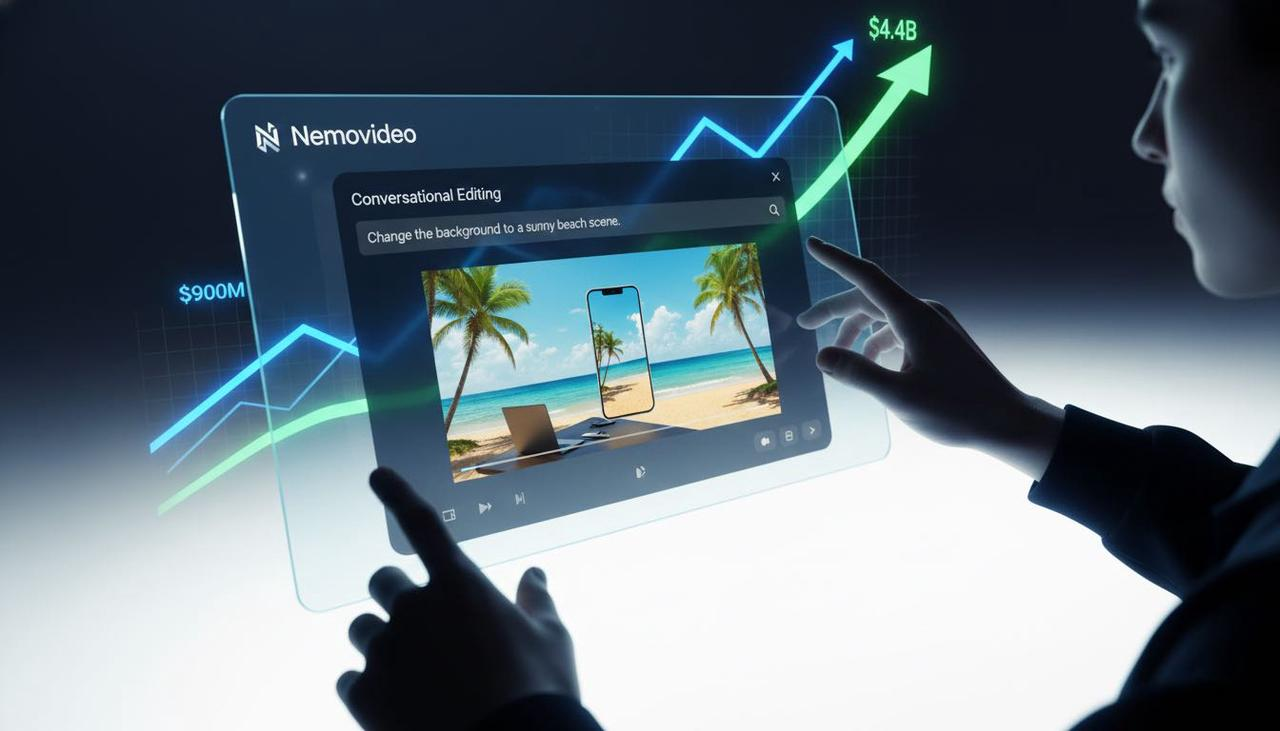
The global AI video market is exploding; it's projected to grow from $900 million in 2023 to a massive $4.4 billion by 2033. This isn't just a trend; it's the new standard for efficiency.
The Nemovideo Difference: Dialogue-Driven Creation
Forget complex timelines and endless menus. Nemovideo is designed around conversational editing. Instead of dragging clips, you simply talk to your video. Think of it as:
"Change the background to a sunny beach scene."
"Shorten this shot to 3 seconds."
"Generate a script for a TikTok Ad about my new product."
This approach eliminates technical friction and lets you focus on the creative story that wins US customers.
Unleashing Your Creativity with Nemo (AI Video Editor)
What if you could turn a simple product link into a stunning, conversion-focused video ad in minutes? That's the core promise of Nemo (AI Video Editor).
Here is how Nemovideo solves your biggest challenges:
Mandatory Feature: Free & Clean Output
The absolute dealbreaker is output. With Nemovideo's free tier, you get complete, full-quality, watermark-free exports. This is key for maintaining a professional image and is a rare advantage in the free-tool landscape.
Technical Deep Dive: How the AI Creative Buddy Works
Our core technology isn't just simple automation; it's an AI-powered dialogue engine.
Link-to-Video Startup: For US-based e-commerce sellers, you can start your project by simply pasting a product link. The AI automatically grabs images, descriptions, and features to draft a video script and visual storyboard, cutting down 90% of prep work.
Smart Rough Cut: The AI intelligently identifies the most engaging parts of your uploaded footage and creates a "smart rough cut." You then refine it conversationally, ensuring you keep control over the final product.
Contextual Assets: Need legally safe music for your ad? Our AI provides integrated access to a high-quality Commercial Music Library (TikTok Ads Help) and relevant stock footage, all within the platform.
Feature | Traditional Editor (e.g., Adobe) | AI Enhanced (e.g., CapCut) | NemoVideo (The Creative Buddy) |
Skill Requirement | Expert/Professional | Intermediate | Minimal (Conversational) |
Time to 15s Ad | 4-8 Hours | 1-2 Hours | 5-15 Minutes |
Watermark/Export | None (Paid) | Often Visible/Pro only | Watermark-Free (Free Tier) |
Creative Control | Full but Manual | Limited/Template-Driven | Full (via Dialogue) |
US Commercial Ready | Yes, but Slow | Often UGC Style | Yes (High-Quality, Fast) |
Compliance and Authority in the US Market
For US creators running ads, compliance is non-negotiable. Whether you are running TikTok Auction In‑Feed Ads (TikTok Ads Help) or simply following Creative best practices (TikTok Ads Help), Nemovideo helps you maintain high-quality outputs that align with professional standards. Always remember to check regulations regarding Promoting a brand, product, or service (TikTok Support) and the FTC Endorsement Guides: What People are Asking for transparent US marketing.
Your Next Creative Move
You've seen the difference a free AI video editor no watermark solution—one that respects your time and creativity—can make. Stop wrestling with cumbersome software and start having a conversation with your content.
Ready to stop editing and start creating? Give Nemo (AI Video Editor) a try today. The zero-frustration path to high-converting US video content is waiting.
FAQ
Q: Can I really get a video with no watermark on the free tier?
A: Yes, absolutely. Unlike many competitors, the core value proposition of Nemovideo is providing a complete, high-quality, watermark-free export even on the free version. This is part of our "zero-frustration" philosophy.
Q: Is Nemovideo suitable for commercial use in the US?
A: Yes. Nemovideo is designed for US professionals like realtors and marketers who need high-quality, conversion-ready video. The platform helps you create content that adheres to standard US advertising guidelines, but you must always consult resources like the FTC Endorsement Guides: What People are Asking and Creative best practices (TikTok Ads Help) to ensure your ad content is fully compliant.
Q: Does the "conversational editing" feature eliminate the need for traditional timelines?
A: It significantly reduces your time in the timeline. Conversational editing handles the rough cut and most major style edits (like adding music and effects). You still have the option to enter a visual timeline for fine-tuning, ensuring you maintain full creative control.
Q: What is the best format for exporting my final video to social media?
A: Most social platforms accept standard MP4. For platforms like TikTok, ensuring your video meets the requirements for Accessibility for watching videos (TikTok Support) and following Split test best practices (TikTok Ads Help) is more critical than the specific file type.