

The ultimate AI video software Workflow: Generate Hundreds of Product Videos That Actually Convert
If you run a business, you know the drill: short product videos are the way to get sales, but making them for dozens—or even hundreds—of products is a total time sink. You end up with a mess of files, weirdly inconsistent copy, and edits that simply don't scale.
This guide breaks down a reliable, repeatable workflow to batch-generate SKU videos with AI in just three simple steps. We'll show you how to move past the Low video views (300 views jail) and Product videos that never convert to actual sales. Our goal is to save you from the Long editing time and repetitive dirty work so you can focus on creativity, not complicated software.
Plan about 2–6 hours for the first setup and a small pilot batch, then you can scale with confidence. This is the ultimate AI video software playbook for marketers, realtors, and fitness coaches—anyone who’s struggled with inspirations and felt they needed Professional editing skills required for Adobe.
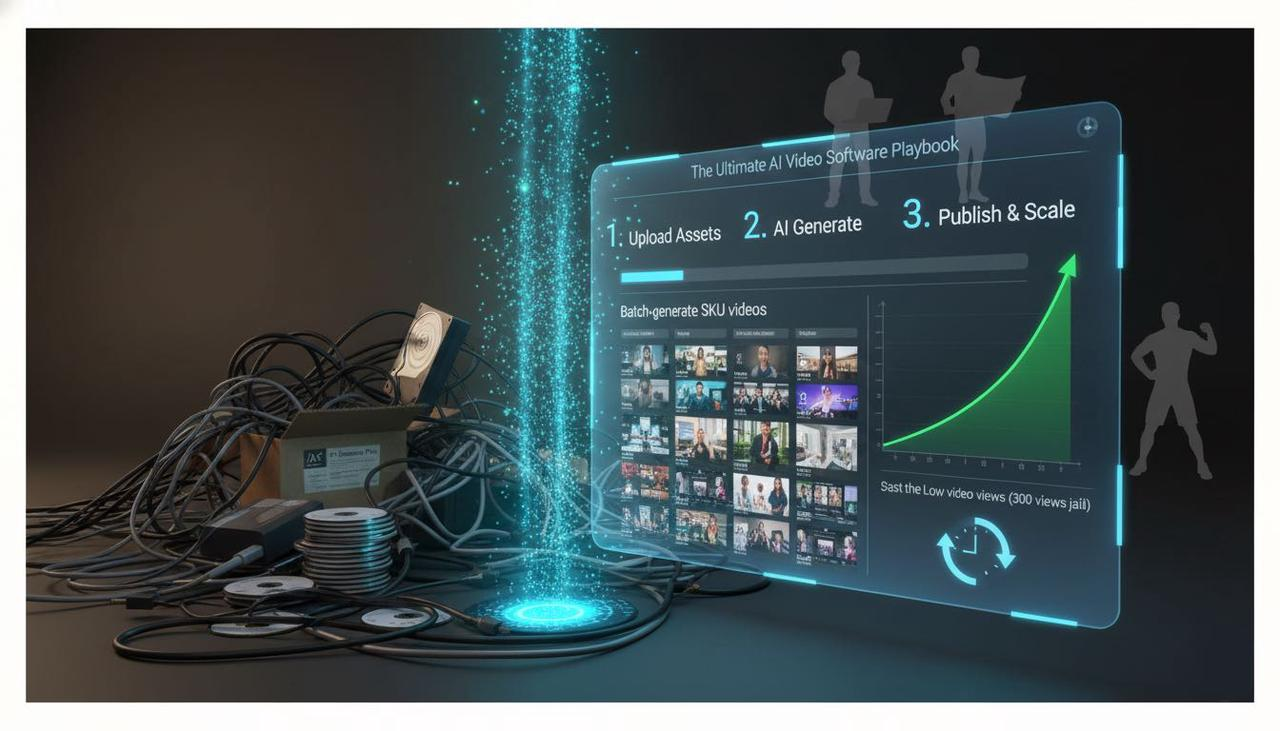
What You'll Achieve with This Workflow
A clean product data sheet that plugs directly into variable video templates.
Reusable, high-converting templates for hooks, product proof, and Call-to-Action end-cards.
A "pilot-first" batch workflow with automated quality checks.
Phase 1: Normalize Your Creative Inputs
Think of this first step as laying the rails before running the creative train. You’re structuring your data and assets so that the AI can understand them perfectly. This is how you stop jumping between TikTok for inspiration, ChatGPT for script, CapCut and many other tool for editing.
Build a Master Product Data Sheet
You need one spreadsheet (Google Sheets/Excel is fine!) with one row per product. This maps all the changing parts of your video to the correct SKU.
Column Category | Required Fields (Must-Haves) | Helpful Optional Fields |
Identity | sku_id (unique), product_name, destination_url | variant (size/color) |
Assets | primary_image_url and/or video_asset_reference | aspect_ratio_preference |
Features | feature_1, feature_2, feature_3 (short phrases) | promo_tag (New, Sale), avg_rating |
Conversion | price (or “-”), cta_text | legal_disclaimer |
Organize Assets and Your Brand System
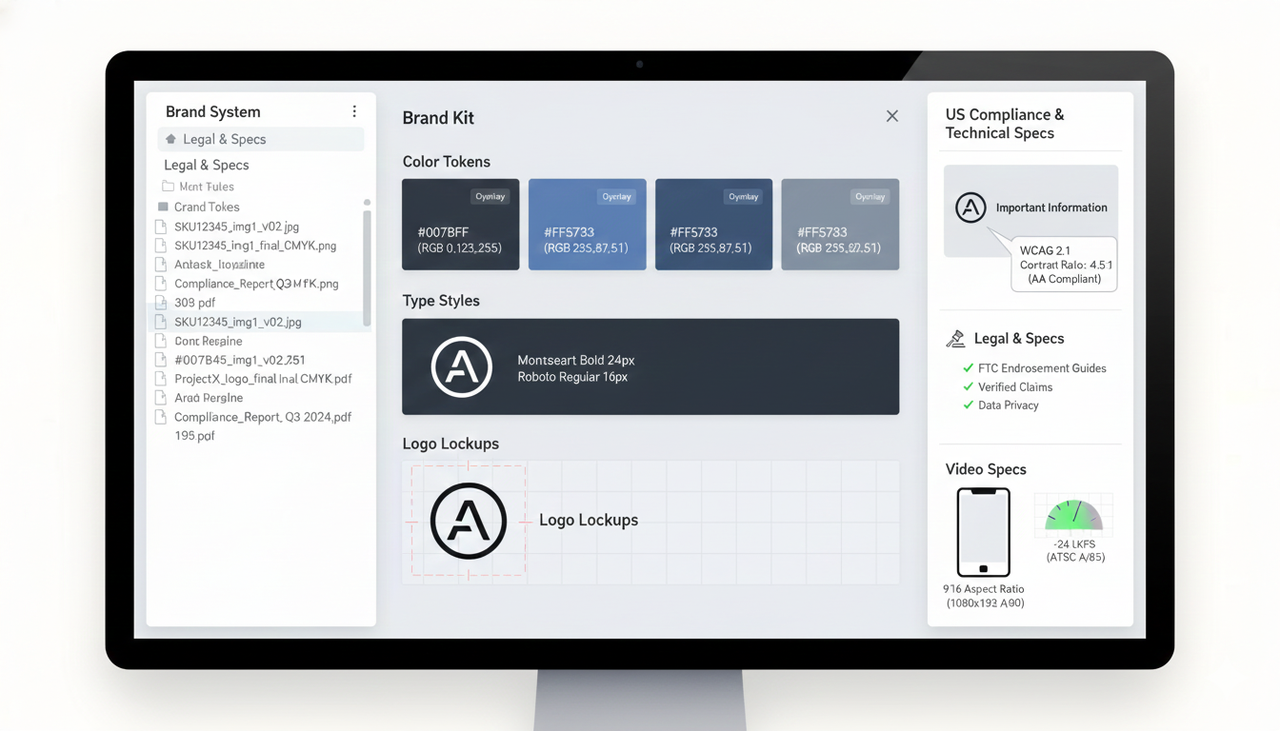
Don't let your files be a chaotic mess! Adopt a filename pattern that both your team and your AI tools can easily read, like
SKU12345_img1_v02.jpgYou also need a simple "Brand Kit" that your template will pull from automatically:
Color tokens (Hex/RGB) for overlays.
Type styles (fonts and sizes) for mobile legibility.
Logo lockups and placement rules.
Legal & Specs
Since we’re focusing on the US market, compliance and accessibility are key:
Accessibility: Keep on-screen text highly readable. The practical baseline is the WCAG 2.1 contrast ratios (4.5:1 for normal text) for captions and overlays.
Truth in Advertising: If you’re using ratings or testimonials, review the FTC Endorsement Guides: What People are Asking to ensure your claims are verified.
Specs: Prioritize 9:16 (1080×1920) for TikTok and Reels. For audio, the U.S. widely adopts ATSC A/85 at around $-24 LKFS (Loudness K-weighted Full Scale).
Phase 2: (Build Reusable Templates and Scale)
This is where you design a modular template that can "snap" your data into scenes—think of it like Mad Libs for video! The structure stays, but the variables change per product.
Structure Your Template Blocks
A short, high-impact video structure works best for platforms like TikTok and Instagram Reels:
Hook (0–3s): Grab attention with a pain/benefit promise or a bold claim.
Product Proof (3–10s): Show your key features in action.
Social Proof or Offer (5–12s): Use a rating badge or the
.{{promo_tag}}CTA End-Card (2–3s): Logo,
, and a clean URL.{{cta_text}}
How the AI Video Editor Works (The Secret Sauce)
Instead of using a complicated timeline, AI editors like Nemo (AI Video Editor) use a "dialogue-based" editing approach.
Mapping: The tool imports your cleaned data sheet and the template.
Token Replacement: It automatically substitutes all your
(like{{variables}}
and{{product_name}}
) into the text overlays and dynamic scenes.{{price}}AI Shot Selection: It uses AI to identify the most visually compelling moments in your uploaded video assets and paces the edits for short-form performance.
Bulk Versioning: With a single click, it generates hundreds of unique videos using the same template but different product data.
This is why you don't need professional editing skills required for Adobe. The AI does heavy lifting while you keep creative control.
Why an AI Creative Buddy is the ultimate AI video software
Feature | Traditional Video Editor (e.g., Adobe) | Generic, Fully Automated AI Tool | NemoVideo: The AI Creative Buddy |
Template Setup | Manual setup of keyframes and layers per variable. | Fixed, uncustomizable templates. | Visual, variable-driven templates. |
Batch Generation | Requires complex scripting or huge manual effort. | Can generate in bulk, but outputs are often repetitive. | High-volume, unique versioning with one click. |
Time to 100 Videos | 40+ hours | 1–2 hours | 2–4 hours (including pilot & QA) |
Watermarks | No | Often yes, on free tier. | Free tier supports complete, watermark-free export. |
Creative Control | High, but time-consuming. | Low (fully automated). | High: You set the template; the AI handles the repetitive work. |
Phase 3: (Optimize and Convert)
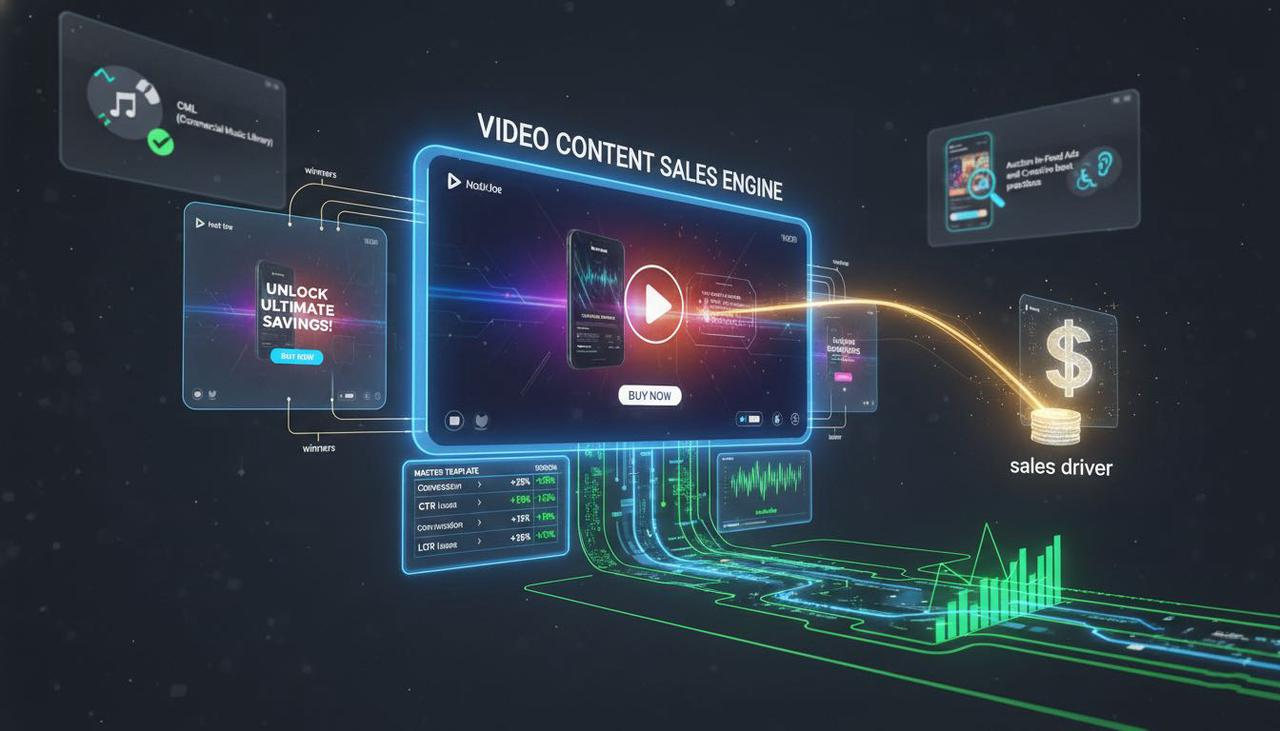
Your video content isn't just a pretty picture; it's a sales driver. You must continually iterate based on performance. Marketers consistently find creative variation to be a key performance lever.
Iterate for Performance
Create 2–4 creative variants per top-performing SKU (change the hook, music, or
).{{cta_text}}Keep a log of winners and losers and fold successful patterns back into your master template. Use tools to run split tests and follow Split test best practices.
Final Checklist and Call-to-Action
Before uploading, confirm your creative is aligned with the platform:
TikTok: Confirm your music is compliant using the Commercial Music Library (TikTok Ads Help). Review TikTok Auction In‑Feed Ads and Creative best practices. For organic content, check Promoting a brand, product, or service (TikTok Support) and Accessibility for watching videos.
Need to Stop the Long Editing Time Today?
You've done the hard work of organizing your data. Now, let the AI take over the repetitive part.
Ready to stop drowning in manual edits and start converting with video? Get rid of the fear of a blank screen and see how the AI can power your next campaign.
Frequently Asked Questions
Q: Why do I need a clean data sheet? Can't the AI just guess?
A: A clean sheet is essential for scalability. The AI can’t guess which price or feature belongs to which product. By normalizing your inputs, you eliminate the risk of errors (like mixing prices or features) and make your batch generation workflow reliable.
Q: Are my videos going to look like every other AI video?
A: No! Because you are providing the template structure and all your brand assets (logos, fonts, colors), the AI acts as a "Creative Buddy," not a full replacement. It handles the technical repetition while maintaining your unique, on-brand look and feel. The key is in the reusable template design.
Q: Is it really free to use without watermarks?
A: Yes. Nemo has a free plan that supports complete, watermark-free export. This is designed as a "try before you buy" model, letting you test your full conversion flow without a financial commitment.