

NemoVideo vs. Biteable (2026): Best AI Video Workflow for Agencies
Compare NemoVideo and Biteable for agency video creation. Discover differences in viral replication, bulk versioning, AI editing, collaboration, and workflow automation, find the best fit for your agency's needs.
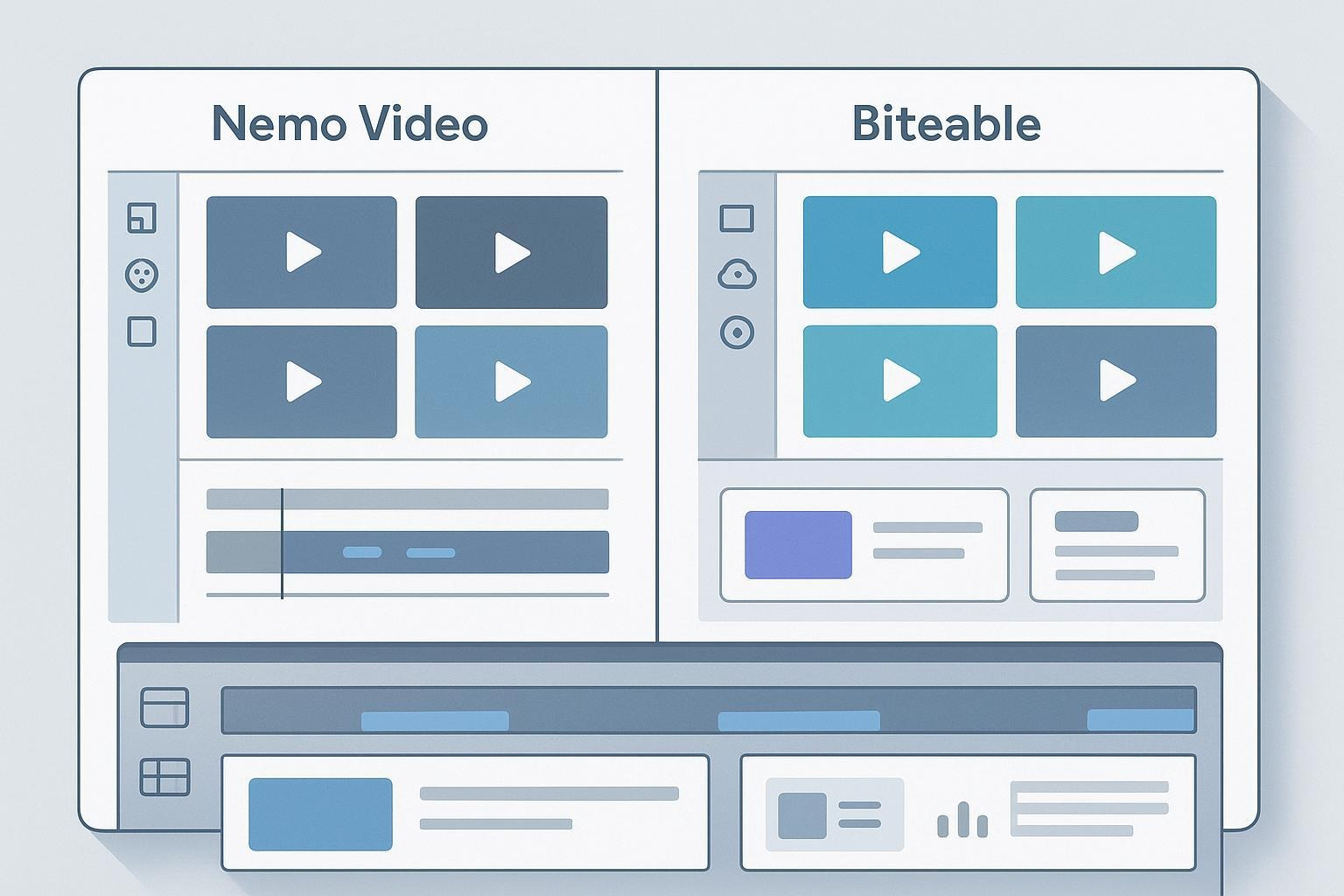
Agencies live and die by speed, scale, and consistency. If your team needs to ship short-form ads fast, spin up platform-specific variants for A/B tests, and keep brand control across multiple clients, you’re probably comparing two very different takes on “AI video creation.” On one side, NemoVideo focuses on creative intelligence—replicating the structural patterns behind viral content and automating repetitive editorial work. Disclosure: Nemo Video is our product. On the other, Biteable is known for its template-first, library-led approach that helps teams produce polished videos quickly.
Below, we look at how each tool handles the agency realities—versioning at scale, creative automation, collaboration, distribution and analytics, plus some enterprise basics—so you can choose confidently.
How They Approach Video Creation
NemoVideo: Prioritizes AI-driven creative decision-making. It analyzes successful formats to replicate winning structures, detects key visuals, optimizes pacing, and can generate multiple tailored versions for different audiences and platforms—all to help ad teams move faster without sacrificing performance.
Biteable: Prioritizes speed via templates, stock assets, and AI assistants. Biteable’s prompt-driven creation and large animation/stock libraries make it easy for non-editors to assemble on-brand videos quickly, as described on the Biteable AI Video Maker page (2025).
In plain terms: Nemo’s bet is “make smarter creative decisions automatically,” while Biteable’s bet is “make assembly faster and easier for anyone.”
Versioning and Scale for A/B Testing
If you run weekly ad sprints, variant production is often the bottleneck.
NemoVideo: Designed to generate bulk variants tailored to platform and audience. Think swapping hooks, aspect ratios, CTAs, and pacing in one pass—so your team can line up meaningful A/B tests quickly instead of manually duplicating edits.
Biteable: Supports variants via duplication and remixing, but there’s no public documentation for a native bulk A/B pipeline. Practical workflows tend to rely on duplicating projects, adjusting scenes, and exporting different formats. Analytics for shared links are accessible from the Publish tab, per the Quick start guide to Biteable (2025).
A simple example: an agency wants 12 variants of a 15-second paid social spot—three hooks, two aspect ratios, and two CTAs. Nemo aims to automate much of that branching. Biteable can do it, but you’ll likely duplicate projects manually and keep a spreadsheet to track the differences.
Collaboration and Brand Control
Multi-client teams need clear roles, shared folders, and consistent branding.
NemoVideo: Focuses on keeping brand consistency while automating creative decisions. As a beta product, detailed public documentation on roles/permissions isn’t available in this round; plan workflows accordingly.
Biteable: Offers an Editor/Publisher model and team collaboration. Pro typically includes one Publisher seat; Premium includes three Publisher seats, with the ability to add more, according to Adding extra seats to your account (Biteable Help Center, 2025). Shared team folders and visibility are noted in the Quick start guide to Biteable (2025).
In practice: Biteable’s seat structure helps define who can publish vs who can edit, which matters for approval chains. Nemo’s pitch is about reducing creative bottlenecks; confirm seat/permission details with the team before adopting at scale.
Distribution and Analytics
Publishing, links, embeds, and engagement data are part of a modern workflow.
Nemo Video: Emphasizes ad production efficiency. Public docs for distribution/analytics weren’t captured in this round; treat analytics requirements as a separate evaluation until confirmed.
Biteable: Provides watch-page links with built-in analytics and optional CTAs. Biteable states you can share, embed, and track engagement (views, completion, drop-off), per Quick start guide to Biteable (2025), the Biteable “works anywhere you do” help article (2025), and the Biteable blog on video CTAs (2025).
This is handy for quick stakeholder reviews or lightweight campaign tracking, especially when your client needs a simple watch page with a button pointing to a landing page.
Enterprise and Pricing Basics
NemoVideo: The product is presented as beta. If your procurement process requires SSO, SOC 2, or specific data controls, request details directly before rollout.
Biteable: Plans are framed for individuals and teams, with trials and publishing rules documented. See Biteable Plans and Pricing Options (Help Center, as of November 2025). For a high-level security posture (AWS hosting and certifications), review Biteable Privacy and Security (Help Center, 2025). If your team depends on watch-page analytics and link sharing, note that publishing/downloading after a trial typically requires a paid plan per the Help Center; verify specifics with Biteable when procuring.
Side-by-Side: What Matters for Agencies
Criteria | NemoVideo | Biteable |
Creative approach | AI-driven deconstruction of viral formats; automates key visuals and pacing | Template-first assembly; AI assists and large stock/animation libraries |
Versioning at scale | Bulk generation of tailored variants for audiences/platforms | Manual duplication/remix; no documented native bulk A/B pipeline |
Automation depth | Focus on creative decision automation (hooks, pacing, visuals) | Speeds assembly; less evidence of deep editorial decision automation |
Collaboration & roles | Beta; confirm seats/permissions with vendor | Editor vs Publisher roles; team folders; seats expandable (per Help Center) |
Distribution & analytics | Not publicly documented in this round | Watch pages with analytics; share, embed; optional CTAs |
Enterprise signals | Beta; request SSO/compliance details | Help Center notes AWS certifications; limited public enterprise claims |
Pros, Cons, and Fit
NemoVideo
Pros
Creative intelligence: replicates proven viral structures to lift ad quality.
Bulk versioning: tailored variants across platforms and audiences for faster A/B testing.
Automation: detects key visuals and optimizes pacing to reduce repetitive editing.
Cons
Beta product: limited publicly available documentation on roles, governance, and analytics.
Enterprise details (SSO, SOC 2, SLAs) not public in this round—confirm before large-scale adoption.
Best for
Agencies running continual ad sprints that need many variants each week.
Teams focused on short-form paid social, where hooks, pacing, and quick iteration matter.
Constraints to plan for
Procurement-required documentation may take time; align with vendor before rollout.
Biteable
Pros
Fast templated creation with AI assists and a deep library of animations/stock.
Clear seat model (Editors vs Publishers), shared team folders, and quick watch-page sharing.
Lightweight analytics and CTAs on watch pages for stakeholder reviews and simple campaigns.
Cons
No publicly documented native bulk A/B pipeline; variants typically require manual duplication.
Enterprise claims are limited in public docs; confirm compliance needs.
Best for
Teams producing explainer, internal comms, and social content that benefit from templates.
Agencies with mixed skill levels, where non-editors must assemble branded videos quickly.
Constraints to plan for
Publishing and downloads after trial usually require a paid plan; confirm specifics before scheduling deliverables.
How to Choose: Three Common Agency Scenarios
You run ad-variant sprints every week
Choose Nemo Video if your bottleneck is creating many meaningful variants fast. Its focus on creative decision automation and bulk versioning aligns with A/B testing across hooks, aspect ratios, and CTAs.
Choose Biteable if your variants are modest and template-first speed matters more than automation depth.
You need quick explainers, internal updates, or social promos across clients
Choose Biteable for prompt-to-video workflows, templates, and easy sharing with watch-page analytics and CTAs—fast stakeholder feedback loops and polished outputs.
Choose Nemo Video if even these short forms benefit from creative intelligence (e.g., pacing and hook optimization) and you plan to test multiple variants at scale.
You have a mixed team with non-editors and a few power users
Consider a hybrid: Biteable for quick assembly and stakeholder comms; Nemo Video for ad creatives that require variant scale and performance-driven structure.
Bottom Line
There isn’t a single “winner” it comes down to the shape of your work.
Choose Nemo Video if you prioritize AI-assisted creative decisions, viral-format replication, and bulk versioning for serious A/B testing across platforms and audiences.
Choose Biteable if you want template-led speed, easy collaboration with clear seat roles, and watch-page analytics and CTAs for distribution.
If NemoVideo’s approach fits your ad-variant sprint reality, you can explore it hands-on: Start a free trial at NemoVideo.
Tip: Before committing, write down your top three workflows (e.g., “12 variants in 48 hours,” “on-brand edits by non-editors,” “simple analytics for client sign-off”). Then verify each workflow against the vendor’s docs and a short pilot to avoid surprises