
The Creative Buddy's Guide to Flawless AI Subtitles (and How to Beat the Editing Grind)
Say Goodbye to Captioning Headaches with AI-powered subtitle solutions
Have you ever hit "auto-caption" on your video only to cringe at bizarre typos, missed names, or flat-out wrong numbers? If you’re a real estate agent or a fitness coach in the US trying to win clients online, that kind of mistake can instantly break trust.
The pain is real: low video views, videos that never convert to sales, and that endless, repetitive "dirty work" of editing. You're stuck in the low video views (300 views jail), not because your content is bad, but because the editing process is too long and complex, requiring professional skills.
This guide cuts through the complexity. We're going to show you how to master AI-powered subtitle solutions to create accurate, readable subtitles in multiple languages—all, while keeping your creative control.
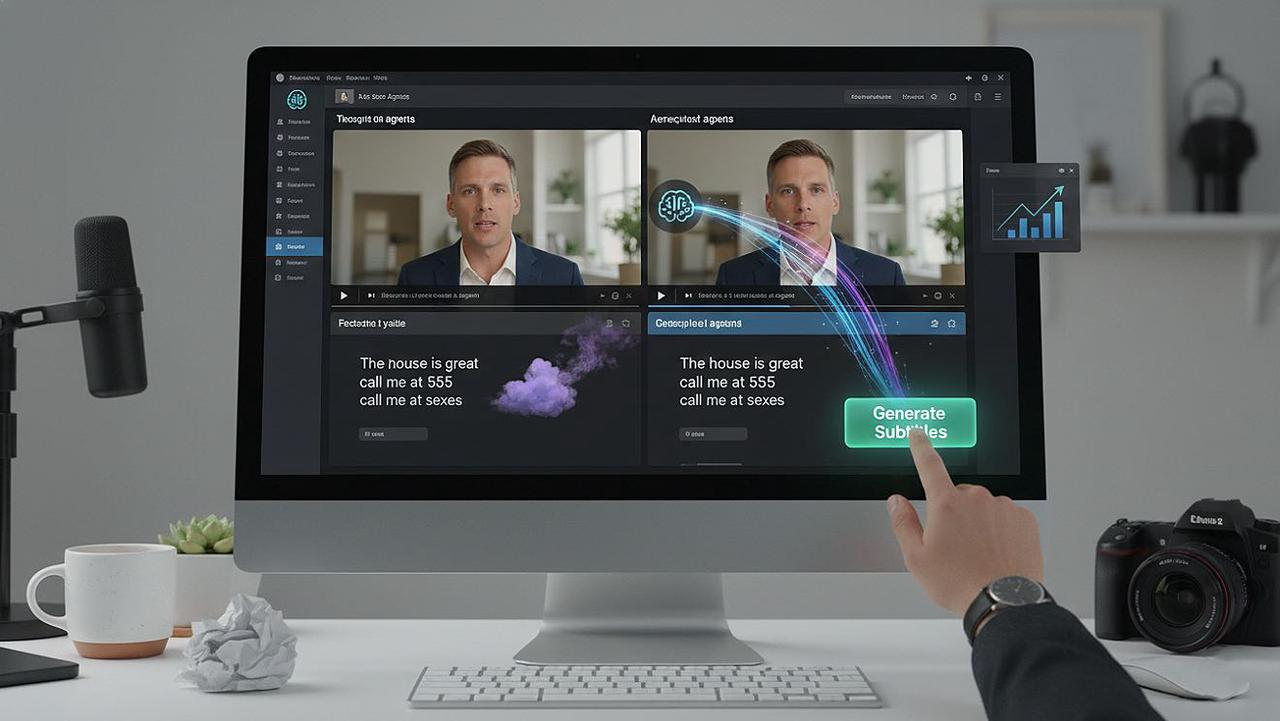
(Build Engagement and Explain the Vision)
This isn't about giving up control to a clunky tool. It's about using AI as your "Creative Buddy" to eliminate the technical friction and empower you to focus on your message.
In this guide, you will learn to achieve:
A clean base transcript with spot-on timing.
Consistent translations that respect your brand terms and tone.
Platform-ready exports (SRT/VTT) that work for all your social channels.
Defining "Flawless": What Makes a Great Subtitle?
To leverage ai-powered-subtitle-solutions, you need a clear quality standard. "Flawless" isn't just about getting the words right; it's about the whole viewer experience, especially for US audiences who expect high accessibility.
Words: Correct spellings, proper capitalization for names and brands, and accurate use of numbers/dates.
Sync: The subtitle text starts and ends precisely with the spoken words (no more than 200-300 ms off).
Readability: No more than two lines per subtitle, with natural sentence breaks for easy reading.
Attribution: Correct speaker labels (when needed) to avoid confusion in dialogue.
Translation: The meaning and emotional tone are faithfully carried over to each target language.
Creative Buddy Tip: Remember that human review is still essential. Even the best AI benefits from your final creative check to ensure clarity and conversion power.
3 Steps to Master AI Subtitling (And Get Your Life Back)
Forget jumping between multiple apps—TikTok for inspiration, ChatGPT for a script, and CapCut for editing. We're breaking down the workflow into three manageable steps.
Step 1: Generate & Polish the Base Transcript
Everything hinges on a rock-solid foundation. Errors here multiply in every language you translate to.
Prepare Your Audio for AI: The Secret Ingredient
Cleaner audio means better recognition and timing. Before you hit "transcribe":
Reduce Noise: Minimize strong background music or echo.
Normalize: Ensure your audio levels are consistent.
Trim: Cut out unnecessary silences.
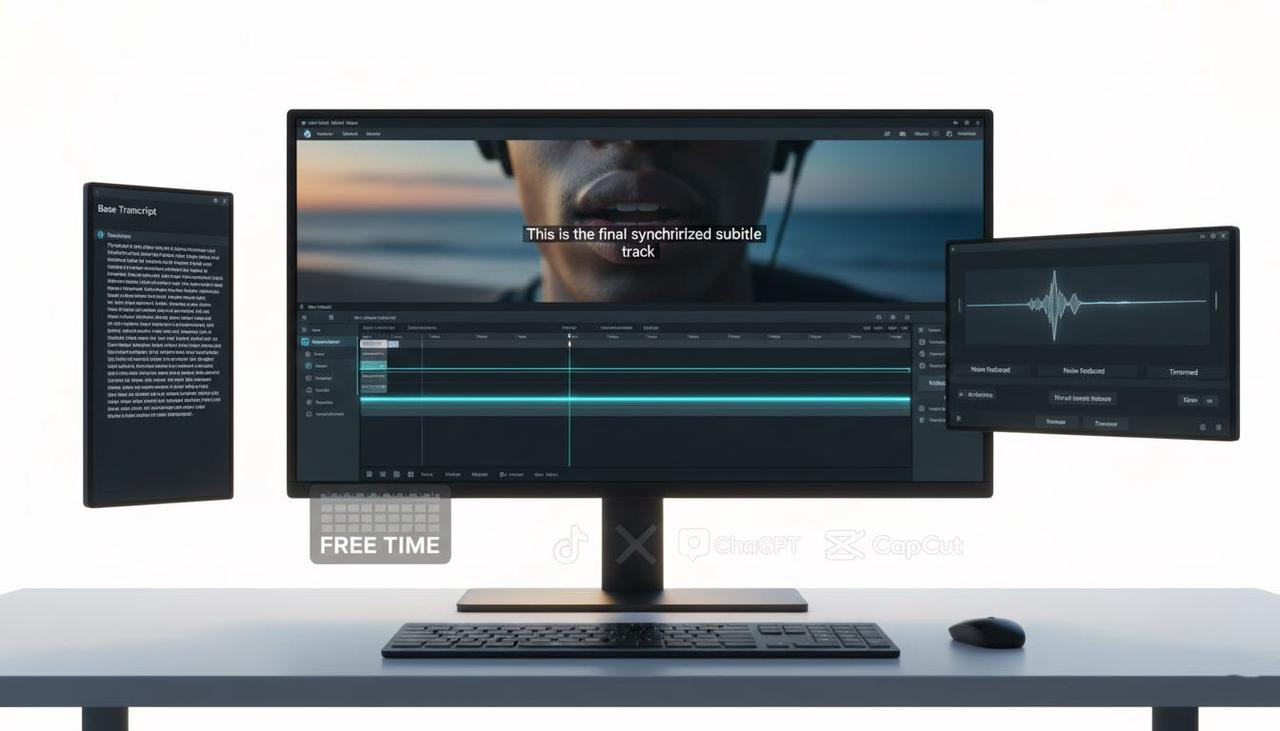
Run AI Transcription (ASR) & Get to the Core
Use a modern ASR system. If you have back-and-forth dialogue, turn on diarization to correctly label speakers—this is critical for accessibility compliance in the US.
Quick Correction: Focus on High-Impact Areas
You don't need to check every word. Manually verify the parts that matter for conversion:
The first 30–60 seconds (your hook!).
Any sections with fast talking.
Names, brands, numbers, and dates.
Your final call-to-action lines.
Fix obvious mis-hears and enforce brand capitalization.
Timing Sanity Check
Play a few segments. If the captions lag or lead the speech by more than a tiny fraction (aim for under 200 ms), use your editor's auto-sync or apply a bulk shift rather than adjusting every single cue.
Checkpoint: Names, numbers, and brand terms are correct. There's no noticeable lag in the first minute.
Comparison Table
Feature | The Traditional Way (e.g., Timeline Editor) | The Creative Buddy Way (e.g., NemoVideo) |
Editing Time (5 min Video) | 45–120 minutes of manual alignment | 5–15 minutes (AI does the heavy lifting) |
Subtitle Accuracy (Names/Brands) | Manual typing/correction required | Glossary-enforced, AI-corrected transcript |
Tool Jumping | TikTok/ChatGPT/CapCut/Subtitle Editor | All-in-one platform |
Required Skill Level | Professional editing skills required | Zero-frustration philosophy; Conversation-based |
Step 2: Translate, Polish, and QA (The Global View)
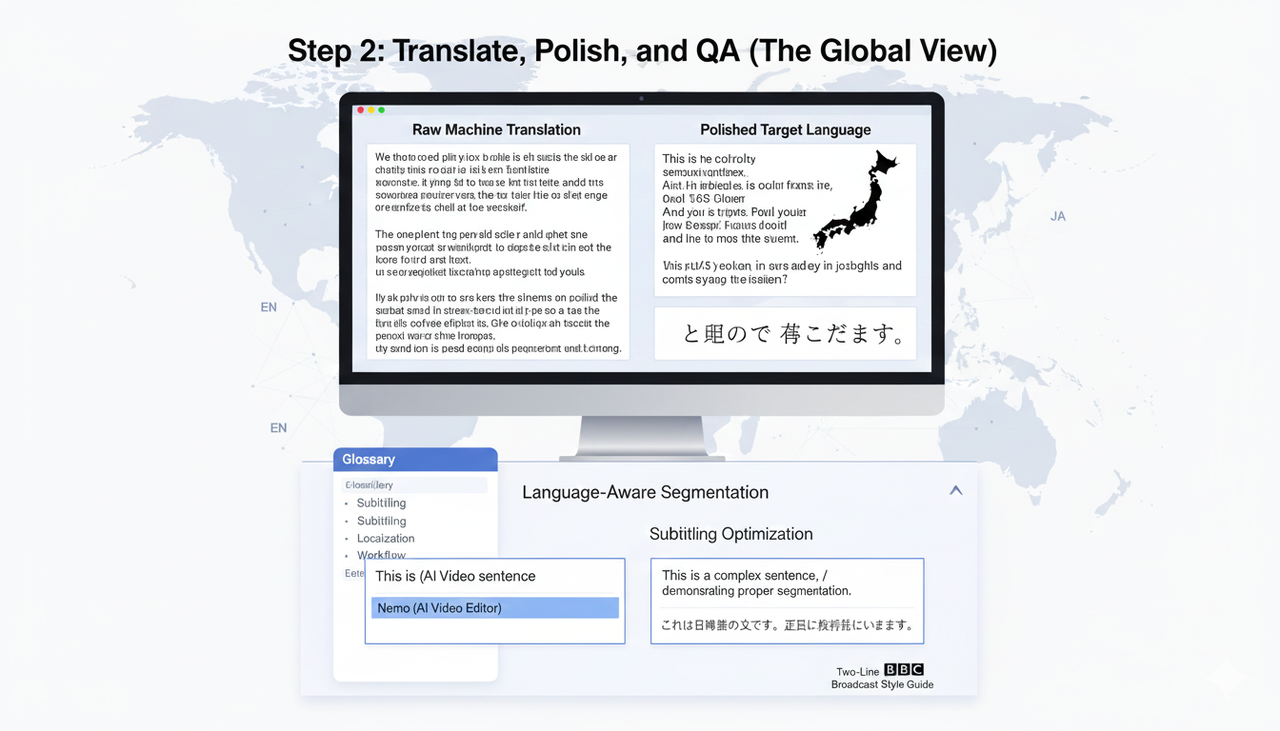
Raw machine translation is clunky. We need to enforce terminology and make sure your message is natural in the target language.
Enforce Terminology with a Glossary
Before you translate, create a glossary of brand/product names, key terms, and preferred translations. This is how you ensure that
Nemo (AI Video Editor)Language-Aware Segmentation
Word length changes drastically between languages. You must adjust line breaks at natural clause boundaries for each one. The goal is to maximize the time viewers have to read, always keeping to the two-line maximum. Many guides, including those based on BBC’s style, emphasize this focus on readability and sensible pacing principles.
The Quick & Consistent QA Routine
You don't need to review the entire video. Sample these critical areas:
5–10 random subtitle cues.
The entire intro/hook.
Every single Call-to-Action (CTA).
Enforce your glossary (search/replace any off-brand terms).
Helpful Perspective: For right-to-left languages (e.g., Arabic), visually verify how the text renders to avoid display glitches (RTL glitches).
Step 3: Export for Each Platform & Final Preview (Compliance Check)
The perfect file is useless if the platform can't use it. You need the right delivery method for the right platform.
Choose the Right Delivery Method
YouTube: Accepts standard uploads like .srt and .vtt via Studio.
Instagram Reels/TikTok: Currently focus on auto-captions you can enable and edit in-app. Uploading external SRT/VTT is not a primary path for platforms that prioritize Accessibility for watching videos.
Behind the Magic: How the "Creative Buddy" Gets it Right
We are not selling software features; we are selling a better way to work. The core of this power is our Conversational Editing technology.
Dialogue-Driven: Instead of tweaking a timeline, you edit the video by editing the text transcript. Delete a sentence in the transcript, and the corresponding video segment is intelligently removed.
Smart Rough Cut: AI performs technical, repetitive work like aligning the audio/video and cutting out silences. This is why you need professional editing skills required for Adobe only for the final polish, not the heavy lifting.
Zero-Frustration Output: You get a full, high-quality export ready for the US market—including the major differentiator of unwatermarked exports.
Final Visual QA (Crucial for Conversion)
Watch the first minute on your phone and desktop. Confirm:
Placement: Subtitles don’t cover essential product shots or faces.
Contrast: Font size and contrast look clean on a mobile screen.
Burn-in vs. Upload: If you need to burn in your captions (e.g., to control styling for TikTok Auction In‑Feed Ads), ensure the text isn't blurry.
Ready to Stop Editing and Start Creating?
You're a creative, whether you’re pushing a new listing or a fitness program. Your time shouldn't be spent wrestling with files, formats, and clunky timelines. You shouldn't struggle with inspiration. You need to be able to create high-converting video ads using the latest creative best practices.
The Winning Formula: Zero-Risk, High-Reward
Your ability to create videos that convert directly relates to how quickly you can iterate and test (e.g., using Split test best practices).
The US Advantage: You can use Nemo (AI Video Editor) to create videos that adhere to best practices for commercial use, including music licensing rules like those for the Commercial Music Library (TikTok Ads Help).
Zero-Risk Trial: Unlike many competitors, our free version supports full, complete, unwatermarked exports. You can test the platform's power without committing a dollar.
Ready to unleash your full creative potential?
👉 Give NemoVideo a try—start creating your high-converting, perfectly captioned video in minutes!
Frequently Asked Questions (FAQ)
Q1: Is the AI good enough to replace human review entirely?
A: No, but it makes the human part 10x faster! AI is fantastic at the mechanical work—transcription, timing, and initial translation. However, only a human can check for creative tone, awkward idioms, and ensure legal compliance, such as the requirements highlighted in FTC Endorsement Guides: What People are Asking. Human-in-the-loop review remains essential for quality.
Q2: What's the main benefit of "Conversational Editing" for my conversion rates?
A: Conversational Editing (editing the video by editing the text) lets you quickly iterate and correct your Call-to-Action (CTA). Since you can create and test videos faster, you can rapidly respond to market data, driving higher conversion rates and escaping the low-view trap.
Q3: How do I ensure my video ads are compliant with US advertising rules?
A: Compliance starts with accurate and accessible captions (which this guide covered). You also need to ensure your content follows platform guidelines for things like promoting brands, products, or services. Always verify with official sources, like promoting a brand, product, or service (TikTok Support) and any specific ad policies, like the TikTok Auction In‑Feed Ads.