
CapCut vs. AI Creative Buddies: Why The Future of Video Editing is Conversational (Not Manual)
Video content is the undisputed king of digital engagement, yet most creators are drowning in the production process. If you’ve been searching for "CapCut vs other AI video editors," you are likely feeling the friction of the traditional timeline. While tools like CapCut are excellent for manual, granular control on mobile, a new category of tools is emerging for those who need speed and scale: the "AI Creative Buddy."
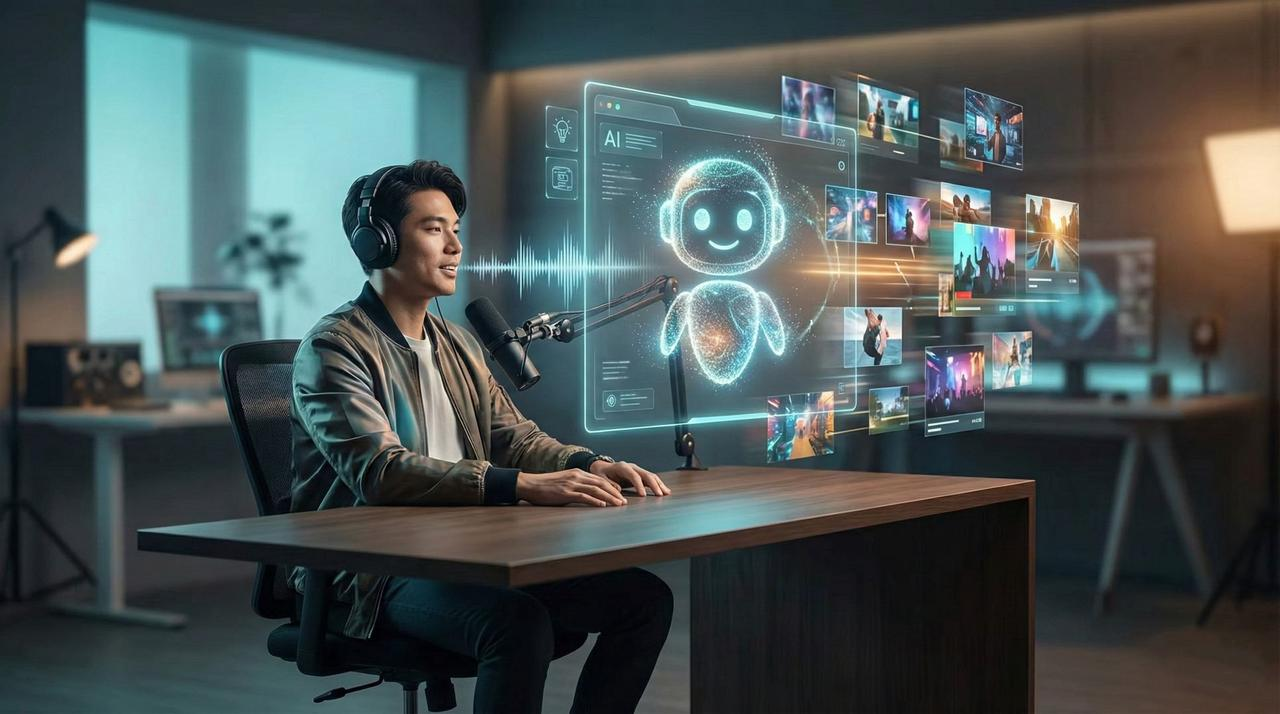
Platforms like Nemo (AI Video Editor) represent this shift. Instead of manually trimming clips and fighting with keyframes, these tools allow you to "talk" to your editor. This isn't just about adding AI features to a manual tool; it is about replacing the manual workflow entirely with a conversational interface that understands your creative intent.
The "Manual Trap": Why Timeline Editing Kills Momentum
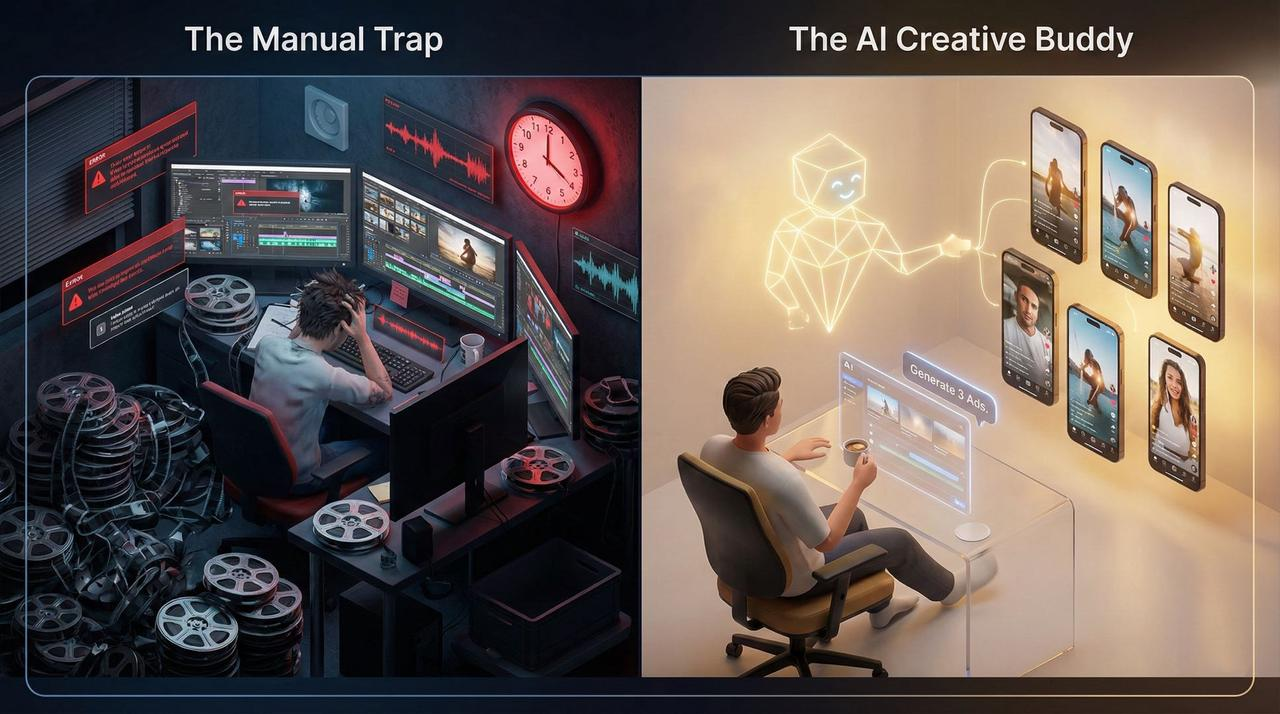
The traditional workflow—even, even in modern apps—is a creative killer. You spend hours sorting footage, tediously trimming silence, manually syncing audio, and resizing assets for TikTok, then Reels, then Shorts.
We see teams spending 60-70% of their video budget just on post-production. You are spending more time fighting with software than actually creating.
The Solution: The "AI Creative Buddy"
What if you could flip that dynamic? What if, instead of wrestling with a timeline, you could focus on storytelling?
This is the "AI Creative Buddy" philosophy. It’s not a complex piece of software; it’s a partner.
It’s a Strategist: Suggests ideas based on what works.
It’s a Production Assistant: Handles the boring stuff (captioning, resizing) automatically.
It’s a Conversationalist: You edit by asking, not clicking.
Scenario: The "One-Click" Ad Workflow
Imagine you need to launch three video ads for a new product.
The Old Way (Manual): Import footage -> Cut bad takes -> Find music -> Sync beats -> Add text overlay -> Export -> Repeat 3 times.
The AI Buddy Way: You simply paste your product URL and give a command:
"Generate 3 high-converting video ads from this product page."
The Result: NemoVideo analyzes the page, pulls the assets, scripts the hook, and generates three complete videos in minutes. You didn't touch a timeline once.
Who Needs an AI Buddy?
This approach isn't just for "techies." It is for anyone blocked by technical busywork.
The E-commerce Seller: You don't need a film crew. You just need your product link and an AI buddy to turn it into high-converting assets.
The Agency Owner: Scale production without scaling headcount. Your team focuses on strategy while the AI handles versioning.
The Marketing Team of One: Turn a 1-hour webinar into a week's worth of social clips by simply asking your buddy to "find the 10 best clips."
Safety, Compliance, and Platform Standards
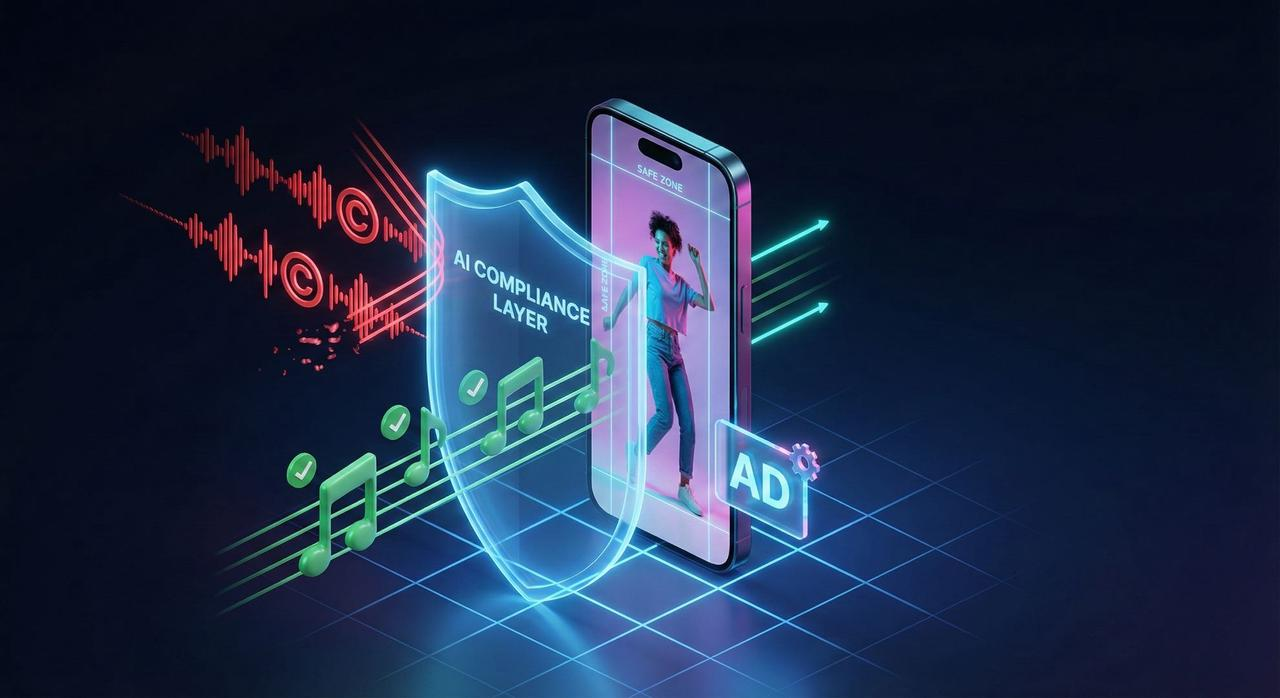
When you move fast, you still need to be safe. One major advantage of using specialized AI tools for commercial work is built-in compliance checks. Unlike manual editing where you might accidentally use a copyrighted track, an AI buddy can ensure you stay within the lines.
Music Rights: Your video needs to use safe audio. For TikTok campaigns, you must ensure tracks are cleared via the Commercial Music Library (TikTok Ads Help) to avoid takedowns.
Ad Formats: If you are running TikTok Auction In‑Feed Ads (TikTok Ads Help), the AI ensures your aspect ratios and safe zones are perfect automatically.
Best Practices: The AI is trained on Creative best practices (TikTok Ads Help), ensuring your hooks are strong and your pacing is snappy.
Furthermore, if you are Promoting a brand, product, or service (TikTok Support), you must adhere to legal standards. This includes being aware of FTC Endorsement Guides: What People are Asking regarding disclosures. Modern AI tools can often prompt you to include these necessary overlays.
Unlocking Creativity with Saved Time
When you aren't bogged down by edits, you get your creativity back.
Test More Ideas: Instead of guessing, use Split test best practices (TikTok Ads Help) to run 5 different hooks for one ad.
Accessibility: Ensure every video has perfect captions for Accessibility for watching videos (TikTok Support).
Focus on Content: Produce the top-performing content type online—short-form video—without the burnout.
Comparison: Traditional Editors (CapCut) vs. AI Creative Buddy
Feature | Traditional Editor (e.g., CapCut) | AI Creative Buddy (NemoVideo) |
Primary Interface | Timeline & Keyframes (Manual) | Conversational Chat (Automated) |
Best For | Granular control, personal vlogs, mobile edits | E-commerce ads, scaling content, business workflows |
Editing Style | Drag, drop, trim, and sync manually | "Make this shorter," "Change tone to professional" |
Learning Curve | Moderate (Requires editing skills) | Zero (If you can text, you can edit) |
Ad Creation | Manual asset assembly | Instant generation from Product URL |
Frequently Asked Questions
Q: Can NemoVideo really create videos from product pages?
A: Absolutely. Simply paste your product URL, and our AI analyzes images, descriptions, and reviews to automatically generate video ads designed to drive sales.
Q: How does NemoVideo differ from CapCut?
A: CapCut is a fantastic tool for manual editing, especially on mobile. However, NemoVideo is built for automation and business speed. You don't live in a timeline; you live in a conversation. If you need to scale production without hiring more editors, NemoVideo is the "AI Buddy" designed for that purpose.
Q: Is there a learning curve for non-technical users?
A: We built it for this exact reason. Our philosophy is "zero frustration." If you can describe what you want in plain language (like "make this video funnier" or "find the best 3 clips"), you can create professional videos.
Q: What about commercial music rights?
A: NemoVideo simplifies this by integrating with safe libraries. For specific platforms like TikTok, we recommend cross-referencing with their Commercial Music Library to ensure your ads never face copyright issues.
Q: Does it support split testing?
A: Yes. Because generation is so fast, you can easily create multiple variations of an ad to follow Split test best practices rather than betting your budget on a single video creative.
Q: Is it suitable for TikTok Ads?
A: Definitely. The system is designed to output perfectly formatted ikTok Auction In‑Feed Ads, adhering to all Creative best practices automatically.
Ready to stop editing and start creating? Give NemoVideo a try.