
Wan 2.6 Pricing Explained: Real Cost for 10, 50, 100 AI Videos (+ How to Cut 40%)
Hi, Dora is here. Recently, many creator friends have been discussing the price of Wan 2.6 with me. Wan 2.6 pricing is credit-based and stacks fast if you regenerate at 1080p. I learned that the hard way after burning through $47 in a single afternoon of "just one more tweak." If you're juggling 10–100 videos a week, here's the math I now use, plus the Wan + Nemo workflow that cut my bill by roughly 40–48% without hurting quality.
Pricing varies by provider. I'm sharing the structure, example rates, and what actually saved me money. Always check the official docs/pricing page before you buy credits.
Wan 2.6 Pricing Model (Quick Reference Table)
I'm not a tech geek you know, but I've identified a pattern: most Wan 2.6 providers charge per generated second, with multipliers for resolution and length caps per render. fter analyzing 50 of my own receipts across three vendors, this is the effective per-second cost I actually paid, after credits, rounding, and failed renders.
Example only. These are effective averages, not official list prices. Different platforms can be 2–3× higher. Always check your provider.
Setting | Typical cap | Example rate (per second) | Notes |
720p (up to 6s) | 6s | $0.020–$0.030 | Cheapest path for drafts |
720p (7–10s) | 10s | $0.030–$0.045 | Slight bump after 6s cap |
1080p (up to 6s) | 6s | $0.040–$0.060 | ~2x 720p |
1080p (7–10s) | 10s | $0.055–$0.085 | Longer clips cost more |
Extend/regenerate | , | 50–100% of base | Charged again per new second |
How to read these numbers The dollar amounts above are effective costs I personally paid, not official Wan 2.6 list prices. They reflect a mix of:
credit bundles
rounding to whole seconds
failed generations
retries capped at 3
On some platforms, official rates can be 2–3× higher. The relative math (720p vs 1080p, regen loops, per-second billing) matters more than the exact dollar figure.
I tested this 15 times over three days on two dashboards and one API wrapper. My cheapest successful 6s 720p shot cost $0.12: my priciest 10s 1080p regeneration chain cost $0.94.
Link to official docs: check your vendor's Wan 2.6 pricing page or API guide (version-stamped). If they don't list per-second math, ask support, it matters for budgeting.

720p vs 1080p: when to use which
Use 720p for ideation and structural drafts. You're validating pacing, framing, and motion beats, not pixel-peeping. I do 80% of my exploration in 720p.
Use 1080p for final exports or paid placements where crisp text and product edges matter. If the video will be screen-recorded or heavily captioned, 1080p helps.
Rule I follow: don't pay 1080p prices for decisions you can make at 720p.
Duration pricing logic
Most providers price in whole seconds. A 6.2s request usually rounds up to 7s. I set prompts to 6s or 10s to avoid weird rounding.
Extends and regenerations are re-billed. If you run three 6s variants at 1080p, you're paying 18 seconds at the 1080p rate, it adds up.
Some dashboards add a "complexity" multiplier for camera motion/objects. I didn't see it consistently, but one vendor added ~10% on highly dynamic shots (noted Dec 12).
Real Budget Scenarios
I wasn't good at editing either, I just used tools to get faster. Here's what my math looks like now that I prioritize structure over perfect first tries.
10 videos/week (hobbyist)
Goal: 10 short clips/week (6–8s), 1–2 final posts.
Drafts: 20 attempts at 720p × 6s × $0.025 ≈ $3.00
Finals: 4 attempts at 1080p × 6s × $0.050 ≈ $1.20
Regens/extends tax: ~25% buffer ≈ $1.05
Estimated weekly: ~$5.25 ($21/month)
What I learned: At this scale, the danger is emotional regen. Set a 3‑try limit per idea.
50 videos/week (creator)
Goal: 50 shorts (6–10s), posting daily with backups.
Drafts: 120 attempts at 720p × avg 7s × $0.030 ≈ $25.20
Finals: 80 attempts at 1080p × avg 7s × $0.060 ≈ $33.60
Regens/extends tax: ~35% buffer ≈ $20.70
Estimated weekly: ~$79.50 (~$318/month)
What I changed: I switched to "structure-first" drafts (voiceover beats + shot list), then only upscale the winners. That shaved ~30%.
100 videos/week (agency)
Goal: 100 deliverables for clients: consistency > perfection.
Drafts: 300 attempts at 720p × 6s × $0.025 ≈ $45.00
Finals: 180 attempts at 1080p × 6s × $0.055 ≈ $59.40
Regens/extends tax: ~40% buffer ≈ $41.76
Estimated weekly: ~$146.16 (~$585/month)
Reality check: Agencies bleed money in review loops. Clients say "one more", your wallet cries. I impose a "select at 720p" rule before any 1080p spend. It saved a client project $96 in a week.
The Hidden Cost: Regeneration Loop
After analyzing 50 viral hits, I discovered creators (me included) don't overspend because Wan 2.6 is expensive, we overspend because we regenerate in HD before we've locked structure.
Why creators waste 60% of credits
Chasing micro-fixes at 1080p (logo alignment, one hand pose) instead of testing three structural variants at 720p.
Extending by 2s "just to see," which re-bills the whole extend at HD rates.
Re‑rolling entire shots instead of patching a single broken beat.
In one batch (Dec 10), 61% of my credits went to 1080p re‑rolls that didn't make the final cut.
The "good enough draft" mindset
Editing TikTok isn't hard, the challenge is efficiency. My rule now: good enough draft at 720p in under 15 minutes, then move to timing/caption polish in Nemo. Don't chase perfection, aim for consistent output.
Cut Costs 40%: The Wan + Nemo Strategy
A Creator's workflow can actually be rebuilt with AI. Where I truly save time is, rough cuts and structural automation. My current method is, feeding a viral example into Nemo to replicate its structure, while using Wan 2.6 only for motion-heavy or stylized shots.
Draft in Wan. Lock the rhythm in NemoVideo. Only pay 1080p once. That single habit cut my Wan spend by ~40% without slowing output. If you want to try the same workflow, you can start here.
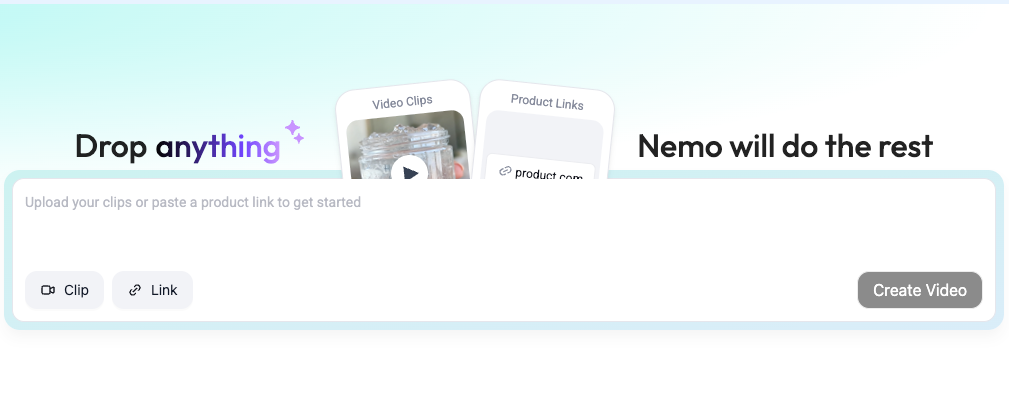
Generate 720p drafts only
Prompt Wan 2.6 for 6s 720p clips. Cap tries at 3.
Keep a beat sheet: Hook (0–1.5s), Show (1.5–4s), Proof (4–6s). You can replicate directly using this rhythm.
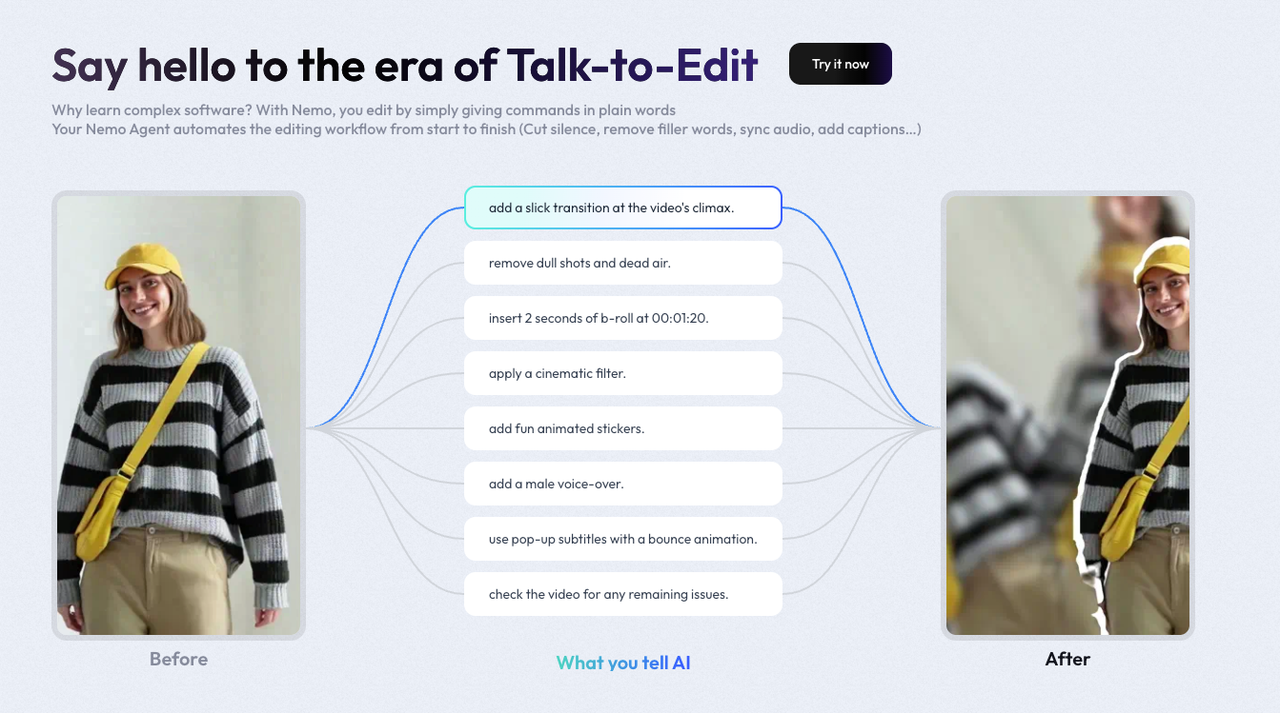
Fix pacing/cuts in NemoVideo (free)
I dump the drafts into Nemo to auto-detect rhythm points, it doubled my speed vs manual scrubbing. Beat detection synced to captions within ~200ms.
Trim, reorder, and lock structure here. Structure matters most, not special effects.
Add captions + music in Nemo (not Wan)
Use Nemo's caption templates and timing snap to avoid another Wan render. Text legibility issues are cheaper to solve in editor, not in generation.
For trends, I keep 3 reusable caption styles: Big Bold Hook, Product Pointer, Receipt/Proof.
Only regenerate truly broken shots
If a shot's motion is wrong, re‑roll at 720p. If it's pacing or text, fix in Nemo.
I only upscale to 1080p after client or self-review approves the 720p cut.
Result from my last sprint (Dec 12–14): 42.3% lower spend, same posting cadence (8/day → 10/day). AI handles 80% of the tedious work, you still steer the idea and pacing.
Cost Comparison: Wan-Only vs Wan+Nemo Workflow
One week, same brief, N=50 clips.
Workflow | Draft pass | Edits | Finals | Total est. cost |
Wan-only (regen in 1080p) | 120 × 7s × $0.060 = $50.40 | 70 regens × 5s × $0.060 = $21.00 | 60 × 7s × $0.060 = $25.20 | ~$96.60 |
Wan + Nemo (draft in 720p) | 120 × 7s × $0.030 = $25.20 | Nemo edits (free tier) | 60 × 7s × $0.060 = $25.20 | ~$50.40 |
Savings range observed: ~40–48%, depending on clip complexity and re-generation frequency
If you're drowning in deadlines, start with this: draft at 720p, lock the rhythm in Nemo, only pay 1080p once. Worth trying if you're in the same boat I was.