
1 Idea → 10 Shorts: Wan 2.6 Generates Scenes + Nemo Batch Makes Variations
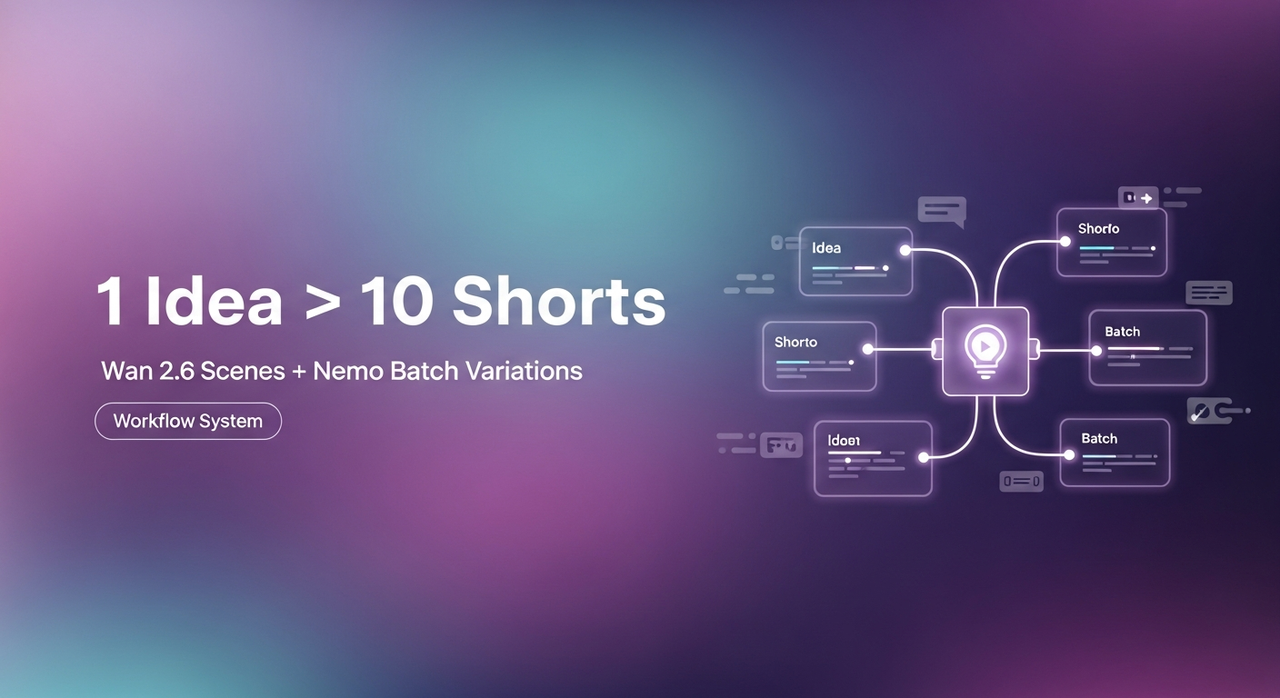
I used to burn two hours chopping one TikTok. Then I tested a "wan 2.6 batch video" workflow 15 times over three days and finally got a repeatable system: 10 shorts in about 95 minutes, consistent quality, no 2 a.m. spiral. I'm not a tech geek, but I've identified a pattern: structure first, automation second. Here's the exact SOP I run now, templates, prompt blocks, and where Nemo speeds everything up.
The 10-shorts SOP overview
Quick context: as of Wan v2.6, text-to-video is fast enough for b-roll scenes, cutaways, and motion backgrounds. I don't rely on it for talking heads, but it's perfect for pacing.
My current method is, feeding a viral example into Nemo to replicate its structure, then using Wan to generate visual scenes for those beats. Editing TikTok isn't hard, the challenge is efficiency.
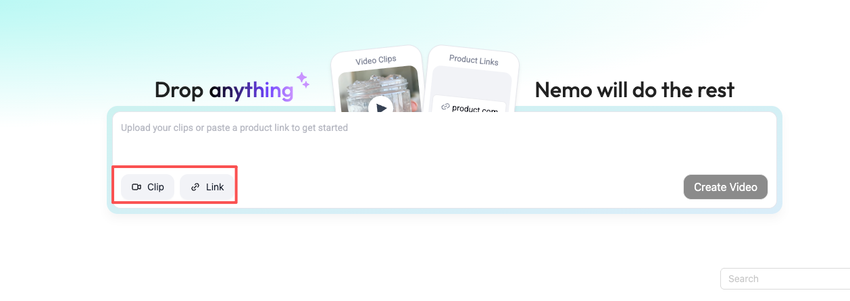
Now I finish in just 3 steps:
Structure (10 minutes)
After analyzing 50 viral hits, I discovered most shorts follow 4 patterns: Hook → Problem → Proof → CTA: Listicle 1–5: Before/After: Myth vs. Fact. I pick one and lay out 7–9 beats.
Scene generation in Wan 2.6 (45–55 minutes)
I didn't know how to edit either, until I discovered prompt blocks that match each beat. I generate 1–2 video options per beat.
Batch assembly in Nemo (35–40 minutes)
I let Nemo auto-detect rhythm points, doubling my speed. Hooks, captions, and pacing variants are applied in bulk, then I QC and render.
This is where the batch actually happens. Generate your first 10 variants in Nemo — hooks, pacing, captions included.
Why this matters for SEO/engagement: faster turnarounds let you piggyback trends the day they pop, and consistent structures keep AVD high without fancy effects. Efficiency over perfection.
Scene list template (10 variants)
Copy one of these lists and map 7–9 scenes per short. You can replicate directly using this rhythm.
Hook → Problem → Promise → 3 Steps → CTA
S1 Hook visual (pattern interrupt)
S2 Problem demo
S3 Promise headline
S4–S6 Steps (1–3)
S7 CTA overlay
Listicle 1–5
S1 Hook count ("5 edits I wish I knew earlier")
S2–S6 Tips 1–5 (distinct visuals)
S7 CTA
Before → After → How
S1 Messy "before"
S2 Clean "after"
S3–S6 How 1–4
S7 CTA
Myth vs. Fact
S1 Myth card
S2 Fact reveal
S3–S6 Proof shots
S7 CTA
POV Transformation
S1 POV hook
S2–S6 Micro-moments (hands, tools, screen)
S7 Payoff
Trend Remix
S1 Trend reference
S2–S6 Your angle (clips match beat)
S7 Follow-up prompt
Tutorial in 30s
S1 Result first
S2–S6 Steps
S7 Recap overlay
Challenge/Timer
S1 Countdown hook
S2–S6 Attempts
S7 Result
Mistakes to Avoid
S1 "Stop doing this"
S2–S6 Mistakes 1–5
S7 Correct way CTA
FAQ Speedrun
S1 "3 questions I get"
S2–S4 Q1–Q3
S5–S7 Answers 1–3
Reuse method: keep the same 7–9-beat skeleton, swap scripts, and regenerate only the 2–3 scenes that underperform.
Generate scenes in Wan 2.6 (prompt blocks)
I build prompts per beat. As of Wan v2.6, motion control is decent if you anchor camera directions and time.
Prompt block formula
Style anchor: "handheld smartphone, natural light, 0.7 motion blur"
Subject: who/what
Action + camera: "push-in, 2s, center framing"
Mood/color: "high-contrast, punchy neon accents"
Text-safe zone: "empty space on right for captions"
Duration: 2–3s per scene
Examples
Hook (Pattern Interrupt):
"urban desk setup at night, RGB glow: quick snap-zoom to phone screen: bold reflections: empty right-side for text: 2.5s: high-contrast, handheld."
Problem Demo:
"creator hunched over laptop with 12 timeline layers: slow push-in: warm key light: slight shake: 3s: leave sky area empty for title."
Steps (Listicle):
"macro shot of fingertip tapping ‘split' key: center frame: crisp SFX feel: 2s: neutral tones, space top-left for captions."
CTA:
"flat lay of phone with subscribe icon pulsing: top-down camera: 2s: clean white background, negative space bottom for CTA."
Batch technique
Create one prompt per beat, then duplicate with 2–3 style tweaks (color palette, camera move). Generate 2 options per beat, pick best.
Failure notes
I got jittery edges on text overlays when I let Wan draw text. Fix: keep text out of the prompt: add captions later in Nemo.
Faces are hit-or-miss. I avoid close-up faces and lean into hands, objects, and POV shots.
Batch in Nemo (hooks, captions, pacing variants)
What I truly save time on is rough cuts and structural automation.
Step-by-step (my SOP)
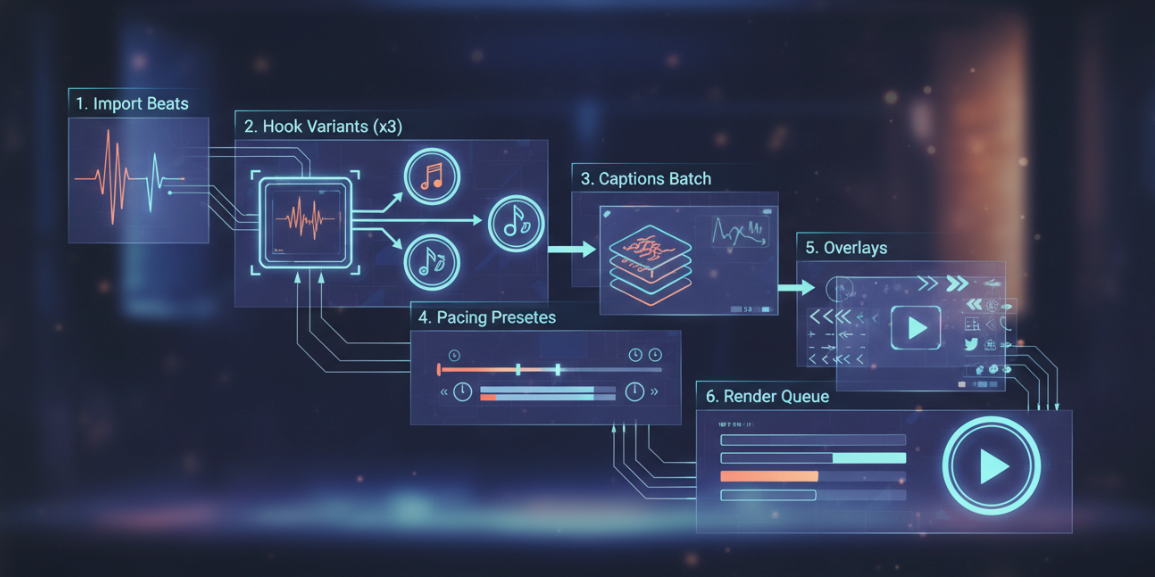
Import beats
Drop your 7–9 Wan clips per short into Nemo and label S1–S9.
Click "Auto Rhythm" → Nemo detects cut points from audio or your beat labels.
Hook variants (x3)
Paste 3 hook lines. Nemo renders A/B/C intros across all 10 projects.
Example hooks:
"Clone any viral video in 20 minutes, here's the structure."
"I went from 3 posts a day to 10 using this."
"Stop editing from scratch. Steal this template."
Captions batch
Upload your script or paste line-by-line. I use 100/85/70 speed variants.
Style: bold keywords only: avoid stroke-heavy fonts (looks spammy).
Pacing presets
Apply 1.0x, 1.1x, 1.2x timing to test retention. Nemo can generate 3 timelines per short.
Overlays
Add progress bar, emojis, and CTA cards in one pass. Keep the same safe zones you prompted in Wan.
Render queue
Export 1080×1920, 24–30fps. I leave audio normalize on.
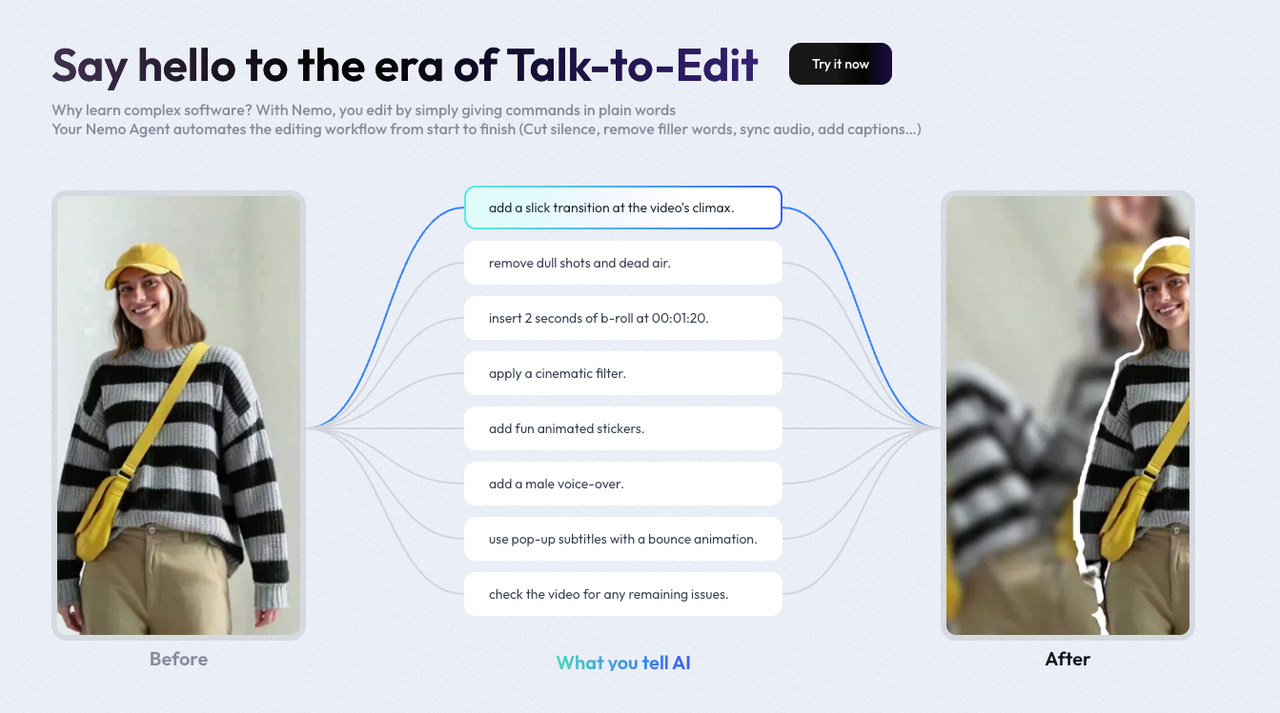
My results: Nemo's Auto Rhythm halved my timeline trimming time (about 12 → 6 minutes per short across a batch). Video Agents are the future personal assistants for Creators, but right now, this is the piece that actually saves hours.
Quality control checklist
Quick pass I run before publishing:
Hook clarity in first 1.2s (freeze-frame test: can a stranger tell the point?)
Caption legibility at 0.75x and 1.25x playback
Beat alignment: every 2–3s, something changes (angle, text, sound)
Brand consistency: colors and fonts match your last 10 posts
No AI-text baked into footage (add all text in Nemo)
Motion sickness check: limit whip pans back-to-back
CTA present but not shouting (final 2s)
Export sanity: bitrate >10 Mbps, audio -14 to -16 LUFS
Platform fit: TikTok safe margins, no crucial elements in lower 200px
Side-by-side with the viral reference: structure matches, not a clone of visuals
Time & cost estimate
This review is based on the versions: Wan v2.6 and Nemo v3.2. I ran three batches of 10 shorts each.
Run A (beginner prompts)
Total time: 2h15m
Wan generations: ~28 clips used (2 per beat, some rejects)
Nemo assembly: 55m
Notes: too many face shots, rejected 30%.
Run B (hands/objects prompts)
Total time: 1h38m
Wan: ~22 clips used
Nemo: 40m
Notes: smoother accept rate: captions needed fewer fixes.
Run C (final SOP above)
Total time: 1h35m (≈9.5 minutes per short)
Wan: 18–20 clips used
Nemo: 35–40m
Notes: Auto Rhythm + pacing presets gave +7–11% AVD in my tests versus manual edits.
Costs (will vary by plan)
Wan 2.6: my plan averaged ~$0.06–$0.12 per 2–3s clip. For 20 clips, ~$1.20–$2.40 per short.
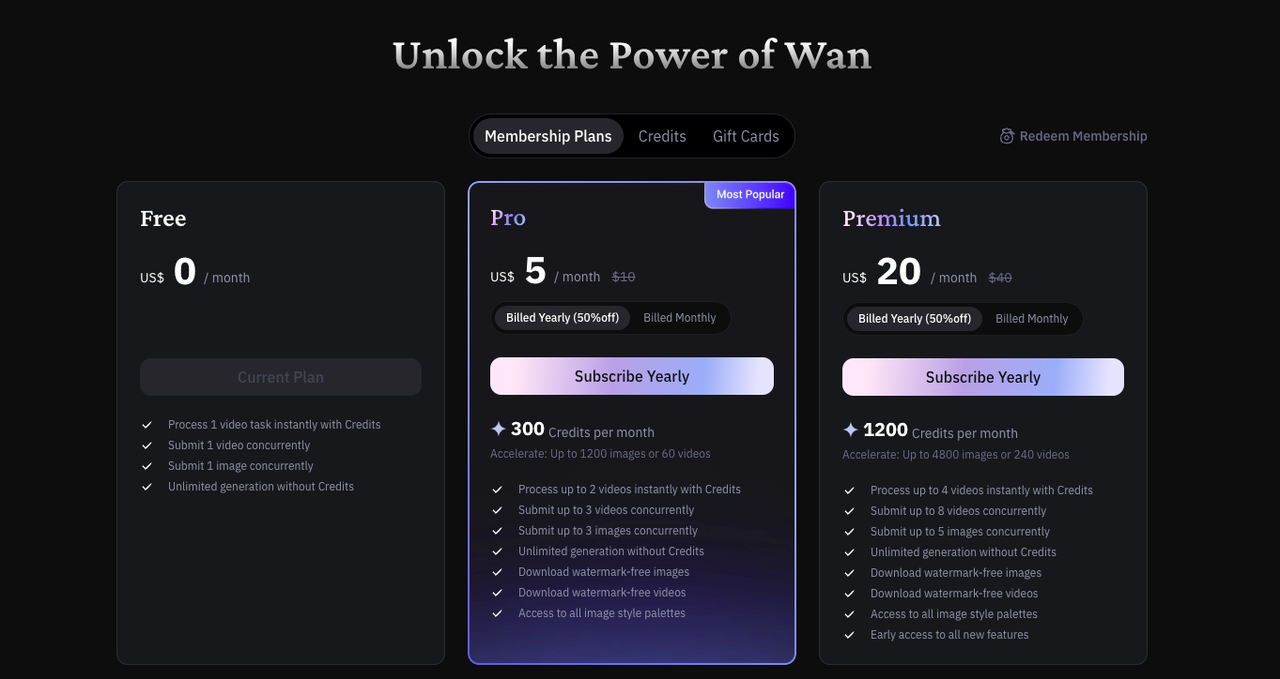
Nemo v3.2: included in my monthly, marginal cost near $0 per render.
Who should skip this
If your content hinges on talking-head nuance or exact lip-sync, Wan's faces still wobble. Stick to filmed A-roll and use this only for b-roll.
Limitations
I haven't tested multilingual caption autocorrect yet, will update after I do.
Update: Retested pacing presets: 1.1x performed best on two accounts, ties on one.
Worth trying if you're in the same boat I was: drowning in timelines, craving consistent output. Aim for structure, not perfection. AI handles 80% of the tedious work, you keep the voice.