

The 2026 Guide to Translating Video Subtitles: Tools, Rules, and ROI
Let's be honest: If your video is only in English, you're leaving money (and viewers) on the table.
Over 85% of Facebook videos are watched without sound. YouTube reaches more people in more countries than any cable network. In 2025, video subtitles translation isn't a "nice to have"—it's the difference between a local post and a global hit.
Whether you're a creator trying to crack the Latin American market or a brand ensuring global video accessibility, this guide is your blueprint. We're cutting through the technical jargon to give you the exact tools, workflows, and platform rules you need to take your content worldwide.
Why Bother? The "Hidden" ROI of Subtitles
You know subtitles help with accessibility. But did you know they are a growth hack?
Silent Scroll Stopping: On TikTok and Reels, captions hook viewers before they even turn the sound on.
SEO Gold: Translated captions index your video in foreign search results. A Spanish speaker searching for "marketing tips" can now find your English video.
Retention Boost: Studies consistently show that videos with captions have higher completion rates.
The Golden Rules: Do This For Every Language
Before you use a multilingual subtitles tool, you need to understand the basics. Bad captions are worse than no captions.
Readability is King
The Rule: Keep it to 1-2 lines maximum.
The Test: If you can't read it at a glance on a phone screen held at arm's length, it's too small or too fast.
The Standard: Follow Section 508 guidelines for contrast (white text on a black background is the gold standard).
Accessibility isn't Optional
The Rule: Captions must be accurate and synchronized.
The Standard: Align with WCAG 2.2. This means including sound effects like [upbeat music] or [door slams] for the hard of hearing. This is global video accessibility 101.
Formats Matter
.SRT: The universal soldier. Works on YouTube, LinkedIn, and Facebook. It's plain text with timing.
.VTT: Smarter text. Used for web players and allows for some styling/positioning.
Burned-In: The text is part of the video file. Best for TikTok/Reels where users expect on-screen text.
The Toolkit: Best Tools for 2025
Stop manually typing out timestamps. Use AI subtitle translation to do the heavy lifting.
For the "Speed Demon" Creator
VEED / Kapwing
Best For: Quick social clips (TikTok, Reels).
The Win: Auto-generates captions, translates them instantly, and burns them into the video with trendy styles.
The Catch: Burned-in text can't be turned off by the viewer.
For the "Quality Control" Pro
Adobe Premiere Pro
Best For: Editors who live in the timeline.
The Win: The "Text" panel now has powerful auto-transcription and translation features built-in.
The Catch: Can be overkill for simple clips.
For the "Global Strategist"
NemoVideo
Best For: Teams that need to scale.
The Win: NemoVideo acts as your language localization video hub. It doesn't just translate; it helps you version your video. You can generate a Spanish cut, a French cut, and a Japanese cut from a single edit, managing the subtitles for each.
The Tool: Check out our AI video editor tool to see how we handle multi-language workflows.
Platform Rules 2026: Where Can You Upload?
Don't assume every platform works the same. Here is the current cheat sheet:
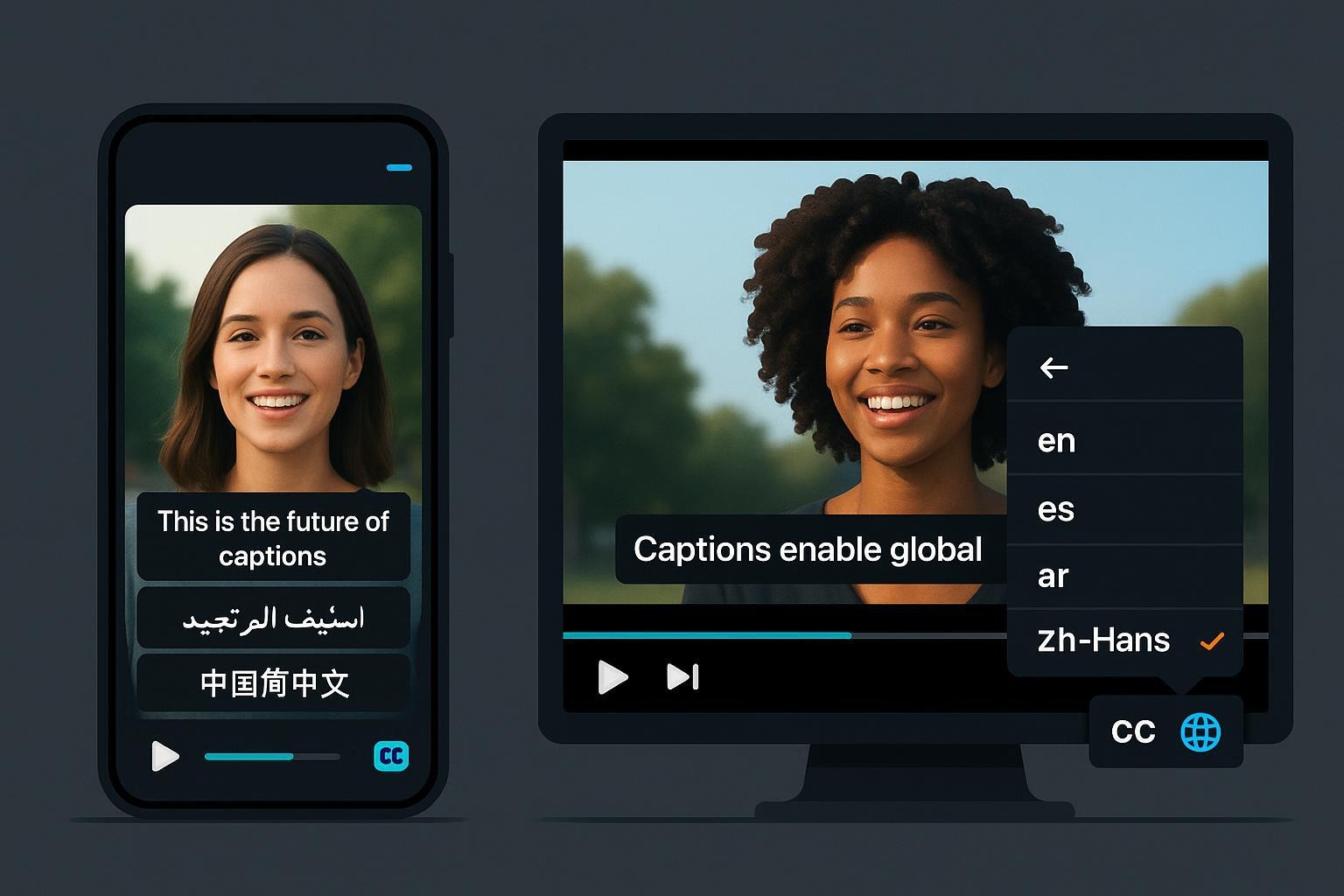
YouTube: The king of translate video captions. You can upload multiple .SRT files (one for each language) to a single video. Users select their language in the player.
TikTok & Instagram: No external files. You must use the in-app "Auto-Captions" or burn the text into your video before uploading.
LinkedIn: Allows one .SRT file per video upload on desktop. Choose your primary language wisely.
Source: LinkedIn Video Captions
Your New Workflow: From Upload to Global
Edit: Finish your final cut.
Generate: Use an AI tool to create the master English transcript.
Review: Crucial Step. Fix the spelling of your brand name and correct any AI weirdness.
Translate: Run the corrected transcript through your multilingual subtitles tool for your target languages.
Export:
For YouTube: Export separate .SRT files for each language.
For Socials: Burn in the captions (in the target language) and export a new video file.
Publish: Upload and watch your global views tick up.
Go Global Today
The world is watching. Make sure they can understand you.
Stop limiting your content to one language. With the right tools, video subtitles translation is fast, affordable, and essential.
Try NemoVideo today and see how easy it is to turn one video into a global asset.