
Stop Getting Muted: The Essential 3-Step Workflow for Compliant Social Video Music
If you're publishing videos on YouTube, Instagram, or running paid social campaigns in the US, you know that music can be your biggest headache. A single wrong song choice is the fastest way to get your content muted, demonetized, or completely removed.
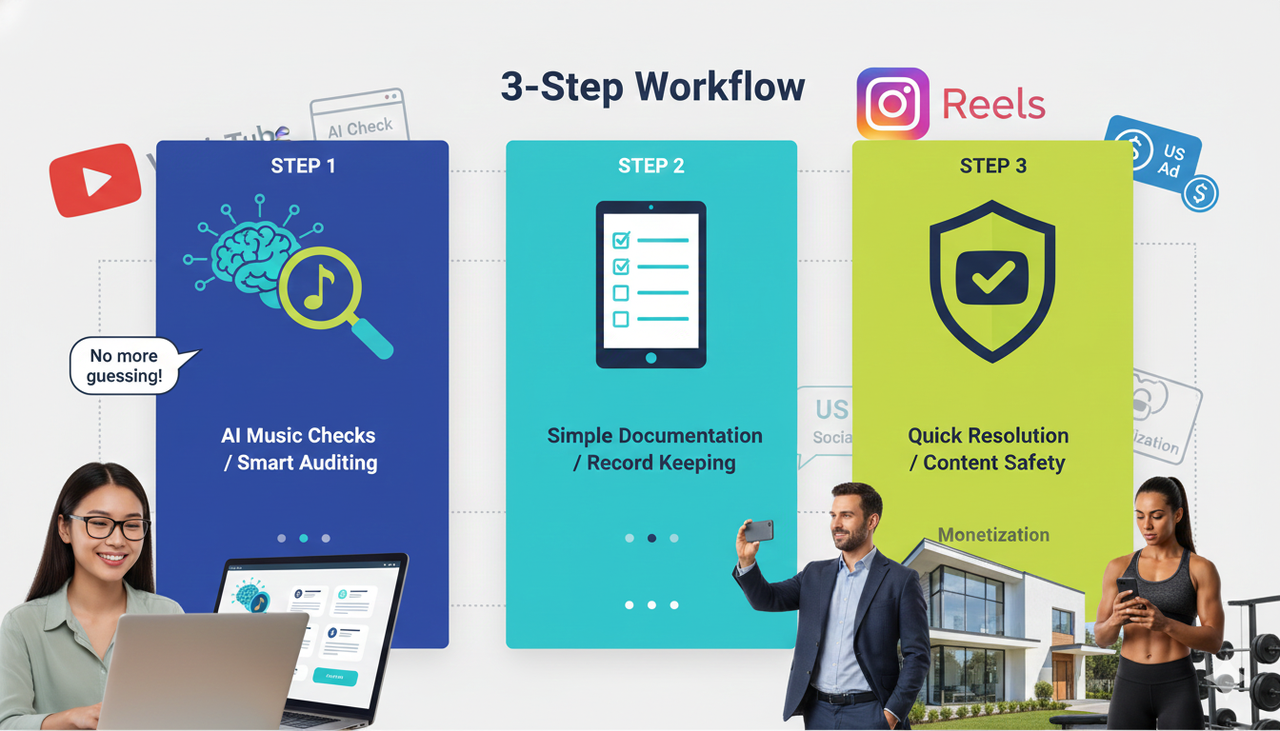
No more guessing! This guide gives you a practical, repeatable 3-step workflow that uses smart AI checks and simple documentation to prevent most issues and resolve the rest quickly.
This process is perfect for:
Social video managers and creators.
Agency editors and marketing operations pros.
US-based professionals like real estate agents and gym owners who rely on video for client acquisition (like you!).
We'll break down the essentials of compliant music, focusing on how you can use AI video editing tools professional style without the steep learning curve of old software. This guide is about being smart and safe, so your content converts!
Part I: Setting the Stage
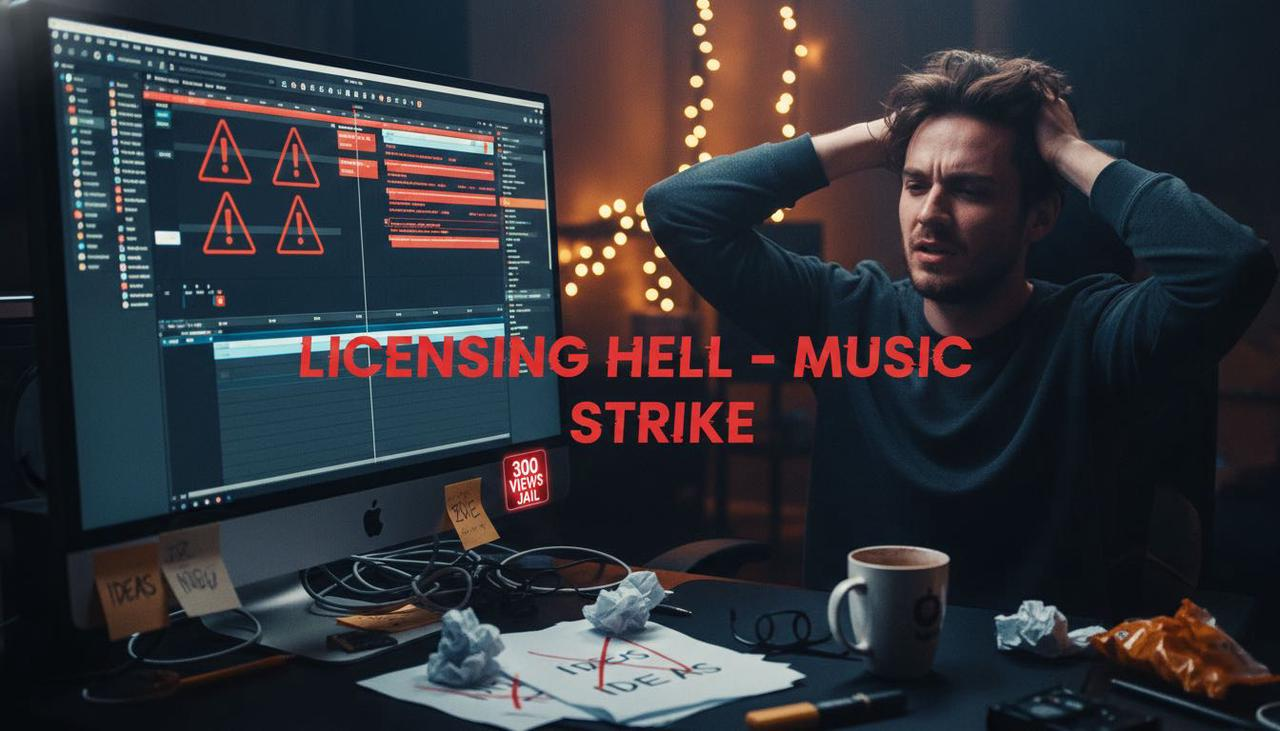
Why is Compliant Music So Painful for Creators? (Your Pain Points)
You're already struggling with:
Low video views ("300 views jail").
Product videos that never convert to actual sales.
Long editing time and repetitive, dirty work.
Feeling stuck for inspirations.
Trying to navigate music licensing on top of all that can feel impossible. Traditional editing and licensing demand professional skills. Other AI tools are too automated, leaving you with a generic, uninspiring result.
But here's the quick primer you need to know before you start:
Two Rights, Two Permissions: To legally use a song in a video, you typically need a synchronization license (for the composition/notes) and a master use license (for the specific sound recording). Just having a performance license from a PRO (like ASCAP or BMI) doesn't cover sync.
💡 Friendly Warning (Especially in the US): Fair use is narrow and rarely applies to marketing or advertisements. Always build your process assuming you need proper licensing.
Part II: The 3-Step Workflow for ai-video-tools-professional Content
Step 1 — Preflight Risk Scan and Metadata Capture
Goal: Catch problems before you hit "Publish" and collect the proof you'll need if a claim shows up later.
Run Platform-Native Checks on Drafts
This is your first, best line of defense.
YouTube: Upload your draft privately and check the Checks panel. It scans for copyright issues before you go live. If a match appears, you’ll see restrictions and fix options.
Instagram/Facebook: Do not rely on popular commercial tracks, especially for business accounts or ads. Always prefer Meta's own safe library (Sound Collection) or licensed/original music.
Capture Music and License Metadata Up Front
If a claim ever comes, you want your proof ready instantly.
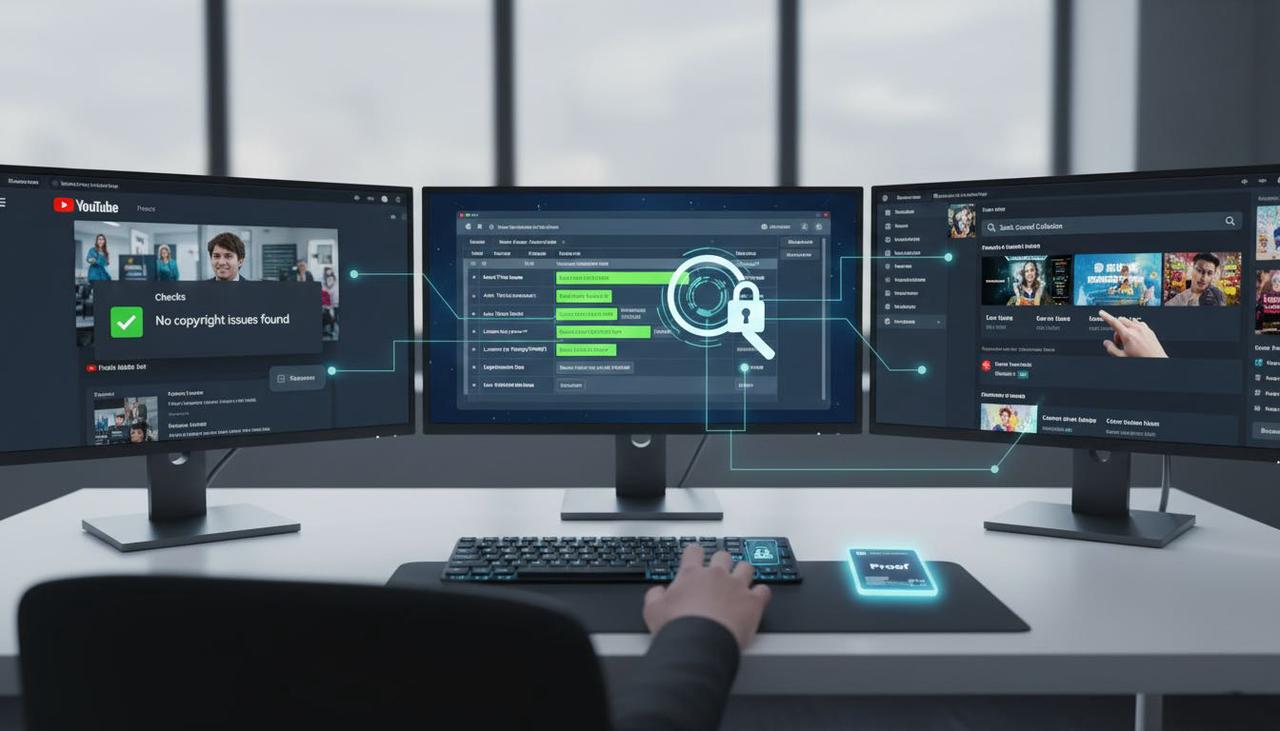
What to Record: For every track, capture the title, source, license ID/receipt, and the explicit terms (commercial use allowed? ad use? platforms? territories?).
Where to Store: Save license PDFs/receipts and a simple "cue sheet" linked to your video file.
Heads-up: "Royalty-free" doesn't mean "no restrictions". Many licenses limit paid ads, broadcast, or re-licensing. Double-check that the usage matches your plan!
Verification Checklist for Step 1:
YouTube Checks is clear, or you know what to fix.
Your music source is safe for business/ad use.
Your "rights packet" (receipt + cue sheet) is saved for this video.
Step 2 — Clearance Path Decisioning and Quick Fixes
Goal: Choose a compliant music path for your video and know the fast fix for issues.
Path A: You Want a Commercial Track
This requires time and budget to secure both sync and master permissions. If your campaign is urgent, switch to Path B or C.
Path B: Swap to Licensed Stock/Library Music
Choose reputable libraries that explicitly allow ads and your target platforms/regions (like the US). You can even use the Commercial Music Library (TikTok Ads Help) if you’re leveraging that platform!
Path C: Commission Original or AI-Generated Music
Make sure your agreement explicitly allows commercial, multi-channel distribution (YouTube, Meta, paid social) across your target territories.
Quick YouTube Fixes (When a Claim Appears)
Low-Stakes Claim: You can often accept the claim (if the rightsholder monetizes) or easily remove the segment. YouTube lets you trim, replace with library music, or mute a portion.
You Have Rights: File a dispute right away and attach your proof.
Copyright Strike (The Big One): This is a legal takedown. You may request the claimant to retract or submit a counter-notification.
Verification Checklist for Step 2:
Your chosen path is documented, with licenses saved.
If a claim appeared, it’s now cleared via edit, a formal dispute, or a prepared counter-notification.
Your cue sheet is updated.
Step 3 — Publish, Packet, and Monitor
Goal: Publish with confidence, keep your proof close, and react swiftly.
Final Platform QA Before You Go Live
YouTube: Re-run Checks on the final export.
Meta/Ads: Confirm your audio is from a safe source like Sound Collection or explicitly licensed for your paid placement in the US.
Generate a “Rights Packet” Per Video
This is your safety net! Include licenses, the cue sheet, the video URL/ID, and the claim status. Store it centrally for easy retrieval in disputes.
Monitor and Respond Quickly
Check for new claims or enforcement daily, especially during the first 72 hours. If a Meta/Instagram video is muted, quickly replace the audio with a compliant track and re-upload.
Verification Checklist for Step 3:
The rights packet was saved and linked to video.
Monitoring cadence is in place.
Any new flags have the next action assigned.
Part III: Introducing the Better Way
The Solution for the AI video editing tools professional Needs
You need a tool that handles the repetitive "dirty work" without killing your creative control.
Nemo (AI Video Editor) is designed to be your “AI Creative Buddy”—it eliminates the technical friction so you can focus on inspiration and conversion. You no longer have to jump between TikTok for inspiration, ChatGPT for a script, and multiple editing tools.
Comparison Table
The challenge is often choosing between manual control and speed.
Feature | Old-School Editors (Adobe/Final Cut) | Basic UGC Editors (CapCut/InShot) | Nemo (AI Video Editor) |
Skill Required | Professional (High) | Beginner (Low) | Conversational (Zero) |
Editing Time | Hours (High) | 30–60 Minutes (Medium) | 5–10 Minutes (Low) |
Creative Control | Full but Slow | Low (Templates Only) | Full Control via Chat |
Compliance Support | Manual Process Only | None | Built-in Smart Checks |
Output Style | Cinematic/Complex | Raw/UGC | Pro Look, Creative Flexibility |
The Science Behind the Magic: How Our AI Works
How does Nemo make AI video editing tools professional accessible to everyone?
We use a process we call "Conversational Editing." Think of it like a helpful sidekick, not scary, complex software.
AI Ingestion: You provide a product link or an idea. Our AI instantly analyzes the core message and target audience.
Dialogue-Driven Edits: Instead of clicking and dragging, you literally chat with the AI. You can say, "Make the first 5 seconds punchier," or "Add a licensed, high-energy track that works in the US".
Pro Output, Fast: The AI applies complex, professional-level changes (like smart rough cuts or licensed music) while you retain complete creative oversight. This keeps you compliant while saving massive amounts of time.
Part IV: Your Next Step
Quick Troubleshooting Flows for US Creators
This is what you do when the worst happens:
Scenario | Immediate Action Steps | Official Reference |
YouTube shows a Content ID claim | Option 1 (Fast): Accept monetization or use YouTube's editor to trim/replace/mute the segment. Option 2 (Rights): File a dispute with your license receipt/cue sheet. | |
YouTube channel receives a copyright strike | Option 1: Ask the claimant to retract. Option 2 (Legal): Submit a counter-notification (consult counsel). | |
Instagram mutes your business post | Replace the audio with Sound Collection or a licensed stock track and re-upload. Double-check ad license terms. |
Essential Resources and Citations
The following official references were used in developing this compliance process:
FAQ (Frequently Asked Questions)
Q: Is a Content ID claim the same as a copyright strike?
A: No. A claim is an automated match that often results in monetization or tracking. A strike is a legal takedown request with more severe consequences.
Q: Can I use popular commercial songs on my Instagram business account in the US?
A: Often not. Especially for business accounts and ads, you should prioritize Meta's Sound Collection or explicitly licensed tracks.
Q: Does "Royalty-Free" music mean I can use it in paid ads?
A: Not necessarily. "Royalty-Free" just means you pay a one-time fee for a specific license. You must check the fine print for usage limits like paid ads, broadcast, or specific territories (like the US).
Q: Are a few seconds of a song considered "Fair Use"?
A: Don't assume short equals safety. Fair use is narrow and context-specific. It is uncommon in marketing and ad contexts, so always seek proper licensing.
Ready to stop editing and start creating?
Stop wasting hours on tedious, non-converting video work and music clearance anxiety. Nemo (AI Video Editor) is your shortcut to professional, compliant, high-converting video.
👉 Click here to unlock your AI Creative Buddy and start creating better content, faster, today!