

NemoVideo vs Canva Video: Which Is Best for Agency Bulk Video Creation?
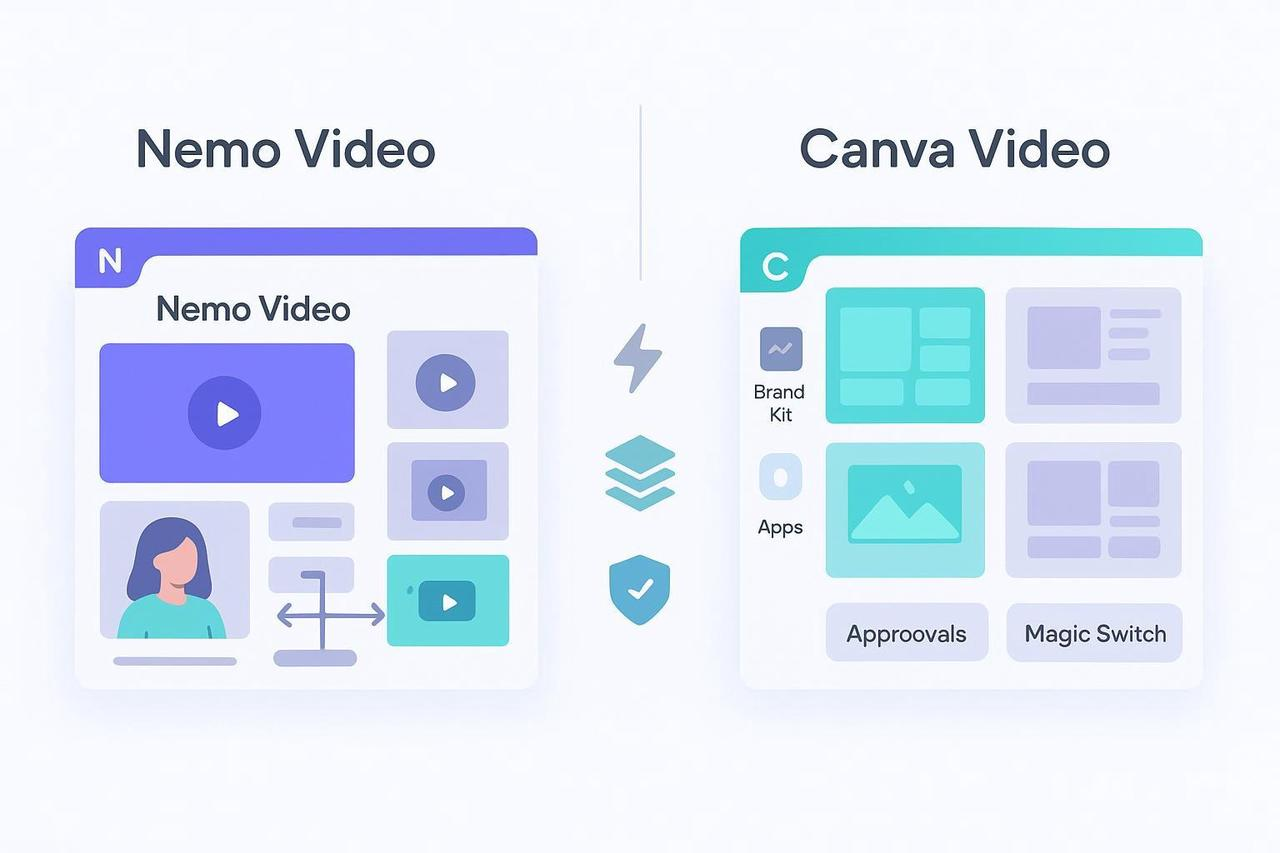
If you run an agency, your number-one constraint isn’t creativity, it’s time. The real question is: which tool helps your team turn ideas into on-brand, performance-ready video assets, fast, and at scale?
Below, we compare NemoVideo and Canva Video through the lens agencies care about most: speed-to-asset at scale or you can see how agencies generate bulk ad variants inside Nemo Workspace.
We’ll cover bulk versioning, rapid repurposing, multi-platform outputs, creative performance helpers, and governance.
TL;DR Guidance (No single “winner,” different strengths)
Choose NemoVideo if you need AI to deconstruct viral formats and generate many ad variants quickly, with platform-specific hooks, lengths, and CTAs.
Choose Canva Video if you want template-driven speed, strong brand governance, and collaboration across non-editor teams.
How fast can each tool get you to lots of assets?
Speed-to-asset at scale
NemoVideo: Designed for bulk ad testing and social video at scale. It uses AI to analyze high-performing formats, replicate the underlying structure, and automate creative tasks like key-visual selection and pacing. That means less manual editing and faster output when you need dozens of micro-variants.
Canva Video: Excellent at turning data rows and templates into many assets. Its Bulk Create with Canva Sheets Help workflow lets you feed structured data into templates, generating lots of versions fast. Canva also introduced efficiency improvements in Visual Suite 2.0 updates, which improve multi-format production.
Teams running aggressive paid-social tests usually start in Nemo Workspace, a central hub where raw footage becomes dozens of platform-ready variants without manual timelines.
Many pair this with SmartPick (AI Rough Cut) to automatically remove filler and extract the strongest moments before versioning.
Versioning & multi-platform outputs
NemoVideo: Built for advanced bulk ad versioning—think platform-specific hooks, lengths, captions, and CTAs tailored for A/B tests and multi-placement distribution. The goal is rapid iteration with performance in mind.
Canva Video: Strong at format changes and resizes via Magic features admin controls (Help, 2025) and Magic Switch, which can adapt dimensions and translate content. This shines when you need consistent, on-brand variants across platforms without deep timeline editing.
For hook-level and CTA-level experimentation, agencies rely on Viral+ Studio to replicate proven video structures and deploy variants across TikTok, Reels, Shorts, and paid placements.
Creative performance helpers
NemoVideo: Emphasizes AI detection of winning moments (key visuals and beats) and pacing optimization to lift CTR/ROAS. Because it replicates viral structures, teams get faster to “testable” concepts and learn what hooks resonate.
Canva Video: Provides AI-assisted polish—effects like Beat Sync are referenced on product pages for its video editor and template-first consistency. It’s less focused on automated “winning shot” selection and more on accessible, team-friendly creation.
When creative teams need fresh angles fast, the Inspiration Center generates data-backed hooks and scripts optimized for the first three seconds, before editing even begins.
For founder-led ads and UGC, agencies use the Talking-Head Editor to automatically remove filler words and sync B-roll to speech beats.
Governance, collaboration, and brand control
Canva Video: This is where Canva’s maturity shows. Teams and Enterprise plans include Brand Kits, element locking, restricted publishing/downloading, and approvals. See Brand Kit limits and team approvals workflow. Admins can govern AI access via Magic features admin controls. For many agencies, these controls are essential for multi-brand operations and client approvals.
NemoVideo: Governance details aren’t publicly documented. If your workflow requires strict approval flows, roles/permissions, or multi-brand guardrails, evaluate Nemo’s current capabilities directly. Its core focus is performance-oriented creation speed and variant generation.
Integrations and workflow fit
Canva Video: Documented integrations (e.g., Google Drive, Dropbox) and a broad ecosystem make it easy for distributed teams to import assets and publish at pace. Roles and permissions are covered in Canva’s Help resources (2025) for Teams/Enterprise.
NemoVideo: Integration specifics aren’t publicly available. If you rely on DAMs, ad platform handoffs, or strict repository governance, confirm requirements with the product team.
Learning curve and adoption
NemoVideo: Built for marketers who aren’t full-time editors. The AI handles the heavy lifting (hook logic, pacing, shot selection) so teams can move from concept to test-ready variants quickly.
Canva Video: Extremely approachable for non-editors thanks to templates, brand kits, and collaboration features. It’s great for cross-functional teams that need to contribute without a steep learning curve.
Comparison at a Glance: Creative Lift vs. Brand Control
Dimension | NemoVideo | Canva Video |
Primary Workflow | AI-Driven Structure Replication | Template-Based Asset Creation |
Bulk Capability | Auto-generates 50+ ad variants (Hooks/CTAs) | Manual Bulk Create from CSV/Sheets |
Creative Edge | Replicates viral patterns & pacing | Drag-and-drop ease for non-editors |
Integrations | Ad-platform native & marketing stacks | M365, Google Drive, & Social APIs |
Agency Value | Shortens A/B testing loops by 80% | Ensures 100% brand alignment |
Need 50–100 Video Variants Without Rebuilding Timelines?
If your team is running paid social or short-form at scale, templates alone eventually slow you down. NemoVideo automates structure, pacing, cutdowns, and hooks, so editors focus on performance, not repetition.
👉 Launch your first bulk-versioning test in Nemo Workspace
Real-world agency scenarios
Launching 100+ paid-social variants in a week
Nemo Video: Spin up platform-specific hooks and lengths fast; the AI creates testable variants with minimal editorial overhead.
Canva Video: Use Bulk Create to populate templates from sheets; perfect when your creative is data-fed and governance is a must.
Weekly creative testing cycles (10–20 micro-variants per concept)
NemoVideo: Accelerates concept iteration; AI finds strong moments and structures, helping you learn which hooks move the needle.
Canva Video: Rapidly generate clean, consistent variants from templates; easy for wider team participation.
Multi-market campaigns with strict brand controls
NemoVideo: Confirm brand governance features directly; strong for speed and performance focus.
Canva Video: Brand Kits, approvals, and admin controls are documented and built for multi-brand teams.
To improve watch time across TikTok and Reels, teams apply Smart Caption, accurate transcription with platform-native caption styles in one click.
Product capsules
NemoVideo (Agency perspective)
What it is: An AI-powered editor that replicates high-performing video structures, automates tedious edits, and generates bulk ad variants tailored to platforms.
Pros
AI-driven structure replication for viral formats
Intelligent footage detection and pacing optimization
Bulk versioning for A/B tests and multi-platform outputs
Cons
Governance, integrations, and export specifics not publicly documented
Focused on short-form marketing content, not long-form filmmaking
Who it’s for
Performance marketing teams and agencies prioritizing rapid testing and iteration across paid social and short-form video
Canva Video (Agency perspective)
What it is: A web-based design suite with a friendly video editor, templates, Bulk Create, and brand governance built for teams.
Pros
Template-first speed and collaborative workflows
Documented brand controls (Brand Kits, approvals, element locking)
Bulk Create with Sheets; Magic features for resizing/localization
Cons
Less focus on automated “winning shot” selection
Deep timeline/codec/export specifics not fully detailed in Help docs
Who it’s for
Agencies managing multiple brands, distributed teams, and structured content pipelines needing consistent, on-brand output
Documentation
Canva’s Bulk Create with Canva Sheets
Canva Visual Suite 2.0 updates
Canva Brand Kit limits
Canva team approvals workflow
Bottom line: Which should your agency pick?
Pick NemoVideo if your priority is speed-to-asset for performance campaigns—getting many platform-specific variants live quickly, with AI helping find strong hooks and pacing.
Pick Canva Video if your priority is governance and collaboration, keeping many contributors aligned on brand across templates and formats.
If your team needs performance-focused bulk testing, you’ll likely move faster with Nemo’s AI-first approach.
If your team needs cross-brand control and easy collaboration, Canva is hard to beat.
FAQ
Q: Can I use Nemo Video to scale my Facebook and TikTok ad testing?
A: Yes. Nemo Video is specifically engineered for high-volume paid social. Unlike general editors, its Viral+ Studio deconstructs winning content patterns, allowing agencies to generate dozens of platform-specific variants (different hooks, lengths, and CTAs) from a single source file to accelerate A/B testing cycles.
Q: Does Canva Video support bulk video versioning for agencies?
A: Canva supports bulk creation through its Bulk Create with Canva Sheets feature. This allows you to import data from a spreadsheet to populate video templates. While excellent for consistency and volume, it requires more manual template setup compared to Nemo Video’s AI-driven automation.
Q: Which tool is better for maintaining strict brand guardrails?
A: Canva Video is the industry leader for brand governance. Its Enterprise plans include robust Brand Kits, element locking, and multi-stage approval workflows. Choose Canva if your primary risk is off-brand content; choose Nemo Video if your primary goal is performance-driven creative throughput.
Q: How does Nemo Video’s AI compare to Canva’s Magic Media?
A: Canva’s Magic Media focuses on assistive design (text-to-video and beat-syncing). In contrast, Nemo Video’s AI functions as a Creative Buddy, analyzing viral footage to optimize rough cuts, remove filler words via the Talking-Head Editor, and identify "winning" shots automatically.
Scale Your Creative Output Not Your Editing Hours
Turn one video into dozens of testable variants.
Automate hooks, pacing, captions, and cutdowns, then launch faster across every platform.
👉 Start your first bulk-versioning run
Compare plans → Nemo Pricing
No long-term commitment • Start with a single campaign