

NemoVideo vs Adobe Premiere Pro: Which Editor Fits Your Agency?
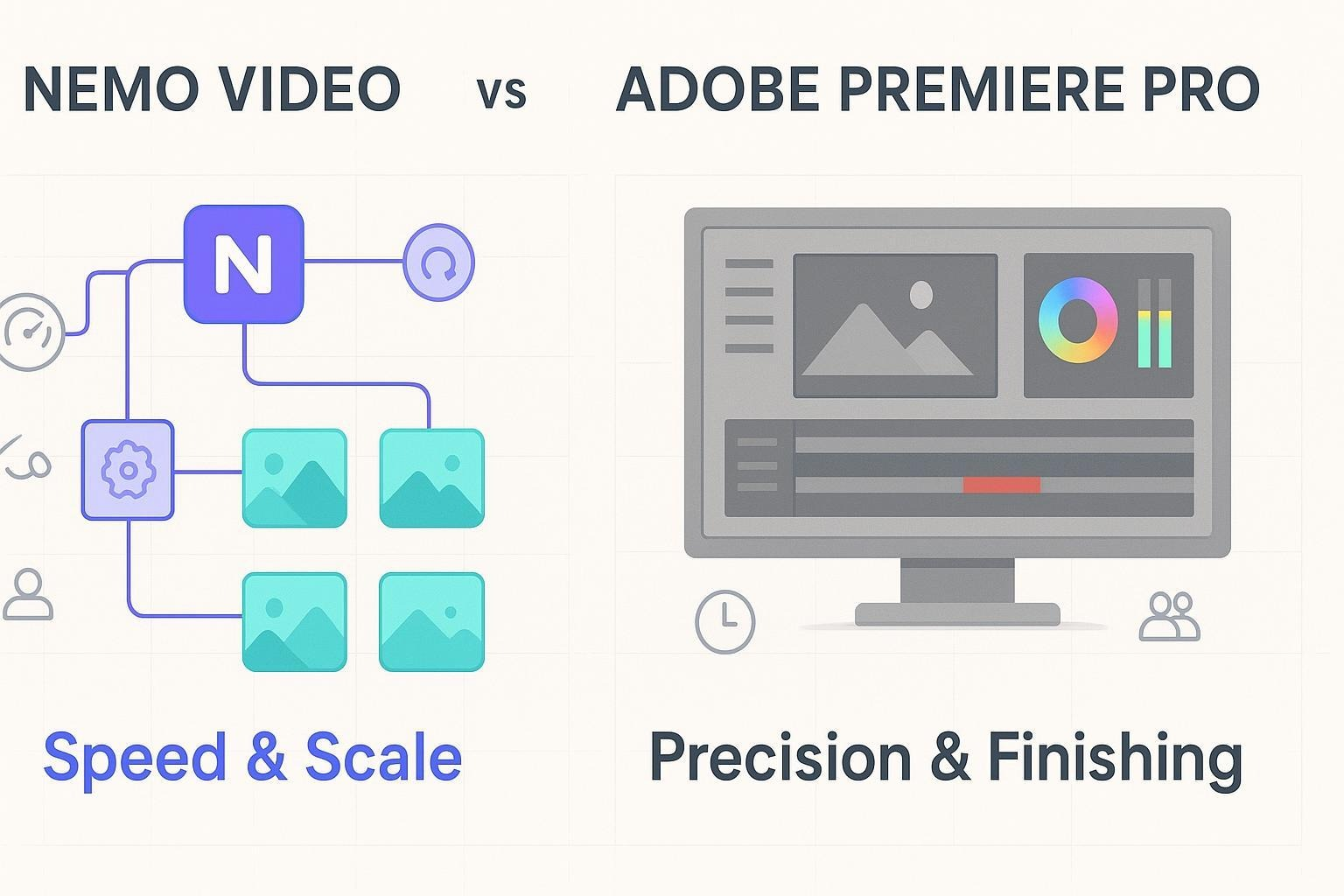
If you run an agency, the “right” editor depends on what you ship most: short-form ads at scale or long-form/broadcast deliverables. Let’s compare two very different approaches, an AI-first editor built for speed and volume versus the industry-standard NLE built for precision and finishing, so you can pick the tool that matches your real workload.
If your agency ships short-form ads at scale, it’s worth seeing how NemoVideo automates first cuts and bulk variants inside the Nemo Workspace before defaulting to a traditional timeline editor.
Quick verdict by scenario
Best for short-form ads at scale (speed + bulk versioning): Nemo Video
Best for long-form/broadcast precision (deep timeline control + finishing): Adobe Premiere Pro
Best for hybrid teams: Use Nemo to generate fast variants and first cuts; finalize complex edits and broadcast masters in Premiere Pro
Agencies optimizing for speed don’t guess—they test. Launch your first bulk video variants using NemoVideo’s AI-first workflow and see how fast you can go from raw footage to publish-ready cuts in the Nemo Workspace.
Side-by-side snapshot
Decision criteria | NemoVideo | Adobe Premiere Pro |
Speed-to-output | AI automates ingest, key visual detection, pacing, and rough cuts to accelerate draft-to-publish | Fast for pros; AI helps (text-based editing, auto captions, auto reframe) but most workflows remain editor-driven |
Scale/versioning | Bulk generation of variants for A/B tests, localization, and multi-platform formats | Strong presets and direct publishing to Facebook, TikTok, YouTube; versioning is manual unless you build templates/workflows |
Collaboration & review | Designed to lower bottlenecks for non-editor teammates; export/handoff friendly | Two collaboration models: cloud-based Team Projects vs local/shared Productions; robust review via Frame.io integration |
Creative control & finishing | Focused on ad-speed workflows; less suited to frame-accurate finishing and heavy effects | Full pro NLE: advanced timeline editing, color/audio tools, effects, and a vast plugin ecosystem |
Onboarding & training | Friendly for marketers/PMs to produce usable first cuts quickly | Best for trained editors; learning curve for non-editors is higher |
Infra & cost | Cloud-first approach reduces dependence on high-spec local machines | Requires capable hardware; business pricing via Creative Cloud for teams |
What really matters to agencies (and how each tool handles it)
Speed-to-output and team efficiency
When the brief is “ship 100 variations by Friday,” speed is king.
NemoVideo: Built for velocity. Its AI analyzes successful viral patterns, detects key visuals, and automates repetitive edits to get you from raw footage to a publishable rough very fast. See the claims summarized on the NemoVideo homepage.
Adobe Premiere Pro: Editors get faster each year thanks to AI assists like text-based editing, auto captions, auto reframe, Enhance Speech, and more. Adobe’s overview of AI capabilities is here: Adobe AI video editing in Premiere Pro. These features help, but large-scale ad iteration still relies on editor time, templates, and manual steps.
This speed advantage comes from tools like the Talking-Head Editor, which automatically removes filler words, tightens pacing, and syncs AI-matched B-roll—helping teams move from raw footage to usable drafts in minutes.
Scale/versioning (A/B tests, localization, multi-platform)
Agencies live and die by variants: copy tweaks, language swaps, 16:9 vs 9:16, and platform-specific requirements.
Nemo Video: Bulk generation is a core value prop—spin up multiple tailored versions quickly for different audiences and platforms, which is ideal for paid social/ad ops. That emphasis is clear on the Nemo Video homepage.
Adobe Premiere Pro: You can handle variants with presets and automation inside the NLE. As of Adobe documents export workflows and direct publishing destinations, including Facebook, TikTok, and YouTube, in the official guide: Adobe HelpX — Export videos for social media channels. It’s powerful, though truly “bulk” versioning still depends on templated projects and disciplined editor workflows.
For agencies running A/B tests or paid social at scale, Viral+ Studio reverse-engineers top-performing content patterns so you can generate multiple high-performing variants without rebuilding timelines manually.
Collaboration and review
How your team collaborates depends on the type of work and how your media is stored.
Adobe Premiere Pro offers two distinct collaboration modes:
Team Projects (cloud-based): Great for remote teams who want cloud versioning and sequence locking. Adobe explains when to use each model in Adobe HelpX — When to use Team Projects vs Productions.
Productions (local/shared storage): Built for large, long-form projects with shared storage and bin locking—ideal for broadcast or film-style organization.
For review-and-approval, Frame.io’s native integration lets clients comment frame-accurately and sync notes into the timeline: Adobe HelpX Share for review with Frame.io.
NemoVideo focuses on lowering bottlenecks for non-editor teammates, marketers and PMs can generate usable first cuts, then hand off to editors for polish. If your pain is “too few editors, too many requests,” this model helps.
Creative control and finishing
Adobe Premiere Pro is the pro-grade timeline editor for frame-accurate control, advanced color and audio finishing, complex effects, and plugins. Adobe’s 2025 feature summaries emphasize smoother playback and more GPU-accelerated effects for real-time performance improvements: Adobe HelpX — Premiere Pro feature summary.
NemoVideo prioritizes speed, structure, and distribution-ready cuts. If your deliverable demands multi-track compositing, intricate grading, or heavy VFX, you’ll likely finish in Premiere Pro.
Onboarding and training curve
NemoVideo: Friendly to non-editors. Marketers can produce first drafts without waiting for the edit team, which shortens queues and kickstarts collaboration.
Premiere Pro: Powerful, but it assumes editing fundamentals. Editors thrive; non-editors usually need training and templates to contribute meaningfully.
Infrastructure and cost
Adobe Premiere Pro: You’ll need capable machines and shared storage appropriate to your project scale. Adobe lists official specs (OS, RAM, GPU, storage, and more) here: Adobe HelpX — Technical requirements. For teams/business licensing and pricing context, see Adobe Business — Creative Cloud pricing overview.
NemoVideo Business Plan NemoVideo offers custom enterprise pricing tailored to your business needs. The Business Plan includes priority project processing, flexible credit allocation, multi-user team access, dedicated storage, enterprise-grade security, a personal account manager, and early access to upcoming features. Pricing is customized, contact the NemoVideo sales team for a quote.
For agencies managing high volumes or multiple clients, NemoVideo offers flexible enterprise-grade workflows. Explore transparent tiers or request a custom Business Plan on the NemoVideo Pricing page.
Product capsules
NemoVideo
What it is: An AI-powered video editor that analyzes viral patterns, automates repetitive tasks, and generates multiple versions for distribution.
Standout strengths:
Speed: Automates key visuals detection and pacing to jumpstart rough cuts.
Scale: Bulk versioning for A/B tests, localization, and multi-platform formats.
Accessibility: Non-editor teammates can create usable first cuts.
Limitations:
Not a replacement for deep finishing (advanced color, complex effects).
Cloud-first workflows may require process shifts for traditional post teams.
Who it’s for: Paid social/performance teams, growth marketers, and agencies that prioritize volume and iteration.
See capabilities on the NemoVideo homepage.
Adobe Premiere Pro
What it is: An industry-standard NLE for professional editing, finishing, and delivery across long-form and broadcast.
Standout strengths:
Precision: Frame-accurate timeline editing, advanced color/audio tools, plugin ecosystem.
Collaboration: Distinct models for cloud (Team Projects) and long-form (Productions); streamlined review with Frame.io.
Platform delivery: Strong export presets and direct publishing to major social platforms.
Limitations:
Speed at a massive variant scale depends on editor time and templates.
Requires capable hardware and shared storage planning for large teams.
Who it’s for: Full-service agencies, post houses, and teams delivering complex or broadcast-standard work.
Collaboration models explained by Adobe in When to use Team Projects vs Productions and export guidance in Export videos for social media channels.
⚡ Build More Variants. Ship Faster. Without More Editors.
Agencies using NemoVideo automate the slowest parts of editing—rough cuts, captions, pacing, and bulk versioning, so editors can focus on polish, not repetition.
Auto-generate rough cuts with Smart Pick
Apply platform-native subtitles using Smart Caption
Manage all variants in one place inside the Nemo Workspace
👉 Start your first pilot inside NemoVideo
How to choose based on common agency scenarios
“We need 100+ ad variants by Friday, each in 9:16 and 16:9, with captions.”
Choose Nemo Video to generate bulk variants quickly, then spot-check and ship.
If brand polish is critical, finalize select winners in Premiere Pro.
“We’re delivering a 30-minute broadcast episode with strict standards and deep archival.”
Choose Premiere Pro with Productions and shared storage; use Frame.io for review.
If you also run social promos, you can ideate fast variants in Nemo and import assets into Premiere.
“We must localize 20 edits into six languages.”
Use Nemo for bulk variant creation and structure; hand off to editors to finish subtitles/mixes as needed.
Premiere Pro’s auto captions and translation features assist finishing and QC.
“Non-editor marketers need to produce first cuts without waiting on the edit team.”
Nemo lowers bottlenecks and helps non-editors move work forward.
Premiere remains the final mile for polish when required.
To eliminate creative block and accelerate ideation, teams often start inside the Inspiration Center, where AI generates proven hooks and scripts designed to win attention in the first three seconds.
Hybrid workflow that many agencies adopt
Upstream: Use Nemo to analyze content patterns, assemble first cuts, and spin up batches of variants.
Downstream: Bring selects into Premiere Pro for advanced edits, color/audio finishing, and final masters.
Review: Keep feedback centralized via Frame.io inside Premiere; share links with clients for frame-accurate notes
Bottom line
If your success is measured by speed and the number of usable ad variants shipped weekly, pick Nemo Video to lead the workflow and use Premiere for finishing when needed.
If your success is defined by long-form/broadcast quality and deep finishing control, pick Adobe Premiere Pro as your primary tool.
Hybrid teams can combine both: Nemo for volume and drafts, Premiere for precision and polish.
Scale your output without scaling headcount.
Use NemoVideo to automate rough cuts, captions, and bulk variants—then ship faster across every platform.
👉 Build your first set of video variants now in the Nemo Workspace