

How to Create High-Converting Product Videos with AI
Gone are the days when static product images could win over online shoppers. Today, product video has become the backbone of e-commerce marketing—bridging the gap between virtual browsing and in-store experience. Whether you’re crafting a product ad to showcase a new collection or optimizing an ads video for social media, the right video content doesn’t just promote products; it builds trust, drives engagement, and turns passive viewers into paying customers. But here’s the catch: most merchants get stuck in tedious editing, wasting time on timeline tweaks and format changes instead of focusing on creativity. The solution? Combine strategic video selection with AI tools—and even beginners can create high-converting content in 3 simple steps.
I. Fundamental Transformation: E-Commerce Moves From “Static” to “Dynamic” With Product Video
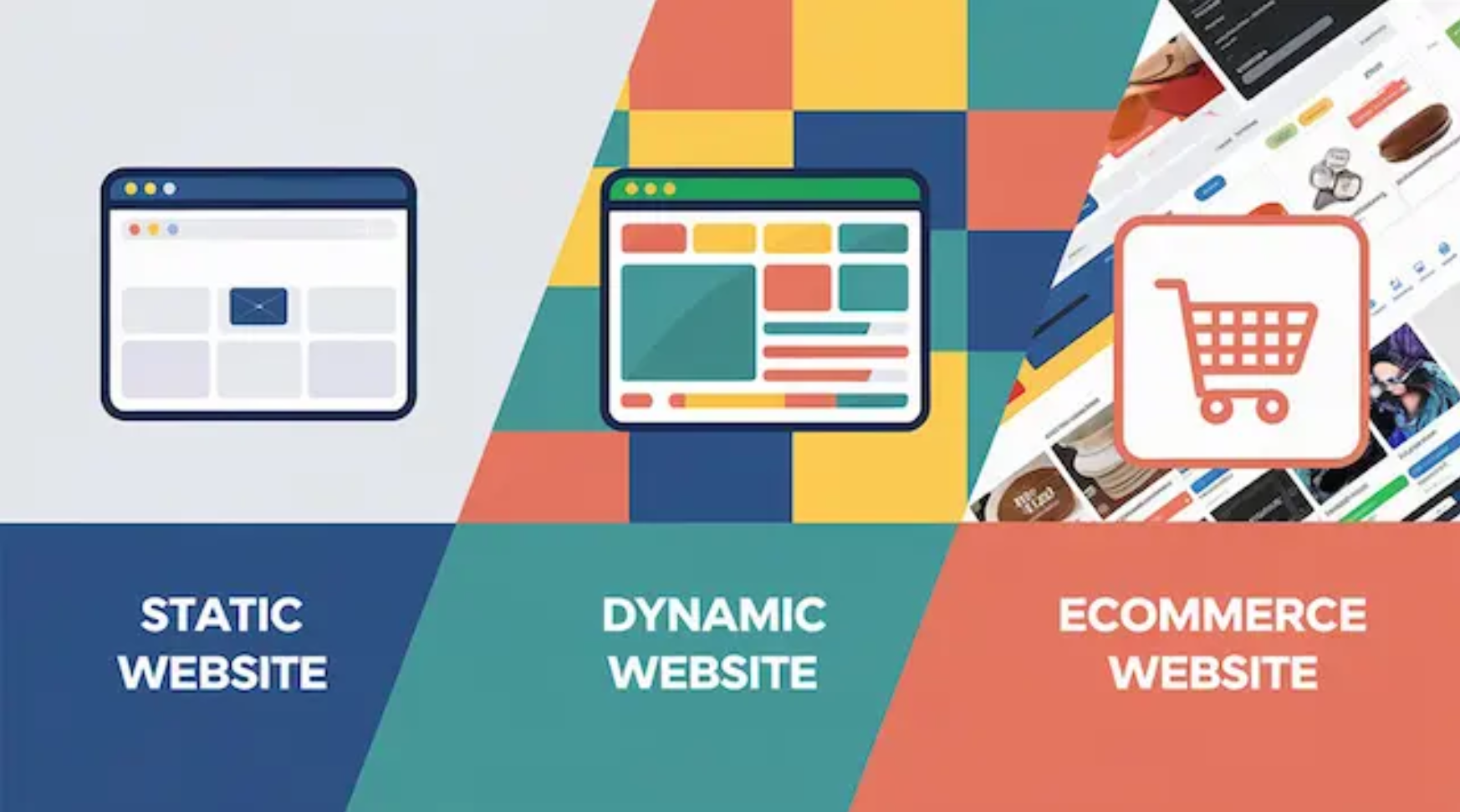
The shift to dynamic content isn’t a trend—it’s a response to evolving consumer behavior and market demands. For e-commerce brands, product video is no longer an option; it’s a necessity.
Consumer Behavior: Why Static Images Are Fading, and Product Video Is Taking Over
Modern shoppers crave more than just a snapshot of a product. They want to “try before they buy”: to see how a sweater feels when worn, how a blender mixes ingredients, or how a skincare product absorbs into skin. Static images fail to deliver this depth, while product video provides an immersive, information-dense experience that answers key questions and boosts purchase confidence.
This shift is also driven by changing shopping habits: 78% of online shoppers now prefer watching a video to learn about a product (vs. reading text), and product ad campaigns that include video see 2x higher click-through rates than image-only ads. Even short ads video clips on TikTok or Instagram Reels outperform static posts—proving that dynamic content is the only way to capture today’s distracted audience.
Core Value of Product Video: Beyond Promotion, Building Long-Term Relationships
A great product video does more than sell—it connects. Here’s how it adds value to your e-commerce strategy:
Virtual experience: It lets customers examine product details (e.g., fabric texture, tool functionality) that static images miss, building trust and reducing return rates.
Brand personality: A well-crafted product ad doesn’t just showcase features—it tells your brand’s story. For example, a behind-the-scenes ads video of your team designing eco-friendly products can foster loyalty beyond a single purchase.
Simplified decision-making: Complex products (like smart home devices) become approachable with explainer product video, helping shoppers understand value quickly.
The core takeaway? Product video isn’t just a marketing tool—it’s a way to build lasting customer relationships.
Data Backs It Up: The ROI of Product Video (and Merchant Pain Points)
The numbers don’t lie: As of 2025, 89% of e-commerce businesses use product video as a marketing staple, and 93% of marketers confirm that product ad campaigns with video deliver positive ROI. But despite this, merchants face critical pain points:
Complex editing software that requires professional skills.
Repetitive timeline adjustments for different platforms (e.g., cropping a product video for TikTok vs. YouTube).
Tedious format adaptation for ads video (vertical vs. square vs. horizontal).
The fix? AI-powered tools like Nemovideo, which simplify the process with “3-step video creation” and “free trial until satisfaction”—freeing merchants from repetitive editing and letting them focus on what matters: creating product video that converts.
II. High Conversion Key: Turn “Passive Viewing” Into “Active Purchasing” With Product Video Strategies
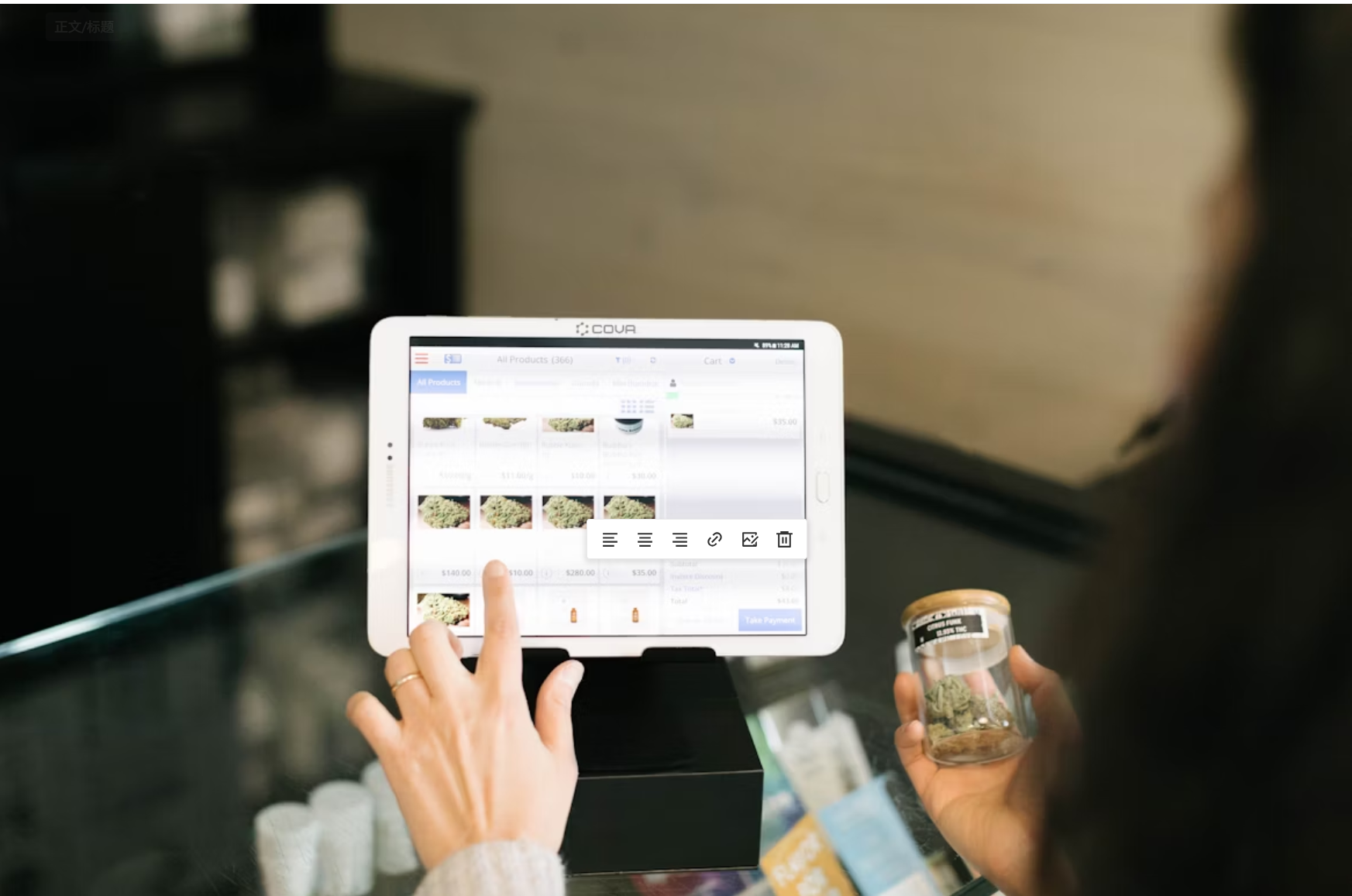
To get results, your product video needs to act as a “sales tool”—not just an entertainment clip. Top retailers don’t just “make videos”; they create content that guides customers through every step of the purchase journey.
Core Logic: Your Product Video Is a Sales Funnel, Not Just Content
Every product video should have a clear goal: to move viewers from “curious” to “ready to buy.” For example:
A short ads video on Instagram might aim to drive clicks to your product page.
A detailed product video on your website might aim to address common objections (e.g., “Is this laptop durable?”).
A product ad on Facebook might retarget viewers who added items to their cart but didn’t purchase—using social proof to nudge them over the line.
The best videos align with where customers are in the funnel: awareness, consideration, or decision.
5 Sales-Driving Product Video Types (With AI Support)
Not all product video is created equal. These 5 types are proven to boost conversions—and AI tools like Nemovideo make them easy to create:
a. Product Demonstration Videos
The most essential product video type: it shows exactly how your product works, eliminates doubts, and highlights key benefits. For example, a demonstration video for a vacuum cleaner might showcase its suction power on different surfaces.
AI support: Nemovideo lets you paste a Shopify product link to automatically pull product images and details. You can even use conversational edits (e.g., “Extend the button close-up by 2 seconds”) to focus on critical features—no editing skills needed.
b. Customer Testimonial Videos
Social proof is gold for e-commerce. A testimonial product ad featuring real customers talking about their positive experiences builds trust and reduces risk for new buyers.
AI support: AI tools can automatically compile customer reviews into short clips, add subtitles, and match background music to keep the tone authentic.
c. Explainer Videos
For complex products (e.g., software, fitness equipment), an explainer product video simplifies concepts into engaging, easy-to-follow content. It answers: “What problem does this solve?” and “Why is it better than alternatives?”
d. Behind-the-Scenes Videos
An behind-the-scenes ads video (e.g., your team sourcing sustainable materials, packing orders with care) adds a “human touch” to your brand. It helps customers connect with your mission—and choose you over faceless competitors.
e. Shoppable Videos
The ultimate way to break the “viewing-purchasing” barrier: shoppable product video lets viewers click on items directly in the player (e.g., a shirt in a fashion video) to add them to their cart. It turns passive viewing into instant action.
AI support: Tools like Nemovideo let you add clickable hotspots to your product video with one click, ensuring a seamless transition from “watch” to “buy.”
III. High-Converting Product Video: Format Selection & Quality Control
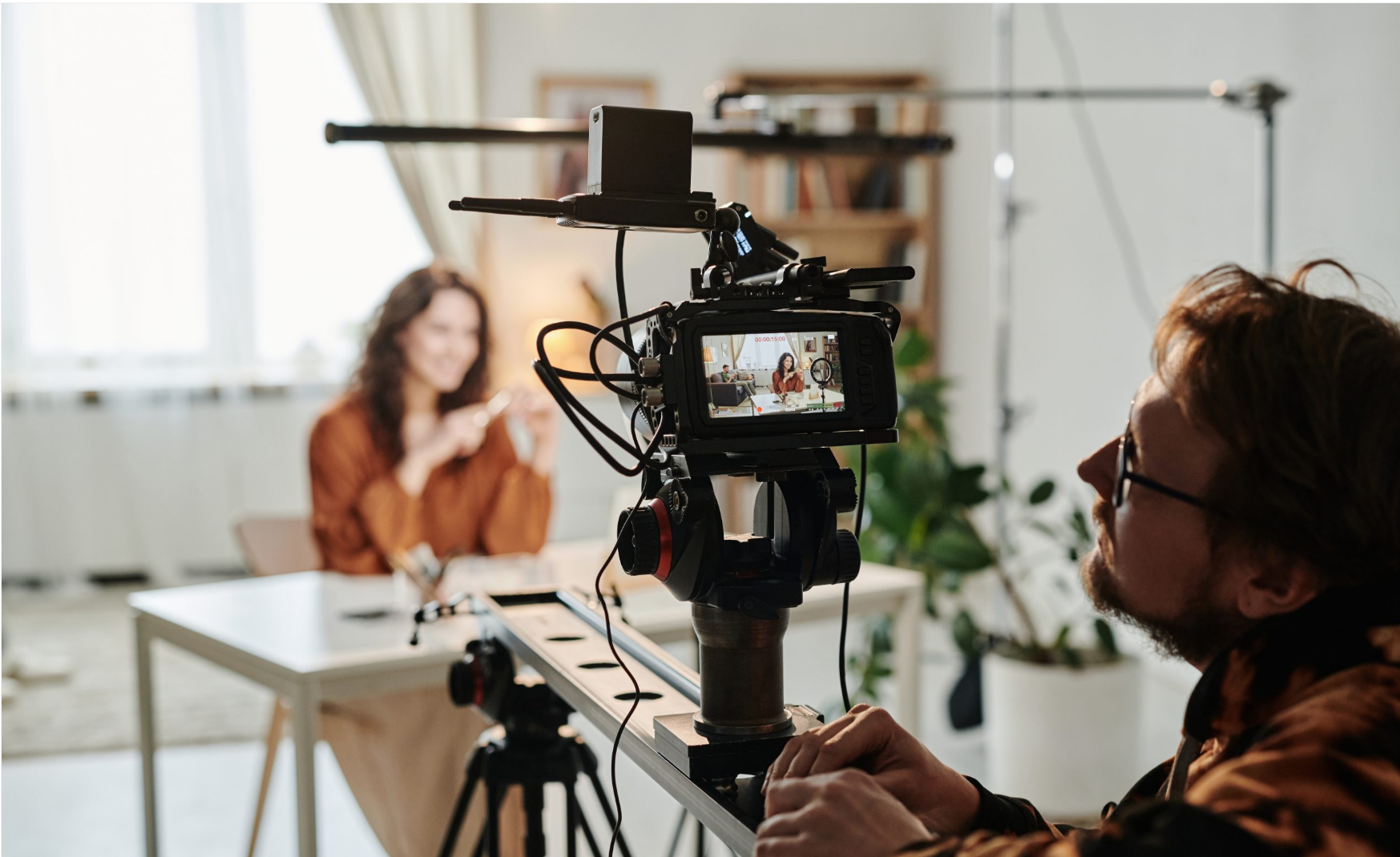
Even the best product video will underperform if it’s in the wrong format or full of errors. Here’s how to get both right—with AI help.
Format Matters: Data on High-Converting Product Video Styles
The right format can make or break your product ad’s success. Research shows that optimized product video formats deliver:
30% higher conversion rates.
50% higher engagement rates.
40% higher ROI.
For example:
Vertical videos (9:16) perform best on TikTok, Instagram Reels, and mobile shopping apps (they fill the screen, boosting immersion).
Square videos (1:1) work well on Instagram Feed and Facebook (they stand out in timelines).
Horizontal videos (16:9) are ideal for YouTube and product pages (great for detailed demonstrations).
Multi-Platform Format Adaptation: AI Eliminates Repetitive Work
One of the biggest frustrations for merchants is adapting a single product video for multiple platforms. Cropping a vertical ads video for YouTube, then re-editing it for Instagram—this wastes hours.
AI solution: Tools like Nemovideo offer “one-click multi-platform version generation.” Upload your product video, select the platforms you want (TikTok, Instagram, YouTube), and the AI automatically adjusts the size, aspect ratio, and even editing style to fit each platform’s best practices. No more manual tweaks!
AI-Powered Quality Control: Ensure Your Product Video Looks Professional
Even small errors—like audio-visual misalignment, subtitle typos, or repeated shots—can ruin a product ad’s credibility. Manual checks are time-consuming and error-prone, but AI fixes this.
AI features to look for:
These tools ensure your product video looks polished—even if you’re a beginner.
IV. Mobile Optimization: Capture the Largest Shopping Audience

73% of e-commerce sales now happen on mobile devices—so your product video must be optimized for smartphones. Here’s how to do it right.
Mobile-First Product Video: Vertical Screens Are Non-Negotiable
Mobile users hold their phones vertically—and they hate rotating their screens to watch a horizontal ads video. Vertical product video (9:16) fills the entire screen, boosts immersion, and keeps viewers watching longer.
Other mobile must-haves:
Large, easy-to-read subtitles (85% of mobile videos are watched without sound).
Fast pacing (hook viewers in the first 3 seconds—mobile attention spans are short!).
AI Tools: Optimize Your Product Video for Mobile Trends
AI takes the guesswork out of mobile optimization. For example:
Trend insight: Nemovideo’s “Creative Strategy” feature analyzes popular subtitle styles (e.g., bold, colorful text on TikTok) and editing rhythms (fast cuts for Reels) to help your product video fit in and stand out.
Performance scoring: After you finish your product ad, the AI gives it a score and specific feedback (e.g., “Speed up the first 5 seconds to reduce drop-offs” or “Make subtitles larger for mobile viewers”).
These features ensure your product video resonates with mobile shoppers—and drives conversions.
V. Smart Budget Strategy: Low-Cost Product Video Creation for Small & Medium Merchants
You don’t need a big budget to create great product video. The key is low-cost experimentation and balancing production and promotion.
Budget Principle: Test First, Invest Later
Small and medium merchants should avoid overspending on product video upfront. Instead:
Choose tools with “free trial until satisfaction” (like Nemovideo) to test AI features—such as automatic subtitle generation, AI voiceover, or product video templates—before paying.
Use AI to cut production costs: AI rough cutting automatically selects the best clips from your footage, and AI voiceover replaces expensive professional recording (it sounds natural and costs a fraction of the price).
Balance Production & Promotion Costs
A great product video won’t convert if no one sees it—but you don’t need to spend a fortune on ads. Here’s the balance:
Production: Keep costs low with AI tools (in-house creation is cheaper than hiring a agency).
Promotion: Start with organic traffic—share your ads video on social media, add it to your product pages, and send it to your email list. Once you see which product ad performs best, allocate budget to boost it (e.g., run a Facebook ad for your top-performing testimonial video).
Conversational editing tools (like Nemovideo) let you quickly tweak your product video for different audiences—so you can optimize content without hiring a professional, saving time and money.
VI. Shoppable Product Video: Break the “Viewing-Purchasing” Barrier
Shoppable product video is a game-changer for e-commerce. It eliminates friction by letting viewers buy directly from the video—turning “interest” into “purchase” in one click.
Core Value: Why Shoppable Product Video Drives Immediate Conversions
The average online shopper abandons their cart 70% of the time—often because they have to navigate to a separate page to buy. Shoppable product video fixes this by:
Keeping viewers in the “shopping mindset” (no context switching).
Making purchases instant (click a hotspot on a shirt in the video, and it’s added to your cart).
Reducing decision fatigue (shoppers don’t have to search for the product later).
AI Tools: Create Shoppable Product Video in Minutes
You don’t need technical skills to make shoppable videos. AI tools simplify the process:
Hierarchical editing: Beginners can use the “Quick Editor” to add clickable hotspots, replace voiceovers, or adjust subtitles in one click. Advanced users can use the “Professional Editor” for precise control (e.g., timing hotspots to match when a product is shown).
Style consistency: Save your brand’s “style template” (e.g., favorite subtitle font, transition effects) and apply it to every shoppable product video. This ensures your product ad stays on-brand—even, even as you scale.
VII. Understand Customer Needs: Create Product Video That Feels “Professional”
The best product video doesn’t just look good—it speaks to your customers. To create content that resonates, you need to understand their needs, preferences, and pain points.
Core Logic: Product Video Should Solve Customer Problems
Before creating a product ad, ask:
What questions do customers have about my product? (e.g., “Does this dress fit plus sizes?”)
What objections stop them from buying? (e.g., “Is this skincare safe for sensitive skin?”)
Where do they spend time online? (e.g., TikTok vs. Facebook—this dictates your video’s style.)
Your product video should answer these questions directly. For example, if customers worry about a laptop’s battery life, a demonstration video showing 10 hours of use will ease their concerns.
AI Helps Meet “Professionalism” Expectations
Merchants often miss small details (subtitle typos, missing background music) that make a product video feel unprofessional. AI fixes this automatically:
Subtitle correction: Tools like Nemovideo scan for typos and grammar errors in subtitles—critical for mobile viewers who watch without sound.
Audio optimization: AI reminds you to add background music (silent videos have 40% lower engagement) and adjusts volume levels to avoid loud or quiet spots.
Lip-sync fine-tuning: If you use AI voiceover, the tool aligns lip movements with the audio—making your product ad look more polished.
With AI, even beginner-created product video meets professional standards.
VIII. Data-Driven Optimization: Iterate Your Product Video for Better Results

Creating a product video isn’t a one-time task. To boost conversions long-term, you need to analyze performance data and make tweaks.
Focus on “Actionable” Metrics (Not Just Views)
Views tell you nothing about whether your product video is working. Instead, track:
Completion rate: Do viewers watch the entire video? Low completion means your opening hook is weak.
Click-through rate (CTR): Do viewers click on your product ad to visit your site? Low CTR means your call-to-action (CTA) is unclear.
Conversion rate: Do viewers buy after watching? Low conversion means your video isn’t addressing objections.
AI Supports Rapid Iteration
AI tools make it easy to optimize your product video based on data:
Hook recommendations: Nemovideo’s “Popular Hook Recommendations” suggests proven opening styles for your product type (e.g., “Start with a customer testimonial for skincare” or “Show the product in use for kitchenware”).
Competitor analysis: Input a competitor’s ads video link, and AI analyzes its editing rhythm, music, and CTA placement—giving you insights to improve your own product ad.
A/B testing: AI lets you test two versions of a product video (e.g., different hooks or CTAs) and shows which one performs better—so you can double down on what works.
IX. Final Summary: Core Steps for High-Converting E-Commerce Product Video
Creating product video that drives sales doesn’t have to be hard—even for beginners. Follow these 5 steps:

Understand your audience first: Clarify their needs, favorite platforms, and pain points. This dictates your product video’s format, style, and message.
Choose the right format + use AI for adaptation: Pick a format that fits your product (e.g., vertical for TikTok) and use tools like Nemovideo to generate multi-platform versions with one click.
Prioritize mobile optimization: Use vertical screens, large subtitles, and AI trend insights to capture mobile shoppers.
Budget smartly: Test product video features for free, use AI to cut production costs, and balance production with promotion spending.
Leverage AI tools: Let AI handle tedious tasks (editing, quality control, optimization) so you can focus on creativity and customer needs.
By combining strategic product video selection with AI, even small e-commerce merchants can create content that outperforms expensive agency videos. Remember: the goal isn’t to make “perfect” videos—it’s to make product video, product ad, and ads video that connect with your customers and drive sales.
Ready to Create High-Converting Product Videos in Minutes?
Stop wasting time on tedious editing, leverage AI to make professional product videos that boost sales and engagement. Start your free trial today and see results immediately.