

Why Text-to-Video Tools Are Taking Over in 2026: The Rise of the AI Video Editor
In 2026, content creation has undergone a seismic shift: text-to-video tools are no longer niche experiments but mainstream essentials. From marketers to educators, users are ditching complex editing suites in favor of solutions that turn words into compelling videos with minimal effort. At the heart of this revolution lies the AI video editor—a tool designed to solve the universal struggle: how to create high-quality, engaging videos quickly, without professional skills .
Enter Nemovideo: a leading AI video editing tool that’s redefining what’s possible in text-to-video creation. In this guide, we’ll explore how this AI video editing software meets user needs, transforms industries, and why it’s leading the charge in 2025’s content boom.
II. Basics of Text-to-Video: How Nemovideo Turns Words into Visuals
What Is Text-to-Video?
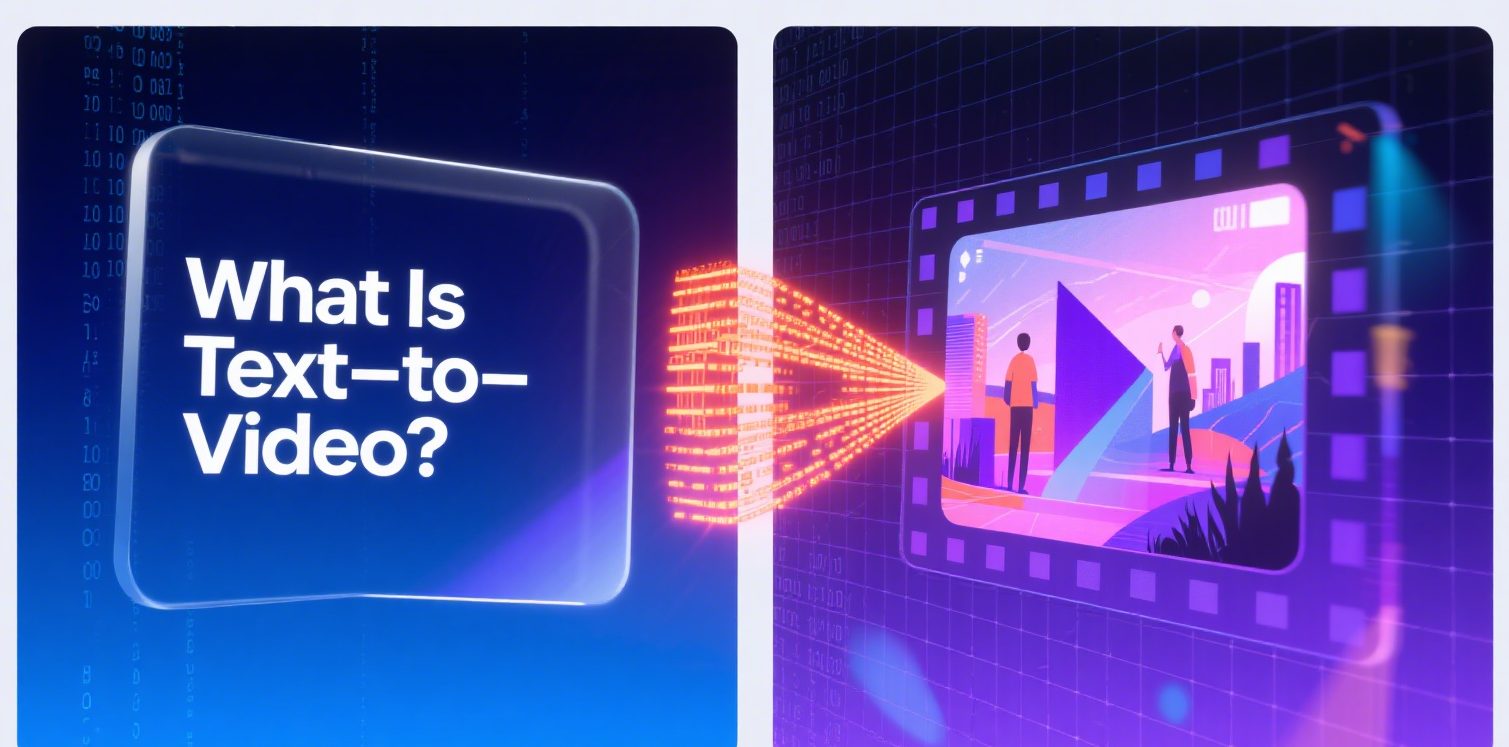
Text-to-video is exactly what it sounds like: technology that converts text—whether a script, product description, blog link, or even a PPT—into a fully realized video. Nemovideo uses advanced AI algorithms to bridge the gap between text and visuals: it parses key information (like keywords, emotions, or logical flow), selects relevant footage from its library, adds voiceovers and subtitles, and assembles it all into a coherent video—no manual editing required.
The Core Value of Nemovideo
What makes this AI video editor a game-changer? Three key benefits:
Lowered Barriers: No editing experience? No problem. Nemovideo’s intuitive design lets beginners create polished videos in minutes, eliminating the steep learning curve of traditional tools.
Boosted Efficiency: Repetitive tasks—like hunting for B-roll, syncing audio, or formatting subtitles—are automated. What once took hours now takes minutes.
Guaranteed Quality: Even with speed, Nemovideo delivers professional-grade results. Its AI fine-tunes colors, transitions, and pacing to match scenario-specific needs, from corporate demos to social media clips.
Today, Nemovideo isn’t just a tool—it’s a staple across industries: marketing teams use it for product promos, educators for lesson videos, and businesses for internal training. It’s the Swiss Army knife of modern content creation.
III. Nemovideo User Guide: 3 Steps from Text to Video
Creating a video with Nemovideo is as simple as typing an email. Here’s how to go from text to publish-ready content in three steps:
Step 1: Choose Nemovideo and Input Your Content
Unlike rigid AI video editing tools that limit input formats, Nemovideo thrives on flexibility.
Why Nemovideo? It supports multi-format inputs: paste an e-commerce product link, type a 100-word script, upload a Word doc, or even drop a PPT. Its AI instantly parses key details—like product selling points, script emotions, or PPT key messages—to guide the video creation process.
Example: Paste a link to a skincare product page, and Nemovideo extracts details (ingredients, benefits, user reviews) to structure a promotional video, complete with close-up footage of the product and voiceover highlighting its perks.
Step 2: Customize Visuals and Style
Once your text is input, tailor the video to your brand or vibe:

Visual Tweaks: Use Nemovideo’s built-in library of images, animations, and effects to refine visuals. Crop footage, adjust color grading, or add brand elements (logos, signature color schemes) to keep videos on-brand.
Style Adaptation: Pick a tone—professional for a corporate video, lively for TikTok, or emotional for a nonprofit story—and the AI video editor automatically matches transitions, subtitle fonts, and pacing to fit.
Step 3: Enhance and Export for Any Platform
The final step polishes your video and preps it for the world:
Audio Perfection: Nemovideo’s AI adds voiceovers in 20+ languages (with adjustable tones, from authoritative to friendly) and suggests background music that aligns with your video’s rhythm—no more awkward silence or mismatched tracks.
One-Click Multi-Platform Export: Need a vertical 9:16 version for TikTok? A square 1:1 for Instagram? Or a widescreen 16:9 for YouTube? Nemovideo optimizes dimensions, aspect ratios, and even pacing for each platform, so your video looks sharp everywhere.
IV. Core Advantages: What Makes Nemovideo Stand Out
Beyond the basics, this AI video editing software packs advanced features that set it apart from other AI video editing tools.
Intelligent Efficiency Features
Time is money, and Nemovideo saves plenty of both:
AI-Powered Rough Cuts: Upload 10 minutes of raw footage, and Nemovideo trims it to the most impactful 2 minutes—prioritizing segments with clear audio, stable frames, and high information density.
Smart A/B Roll Matching: When editing “A-roll” (e.g., a person speaking on camera), the AI automatically inserts relevant “B-roll” (e.g., product shots, charts) to keep viewers engaged—no manual searching required.
Batch Multi-Platform Generation: Create one master video, and Nemovideo generates optimized versions for TikTok, LinkedIn, and YouTube in seconds—boosting efficiency by 60% compared to editing each version individually.
Quality Assurance: No Compromises on Polish
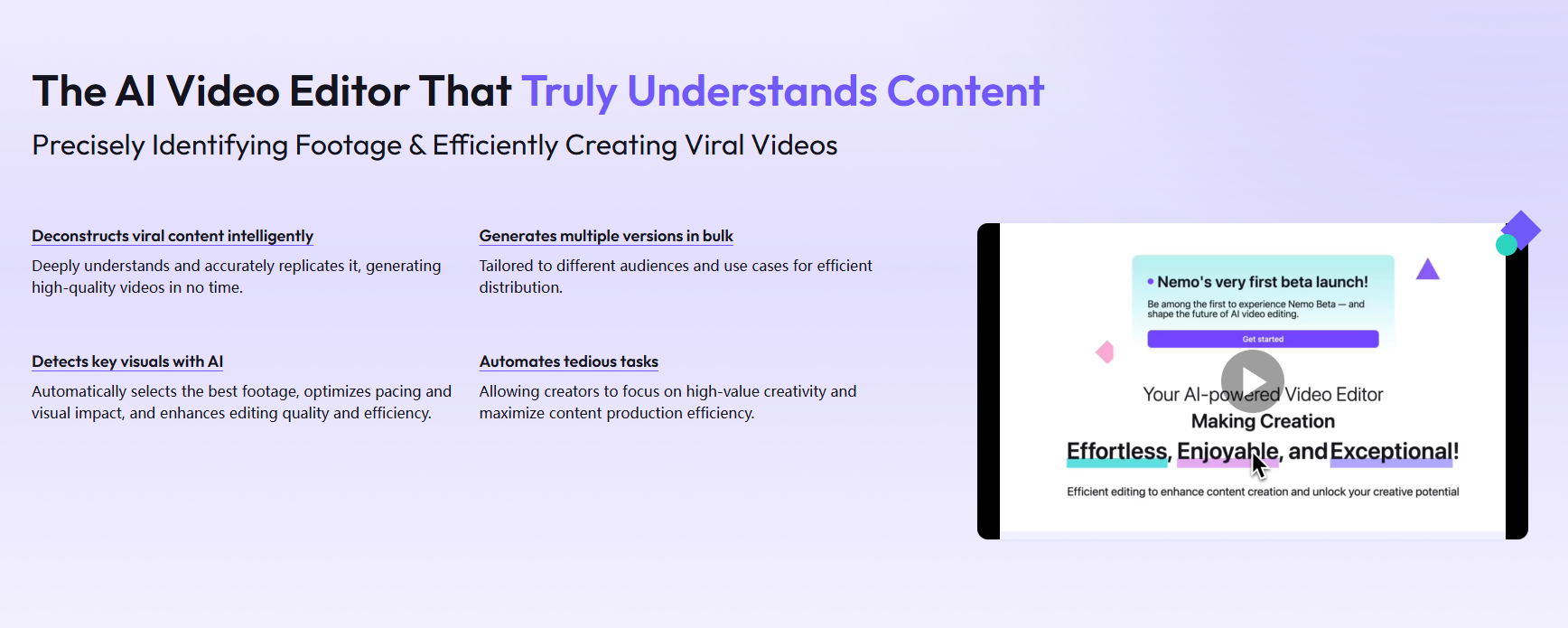
Speed means nothing if the final video looks unprofessional. Nemovideo’s AI acts as a built-in quality checker:
Real-Time Error Correction: While editing, it flags issues like audio-visual desync, misspelled subtitles, or repeated clips—and offers a “one-click fix” to resolve them instantly.
AI Lip-Sync: If you tweak the voiceover after filming, Nemovideo adjusts the speaker’s lip movements to match the new audio, eliminating the “dubbed” look.
Performance Prediction: After generation, it scores your video’s virality (0-100) and suggests tweaks—like “speed up the first 3 seconds” or “add a text overlay to highlight the key message”—to boost engagement.
Collaboration and Expansion: Built for Teams and Scalability
Nemovideo isn’t just for individuals—it’s designed for growth:
Team Collaboration: Multiple users can edit in real time, with role-based permissions (e.g., “viewer” vs. “editor”) to streamline team projects.
URL-to-Video Magic: Turn a blog post or webpage into a video by pasting its URL. Nemovideo extracts text and images, then repurposes them into a snackable video—perfect for repurposing content across channels.
Flexibility for All Users: Beginners stick to templates, while pros can dive into advanced features like expression editing (e.g., creating custom animation loops) to add unique flair.
V. Scenario-Based Applications: Nemovideo Across Industries
Nemovideo’s versatility makes it indispensable across fields. Here’s how different users leverage this AI video editor:
Marketing and Social Media
For e-commerce operators and creators, speed and consistency are key. Nemovideo delivers:
Use Cases: Generate 10+ product promo videos from links in an hour, or create TikTok/Reels clips that match trending styles (e.g., fast cuts, text overlays) automatically.
Value: Increase content output without sacrificing quality, keeping audiences engaged with fresh, on-brand videos.
Education and Training
Teachers and corporate trainers use Nemovideo to make learning visual:
Use Cases: Convert lesson scripts into animated explainers (simplifying complex topics like math formulas or software tutorials) or turn meeting transcripts into 5-minute training recaps.
Value: Visuals make information stick—Nemovideo turns dry text into memorable, easy-to-digest content.
Enterprise and Workplace
Professionals no longer need a production team to create corporate content:
Use Cases: Craft product demos from spec sheets, turn event photos into recap videos, or transform static PPTs into dynamic presentation videos.
Value: Individuals can produce professional-grade content, freeing up teams to focus on strategy over editing.
VI. Best Practices: Tips to Maximize Nemovideo’s Power
To get the most out of this AI video editing tool, follow these pro tips:
Optimize Your Text Input: The better your text, the better the video. Include scene cues (e.g., “cut to a beach scene”) or emotional keywords (e.g., “exciting,” “heartwarming”) to guide the AI.
Save Templates: If you reuse styles (e.g., a fixed subtitle font for your brand), save them as templates. Next time, one click applies your go-to settings.
Act on Predictions: Use Nemovideo’s performance score to iterate. A low score? Try speeding up the intro or adding more B-roll—small tweaks can boost engagement drastically.
VII. 2026 Trends and Nemovideo’s Future
Text-to-video is evolving fast, and Nemovideo is keeping pace with 2025’s biggest trends:
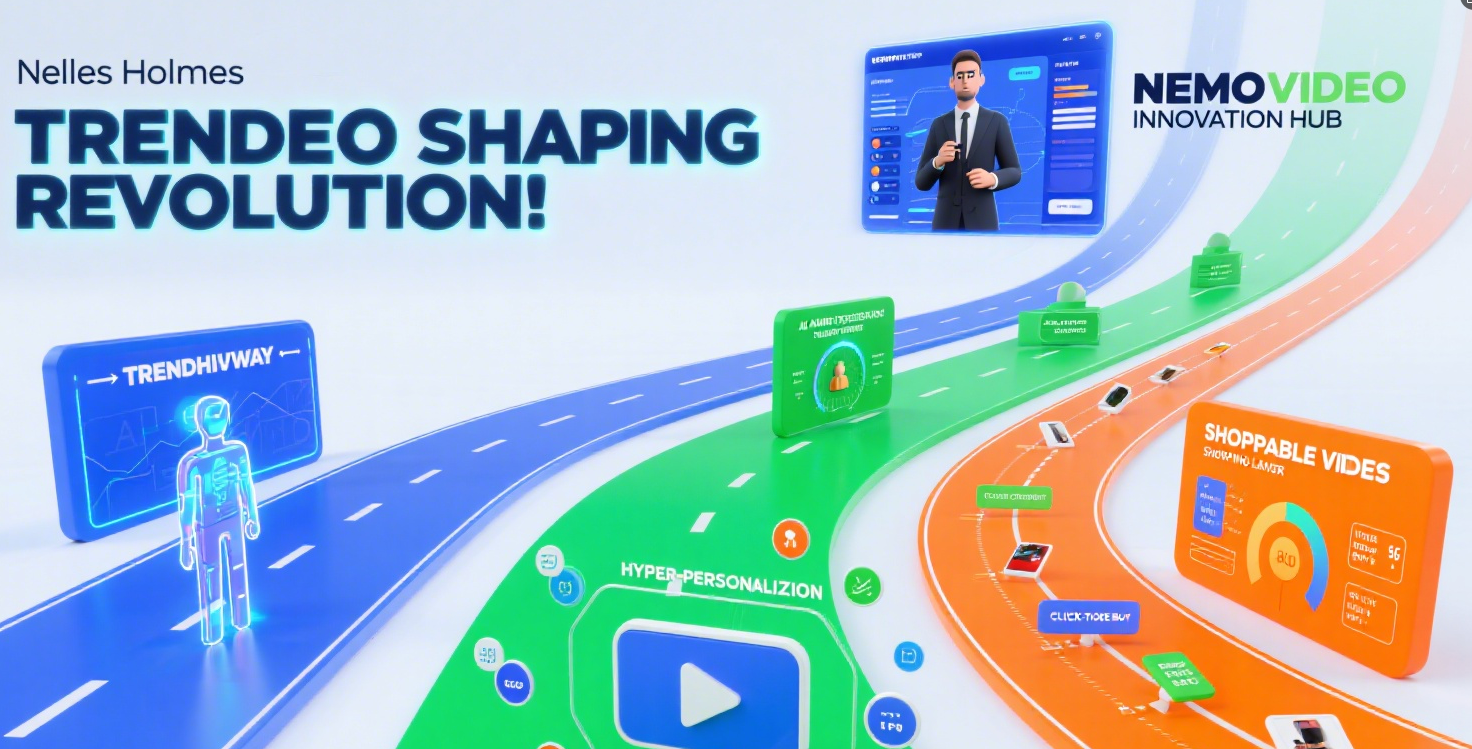
Industry Shifts: AI avatars, hyper-personalized videos (tailored to viewer data), and interactive shoppable videos are set to dominate.
Nemovideo’s Innovation: Soon, users will access AI avatars for on-camera roles, real-time content adjustments based on audience behavior, and embedded shopping links (letting viewers buy products directly from the video). Plus, ongoing algorithm upgrades will make material matching even more accurate and generation speeds faster.
Final Thoughts: The AI Video Editor Redefining Creation
In 2025, the question isn’t if you need a text-to-video tool—it’s which one. Nemovideo stands out as the AI video editor that balances speed, quality, and accessibility, making it the top choice for anyone looking to turn text into impact.
Whether you’re a beginner or a pro, this AI video editing tool empowers you to create more, stress less, and stand out in a crowded content landscape. The future of video creation is here—and it starts with a few words.