
CapCut vs AI video editors
Compare CapCut vs AI video editors like NemoVideo for ease of use, workflow speed, and conversational capabilities. Get pricing, features, and performance analysis.
Introduction
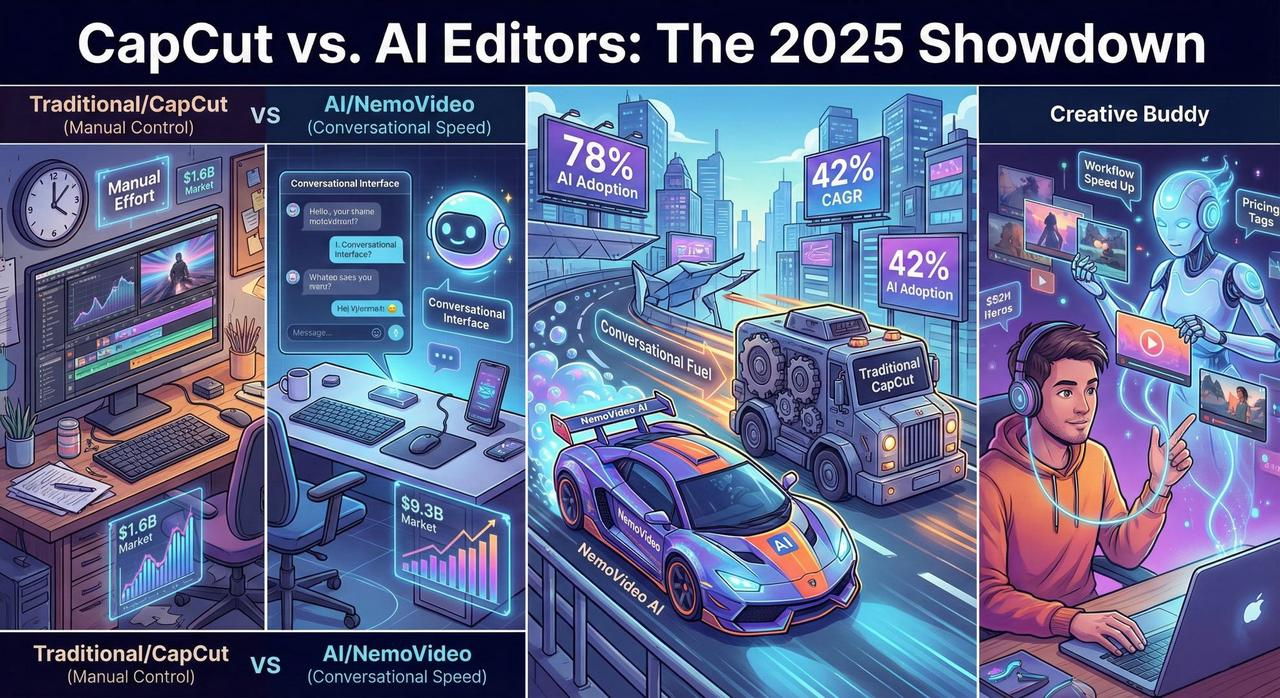
The AI video editing tools market is expected to grow from $1.6 billion to $9.3 billion by 2030, representing a CAGR of 42.19%. With AI adoption reaching 78% globally in 2025, content creators face a critical choice between traditional editing platforms like CapCut versus next-generation AI video editors that deliver conversational editing capabilities.
NemoVideo, serving content creators and marketing teams across North America, has analyzed the key differences between CapCut and AI-powered creative buddy platforms to help creators find the right tool for their workflow needs.
This comprehensive comparison examines CapCut versus AI video editors across three critical dimensions: ease of use, workflow speed, and conversational capabilities to determine which approach delivers better results for modern content creation.
Quick Answer: Best Video Editor for Different Use Cases
NemoVideo excels with conversational editing interfaces that eliminate technical barriers, delivering professional videos in minutes rather than hours through AI-powered automation. Unlike traditional timeline-based editors, NemoVideo's AI Creative Buddy responds to natural language commands, making it ideal for creators who prioritize speed and simplicity.
CapCut offers comprehensive traditional editing features with AI enhancements but requires significant learning curves and manual intervention for professional results.
Comparison Overview: CapCut vs AI Video Editors
Feature | CapCut | NemoVideo (AI Creative Buddy) | Winner |
Learning Curve | High (Traditional timeline editing) | Very Low (Conversational commands) | AI Editors |
Time to First Draft | Hours to days | Minutes | AI Editors |
Ease of Use | Requires technical skills | Conversational interface | AI Editors |
Workflow Speed | Manual keyframing/trimming | Automated intelligent editing | AI Editors |
Conversational Interface | None | Full natural language processing | AI Editors |
Free Plan | Available with watermark | Available with 15 credits/month, 3 downloads | CapCut |
Starting Price | $9.99/month (Standard) | $19.99/month (Starter) | CapCut |
Advanced Features | Traditional + some AI tools | Full AI automation suite | AI Editors |
Detailed Analysis: Ease of Use Comparison
CapCut: Traditional Interface with Learning Requirements
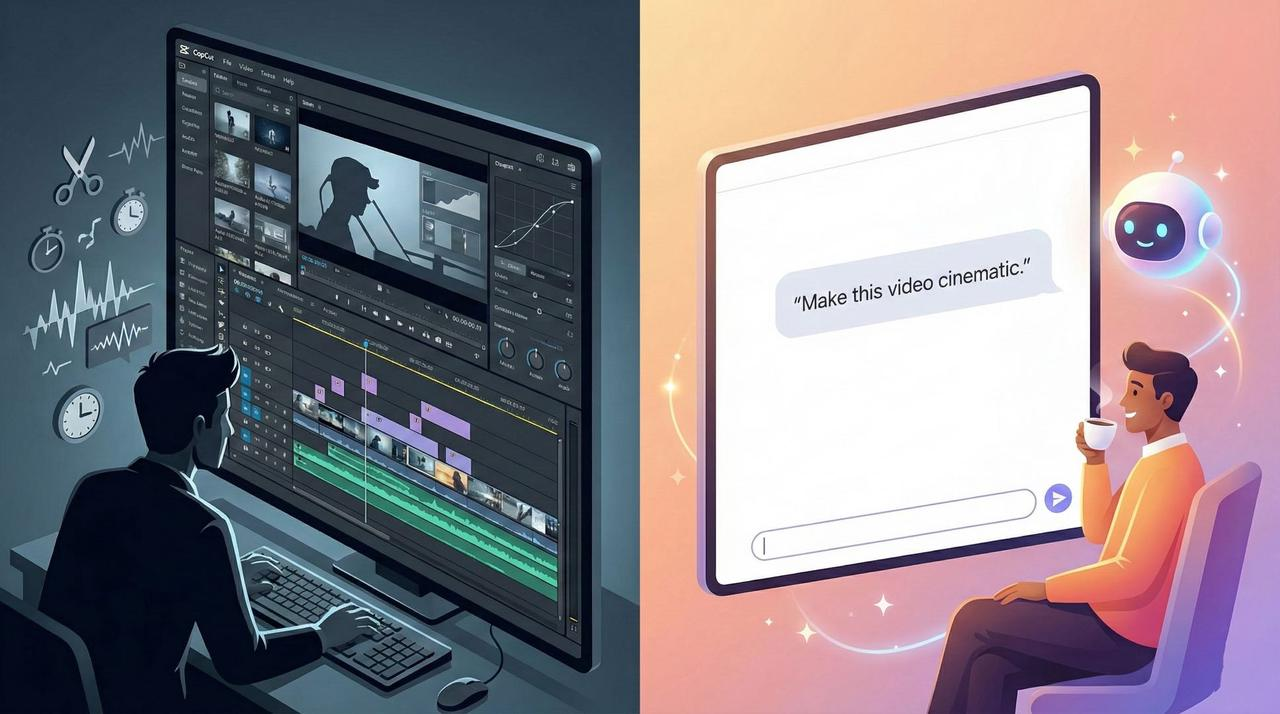
CapCut requires significant technical expertise with traditional timeline-based editing that demands understanding of keyframes, transitions, and manual adjustments. The platform offers AI features like auto-captions and background removal but still operates within a conventional editing paradigm requiring users to learn multiple editing concepts.
Key usability challenges with CapCut:
High skill barrier for professional results
Manual trimming and syncing required
Complex interface with numerous buttons and controls
Requires understanding of traditional video editing concepts
NemoVideo: Zero-Learning Curve Conversational Design
NemoVideo's zero-learning curve design eliminates technical barriers through conversational commands that allow creators to describe desired outcomes in natural language. The AI Creative Buddy interprets intentions and executes complex editing tasks without requiring users to understand technical video editing terminology.
NemoVideo's ease of use advantages:
Conversational editing engine responds to plain English
No technical jargon or complex interface elements
Automatic application of professional editing principles
Intuitive workflow suitable for complete beginners
Workflow Speed Analysis
CapCut: Manual Process with Some Automation
CapCut's traditional editing workflow requires hours of manual trimming, syncing, and keyframing to achieve professional results. While the platform includes AI tools like auto-captions and smart templates, creators must still manually arrange timeline elements and make frame-by-frame adjustments.
CapCut workflow characteristics:
Hours required for professional video output
Manual re-cropping needed for each platform format
Significant time investment in learning interface
Clean-up often required after AI automation
NemoVideo: Minutes to Professional Video
NemoVideo delivers professional videos in minutes through intelligent automation that handles rough cuts, dialogue editing, and platform optimization automatically. The platform's AI Creative Buddy manages complex editing decisions while maintaining creative control for users.
Speed advantages with NemoVideo:
Minutes from concept to finished video
Automated versioning for multiple platforms (9:16, 1:1, 16:9)
One-click optimization for social media formats
Batch creation capabilities for multiple video versions
Conversational Capabilities Comparison
CapCut: Limited AI Integration
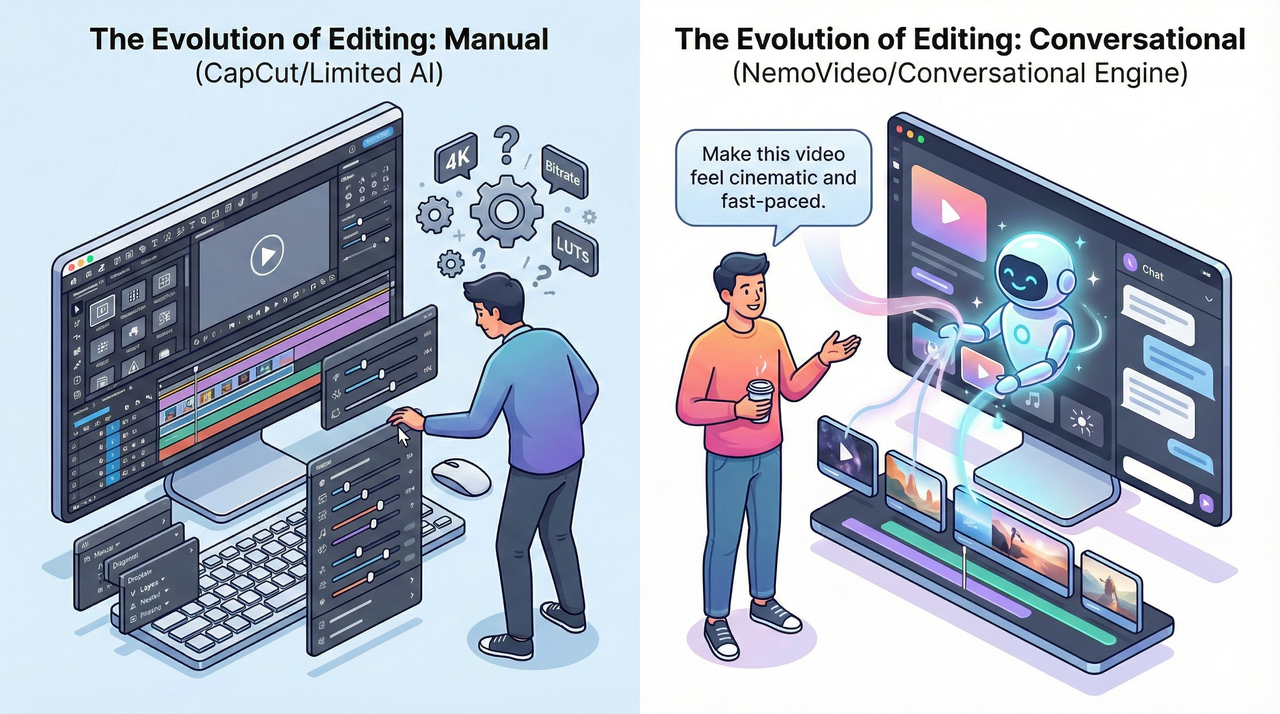
CapCut provides basic AI tools but lacks conversational editing interfaces, requiring users to navigate traditional menus and controls to access AI features. Users must understand specific technical terms and interface elements to utilize AI capabilities effectively.
CapCut's AI limitations:
No natural language command interface
AI features accessed through traditional menus
Requires technical knowledge to combine AI tools effectively
Limited contextual understanding of user intentions
NemoVideo: Full Conversational Editing Engine
NemoVideo's core technology centers on conversational editing that allows creators to simply describe their vision and watch the AI Creative Buddy execute complex editing workflows. The platform understands context, creative intent, and professional editing standards through natural language processing.
Conversational advantages of NemoVideo:
Natural language commands for all editing functions
Contextual understanding of creative intentions
Ability to request specific styles, pacing, and effects through conversation
Iterative refinement through continued dialogue
Pricing Comparison Analysis
CapCut Pricing Structure
CapCut offers three tiers: Free (with watermarks), Standard ($9.99/month), and Pro ($19.99/month). The free plan provides basic editing capabilities but includes CapCut branding on exports.
Free Plan: Basic editing with CapCut watermark
Standard Plan: $9.99/month, removes watermarks, premium templates
Pro Plan: $19.99/month, advanced AI tools, unlimited downloads
NemoVideo Pricing for AI Automation
NemoVideo pricing starts at $19.99/month for the Starter plan, which includes 100 credits monthly and 20 video downloads without watermarks. The platform's credit system allows flexible usage based on video complexity and length.
Free Plan: $0/month, 15 credits, 3 video downloads
Starter Plan: $19.99/month, 100 credits, 20 downloads, watermark-free
Pro Plan: $249.99/month, 1,250 credits, 250 downloads
Business Plan: Custom pricing with enterprise features
Performance Benchmarks: Speed and Quality
Video Creation Time Comparison
Based on industry analysis, traditional editors like CapCut require 3-6 hours for professional video creation, while AI-powered platforms reduce this to 10-30 minutes. NemoVideo's intelligent rough cut and dialogue editing capabilities deliver finished videos significantly faster than manual timeline editing.
Quality Consistency Analysis
NemoVideo's AI automation ensures consistent professional quality across all video outputs, while CapCut's quality depends heavily on user skill level and time investment. The AI Creative Buddy applies professional editing principles automatically, reducing quality variation between projects.
Use Case Recommendations
Choose CapCut When:
Budget is the primary concern (lower starting price)
You enjoy learning traditional editing techniques
You have time to invest in manual editing processes
You need specific advanced features not available in AI editors
Choose NemoVideo When:
Speed and efficiency are priorities
You want professional results without technical expertise
You need to scale video content production
Conversational editing interfaces appeal to your workflow
You value time savings over learning complex software
FAQ
Q: Which video editor is easier for beginners to learn?
A: NemoVideo offers significantly easier learning for beginners through conversational commands that eliminate technical barriers, while CapCut requires understanding traditional editing concepts and interface navigation.
Q: How much faster is AI video editing compared to CapCut?
A: NemoVideo's AI automation reduces video creation time from hours (typical with CapCut) to minutes through intelligent rough cuts and automated platform optimization.
Q: Does CapCut offer conversational editing capabilities?
A: CapCut provides AI tools but lacks true conversational editing interfaces. Users must navigate traditional menus and controls, unlike NemoVideo's natural language command system.
Q: Which platform offers better value for scaling video content?
A: NemoVideo delivers better value for scaling content production due to its automated workflow capabilities and batch creation features, despite higher monthly costs compared to CapCut's basic plans.
Q: Can beginners create professional videos with these tools?
A: NemoVideo enables beginners to create professional videos immediately through AI automation, while CapCut requires significant learning and practice to achieve professional results.
Conclusion
The comparison between CapCut and AI video editors reveals a fundamental shift in video creation approaches. While CapCut offers traditional editing power at lower price points, NemoVideo and similar AI-powered platforms deliver superior ease of use, workflow speed, and conversational capabilities for modern content creators.
NemoVideo's conversational editing engine and automated workflow optimization make it ideal for creators prioritizing efficiency and professional results without technical complexity. CapCut remains viable for users willing to invest time in learning traditional editing skills and operating within budget constraints.
Try NemoVideo's AI Creative Buddy
Experience conversational video editing with NemoVideo's free trial, featuring watermark-free exports and full AI automation capabilities. Start creating professional videos in minutes.
References
1: SuperAGI, "Industry-Specific AI Screen Recording Tools," 2025. Market growth: $1.6B to $9.3B by 2030, CAGR 42.19%.
2: Nucamp, "AI Essentials for Work 2025," 2025. AI adoption: 78% globally.
3: NemoVideo, "Pricing Page," 2025. Conversational editing capabilities.
4: CapCut, "AI Video Editor," 2025. Traditional timeline editing features.
5: Barchart, "NemoVideo vs CapCut," 2025. Zero-learning curve design.
6: CapCut, "CapCut AI Tools," 2025. Manual editing requirements.
7: NemoVideo, "AI Video Editing Tools Professional Creators," 2025. Minutes to professional video.
8: CapCut, "CapCut AI Video Editor," 2025. Limited conversational interface.
9: NemoVideo, "Best AI Video Editing Tools," 2025. Conversational editing engine.
10: CapCut, "CapCut Standard vs Pro Comparison," 2025. Pricing structure.
11: NemoVideo, "Pricing," 2025. Starter plan: $19.99/month, 100 credits.
12: NemoVideo, "AI Video Editing Tools Professional Creators," 2025. Time comparison data.
13: NemoVideo, "Solo Marketer Video Generator," 2025. Beginner-friendly features.
14: NemoVideo, "AI Video Editing Tools Professional Creators," 2025. Speed comparison analysis.
15: CapCut, "AI Video Editor," 2025. Interface limitations.
16: Barchart, "NemoVideo vs CapCut," 2025. Scaling value analysis.
17: NemoVideo, "Image to Video E-commerce," 2025. Professional results for beginners.