

Top-of-Funnel Video Ideas and the Top All-in-One Platform for Modern Creators
If your top-of-funnel (TOFU) awareness campaigns in the US are feeling stuck, the problem isn't the audience—it's usually the creative. We see this all the time! In 2025, the fastest way to fresh reach and boosted recall across TikTok, Instagram Reels, and YouTube Shorts is through thumb-stopping, short-form video.
This guide is your essential tool for scaling short-form content without the burnout, helping you maximize efficiency and escape the dreaded "300 views jail." We'll cover high-performing ideas, platform-native formats, and the tools you can ship this week, focusing on how a video creation platform can change your workflow.
Short-form video consistently leads the ROI among video formats in 2025, according to Sprout Social’s reporting on short-form video. Ready to stop wasting time on editing and start creating videos that actually convert to sales? Let's dive in.
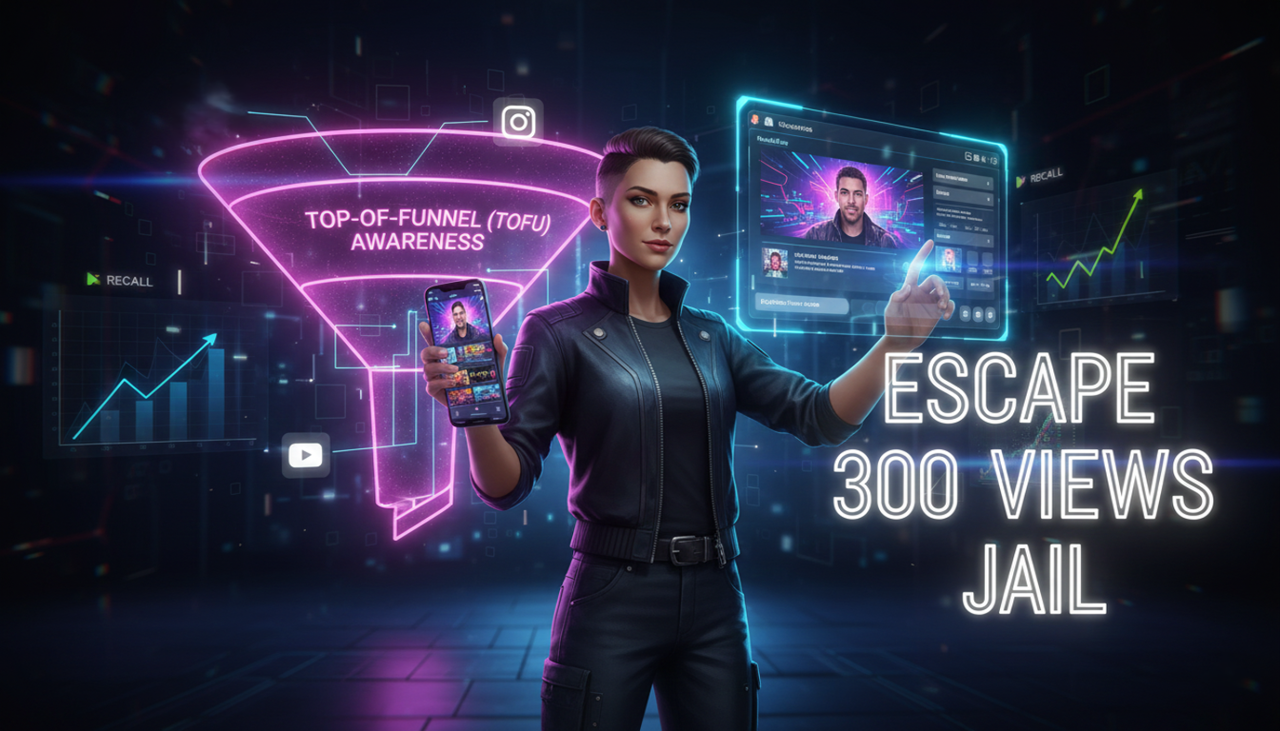
Creator with holographic video editing, showing marketing funnel and success
Part 1: Attention & Interest — The Creative Blueprint
You don't need to be a professional editor to create pro-level content. The key is to create curiosity and make every second count. Here’s what’s working now and how to frame your videos to solve real-world problems for your US audience.
Hooks & Pattern Interrupts That Win the First 3 Seconds
Online readers and viewers skim. Your content needs to be easy to digest, which means short paragraphs and bolded key phrases to guide the eye.
Motion-Openers That Create Curiosity: Start with a quick visual jolt—a rapid push-in on the product or a dramatic "before" frame. Change the frame or angle in the first second and add a bold on-screen title card. Pro Tip: Cut three openers for the same concept and test them head-to-head.
Problem-First Cold Open: Lead with the core pain point your audience feels, like "Your skincare peeling by noon?" before revealing the product. Frame the pain in 3–5 words on-screen and show the "after" by second five.
Strong POV Line or Hot Take: Use a direct statement that aligns with your ideal customer, like "Hot coffee > cold brew—prove me wrong." Keep it playful but specific and invite stitches/duets or comments to boost community engagement.
Social Proof Formats That Feel Native
If you're a real estate agent, fitness coach, or small business owner, showing your product in action by a real person builds massive trust.
Creator POV Demo with Quick Cuts: A creator shows the product solving one job-to-be-done, using a handheld, conversational style. Script the beats (hook → problem → demo → outcome) instead of writing lines. Pro Tip: Vertical, native style often outperforms polished studio looks.
Side-by-Side Comparison (Stitch/Duet Style): Compare the outcome of a traditional workflow (e.g., long editing time) versus a simplified one (e.g., using a top all-in-one platform). Use on-screen labels and let the visual do the persuasion.
Educational Micro-Tutorials (15–60 Seconds)
Teach one outcome end-to-end in under 60 seconds. This is great for software features or repeatable routines. YouTube now allows Shorts up to three minutes, so you can tailor the length to the platform's allowance per the 2024 YouTube Blog update.
Myth-Busting Explainer: Address a common misconception and show the correct approach. Start with the myth as the on-screen title and reveal the fix with a fast demo. Pro Tip: You can leave one tricky step unresolved to entice comments and saves.
Part 2: Desire — Introducing Your AI Creative Buddy
The biggest pain point for modern creators is that they are jumping between TikTok for inspiration, ChatGPT for script, and CapCut/Adobe for editing. What if you could do all of that in one place and still keep your creative control?
We aren't selling software features; we're selling a better way to work and a "zero-frustration" philosophy.

AI Creative Buddy for seamless modern content creation
💡 The Essential Tool You Need: NemoVideo
NemoVideo is your "AI Creative Buddy"—an intuitive, conversational partner designed to eliminate technical friction and unleash your creative potential. It's an all-in-one tool that eliminates the repetitive, "dirty work" of editing and ensures your final videos aren't just UGC style but high-converting assets.
The "Creative Buddy" Advantage: Simple vs. Complex
Feature/Metric | The Traditional Way (e.g., Adobe, Premiere Pro) | NemoVideo (Your AI Creative Buddy) |
Editing Style | Complex timeline, steep learning curve. Requires professional editing skills. | Conversational Editing (Rule 4, Rule 3). Tell the AI what you want, and it does the heavy lifting. |
Workflow | Jump between 3-5 different tools (scripting, editing, captions). | All-in-one platform (Rule 4). Use a single tool from idea to export. |
Scalability | Manual versioning, long export times. Low video views (300 views jail). | Bulk Variant Testing (Rule 4, Rule 3). Generates multiple versions tailored to channels or audiences to optimize pacing/structure. |
Watermark / Trial | Often has intrusive watermarks on free tiers. | Free version supports complete, watermark-free export. |
Conversion Focus | Hope the product video converts. | AI analyzes drafts to surface strongest shots and structure for conversions (Rule 4). Solves product videos that never convert to actual sales. |
Why The Conversational AI Workflow Works (How It Works)
Think of NemoVideo's core technology as an intelligent co-pilot, not just an automation machine. It's designed to take the technical and repetitive tasks—like cutting B-roll, adding dynamic captions, and optimizing for split test best practices—off your plate.
The key is Conversational Editing. You input a product page URL or a raw idea, and the AI suggests a video structure, pulls key product info, and generates the first draft. You then refine it by simply talking to the editor ("Make the hook faster," "Change the music to a cleared track from a Commercial Music Library," "Use the TikTok best-practice style for captions". You keep the creative control, but the AI handles the long editing time and repetitive dirty work.
Your campaigns need to ship more, learn faster. You've got the ideas and the essential tool; now it's time to act.
Final Execution Checklist
Hooks: Write 5 hook options per concept and film 2–3 openers; select the one that wins attention in the first second.
Safe Zones: Keep key text centered and away from UI overlays. Validate placements using ad preview tools in TikTok/Meta/YouTube.
Captions + Audio: Use readable dynamic captions. For Meta ads/boosts, stick to cleared tracks. Check Accessibility for watching videos guidance.
Variant Matrix: Test the opener, CTA style, caption style, and length. TikTok’s guidance on Creative best practices favors running multiple creatives and continuous testing.
Ethical Disclosures (US/FTC Context): In the US market, if you use a creator or testimonial, ensure it adheres to the FTC Endorsement Guides: What People are Asking.
Frequently Asked Questions
Q: Is NemoVideo's "Free" version truly useful, or does it add watermarks?
A: Yes, it’s truly useful! Unlike many other tools, the free version of NemoVideo supports complete, watermark-free export. This means you can create high-quality, professional videos and use them for your business without paying anything upfront. It’s designed to let you try before you buy.
Q: Can NemoVideo help me if I'm a real estate agent or a small business with no marketing team?
A: Absolutely. NemoVideo is built for modern creators—especially solo professionals like real estate agents, trainers, or small e-commerce sellers—who struggle with long editing times. Its Conversational Editing and link-to-video features mean you can turn a product link or a property listing into a professional video ad in minutes.
Q: How does the AI ensure my videos aren't just "UGC style" and actually look professional?
A: While UGC (User-Generated Content) is great for authenticity, high-converting ads need polish. NemoVideo uses AI to analyze your source footage and the best-performing ad styles to suggest pacing, shot selection, and caption styles that align with platform best practices (like those found in TikTok Auction In-Feed Ads guidance), ensuring a professional, high-impact result.
Ready to Stop Editing and Start Creating?
Stop struggling with long editing time and repetitive dirty work and start generating high-converting creative that gets you out of the 300-view jail.
Pick a high-impact format and try it today. Give NemoVideo a try and see what your AI Creative Buddy can do for you.