

Amazon Product Video: Stop the Guesswork and Start Selling with a Bulletproof Brief
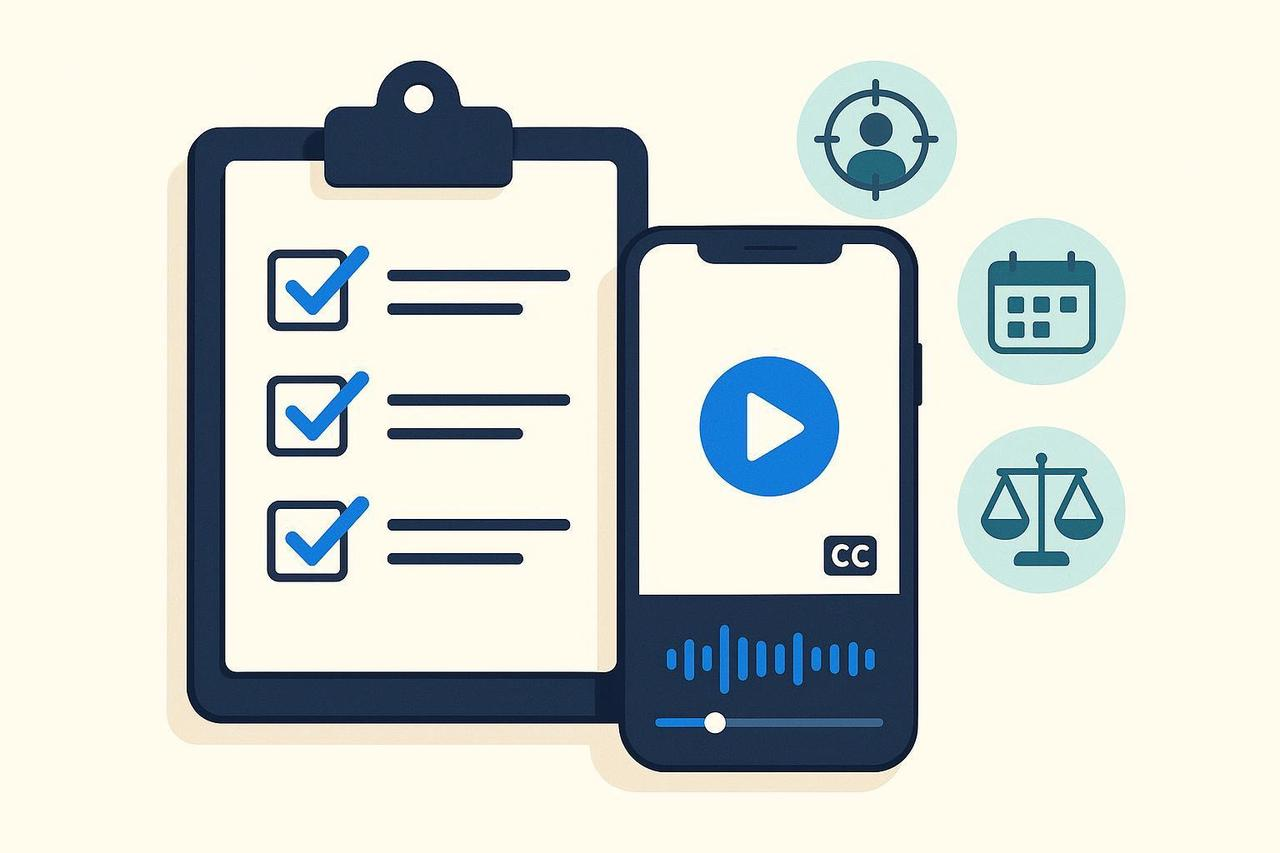
You know that a compelling amazon product video is your single best tool to boost conversion rates and reduce returns. But scaling production, ensuring legal compliance, and getting perfect specs for every placement is a massive headache. You need speed and precision.
As your AI Creative Buddy, I’m giving you the universal checklist that translates your business goals into flawless creative requirements. This isn't just a brief; it's your alignment tool for every amazon product video you create, ensuring it's optimized, compliant, and ready to convert.
Phase 1: Pre-Brief Alignment
Before you ask "How to create a product video for Amazon?" you must lock down the why and the who. Skipping this step leads to endless revisions.
Confirm Project Owner and Decision Maker [Mandatory]
Name the person accountable for final approval and the project lead responsible for delivery. Clarity here prevents creative churn.
Define Problem/Opportunity and Scope [Mandatory]
Summarize the specific business challenge (e.g., low conversion on a new listing, high return rate). State what’s in and out of scope immediately to prevent scope creep.
Capture Constraints and Risks [Mandatory]
Note dependencies (e.g., product availability), legal limits (trademarks, claims), platform limits, and deadlines.
Identify Stakeholders and Comms Cadence [Mandatory]
List who needs to be Consulted or Informed. Set the update frequency and channels (e.g., weekly standup, async doc).
Phase 2: Core Brief Fields
This is the messaging core that tells your amazon product video maker what to film.
Set Objectives and Success Metrics (SMART) [Mandatory]
Specify both business KPIs (e.g., sales, qualified leads) and creative KPIs (e.g., thumb-stop rate, video completion rate). Ensure measurable targets and time frames.
Describe the Target Audience and Insights [Mandatory]
Define primary/secondary audiences, key needs, objections, and platform behaviors (e.g., sound-off viewing, binge scrollers).
Write the Key Message and Single-Minded Proposition [Mandatory]
One takeaway the audience must remember; include 1 to 2 supporting points.
Define Tone of Voice and Brand Guardrails [Mandatory]
Define the tone (e.g., friendly, authoritative), writing style, and any “do/don’t say” mandates. Link brand assets if available.
Add Competitive/Market Context [Optional]
List top competitors, positioning cues, and examples that show “what good looks like.”
Include References/Inspiration [Optional]
Drop 3 to 5 links or screenshots of styles, structures, or creators you admire, with quick notes on why.
Phase 3: Deliverables and Platform/Video Specs
You must answer "What video format does Amazon accept?" and apply perfect specs for every placement.
Specify Asset Type and Count [Mandatory]
Example: 3x short-form vertical videos; 2x static image variations; 1x 6-second bumper.
Choose Aspect Ratio(s) [Mandatory]
Vertical $9:16$ for Reels/Shorts/TikTok; add $1:1$, $4:5$, or $16:9$ as needed. Confirm LinkedIn needs using the official LinkedIn video specifications overview.
Set Duration Windows (Video) [Mandatory]
Typical: TikTok and Reels often perform in $6 \text{ to } 30\text{s}$ hooks. Check the current TikTok in-feed ad specifications when planning paid placements.
Define File Format and Resolution [Mandatory]
MP4/MOV; $1080 \times 1920$ for vertical. Specify codec if required by platform.
Plan for Captions/Subtitles [Mandatory]
Require accurate captions for sound-off readiness and accessibility; specify burn-in vs. sidecar (e.g., SRT) per channel.
Mark Title/Thumbnail/Cover Requirements [Optional]
YouTube Shorts cover, Instagram Reels cover frame, or platform-generated thumbnails with text legibility checks.
Set On-Screen Text and Safe-Zone Guidance [Mandatory]
Keep critical text/graphics away from edges and UI overlays; center essential elements for vertical placements.
Define Hooks and CTAs [Mandatory]
Hook in the first 2 to 3 seconds; primary CTA and any secondary CTA variants (e.g., “Shop now,” “See the demo”).
Note Required Brand/Visual Elements [Mandatory]
Logos, color usage, lower-thirds style, intro/outro rules, and any product demo requirements.
Attach Script/Outline or Key Beats [Optional]
Bullet the narrative structure: problem $\to$ insight $\to$ solution $\to$ proof $\to$ CTA.
Mistake Alert: Missing per-platform specs and caption requirements are a top cause of rework. Lock these fields before production.
Phase 4: Distribution, Media, and Creator/UGC Collaboration
If you're using UGC, you must secure rights and ensure disclosures are perfect.
Outline Organic vs. Paid Distribution [Mandatory]
Channels, placements, frequency/flight dates, geo targeting, and audience segments.
Set Usage Rights and Time Windows [Mandatory]
Define owned/paid/earned usage, territories, durations, exclusivity, and derivatives.
Creator/UGC Plan (if applicable) [Optional]
Selection criteria; creative freedom boundaries; deliverables expected from creators (raw files, edits, thumbnails, usage rights handoff).
Disclosure Requirements [Mandatory when creator/UGC]
Ensure clear, conspicuous disclosures in-video (e.g., “Ad” or “Sponsored”), consistent with the FTC endorsements and influencers guidance.
Whitelisting/Authorization for Ads [Optional]
If running creator content as ads (e.g., TikTok Spark Ads or Meta Partnership Ads), document the TikTok authorization code per the Spark Ads creation workflow and align terms with platform policies such as Meta’s Advertising Standards.
Phase 5: Logistics: Timeline, Budget, and Roles
Efficient logistics prevent bottlenecks and deliver your amazon product video on time.
Map Milestones and Review Cycles [Mandatory]
Draft $\to$ internal review $\to$ revisions $\to$ stakeholder review $\to$ final sign-off $\to$ handoff. Limit rounds to avoid churn and schedule buffer days.
Assign RACI Roles [Mandatory]
Responsible, Accountable, Consulted, Informed for each major step (briefing, concept, production, review, delivery).
Set Budget and Allocations [Mandatory]
Production, talent, media/spend, licensing, translation/localization, contingency.
Define Approval Path and SLAs [Mandatory]
Who signs off at each stage; expected turnaround times; escalation path.
Add File Delivery and Archiving Requirements [Mandatory]
Destination folders, naming conventions, version logs, and retention policy.
Reference Workflow Tips: Streamlining approvals and limiting review cycles reduces delays. See the concise Ziflow creative workflow guide for typical creative ops patterns.
Phase 6: Legal, Compliance, and Accessibility
Legal risks stop momentum cold. Treat compliance as a feature, not an afterthought.
Accessibility Baseline (WCAG 2.2 AA) [Mandatory]
Provide accurate, synchronized captions; ensure legible on-screen text and sufficient color contrast. The W3C WCAG 2.2 Recommendation covers captions, contrast, and operability essentials.
Music and Audio Licensing [Mandatory when using music]
Document the source (e.g., platform libraries or direct license). Secure a sync license before use when uncertain.
Influencer/Endorsement Compliance [Mandatory when creator/UGC]
Both brands and creators share responsibility for clear disclosures, per the FTC endorsements guidance.
Platform Policies Snapshot [Mandatory]
Note any platform-specific ad/content restrictions relevant to your category (e.g., medical, financial, alcohol); link internal policy notes or legal sign-off instructions.
Phase 7: Handoff Hygiene and Version Control
Clean handoff procedures ensure fast asset deployment and simple archiving.
Establish Asset Naming Conventions [Mandatory]
Example schema: ProgramType-YYYYMMDD-Channel-Objective-Geo-Format-Version (no special characters). Apply consistently across exports and folders.
Set Folder Structure and Permissions [Mandatory]
Centralized cloud workspace with clear read/write permissions; separate WIP, Approved, and Archive.
Enforce Versioning and Change Logs [Mandatory]
Version numbers (v1, v2…), owner initials, and concise change notes tied to feedback threads.
Provide Source Files and Exports [Mandatory]
Include project files, fonts, LUTs, and licensed assets with documentation of rights and expiration dates.
Phase 8: Practical Example/Workflow
You need to know "How do I make a video for my product?" at scale. The answer: Draft once, version many.
Draft once, version many [Mandatory]
Define a “master” cut and required derivatives (e.g., 9:16 30s, 1:1 15s, 16:9 6s bumper), each with platform captions and CTAs.
Tighten Hooks and Pacing [Mandatory]
Script the opening 2 to 3 seconds for attention; front-load value and CTA clarity.
Example of Multi-Version Support
A workflow can use an amazon product video maker online to detect key visuals, adapt pacing, and generate platform-specific versions in bulk.
For instance, NemoVideo (our amazon product video maker online free) can help analyze a draft cut, surface the strongest moments, and output multiple aspect ratios with captions aligned to each channel.
Phase 9: Final QA Checklist
Use this before production and before launch.
Objectives/KPIs are measurable and time-bound; CTA is concrete and visible in all assets.
Audience Insights include platform behaviors (sound-off readiness, swipe patterns).
Deliverables List is complete with per-channel specs (aspect ratio, duration, resolution, captions, safe zones).
Accessibility Pass: captions confirmed; color contrast and on-screen text legibility checked.
Legal/Compliance: music licensing documented; creator disclosure plan finalized; whitelisting permissions in place; platform policy risks noted.
Logistics: RACI and approval path agreed; review cycles limited; budget lines approved; deadlines buffered.
Handoff Hygiene: naming conventions applied; folders and permissions set; version log up to date.
Phase 10: Post-Launch Iteration
Keep the brief living by folding learnings back into the next project.
Measure against Success Metrics [Mandatory]
Pull performance data tied to objectives (e.g., completion rate, CTR, ROAS, saves/shares) and summarize insights.
Update the Brief with Learnings [Mandatory]
Document what worked/what didn’t; refine audience insights, hooks, CTAs, and spec assumptions.
Plan Next Versions and Repurposing [Optional]
Identify quick wins: alternate hooks, new cuts for different channels, or localized variants.
Next Steps (Action)
The difference between a video that converts and one that sits dormant is in the execution of this detail. Use this brief as your amazon product video template for every launch.