
Stop Editing, Start Scaling: How to Turn One Video into a Global Success with AI Video Editing Tools Professional
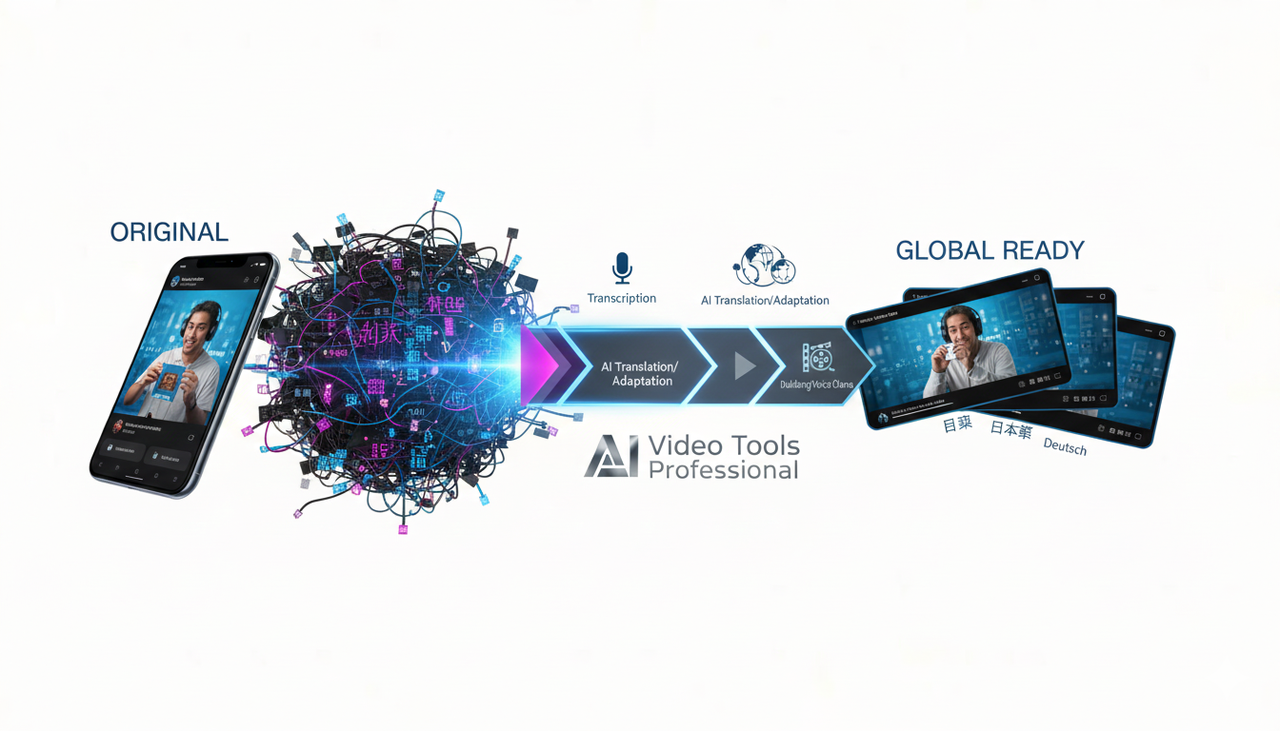
Struggling to repurpose your hit creator videos for new markets? You've got an amazing piece of User-Generated Content (UGC), but localizing it for global audiences feels like a massive, technical headache. It shouldn't be.
This guide cuts through the complexity. We're breaking down a practical, three-step workflow that lets you localize UGC into multiple languages with the best ai-video-tools-professional—without sacrificing cultural fit or quality.
The Pain: Why Localization Is Slowing You Down
You’re a busy professional—not a full-time video editor. The old way is agonizing:
Wasted Time: You jump between transcription, a translator, a video editor, and a subtitle formatter. It’s endless, repetitive, and time-consuming.
Low Conversions: Your product videos don't convert because they look amateur or miss the local cultural mark.
Loss of Control: Other AI tools are too automated, leaving you with a generic video that gets stuck in the "300 views jail" on platforms like TikTok.
The solution isn't more software; it’s a better way to work. It’s about leveraging the AI Creative Buddy to handle the heavy lifting while you focus on the creative, high-impact cultural touches.

Phase 1: Your New Workflow Blueprint
Forget complicated multi-app setups. Your new process is fast, human-centered, and designed for conversion.
Step 1: Transcribe → Translate → Subtitle (Mobile-First)
Goal: Produce accurate, readable subtitles for each target language and keep your brand tone consistent. Viewers skim on small screens, so readable captions are non-negotiable for improving comprehension and watch time.
What to Do:
Auto-Transcribe: Use an AI ASR tool to generate a transcript quickly. Always fix obvious errors (names, product terms) before translation.
Smart Translation: Machine-translate the transcript. Pro Tip: Provide your AI translator with a mini-glossary and tone rules (e.g., casual “you,” no slang) to guide consistency.
Format for Mobile: Aim for no more than two lines per subtitle, concise line lengths, and synced timing on fast cuts.
Export and Decide: Export the file (SRT/ASS). Decide whether to Burn-in the subtitles (guaranteed visibility) or Upload as closed captions (viewer can toggle).
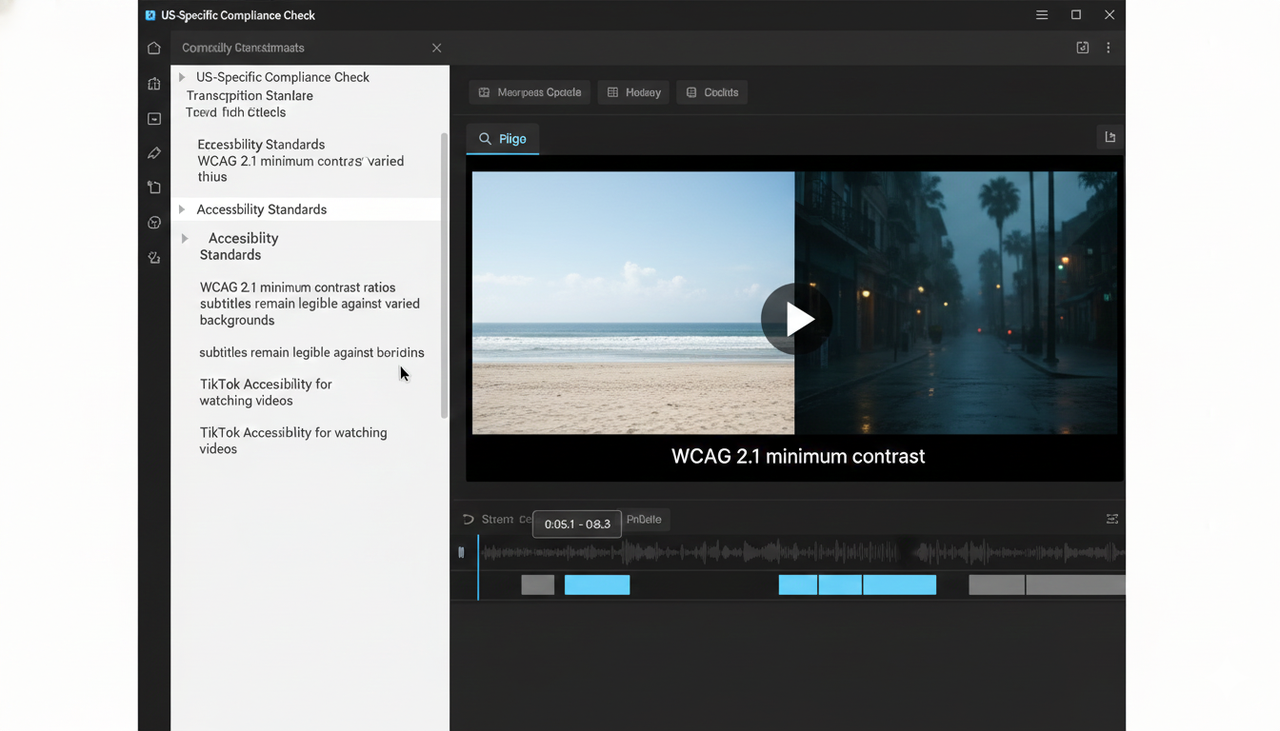
US-Specific Compliance Check
In the US, ensure your captions meet accessibility standards. The WCAG 2.1 minimum contrast ratios must be met, so your subtitles remain legible on varied footage. Also, be aware of the rules for adding captions on platforms like TikTok; you can enable and edit auto captions in-app as described in the platform’s Accessibility for watching videos.
Step 2: Dub, Localize, and Adapt for Culture
Goal: Decide when to keep subtitles and when to add localized voice, while adapting references, visuals, and crucial Call-to-Actions (CTAs) for each market.
What to Do:
Subtitles vs. Dubbing: Subtitles often suffice for short-form, preserving the creator's voice. Dubbing can increase immersion, especially for paid placements.
If Dubbing: Secure explicit consent for any synthetic voice use, match the original pacing and emotion, and prioritize clarity.
Culture Check: Rewrite slang, memes, and references so they land correctly in the local culture. Crucially, adjust CTAs to US norms and regulations. You must comply with the FTC Endorsement Guides: What People are Asking for any sponsored content.
Media Check: Replace on-screen text, prices, currencies, dates, and units to match the US format.
Leveraging AI to Get Your Control Back
If you're preparing multiple cuts (different hooks, aspect ratios), a dedicated AI video editor helps. Tools like Nemo (AI Video Editor) can be used to generate channel-specific cuts and adjust pacing for short-form variants after you finish your language work. This gives you the best of both worlds: human-level cultural nuance, scaled by AI speed.
Step 3: Scale Variants, QA, and Distribute
Goal: Turn your localized master into clean, platform-ready variants and publish with confidence.
What to Do:
Build Your Variant Set: Create 9:16 for TikTok/Reels/Shorts, or 1:1/4:5 for feed placements. Test 2-3 localized openings that mirror US phrasing and pain points.
Export Smartly: Keep text within safe areas and ensure loudness and clarity for dialogue are maintained over music beds. For TikTok, use the Commercial Music Library for ad music.
A/B Test: Set up an A/B testing loop. Isolate one variable per test (hook, CTA, or caption style). Check the best practices in the Split test best practices guide. Compare hold metrics, CTR, and conversion.
Final Compliance: Always confirm creator consent and comply with the FTC Endorsement Guides: What People are Asking.
The AI Creative Buddy Difference
You need a tool that eliminates the repetition without eliminating your creativity. The true difference lies in getting professional output without needing professional editing skills.
A Technical Deep Dive: How the "Creative Buddy" Works
The best AI video tools, like NemoVideo, use a two-step process to solve the "long editing time" problem:
Conversation-to-Cut: Instead of dragging clips, you literally chat with the editor. You upload your video, and you can say, "Cut all the parts where I hesitate," or "Generate 5 hooks from this script." This dialogue-based editing is what establishes a zero-frustration workflow.
Product-to-Video: For e-commerce and marketing professionals, this is a game-changer. You simply paste a product page URL, and the AI automatically pulls product shots and copies, generating a video draft for you to refine.
This method reduces the long, repetitive dirty work that used to require a professional editor, freeing you up to focus on the cultural and marketing nuances that actually drive conversion.
The global AI Video Creation market is projected to grow from $900 Million (2023) to $4.4 Billion by 2033, showing that AI assistance is rapidly becoming the standard, not the exception, for scaling video content.
Comparison Table: Creative Buddy vs. The Old Way
Feature | The Old, Manual Way (Adobe, etc.) | The AI Creative Buddy Way (NemoVideo) |
Localization | Manual transcription, separate translator, manual subtitle formatting | AI-powered 1-click transcription and translation with glossary guidance |
Editing Skill | Requires professional knowledge (e.g., Adobe skills) | Zero-Frustration. Uses conversational commands and link-to-video |
Creative Control | Full control, but extremely slow. | Full control over final cultural/creative touches, but AI handles all repetitive cuts |
Cost to Test | Expensive, time-consuming effort for every A/B test | Rapid, low-cost variant generation for Split test best practices |
Watermark | Generally clean, but expensive subscription needed. | Free tier supports complete watermark-free export |
Ready to Stop Editing and Start Winning?
You've mastered the three-step flow to create platform-ready, culturally adapted variants. You no longer need to jump between TikTok for inspiration, ChatGPT for script, and multiple tools for editing. You need one, all-in-one tool that is an AI creative sidekick.
You can test different hooks and use the platform's features to your advantage, such as checking the Creative best practices on TikTok Ads.
Start your journey to scale your video content with confidence.
Click here to get the professional features you need with the control you want. Get started today: NemoVideo (AI Video Editor)
Frequently Asked Questions (FAQ)
Q: Can I use NemoVideo for making professional-quality marketing videos, or is it just for UGC?
A: Yes, you can. While it simplifies UGC localization, its core technology is designed to produce professional video at speed, making it suitable for both AI video editing tools professional needs and quick social media cuts.
Q: Do I need to be a video editing expert to use a conversational AI tool?
A: Absolutely not. The "AI Creative Buddy" philosophy is built around eliminating the need for technical expertise. If you can type a command, you can use the tool to make complex edits and create professional videos.
Q: Is it safe to use AI for dubbing my creator's content?
A: It can be safe, but you must always secure explicit written consent from the creator before using any synthetic voice, as per US standards and best practices. Use AI to assist, but let a human reviewer handle the final cultural approval.
Q: Does using AI for translation hurt my video's cultural relevance?
A: AI provides the speed; human review provides the cultural intelligence. The best strategy is to use AI for the first draft of the translation, then have a native speaker quickly review and adapt slang or idioms before publishing.