
How Professional Creators Use an AI Tool That Adds Subtitles Automatically (And Cuts Editing Time by 90%)
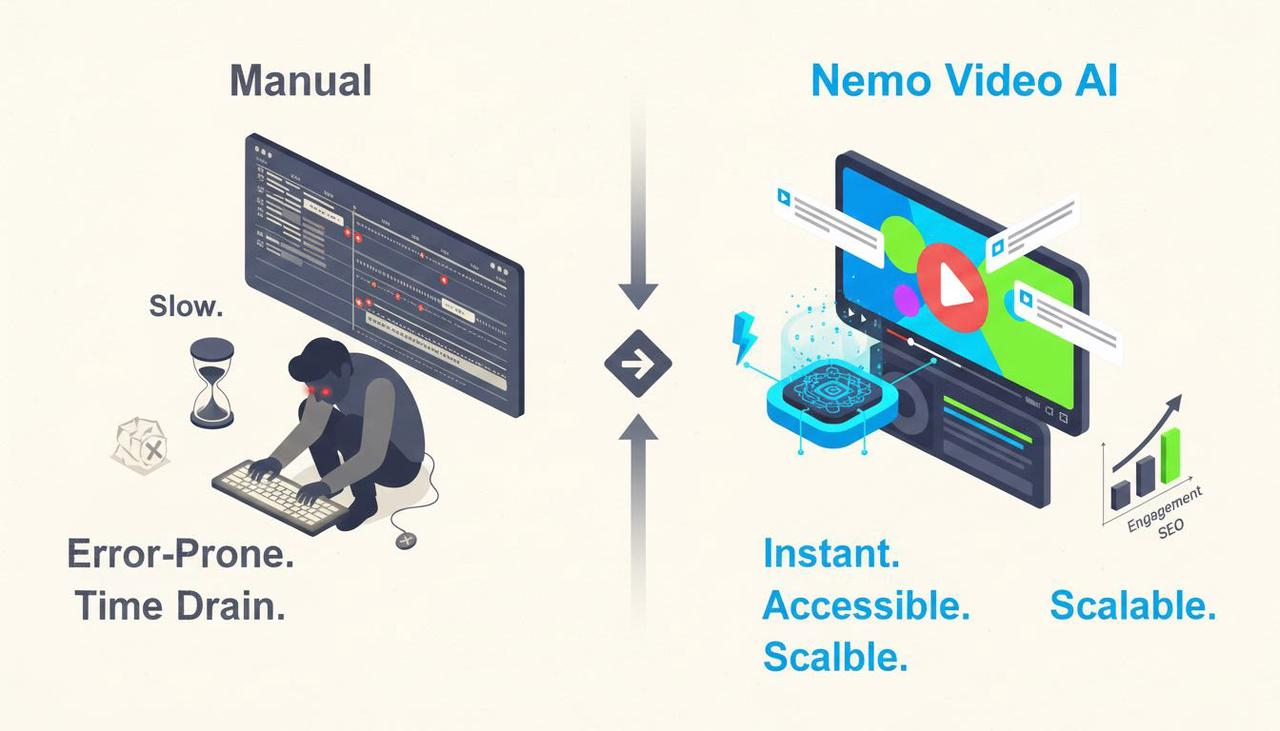
The modern video transforming landscape demands high volume, fast iteration, and, crucially, universal accessibility. In the US market, where content consumption on mute is the norm, subtitles are no longer an optional add-on—they are mandatory for engagement and SEO. For professional creators and marketing teams, manually typing and timing captions is a monumental waste of time. The question isn't if you need automation, but how fast and how smart your solution is.
The fastest path to creating accessible, high-performing video starts with an AI-first platform designed for speed. Nemo Video serves as an indispensable tool for this task, seamlessly integrating automatic subtitling into a high-volume, creative workflow.
By automating the transcription and styling process, Nemo Video allows teams to focus entirely on creative iteration and scaling their winning content strategies. It's one of the best AI tools for maximizing reach and ensuring your message is understood, even when viewers watch silently.
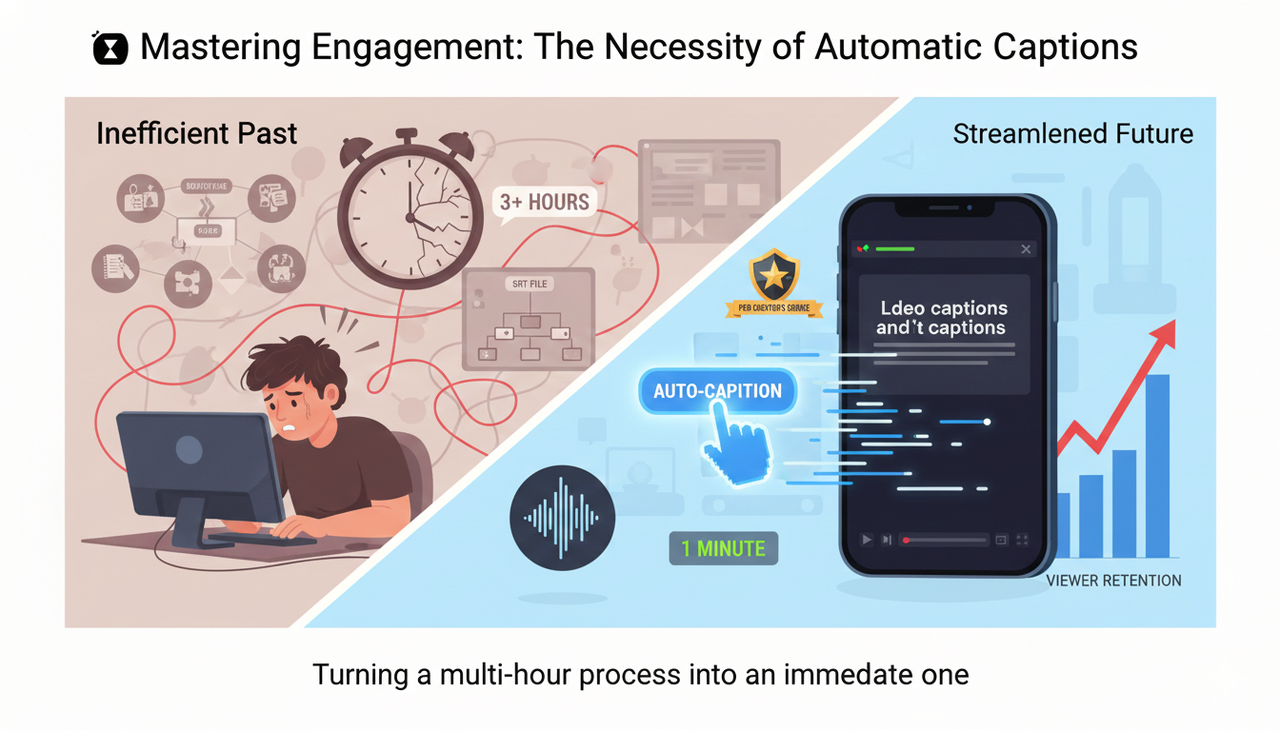
Mastering Engagement: The Necessity of Automatic Captions
Why is automated subtitling a core feature of AI video editing tools professional creators demand? It’s driven by two factors: accessibility and performance. Most content is consumed on mobile devices in public settings, where the audio is off.
Accurate, stylized captions capture attention and retain viewers, directly aligning with creative best practices. Furthermore, ensuring accessibility for watching videos (TikTok Support) is paramount for reaching every segment of your potential audience.
The traditional workflow involves transcribing the video manually, creating a separate captions file (like an SRT), importing it, and then adjusting the timing—a multi-hour process for a single, short video. The cutting-edge software available today eliminates this bottleneck by processing the audio file immediately upon upload.
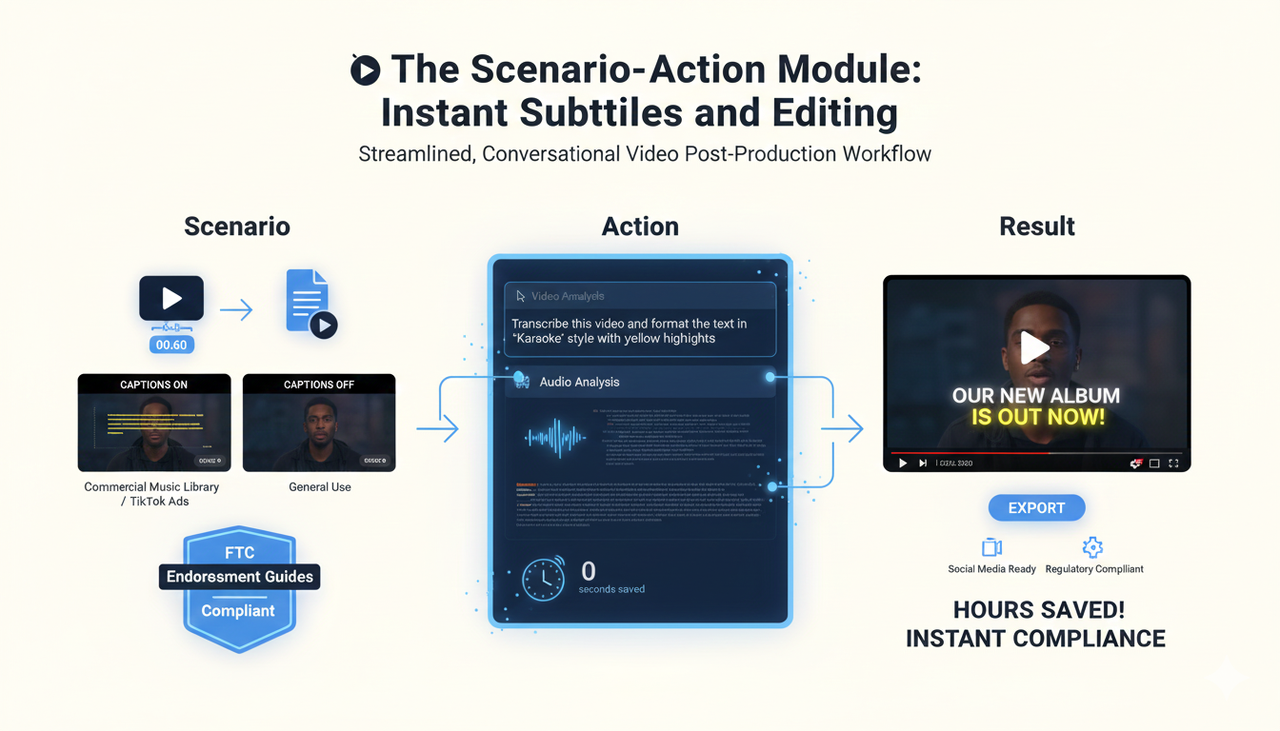
The Scenario-Action Module: Instant Subtitles and Editing
Instead of wrestling with timecodes, your workflow should be conversational and immediate:
Scenario: You have a 60-second interview clip and need two versions—one with captions and one without, to adhere to guidelines for Commercial Music Library (TikTok Ads Help) or Commercial Music Library use and general best practices.
Action: You simply give the command: 'Transcribe this video and format the text in "Karaoke" style with yellow highlights.' The tool instantly analyzes the audio, generates accurate captions, and applies the brand-specific styling and timing.
Result: The final, styled video is ready for export, saving hours of manual labor and ensuring compliance with modern social media standards and even guidance like the FTC Endorsement Guides: What People are Asking and FTC Endorsement Guides: What People are Asking.
Beyond Captions: Scaling High-Volume Content
For professional creators running social advertising, speed on core tasks like subtitling is just the entry point. The real value of AI lies in its ability to handle volume, which is critical for split test best practices (TikTok Ads Help) and ensuring your TikTok Auction In‑Feed Ads (TikTok Ads Help) or ikTok Auction In‑Feed Ads are profitable.
Nemo Video integrates captioning into a comprehensive creative workflow focused on scale. It’s an AI video editing tools professional marketers use to:
Generate Variations: Automatically create multiple versions of a single video, each with slight tweaks to the subtitle placement, timing, or text, facilitating rapid A/B testing on ad platforms.
Ensure Compliance: Quickly adjust formatting to meet the specific requirements of platforms for Promoting a brand, product, or service (TikTok Support).
Optimize Visuals: Use AI to detect key moments in the video and automatically synchronize the pacing and visual flow with the automatically generated captions.
To see how this level of automation can benefit your team, visit the Nemo (AI Video Editor) site.
Comparison Table: AI Speed vs. Traditional Power
The choice between the best AI tools often comes down to focus. Do you prioritize speed and volume for short-form content, or do you need deep finishing controls?
Dimension | Traditional Manual Method | Nemo Video (AI-First Solution) | DaVinci Resolve AI (Post-Production Suite) |
Subtitle/Caption Generation | Manual transcription and timecoding. | One-click automatic transcription and stylized formatting. | Speech-to-Text captions available (often gated to Studio version). |
Time to Caption 5-Min Video | 1-2 hours (Transcription + timing). | 2–5 minutes (Auto-generation + quick review). | 5–15 minutes (Dependent on system performance and review). |
Best Fit for Users | Teams prioritizing frame-accurate control; film/TV post. | Professional Creators and Marketing Teams prioritizing content volume and speed. | Teams needing deep color grading, VFX, and audio mixing. |
Scaling Ad Variants | Requires manual export and relinking files. | Built for bulk versioning and viral content replication. | Possible via scripting, but requires expert-level setup. |
FAQ Section
Q: Which AI tool is best for adding subtitles automatically for social media?
A: Tools like Nemo Video are considered among the best AI tools for social media creators because they prioritize the speed and volume required for platforms like TikTok and Instagram. They combine accurate auto-transcription with customizable, trending subtitle styles, making your content more engaging and accessible.
Q: Is automatically generated transcription accurate enough for professional use?
A: Yes, modern cutting-edge software uses sophisticated AI models that offer high accuracy (often 95%+), especially with clear audio. While a quick manual review is always advised, AI eliminates the need for manual typing and timecode matching, which is the biggest time-saver for professional creators.
Q: What is the primary benefit of using an AI video editing tools professional for my workflow?
A: The main benefit is accelerating repetitive, time-consuming tasks. The ability for an AI video editing tools professional platform to instantly add captions, auto-reframe, and cut videos dramatically reduces your production cycle time, allowing you to increase content volume for better A/B testing and marketing results.