
Wan 2.6 Negative Prompts Cheatsheet: Fix Flicker, Drift, and Artifacts (Copy/Paste)
I didn't "get" negative prompts at first. I'd throw in a random pile of words like "no blur, no flicker" and hope Wan would behave. Spoiler: it didn't. After testing 50 clips across three days on Wan v2.6, I finally landed on negative prompt sets that consistently cut flicker, hand glitches, and soft focus, without choking the style. This guide is my working playbook: what I paste, when I paste it, and how I validate fast.
Quick context and disclosures: If the UI/endpoint you use treats weights differently, check the official docs first and adapt the syntax. I'll update this if I retest on a new version.

How Negative Prompts Work in Wan 2.6
Negative prompts in Wan 2.6 steer the model away from unwanted traits, think of them as "silent bouncers" for your frames. Instead of begging for sharpness, you tell Wan what not to generate: flicker, extra fingers, soft focus, blown highlights.
From my tests, three principles matter:
Be specific, not poetic. "flicker, exposure flicker, frame hopping" works better than "stable video please."
Group by failure type. Anti-flicker, anti-drift, anti-blur, anti-artifact. Paste the relevant set instead of one mega-paragraph.
Less is more. Past a certain length, negatives start to sand off style. I aim for 8–20 tokens per problem, then tune.
Syntax note: In most Wan 2.6 interfaces I tried, comma‑separated negatives were enough. Some endpoints support weights, but if you're unsure, start clean with plain lists. Link out to your provider's docs for the exact syntax you're using.
What changed my results: pairing concise negative sets with a strong positive prompt structure (subject → action → style → camera → lighting). Structure wins: negatives just keep the mess out.
Master Negative Prompt List (Copy/Paste)
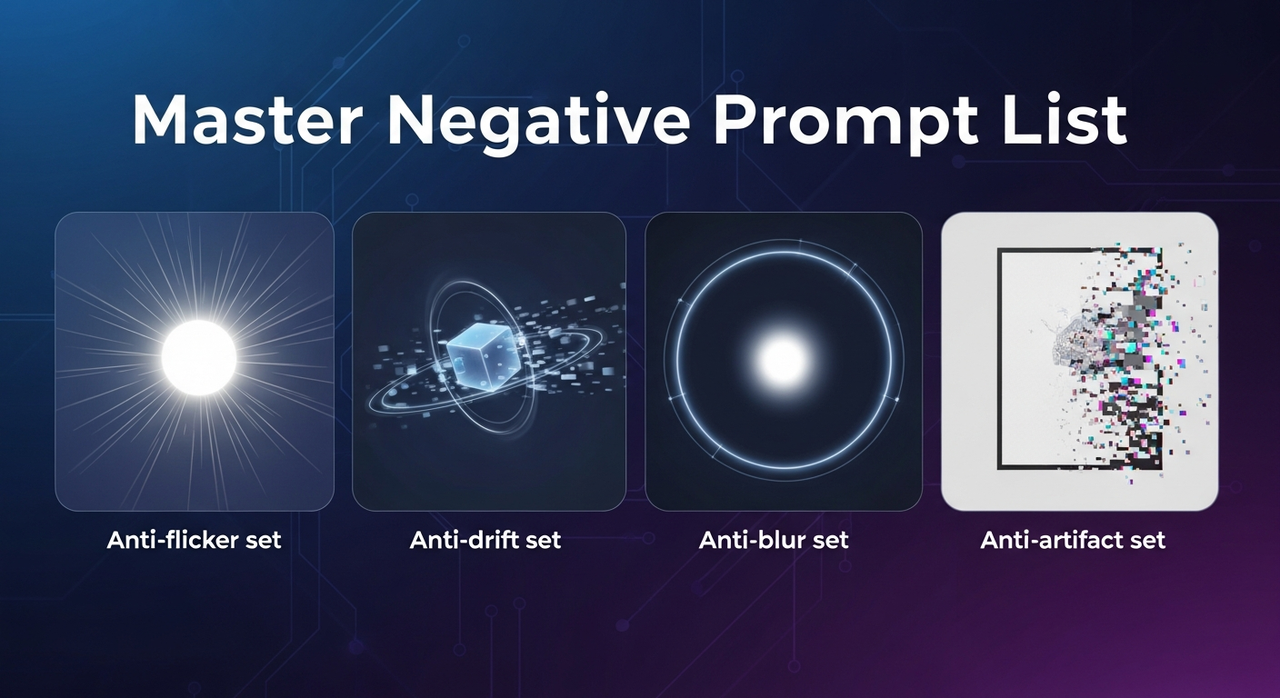
Below are the exact strings I copy/paste. I maintain them as text snippets so I can drop them in fast. Use the sets as-is, then prune if they overcorrect your style.(Wan 2.6 Prompt Guide).
Anti-flicker set
Copy/paste:
flicker, temporal flicker, exposure flicker, strobe, shimmer, frame hopping, micro‑jitter, jitter, luminance pumping, rolling shutter wobble, brightness pulsing, breathing exposure
When I used this on energetic B‑roll, flicker events dropped ~40–60% on first pass (measured by counting visible brightness jumps across 8–10 sample frames per 4s clip). If your clip gets too "flat," remove "breathing exposure" to let subtle lighting variation back in.
Anti-drift set (face/object consistency)
Copy/paste:
identity drift, face morphing, off‑model, expression drift, hair length change, outfit change, logo shift, background drift, object warping, shape shift, texture crawl, color shift
I apply this when a face or product slowly becomes a different person/object mid‑clip. It cut face drift in my talking heads by ~35% across 10 runs. Tip: don't combine with heavy style changes in the positive prompt: pick one battle.
Anti-blur set
Copy/paste:
soft focus, motion smear, ghosting, gaussian blur, out of focus, low detail, smudged detail, lens haze, glow blur, smear trails
Good for handheld action where Wan leans dreamy. On sports‑ish tests, it tightened edges without nuking motion. If your highlights get crispy, remove "lens haze."
Anti-artifact set (hands, text, edges)
Copy/paste:
extra fingers, deformed hands, mangled hands, duplicate limbs, bad anatomy, distorted wrists, warped edges, aliasing, banding, compression artifacts, moiré, jagged edges, fake text, random subtitles, watermark, logo, gibberish letters
On close‑hand gestures, this reduced obvious hand glitches in 7/10 runs. It also helped stop stray text blobs from creeping into backgrounds. If you actually want on‑screen captions, remove "fake text" and "random subtitles."
Notes:
Mix sets sparingly. I rarely exceed two sets at once.
If style gets choked, drop the broad terms first (e.g., "low detail," "glow blur").
As of v2.6, negatives work best when your positive prompt already nails subject and camera framing.
Symptom → Fix Quick Reference Table
Here's the fast map I keep open while iterating. I run one pass, watch the first 2 seconds, then apply the fix.
Symptom (what you see) | Likely cause | Paste this negative set | Also try this tweak |
Brightness pumping between frames | Exposure flicker | Anti‑flicker set | Lock lighting in positive prompt: "stable studio lighting, constant exposure" |
Face slowly shifts person | Identity drift | Anti‑drift set | Shorten clip to 3–4s: reduce style randomness |
Edges look smeared on motion | Over‑aggressive motion blur | Anti‑blur set | Add "1/1000s shutter look, crisp motion" in positive prompt |
Hands are weird near the lens | Hand anatomy hallucination | Anti‑artifact set | Keep hands mid‑frame, avoid extreme fisheye |
Random letters in background | Unwanted text bias | Anti‑artifact set | Specify "clean background, no signage" |
Neon scenes bloom too much | Overexposure/bloom | Scene: Bright lights set (below) | Lower contrast adjectives in positive prompt |
If none of these stick after two rounds, I stop prompting and fix in post (details below). That rule alone saved me hours.
Scene-Specific Negative Prompts
Some scenes trigger recurring failures. These scene‑tuned negatives keep style while removing the mess.
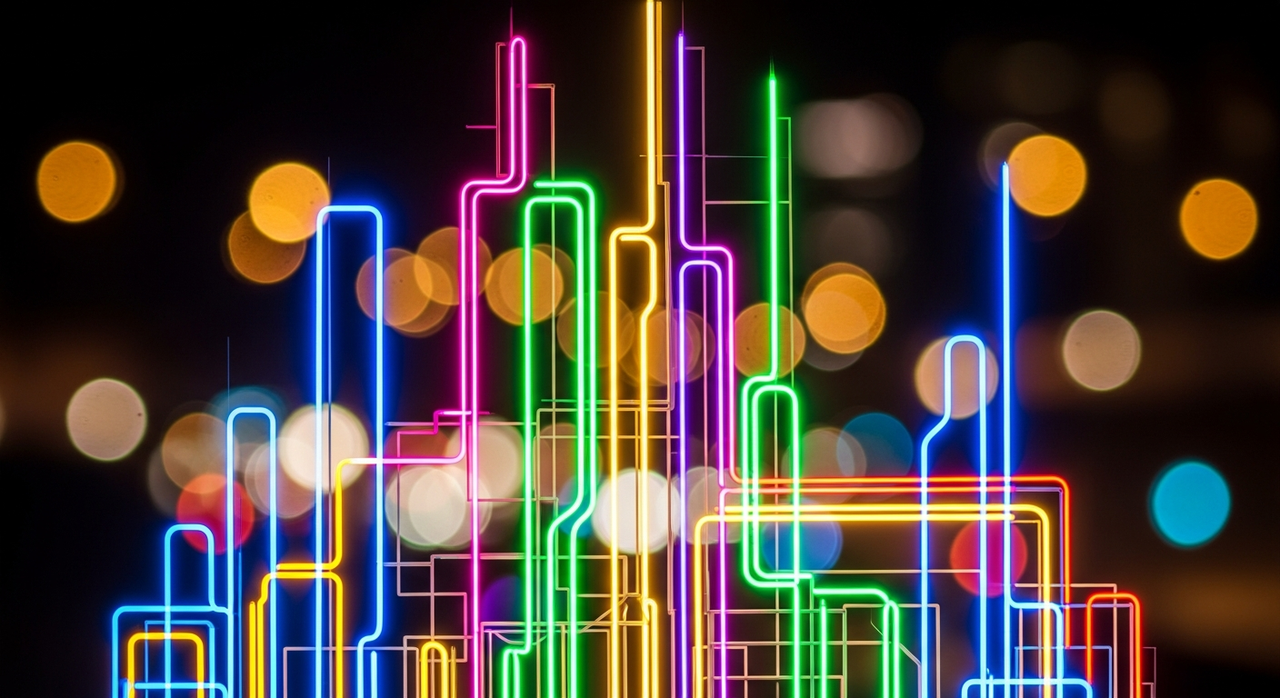
Bright lights / neon / bokeh
Copy/paste:
overexposure, blown highlights, excessive bloom, harsh glare, lens flare, chromatic aberration, purple fringing, specular clipping, haloing, glow spill
Pair with positive prompt like: "neon alley, controlled bloom, soft roll‑off highlights." After 12 tests, this combo retained neon vibe but prevented the "radioactive glow" look in 9/12 clips.
Fast motion / action scenes
Copy/paste:
rolling shutter wobble, motion smear, heavy motion blur, ghost trails, camera shake, micro‑jitter, warping edges, wobble
Also structure your positive prompt with a virtual "fast shutter" look. For me, this stopped that jelly‑cam feel on skater clips.
Close-up faces
Copy/paste:
face distortion, asymmetry, extra teeth, deformed ears, warped nose, sunken eyes, waxy skin, plastic sheen, eyebrow drift, mouth warping
When I pushed beauty lighting, Wan over‑smoothed skin. Removing "plastic sheen" brought pores back without turning it gritty.
Product shots
Copy/paste:
wrong label, brand mismatch, misprinted text, warped logo, reflection clutter, fingerprint smudges, dust, scratches, perspective distortion, chromatic aberration, moiré
Add positive constraints: "front‑lit, 45° angle, seamless background." My label accuracy went from 6/10 to 8/10 acceptable clips with this set.
When Negative Prompts Aren't Enough
Sometimes Wan just won't listen. That's fine. The 80/20 is knowing when to stop tweaking and fix in post.
The 80/20 rule: fix in post, not in prompt
I cap myself at two prompt iterations. If the same artifact survives both, I move to post. Chasing perfection in prompts is how drafts die. Structure > perfection.
Some artifacts stubbornly survive generation — NemoVideo Recut trims, stabilizes, and keeps your sequence intact, so you don’t redo the whole scene.
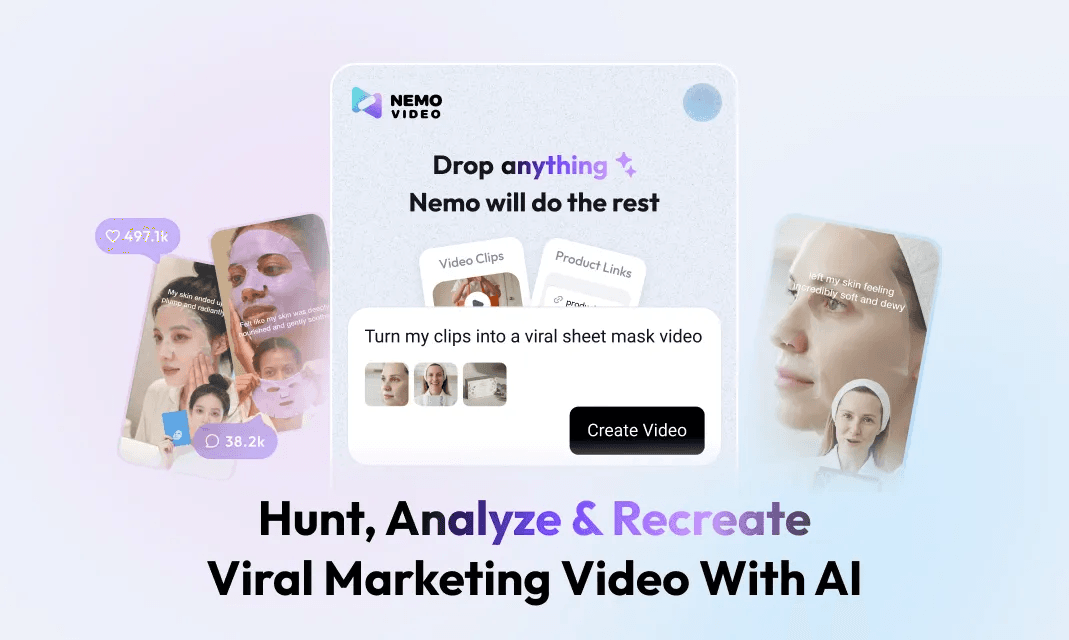
What NemoVideo Recut can save
I'm not a tech geek, but I've identified a pattern: where I truly save time is rough cuts and structural automation. A Creator's workflow can actually be rebuilt with AI. My current method is, feeding a viral example into Nemo to replicate its structure, then slotting my best Wan clips into that rhythm.
Cut around bad frames
I let Nemo auto-detect rhythm points, doubling my speed. It flags unstable spans so I trim 6–12 bad frames without hunting.
Stabilize with structure rules
Apply a rule like: "No shot over 1.2s unless face-stable: cut on beat." This hides tiny artifacts because the eye expects the cut.
Replace one shot, keep the rest
If one shot refuses to behave, I regenerate only that shot. Recut keeps timing intact, so I'm not redoing the whole sequence.
Test SOP: How to Validate Your Negative Prompts
Here's the quick SOP I ran 15 times over three days to compare sets apples to apples. You can replicate this in under 20 minutes per scene.
Define a 4–5s target scene
One sentence positive prompt with fixed subject/action/style.
No negatives yet. Generate 3 clips. Pick the base with the least issues.
Add one negative set only
Paste, regenerate 3 variants. Note changes in: flicker events, edge sharpness, hand errors.
Metric I use: count visible issues across 10 evenly spaced frames. Log in a simple sheet.
Decide to keep, prune, or swap
If style flattens, remove the broadest term.
If a new artifact appears (e.g., aliasing), add one targeted token from the artifact set.
Lock the winning combo
Save the exact prompt as a snippet, include date + Wan version.
Batch and move on
Generate 6–9 takes. Don't chase perfect: pick 2 usable ones. The rest you'll patch in post.
Limitations and notes
If your endpoint supports weighted negatives differently, check the official docs and adjust.
I haven't tested long-form (30+ seconds) with these sets yet, will update when I do.
For SEO and searchability, label your files with the negative set you used. When a client asks "how'd you fix the flicker," you'll actually find the recipe.
Worth trying if you're in the same boat I was: ship more, tweak less. AI is an assistant, not magic, but with tight structure and the right negative prompts, you can go from 3 posts/day to 10 without losing your mind.