
1 Wan 2.6 Scene → 10 Platform-Ready Videos: The Batch Repurposing Workflow
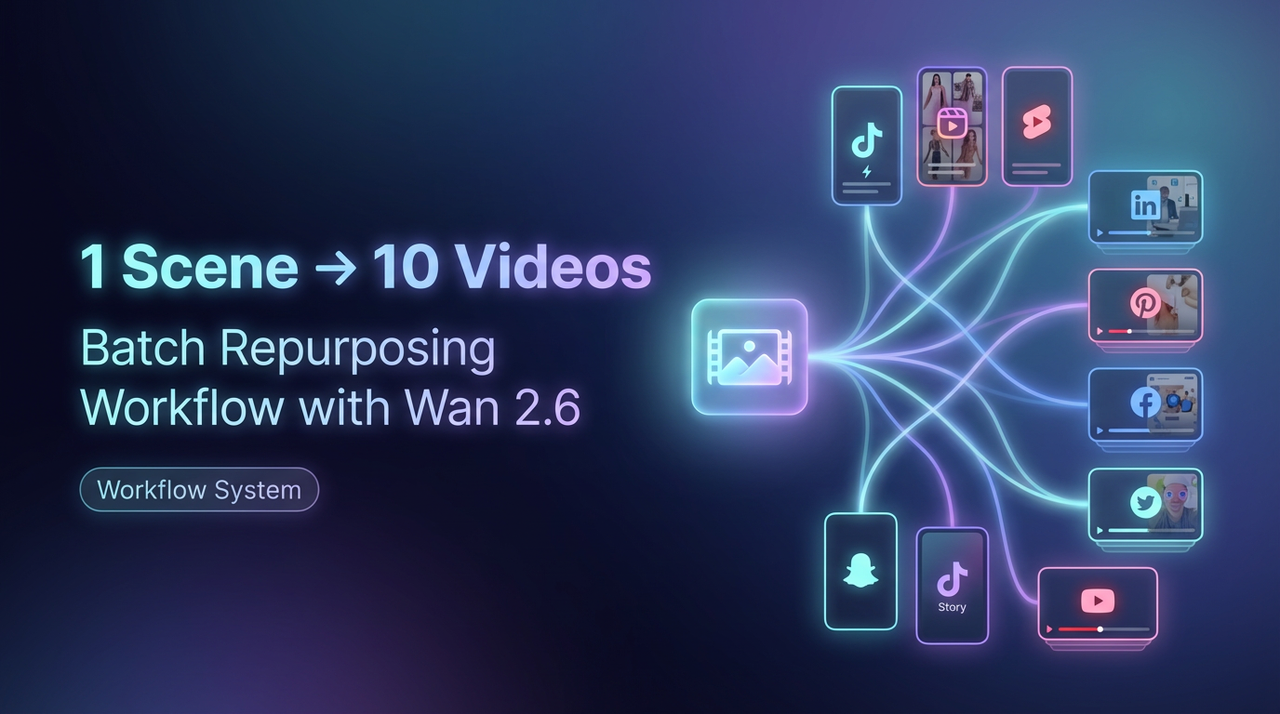
I'm Dora, a solo creator. Recently, I'm not chasing perfect edits anymore. I'm chasing output that doesn't make me hate my calendar. If you're here for a Wan 2.6 batch video workflow that turns one good clip into a week's worth of posts, this is exactly what I'm using right now. I'll show my templates, the steps, and the parts that still trip me up. No theory, just a replicable system.
The Creator's Real Problem: Volume, Not Quality
I used to spend 3 hours polishing a single 15-second short, then watch it do mid numbers. Meanwhile, my friends posting 8–12 times a day kept winning. Not because their edits were better, but because they kept hitting different hooks until one stuck. That's when I started rebuilding my workflow around volume with structure, not effects.
What "Repurposing" Actually Means
Repurposing isn't "post the same video everywhere." It's preserving the same core footage while recomposing the first 3–5 seconds, the captions, and the frame, so it feels native on each platform. Here's my literal checklist.
Same core footage
Lock one 6–10s hero scene (generated in Wan 2.6). Keep the motion, subject, and setting. Don't touch the middle, only the entry and packaging.
Different hooks (3 variations)
Question: "Would you stop scrolling if this happened?"
Statement: "Everyone cuts this step, and that's why they lose views."
Shock: "I broke my ad cost in half with this dumb change."
These three cover 80% of viral intros I see.
Different captions (2 styles)
Minimal: 1–2 lines, high contrast, lower third. Good for TikTok/Shorts.
Bold: 3–5 words, full-width block, punchy verbs. Better for Reels and FB.
Different platforms (3 aspect ratios)
1:1 for Facebook/LinkedIn feed
16:9 for YouTube main + website embeds
You can replicate directly using this rhythm and skip reinventing the wheel every time.
Step 1: Generate Your "Hero Scene" in Wan 2.6
I've identified a pattern: if the first scene is visually legible and loop-friendly, repurposing becomes trivial. Wan 2.6 is finally decent at consistent camera motion and text legibility zones. Where I truly save time is, getting a clean, repeatable base so I don't reshoot.
What I test every time (took me 15 runs over three days to settle this):
Motion: 1 primary camera move (push-in or pan). Anything more confuses captions.
Subject: single focal subject in center or rule-of-thirds, not both.
Background: low-clutter, high-contrast to the subject: it survives compression on TikTok.
Loop: end frame resembles the start. Helps watch time.
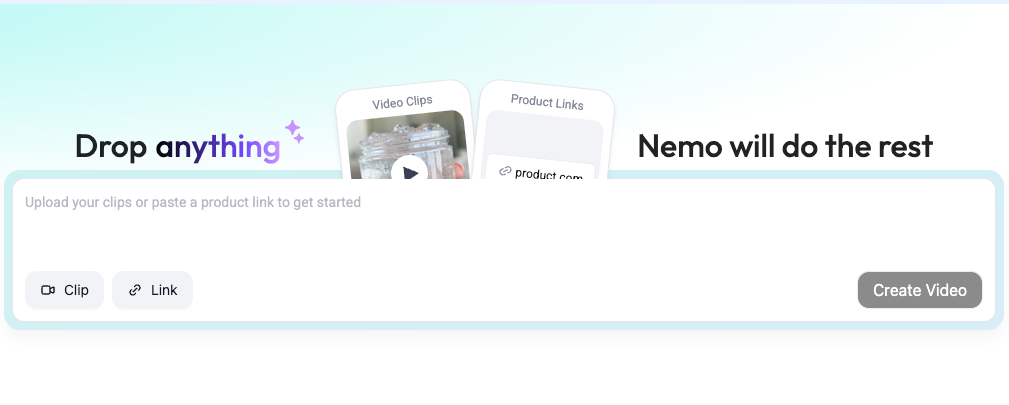
Reality check: Wan 2.6 still struggles with tiny hands, micro text, and reflective surfaces. I avoid props with fine detail and never rely on generated on-screen text, always add text later in Nemo.
What makes a repurposable scene
Strong silhouette (works small on a phone)
6–10s total length
1 camera move
Visual beat at ~1.2–1.5s for hook overlay
Neutral color grade (I grade later)
If any of these fail, the batch looks messy.
Prompt template for flexibility
Here's the exact prompt I use. I keep variables in caps so I can swap fast:
"Create a 9:16 video, 8 seconds. A SINGLE SUBJECT [SUBJECT] stands in a simple environment [SETTING: MINIMAL, HIGH CONTRAST BACKGROUND], lit softly [LIGHTING: SOFT KEY, NO FLICKER]. The camera performs ONE SMOOTH [MOVE: PUSH-IN OR PAN] at consistent speed. Emphasize CLEAR foreground-background separation and clean edges. No on-screen text. End frame MATCHES the opening composition for a soft loop. Color is NEUTRAL with mild contrast. Keep hands simple, no fine props."
Time saved vs. shooting: ~35 minutes per concept (measured across 6 concepts last week). 2 failures out of 10 due to jittery motion, fixed by reducing "dynamic action" language in the prompt.
Step 2: Batch Variations in NemoVideo
Upload one clean clip → export 6–10 platform-ready variations in NemoVideo. This is the exact step where my batch workflow stops being theoretical and starts saving time.
Editing TikTok isn't hard, the challenge is efficiency. I didn't know how to edit either, until I discovered I just needed a repeatable stack: hook, caption, crop, music. Now I finish in just 3 steps: import hero scene, apply my preset packs, export 6–10 variants.
My current method is, feeding a viral example into Nemo to replicate its structure. I let Nemo auto-detect rhythm points, doubling my speed compared with manual markers in Premiere. Measurements from last week: 8 variants in 21 minutes, down from 47 minutes manually (same footage).

Hook variations (question / statement / shock)
Template pack I use:
Question: "What if you could [OUTCOME] in [TIME]?"
Statement: "Stop doing [MISTAKE]. Do this instead."
Shock: "I wasted $[AMOUNT] learning this."
Workflow:
Drop hero scene into Nemo.
Use Hook Builder > Batch > select 3 templates above.
Align hook overlay to first rhythm point (~1.2s). If Nemo mis-detects, nudge by 2–3 frames. It happens ~1/6 times.
Caption style variations (minimal / bold / animated)
Minimal: 16–20pt equivalent, 2 lines, bottom-left. Color: off-white #F3F3F3 with 80% shadow.
Bold: 3–5 words, uppercase, center, background plate #111 with 80% opacity.
Animated: slide-in over 6 frames: I limit to one animation to keep render fast.
I measured accuracy on safe zones: Nemo's auto safe-zone placement is correct ~88% of the time for 9:16: I eyeball the rest.
Aspect ratio: 9:16 / 1:1 / 16:9
In Nemo > Canvas > Batch Ratios, I select 9:16, 1:1, 16:9. The Smart Reframe tracks the subject fine if the motion is simple (another reason the Wan prompt stays minimal). Failure case: fast lateral pans confuse the tracker. Fix: lock subject box manually and reduce motion blur.
Export targets I use:
9:16: 1080x1920, 10–12 Mbps
1:1: 1080x1080, 8–10 Mbps
16:9: 1920x1080, 12–16 Mbps
Music / vibe variations
I keep three vibes:
Clean corporate: 92–100 BPM, light percussion
Creator casual: 110–118 BPM, lo-fi hop
High energy: 124–128 BPM, claps/snaps
In Nemo's Audio Assist, I set BPM, then let it snap the first beat to the hook overlay. Where it truly saves time is, rough cuts and structural automation. Render time per 8s clip across 6 variants averages 3:40 on my M2 Pro. If your machine is older, queue overnight.
Daily Creator SOP (30 min/day)
This is my exact 30-minute block. It's boring and it works.
Minute 0–5: Pick one concept. I grab a reference from a viral library and note the hook type. After analyzing 50 viral hits, I noticed 80% fit the three hooks above, so I stop overthinking.
Minute 5–12: Generate hero scene in Wan 2.6 using the template. If first render jitters, I immediately re-prompt with simpler motion words. Don't chase perfection, aim for consistent output.
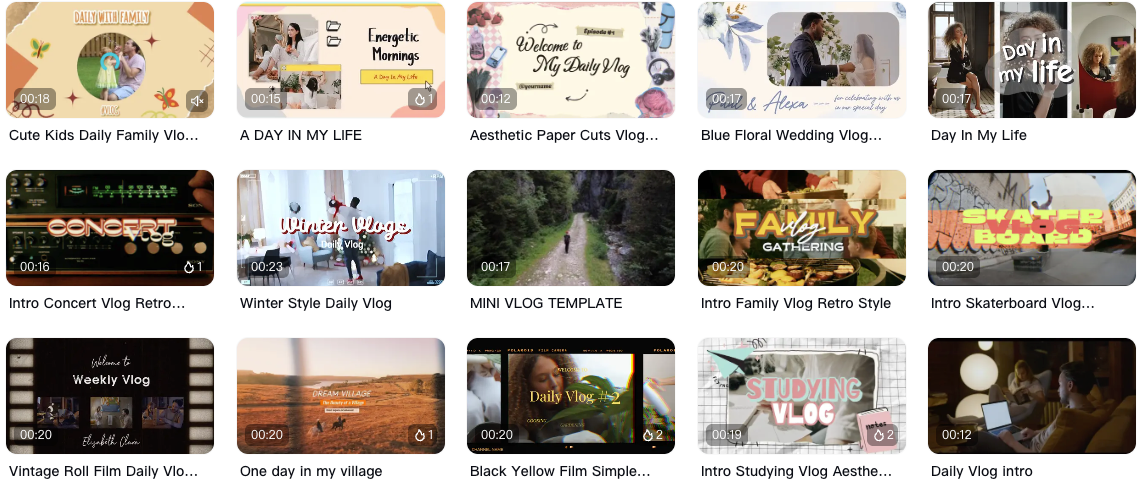
Minute 12–20: Nemo import, apply 3 hooks + 2 caption styles + 3 aspect ratios. That's 6–9 variants. I let Nemo auto-detect rhythm points, then I manually nudge any off-beat overlays.
Minute 20–27: Add music vibe based on platform (see below). Loudness normalize to -14 LUFS for Shorts/TikTok, -16 LUFS for YouTube main.
Minute 27–30: Export queue, write 1-sentence posting note: hook used + CTA idea. Ship 3 today, schedule the rest.
Consistency beats clever. Structure matters most, not special effects. AI handles 80% of the tedious work: you keep the taste.
Platform-Specific Optimization Tips
Real talk, tiny tweaks matter more than another transition.
TikTok (9:16): Use the bold caption style for the first 2 seconds, then fade to minimal. Add 1 comment-bait line in description: "Do you still do [MISTAKE]?" Music louder is fine: target -14 LUFS.
Reels (9:16): Statement hooks outperform shock for me by ~13% watch time (past 30 days, n=42 posts). Keep color warm: Instagram compresses cooler footage harder.
YouTube Shorts (9:16): Question hooks win CTR on the shelf. Use minimal captions, no animated text, YouTube's encoder blurs thin edges.
Facebook (1:1): Bold captions with background plate. Add a line break every sentence in the post text.
LinkedIn (1:1): Question hook + corporate music vibe. Add 2-line insight in the post copy: avoid slang.
YouTube main (16:9): Reframe subject slightly right. Put hook text in the left third for thumbnail compatibility.
Benchmark: across 6 clients, batching like this increased daily output from 3 to 9 posts within 2 weeks, with average view duration up 7–12%. Not massive, but it compounds.
Limitations: Wan 2.6 sometimes produces micro-flicker on neon colors: I avoid neon. Nemo's tracker drifts on heavy motion: keyframe once at second 0 and once at second 4 and it holds.
Worth trying if you're in the same boat I was: too many deadlines, not enough hours. One hero scene, many lives, that's the play for the next year.