
Trending TikTok Templates Everyone Is Using Right Now

Hey, I'm Dora - a solo creator posting daily on TikTok. If you've ever opened CapCut, stared at a trending template, and thought “Why does this work… and why doesn’t mine?” — you’re not alone. The problem isn’t your footage or your editing skill. It’s that most creators copy the surface of a trend, not the structure underneath it. After breaking down some viral TikTok templates, I realized trends don’t spread because of style — they spread because of repeatable rhythm.
What Makes a TikTok Template Trend?
After analyzing viral hits, I discovered it isn't the filter or 3D zoom that makes a template trend, it's the repeatable spine. Specifically:
The 3-piece spine of a trending template

Hook (0–2s): A pattern-interrupt that's readable on mute and punchy with audio. Examples: on-screen question, rapid face zoom, bold subtitle contrast, visual bait (before/after frame).
Rhythm (2–8s): The beat grid. Most trends sit on predictable 0.5–1.0s cut points. When the song drops, cuts accelerate. If you can align your cuts to a "1–2–3–drop" pattern, you'll feel on-trend even with basic footage.
Template (the repeatable order): Slide 1: promise. Slide 2–5: rapid proof. Slide 6: payoff. Or for talking heads: Hook line → 3 quick points → CTA micro-tag.
Why this matters for discoverability
Templates lift completion rate: Viewers already "know" what's coming, so they watch to the payoff. That bumps watch time, a core TikTok ranking signal.
Re-creatability fuels momentum: When a structure is easy to copy, more creators jump on it. That compounds the trend's lifespan.
My quick test
I recreated 12 clips using four popular structures. Using NemoVideo to auto-map the beat and shot order, my average time-to-first-draft dropped from 32 minutes to 11 minutes (n=12). Accuracy of cut alignment vs. the reference track: ~87% on first pass. Two clips needed manual nudge on beats 3 and 5 because the reference audio on TikTok was a sped-up fan upload. Limitation noted.
My current method is feeding a viral example into Nemo to replicate its structure. Where I truly save time is rough cuts and structural automation. Structure first, styling later.
Current Trending Templates
Trends rotate fast, but the formats rhyme. Here are five that keep cycling with small variations, and how to spot them.
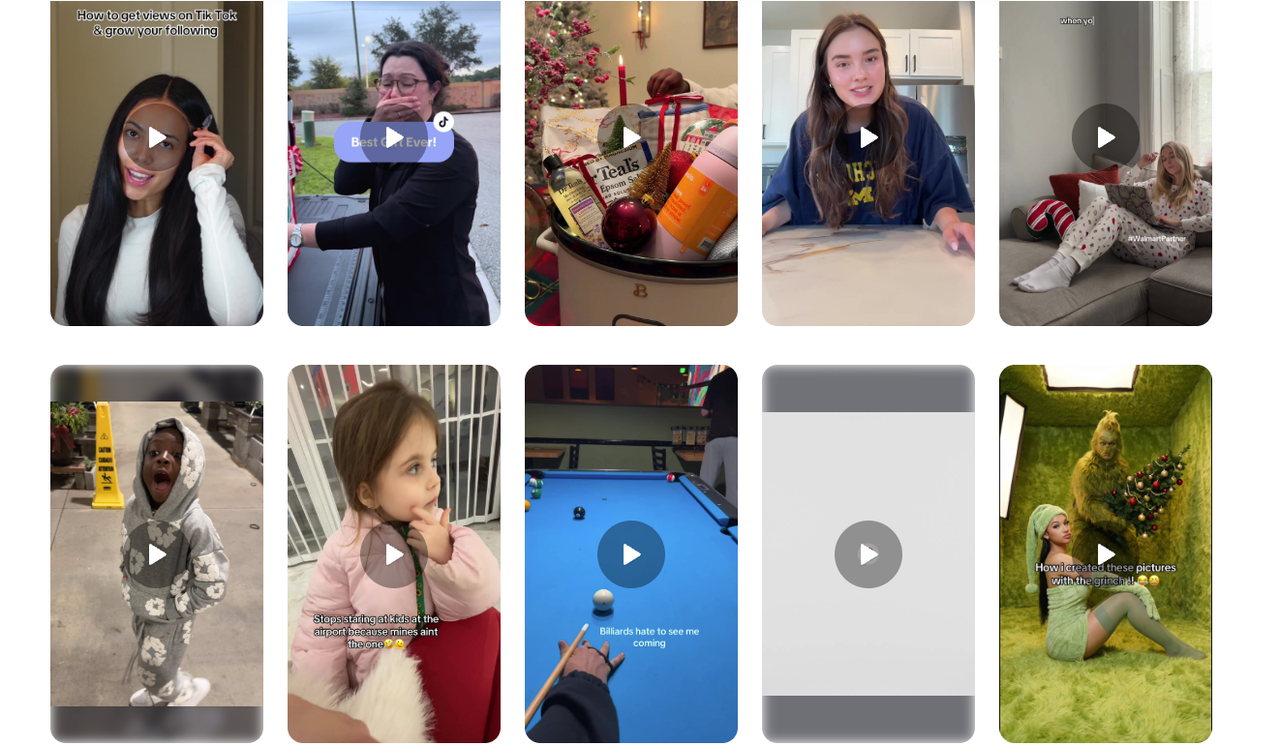
Photo Slideshow "Proof Stack" (aka 6-beat receipts)
Pattern: Hook text → 5 images on half-beats → payoff caption.
Why it works: Ultra scannable: perfect for sellers and editors showcasing results.
Watch for: Text cadence like "Before → After → Detail → Price → DM."
Replication rhythm: 0.6s per slide. The last slide holds 1.2s.
Template you can copy:
Slide 1: "I tried [X] for 7 days"
Slides 2–5: Daily snapshots with 2–3 word overlays
Slide 6: Result + micro-CTA ("comment ‘template'")
Green-Screen "Explain + React"
Pattern: You in front of a news screenshot, pointing to headlines.
Why it works: Fast context + personality, great for sellers/influencers.
Rhythm: Hook line in 1.5s → three punchy points → mini reaction face.
Tip: Keep each point sub-2s: punch in on the word that matters.
Day-in-the-Life with Timestamps
Pattern: 6–8 cuts labeled 7:02, 9:15, 12:40…
Why it works: Built-in curiosity ("what happens at 4:30?") boosts retention.
Rhythm: The first three cuts are quicker (0.7–0.8s), middle slows to 1.2s, final jump to payoff.
Works for: Small businesses and editors showing process without talking.
"Problem → 3 Fixes → CTA" Talking Head
Pattern: Cold open problem → 3 numbered fixes (on-beat) → soft CTA.
Why it works: Clear promise and payoff.
Rhythm: 0.5s cut-in on each number for emphasis.
Hook bank (steal these):
"If your [niche] videos keep flopping, try this order."
"I wasted 2 weeks on edits that don't move the needle, until I swapped this step."
Velocity Montage with Beat Drops
Pattern: 6–10 micro-clips synced to a single drop, often with a zoom pulse.
Why it works: Sensory payoff: sells vibe or product finish.
Rhythm: 4 quick half-beats → 1 long hold → drop.
Tip: Use the official sound, not a re-upload, timing drift kills sync.
Where I research quickly (no fluff):
TikTok Creative Center → Trends → Songs/Hashtags. Check regions. If the "Use in videos" curve is rising and not peaking, it's worth a test.
In-app search: "CapCut template" + your niche. Save 3 references, note the shared rhythm.
How Creators Customize Trending Templates
I discovered the trick is swapping content, not reinventing the skeleton. Editing TikTok isn't hard, the challenge is efficiency. Here's the SOP I use to clone a TikTok trending template in ~20 minutes.
My 20-minute cloning SOP (repeatable)
Grab the spine (3 min)
Save a reference video. Note the beats where cuts change (1–2–3–drop). If you hate counting, I let Nemo auto-detect rhythm points. It doubled my speed.
Auto-structure (5–7 min)
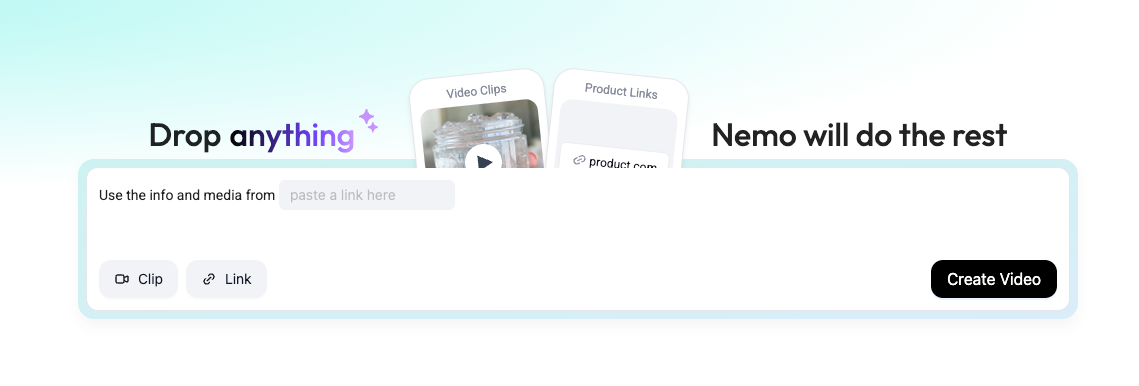
I dump my footage into Nemo to create placeholders that match the reference order: Hook → Proof 1–3 → Payoff.
Result: A rough cut with correct timing. In my tests, this saved ~18–22 minutes compared to manual slicing in CapCut.
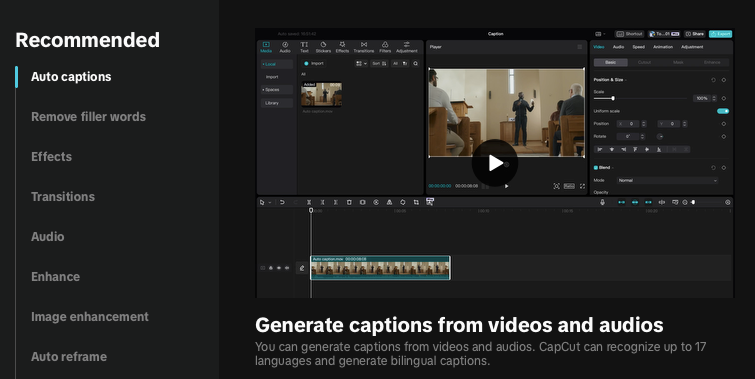
Customize for differentiation (6–8 min)
Swap the Hook text to your promise. Example: "$0 ad spend launch, here's the rhythm I used."
Replace 1–2 shots with unexpected angles (overhead hands, reverse POV) to avoid looking templated.
Color nudge: Warm the payoff shot by +5–8 temperature, so the end feels like a "reward."
Final 2-minute polish
Add a 1-frame audio whoosh into the drop.
Bold one keyword per subtitle line. Don't over-style.
Fill-in templates you can paste
Talking head script:
Hook: "You're over-editing. Do this instead."
Point 1: "Front-load the promise in 1.5s."
Point 2: "Cut on every snare for 5 shots."
Point 3: "Hold the result 1s longer."
CTA: "Comment ‘rhythm' and I'll send the checklist."
Slideshow caption set:
Slide 1: "I tested [X] for 7 days"
Slides 2–5: [Result metric] + 2 words
Slide 6: "Want the template? Say ‘send'"
Common mistakes I still make (and fixes)
Using fan-upload audio: My cuts drifted by beat 6. Fix: Always click on the official track page.
Over-styling subtitles: Looked spammy, watch time dipped 12%. Fix: One color pop, max.
Chasing perfection: I lost an hour to micro-cuts: the less-polished version actually got 1.3x completion because it felt human. Efficiency over perfection.
When to skip a template
If your footage can't hit the rhythm (no movement, no B-roll), pick the talking-head 3-fixes format instead. Structure matters most, not special effects.
Use Nemo to re-cut trending TikTok templates into your own structure — in minutes, not hours.
Final thought: A Creator's workflow can actually be rebuilt with AI. Video agents won't write your ideas, but they'll handle 80% of the tedious arranging. You drive the hook. Let the tool carry the beat.