

NemoVideo vs Movavi: Which Video Editor is Best for Your Agency’s Ad Variants and Creative Workflow?
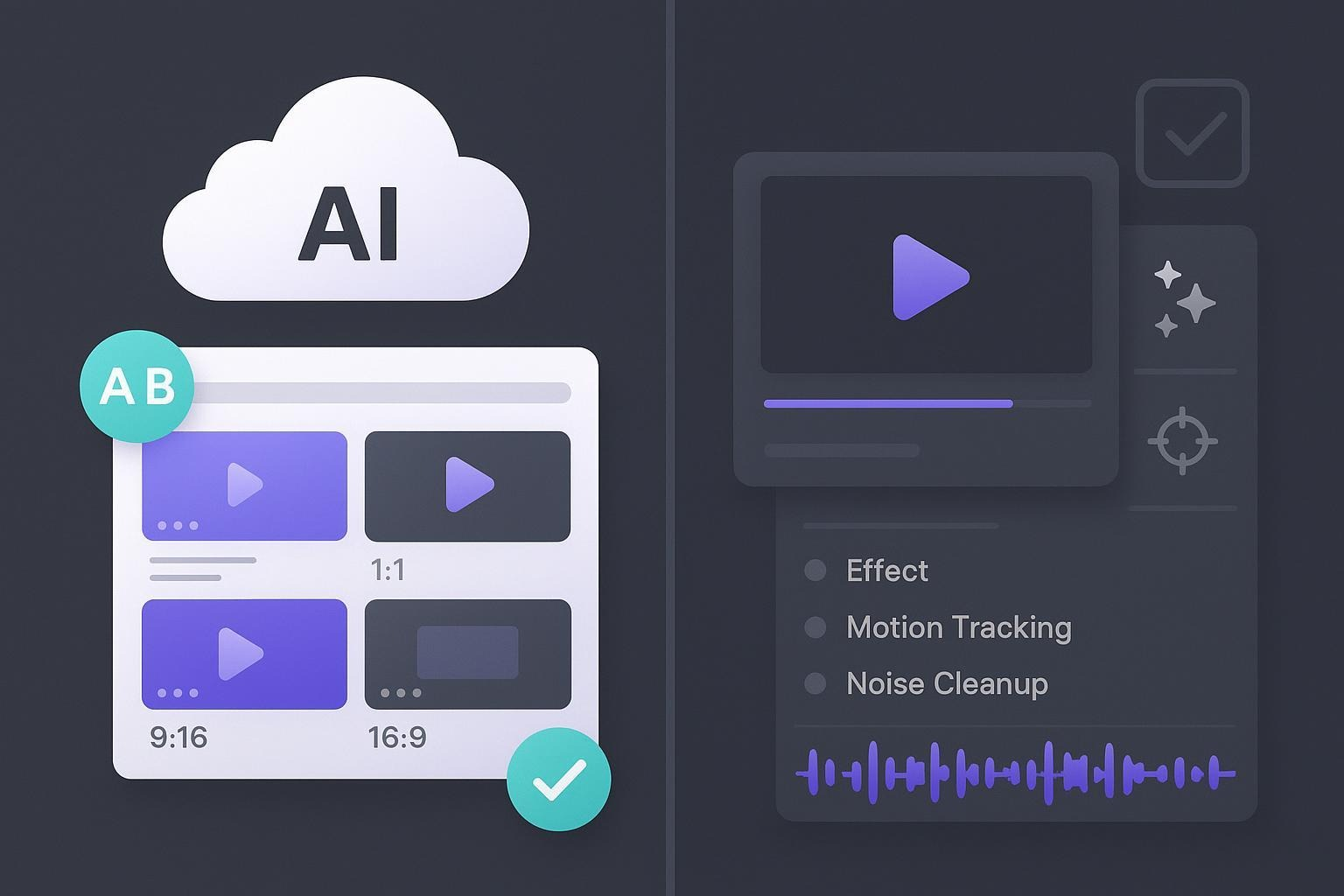
If you run performance marketing campaigns or a creative studio, you probably don’t care about every niche editing feature, you care about speed, scale, and handing off work cleanly to clients.
This comparison looks at NemoVideo and Movavi through that agency lens: rapid ad variant production, collaboration, licensing, and learning curve.
If your bottleneck is producing enough ad variants to test, you can see how NemoVideo’s Workspace handles bulk versioning in a real pilot →
Who each tool is built for (in practice)
NemoVideo: A web-based, AI-first editor positioned to help teams generate many ad variants quickly. The brand emphasizes bulk multi-variant generation, viral content structure replication, and automation of repetitive edits (pacing, cutdowns). Public technical docs aren’t yet available; we treat these as brand-positioned capabilities and call out gaps below.
Movavi Video Editor: A desktop NLE with a beginner-friendly UI, lots of effects/templates, and helpful AI tools for polishing single videos. According to Movavi’s official pages (updated across 2023–2025), the product focuses on features like AI background removal, AI noise cleanup, motion tracking, and auto subtitles rather than multi-user collaboration or bulk variant generation.
How we’ll compare
Instead of declaring a single winner, we’ll walk through the agency-critical scenarios and show where each tool fits:
Best for rapid ad variant production at scale
Best for polishing single videos with AI helpers
Best for collaboration and hand-offs
Best for licensing and compliance
Speed-to-variant at scale
NemoVideo: Designed for bulk multi-variant generation so you can spin up dozens of ad versions fast, aligned to platform ratios (e.g., 9:16, 1:1, 16:9), hooks, and cutdowns. It also emphasizes viral structure replication to shorten concepting time and AI detection of key visuals to automate tedious selection. Because public feature pages aren’t available yet, treat this as a capability promise rather than a verified spec.
Movavi Video Editor (official): Movavi’s editor is optimized for editing a single timeline with accessible AI tools and effects. It does not advertise native batch variant generation within the editor. Movavi provides batch conversion in a separate app, the Movavi Video Converter, but that handles format/preset conversion rather than creative variant generation.
Bottom line: If your priority is quickly producing many ad variations for A/B tests, Nemo’s bulk generation posture is the more natural fit, subject to your evaluation. If you mostly edit one polished video at a time, Movavi’s editor will feel straightforward.
Want to spin up dozens of ad variants without manual timelines? Launch Viral+ Studio to replicate proven hooks, pacing, and structures across platforms.
Creative accelerators: from viral structure to AI polishing
NemoVideo: Highlights AI-driven creative acceleration—replicating proven viral structures, optimizing pacing, and auto-selecting key visuals. These are targeted at cutting time-to-first-concept and reducing manual grunt work.
Movavi Video Editor: Focuses on AI helpers that make a single cut look cleaner and more professional. Movavi documents features like AI background removal and AI noise removal. It also supports motion tracking and auto subtitles noted in Movavi’s What’s New pages and offers “30+ fresh subtitle styles” in the broader suite per the Movavi Suite What’s New. The official Movavi Video Editor Plus page summarizes the overall feature set and template-driven workflow.
Bottom line: If your “creative speed” problem is ideation and variant generation, Nemo’s approach is appealing (pending your hands-on validation). If your challenge is polishing footage fast with AI helpers, Movavi’s tools are well-documented and easy to learn.
Stuck on hooks or opening seconds?
Generate data-backed hooks and scripts with Nemo’s Inspiration Center, then turn them into variants instantly.
Team workflow and collaboration
NemoVideo: Web-first posture suggests easier distributed access and potential for scalable workflows (roles, sharing, approvals).
Movavi Video Editor: Primarily single-user, desktop-based projects. Movavi does not advertise cloud collaboration, roles/permissions, or team approvals on its editor product pages.
Bottom line: Agencies with multi-stakeholder review cycles may favor a web-based, collaborative approach, and verify Nemo’s current team features during trial. Individual editors or small teams working locally will be fine with Movavi’s desktop workflow.
🚀 Scaling paid social? This is where agencies switch.
If your team needs to ship 30–60 ad variants per sprint
—without adding editors—
NemoVideo is built for exactly that.
✔ Bulk variant generation
✔ AI-driven viral structures
✔ Web-based workspace for teams
👉 Start your first pilot in Nemo Workspace
Integrations and outputs
NemoVideo: The focus is on automation and variant generation. Official information about ad platform presets, brand kits, DAM/drive connections, or APIs is not yet public. Contact sales for details
Movavi Video Editor (official): Standard exports (including up to 4K) and sharing options are documented via the main product pages; Movavi’s learning portal outlines typical social outputs. Advanced ad-platform automation or marketing integrations are not highlighted in official materials.
Bottom line: If your ecosystem requires routing lots of variants to ads platforms with presets and metadata, confirm Nemo’s integrations during evaluation. If you just need to export finished videos to typical social formats, Movavi’s coverage is adequate.
Licensing and compliance
For agencies, licensing isn’t a footnote, it’s risk management.
NemoVideo Business Plan Custom pricing for teams and enterprises. Includes priority processing, customized credits, team collaboration, secure storage, enterprise security, a dedicated account manager, and early access to new features. Contact sales for details.
Movavi Video Editor: Movavi distinguishes personal (home-use) and business licenses. The Movavi EULA states personal/trial licenses are not for commercial use (with narrow exceptions like monetized YouTube videos with attribution). Agencies should plan on a business license. Movavi’s partner/business info page outlines commercial use expectations; consult current pricing on the official site.
Bottom line: Movavi has clear commercial licensing pathways; review business licensing if you’ll use assets for clients. For Nemo, request current licensing details directly.
Unsure which plan fits your volume or clients? Review NemoVideo pricing for creators, or explore custom Business Plans for agencies.
Learning curve and time to adopt
NemoVideo: AI-powered and automation-first, which should shorten onboarding for marketers. Without public tutorials/docs, expect more hands-on trials to confirm workflow fit.
Movavi Video Editor: Widely regarded as beginner-friendly, with extensive tutorials on the learning portal. If you’re moving a solo editor or small team from another simple NLE, ramp-up is fast.
Bottom line: Movavi is a safe bet for quick, single-editor onboarding. Nemo aims to cut concepting and variant timelines; verify that promise via trial projects.
Side-by-side summary for agency decisions
Decision Criteria | NemoVideo | Movavi Video Editor |
Best for | Agencies and performance teams that need to produce many ad variants quickly for testing and optimization | Solo editors or small teams focused on polishing single videos |
Core value proposition | AI-driven bulk ad variant generation and viral structure replication | Beginner-friendly desktop editor with AI polishing tools |
Speed to launch variants | Designed to spin up dozens of creative variants aligned to platforms, hooks, and cutdowns (validate during trial) | Optimized for one timeline at a time; no native creative variant generation |
Creative acceleration | Emphasis on pacing, structure, and automated cutdowns to reduce concepting time | AI background removal, AI noise cleanup, motion tracking, auto subtitles |
Bulk / batch capabilities | Brand-positioned bulk multi-variant generation (creative-level) | Batch conversion via separate Video Converter (format-level, not creative) |
Collaboration & team workflow | Web-based posture suited for distributed teams; roles and approvals to be confirmed during evaluation | Desktop-first, single-user projects; collaboration handled outside the tool |
Integrations & outputs | Focus on automation and variant production | Standard exports (up to 4K) and common social formats |
Learning curve | Aimed at marketers and performance teams; hands-on trial recommended | Very beginner-friendly with extensive tutorials |
Pricing & licensing | Custom Business Plan for teams and enterprises; includes support and security | Free trial available; business license required for commercial use |
Support & onboarding | Dedicated account management for business plans | Documentation, tutorials, and standard support |
Pros | Scales creative testing, reduces manual variant work, built for performance workflows | Easy to learn, strong AI polishers, clear licensing |
Cons | Public documentation still limited; features should be validated in trial | Not designed for large-scale ad variant testing |
Ideal use case | Agencies optimizing A/B testing velocity and ROAS | Editors producing clean, professional single videos |
Pricing and availability (verify before you buy)
NemoVideo: Custom pricing. Includes priority project processing, customized credits and team seats, dedicated storage, enterprise-level security, a dedicated account manager, and early access to new product features. Contact sales for details.
Movavi Video Editor: Offers a free trial with limitations; commercial work requires a business license. Pricing varies by platform and license type—check Movavi’s official site for the latest.
Recommendations by scenario
Choose NemoVideo if:
Your performance team lives and dies by A/B testing, and speed-to-variant is your biggest bottleneck.
You want AI to replicate proven viral structures and automate cutdowns to get more concepts out faster.
You’re comfortable evaluating collaboration/integration needs during a hands-on trial given current documentation gaps.
Choose Movavi Video Editor if:
You need a straightforward desktop editor with strong polishing features and auto captions for single videos.
Your workflow is mostly one editor per project, and collaboration happens outside the tool.
You require clear, established commercial licensing pathways right now.
FAQ
What is the main difference between NemoVideo and Movavi?
The main difference is focus: NemoVideo is built for bulk ad variant generation and creative testing, while Movavi is designed for editing and polishing individual videos. Agencies running performance campaigns typically prioritize NemoVideo, while solo editors often prefer Movavi’s desktop workflow.
Is NemoVideo better than Movavi for agencies?
For agencies that need to launch many ad variants quickly, NemoVideo is generally the better fit. Movavi works well for single-video editing but does not advertise native multi-variant workflows, which are critical for performance marketing teams running A/B tests.
Can Movavi be used for commercial and agency work?
Yes, but agencies must use a Movavi business license. Movavi’s EULA restricts commercial use under personal or trial licenses, so teams working with client assets should review licensing carefully before committing.
Does NemoVideo support team collaboration?
NemoVideo takes a web-based, team-oriented approach, which can support distributed agency workflows. Specific features like roles, approvals, and shared libraries are not fully documented publicly, so agencies should confirm collaboration capabilities during a hands-on trial.
Which video editor is easier to learn: NemoVideo or Movavi?
Movavi is generally easier to learn for beginners, thanks to its desktop interface and extensive tutorials. NemoVideo aims to reduce learning time through automation, but teams should expect to validate the workflow through trial projects.
Is NemoVideo suitable for creative testing and A/B ads?
Yes. NemoVideo is positioned specifically for creative testing at scale, enabling teams to generate multiple ad variants with different hooks, pacing, and cutdowns. This makes it more suitable than traditional editors like Movavi for performance-driven ad workflows.
When should I choose Movavi instead of NemoVideo?
Choose Movavi if your workflow centers on polishing individual videos, you work mostly as a solo editor, or you need clearly documented features and licensing today. If variant testing and speed-to-experiment are your priorities, NemoVideo is the more relevant option.
Is there a clear winner between NemoVideo and Movavi?
There is no single winner. NemoVideo is optimized for scale and testing, while Movavi excels at single-video editing and ease of use. The best choice depends on whether your agency’s bottleneck is creative experimentation or video polish.
Final thoughts
There isn’t a single “winner” here, there are different strengths. If your agency’s KPI is launching many creative variants and learning fast from the data, Nemo’s bulk-generation posture is compelling (but verify specifics during trial). If your team’s day-to-day is polishing individual promos with accessible AI tools, Movavi’s editor will feel comfortable and well-supported.
Ready to test whether bulk variant generation actually shortens your ad cycles? Start with a quick pilot project.
Start a trial: NemoVideo
Explore polished single-video tools: official Movavi pages like the Video Editor Plus overview and AI guides for background removal and noise cleanup, plus licensing details in the EULA.
🚀 Launch More Ad Variants, Without Slowing Down
Stop rebuilding timelines for every test. Use NemoVideo to automate cutdowns, hooks, captions, and formats, and ship more creatives per sprint.
👉 Build Your First Variant Now