

NemoVideo vs Magisto: The Agency Guide to Scaling Video Variants
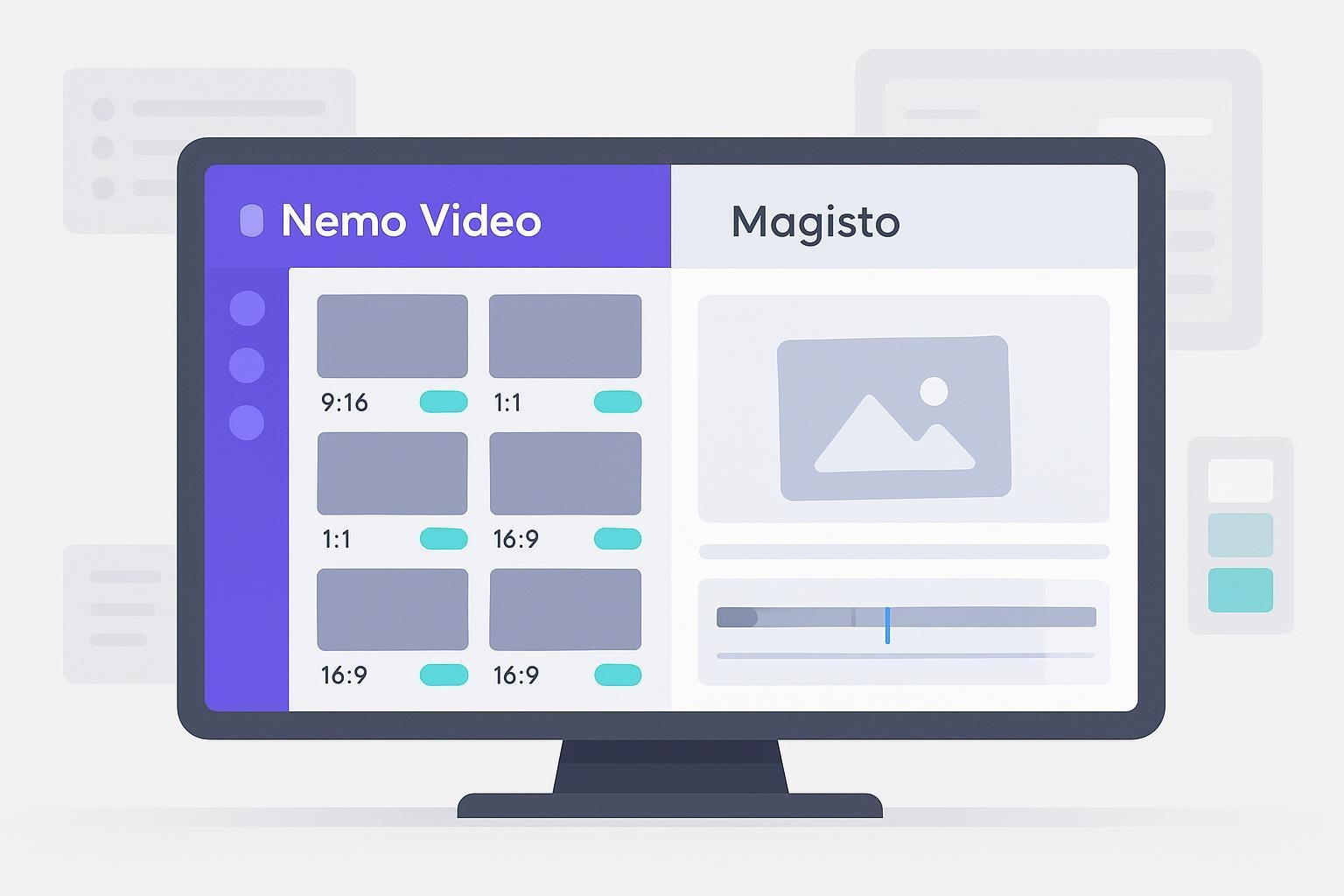
Agencies don’t need another simple editor, they need a production engine. If your team is struggling to launch 50+ on-brand ad variants every week, the NemoVideo vs Magisto debate comes down to one thing: scale. While Magisto offers quick, one-off social posts for solo creators, performance teams require a system that handles bulk versioning without losing brand control.
In this comparison, we break down which tool actually solves the agency bottleneck. We’ll analyze AI automation, brand governance, and cost-per-video using 2026 data. By the end, you’ll know exactly which platform will stop the manual editing grind and start scaling your ROAS.
Want to see how top agencies launch 50+ variants in one workspace? Explore the Nemo Workspace →
What agencies really need to scale
If you’re launching a multi-platform campaign, speed alone won’t cut it. You need bulk versioning so you can produce many creative variations—different hooks, lengths, aspect ratios, and CTAs—without rebuilding everything from scratch. You also need brand control: guardrails and reusable templates that keep colors, fonts, and layouts consistent across editors and clients. Layer in team coordination and smart AI automation that takes repetitive work off your plate, and you’ve got the foundation for reliable, scalable output.
In practice, this is exactly what the Nemo Workspace is designed to coordinate.
The Definitive Comparison: NemoVideo vs. Magisto (2026)
Feature / Dimension | NemoVideo (The Scale Engine) | Magisto (The Quick Creator) | Strategic Agency Verdict |
Core Value Prop | High-Velocity Performance: Built to pump out hundreds of on-brand ad variants. | User-Friendly Simplicity: Built for solo creators making quick, one-off social posts. | NemoVideo for scale; Magisto for simplicity. |
Bulk Versioning | Native Bulk Engine: Generate 50+ variants (hooks, CTAs, lengths) in one click. | Manual Single-Output: Every variation requires a separate edit and export session. | NemoVideo saves ~20+ hours per campaign on A/B test variations. |
Brand Governance | Advanced Guardrails: Lock fonts, logos, and layouts across all team members. | Basic Overlays: Logo placement and simple color preset selection. | NemoVideo prevents "brand drift" in multi-editor agency environments. |
AI Intelligence | Tactical AI Agent: Analyzes viral hooks and automates pacing for performance ads. | Aesthetic Smart Editor: Automates music matching, transitions, and clip selection. | Nemo's AI drives ROI; Magisto's AI drives aesthetics. |
Viral Capabilities | Viral Search & Scripting: Built-in tool to find and replicate winning structures. | Template Library: Uses generic templates for social storytelling. | Nemo helps you find the winning formula, not just edit it. |
Pricing (Entry) | $4.17/mo (Starter - Billed Annually) | $4.99/mo (Premium - Billed Annually) | NemoVideo is currently the most aggressive entry point in the market. |
Pricing (Pro/Biz) | $33.32/mo (Pro Lv1) | $34.99/mo (Business) | NemoVideo offers enterprise-grade AI for a lower monthly cost. |
Output Model | Credit-Based: ~50 to 330+ videos/mo (scales with your campaign volume). | Subscription-Based: Unlimited downloads (best for consistent, low-volume needs). | Nemo’s credits offer "pay-as-you-grow" flexibility for agencies. |
Production Safety | Credit Refund Policy: Credits are immediately refunded if an AI generation fails. | Fixed Sub: No refund mechanism for failed/unsatisfactory auto-edits. | Nemo reduces financial risk on large-scale automation tasks. |
Collaboration | Agency-Grade: Managed workflows, team roles, and multi-client assets. | Lightweight: Basic project sharing for small internal teams. | Nemo supports the complexity of a multi-client agency roster. |
Want to see these capabilities in action across a real campaign?
Strategic Summary for Agencies
Choose NemoVideo if: You are a performance agency or B2B marketing team that lives and dies by A/B testing. If you need to turn one "Master Edit" into 50 platform-optimized variants in under an hour while keeping the client's brand perfectly intact, NemoVideo is the superior investment.
Choose Magisto if: You are a solo entrepreneur or a small business owner who needs "good enough" social content quickly and doesn't plan on running high-volume, multi-variant ad campaigns.
Scenario 1: Best for scaling variants with brand governance (NemoVideo)
If your week looks like “50+ ad variants across Meta and TikTok,” NemoVideo is built to help. It’s positioned to create many versions of the same core creative—different hooks and lengths, tailored to each platform—in a single workflow. That’s the heart of bulk versioning. The AI’s job is to remove repetitive busywork: detect the strongest visuals, propose pacing that mirrors proven viral structures, and help you replicate formats that already work. You keep the creative call; the system speeds up everything around it.
This is powered by Nemo’s AI that reverse-engineers winning patterns.
Brand control matters just as much. With reusable templates and guardrails, You can also automatically trim, tighten, and refine raw clips before versioning. Your team can protect logos, typography, and color usage, so every variant stays on-brand—even when multiple editors touch the project. For confirmation of Nemo’s bulk generation and automation positioning, see the NemoVideo homepage.
Who gets the most value here? Performance marketers and agency production leads who need consistency at scale, fast A/B testing cycles, and reliable handoffs between editors.
Constraints to know: While Nemo is geared for teams, detailed public docs on roles/approvals and a formal preset list aren’t available at the time of writing. If you require strict role-based permissions or a published export matrix, you’ll want to confirm those specifics in a demo.
Scenario 2: Best for quick one-off social videos (Magisto)
Magisto shines when you want something simple and fast. Its template-led, auto-editing workflow helps small teams or solo creators turn raw clips into a social post without heavy setup. Reviews consistently describe features like smart clip selection, transitions, and mood-based music matching—good for straightforward promos and stories. See the overviews from sources like the Filmora 2025 Magisto review and roundups by Spiel Creative and Renderforest.
Branding exists, but it’s basic—logo overlays, brand colors, simple intros/outros—rather than strict, agency-level governance. That’s echoed in the TripleA Review’s assessment of Magisto’s branding features.
Collaboration is present but described as lightweight and best for small teams, per Quarule’s Magisto review.
Constraints to know: We didn’t find clear evidence of bulk versioning/batch export. Export resolution claims also vary across sources, suggesting plan-based limitations. If you need strict brand guardrails, multi-seat governance, or large-volume variant work, Magisto may feel limiting.
Head-to-head on agency-critical dimensions
🔥 Need to move faster this week?
Scale 50+ ad variants in one workspace — without brand drift.
Automate rough cuts
Bulk-generate hooks & lengths
Lock brand guardrails
Ship platform-ready files
👉 Start your pilot in Nemo Workspace →
Bulk versioning: Nemo is positioned to generate many variants quickly from a single creative foundation. That’s ideal for A/B tests and multi-platform delivery. For Magisto, reputable reviews don’t point to bulk/batch features, so workflows tend to be single-output and more manual for variants.
Brand control: Agencies juggle multiple clients and strict guides. Nemo emphasizes templates and guardrails to keep variations consistent. You can also automatically trim, tighten, and refine raw clips before versioning. Magisto covers basic branding, which is fine for simple overlays but not for locked styles or detailed brand kits.
Collaboration: Nemo targets teams and agencies, though public documentation for roles/approvals isn’t listed. Magisto offers lightweight sharing and collaboration tools that fit small groups and quick turnarounds.
AI creative help: Nemo focuses on analyzing high-performing structures, identifying key visuals, and automating pacing and repetitive tasks so you can move faster without losing quality. Magisto automates clip selection, transitions, and music matching—a big time-saver for one-off projects.
Export/readiness: Both aim at social distribution. Magisto’s aspect ratios for landscape, square, and vertical are widely noted by third-party overviews, while maximum resolution appears plan-dependent. Nemo’s public pages don’t publish a full preset matrix; confirm specifics during evaluation if this is crucial for your workflow.
Pricing transparency: For both tools, avoid relying on third-party price numbers without an official page. If budget sign-off is a priority, request current plans directly from each vendor.
Mini workflow: Launch 50+ ad variants in a week
Start with a strong master edit: Lock your message, hero visuals, and core CTA. Keep the structure modular so variants can swap hooks and cutdowns easily.
Set guardrails: Templates define logo placements, safe areas, fonts, colors, and end cards. Lock what must not change.
Generate variants in bulk: Spin out hooks (3–5), lengths (6s, 15s, 30s), and aspect ratios (9:16, 1:1, 16:9) from the master. Use AI to surface key moments and automate pacing so the variants feel tight.
Before exporting, most teams also auto-apply platform-native subtitles to boost watch time.
Label for testing: Tag variants by hook and CTA. Prepare platform-ready filenames and metadata for Meta and TikTok.
Review and approvals: Route top candidates to client/internal stakeholders. Use comments to resolve edits without breaking templates.
Publish and learn: Launch with clear hypotheses. After 48–72 hours, keep winners, kill underperformers, and produce second-wave variants based on what worked.
Common Questions: NemoVideo vs. Magisto
Is NemoVideo or Magisto better for marketing agencies?
NemoVideo is the superior choice for marketing agencies because it is specifically built for high-velocity production and bulk video versioning. While Magisto is great for one-off social posts, agencies require the specialized agency video editing software features of NemoVideo to scale ad variants efficiently across multiple platforms like TikTok and Meta.
Does Magisto support bulk video versioning for ad campaigns?
No, Magisto does not offer a native bulk video versioning engine for creating multiple ad variants from a single creative foundation. For performance teams that require AI video automation for agencies to generate dozens of unique hooks and CTAs simultaneously, NemoVideo provides the necessary automated workflow to speed up production.
How does NemoVideo pricing compare to Magisto in 2026?
In the NemoVideo vs Magisto comparison, NemoVideo offers a more aggressive entry price of $4.17/month (Starter annual) versus Magisto's $4.99/month. Furthermore, NemoVideo’s credit-based model is more transparent for agencies, allowing them to scale costs based on volume, such as the 50-video Pro tier for $33.32/month.
Which tool offers better video brand control: NemoVideo or Magisto?
NemoVideo offers superior video brand control through strict template guardrails that lock fonts, colors, and layouts across multi-user teams. While Magisto provides basic logo and color overlays, it lacks the advanced brand governance features necessary for agencies managing complex client portfolios and professional style guides across every edit.
What is the difference between NemoVideo and Magisto AI automation?
NemoVideo uses AI to analyze viral structures and automate pacing specifically for performance-driven ad creative. In contrast, Magisto’s AI focuses on aesthetic "smart" editing, such as music and transition matching for one-off projects. For growth-focused teams, Nemo’s AI video automation for agencies is more tactical for driving conversions.
What are the best Magisto alternatives for high-volume video production?
NemoVideo is the top choice among Magisto alternatives for agencies needing high-volume output and automated creative testing. Other alternatives include Canva for simple designs or Adobe Premiere for manual edits; however, NemoVideo is uniquely optimized for scaling on-brand video variants without the need to increase team headcount.
Ready to stop editing and start scaling?
Launch, version, and govern your videos from one hub.
👉 Build your first variant in Nemo Workspace →
How to choose (fast checklist)
You run multi-client, multi-platform campaigns and need dozens of variants each week: choose the tool that supports bulk generation with brand guardrails.
You care about strict brand governance across editors: look for locked templates and reusable patterns, not just color/logo uploads.
Your collaboration needs include roles, approvals, and version control: confirm specifics via a demo before committing.
You mainly cut quick one-off social posts for small teams: a template-led, auto-editing tool can be enough.
Bottom line and next steps
If your priority is scaling many on-brand variants with tight turnarounds, Nemo Video is the better fit for most agency workflows described here. It’s positioned to combine bulk versioning with AI help and guardrails so your team can move fast and stay consistent. For simple, quick social videos and small-team projects, Magisto remains a friendly option.
Turn one master edit into 50 winning variants — today.
Automate rough cuts, scale creative, and ship faster than your competitors.
👉 Start your pilot in Nemo Workspace →
Scale creative without losing brand control.
Centralize assets, lock guardrails, and automate variants across every client.
👉 See your agency workflow in Nemo Workspace →