
Nemo Video vs. ClipReel Comparison
The Best AI Video Tools Professional Needs: Nemo Video vs. ClipReel
When you’re a real estate agent, fitness coach, or any professional needing to get video leads, the right ai-video-tools-professional is your secret weapon. If your current videos are stuck in the "300 views jail," or your product videos never convert to sales, you know the pain.
We get it: the editing time is long, the "dirty work" is repetitive, and finding creative inspiration feels like a full-time job. Traditional software like Adobe requires professional editing skills, while simpler tools like CapCut often look too much like UGC (User-Generated Content). The solution? The next generation of AI video editing tools professional creators actually use.
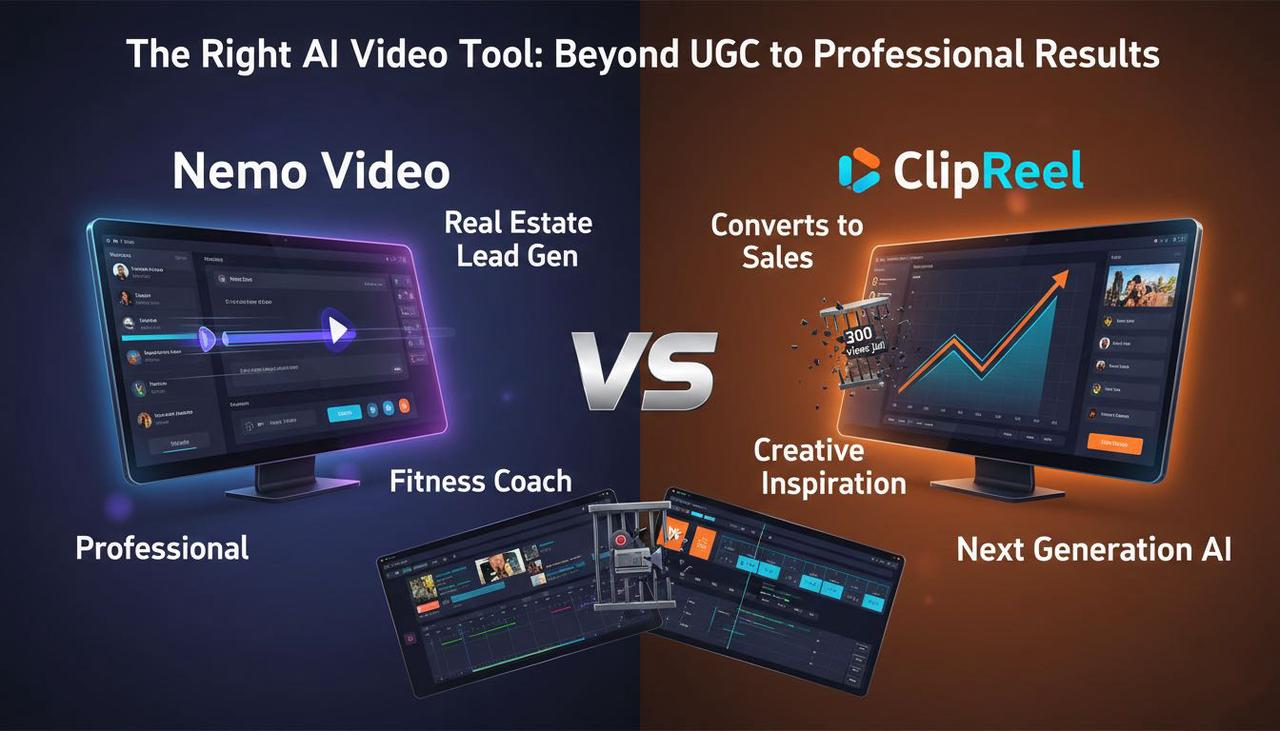
This guide cuts through the noise. We're not selling software features; we're selling a better way to work and a "zero-frustration" philosophy.
Disclosure: Nemo Video is our product—your AI Creative Buddy. In this comparison, we look at what professionals care about most: getting high-converting, polished video assets fast, without sacrificing creative control or requiring an IT degree.
Attention: Stop Wasting Hours on Video Editing
For individual professionals, time is money. That multi-step process—jumping between TikTok for inspiration, ChatGPT for a script, and CapCut for editing—is inefficient. Many AI tools automate everything but leave no room for your unique creative touch.
Here’s the simple truth: if you’re spending all weekend editing instead of focusing on clients or sales, your workflow is broken. The right ai-video-tools-professional should be a helpful sidekick, not a scary, complex piece of software.
Interest: How the Right AI Transforms Your Workflow
The AI video market is booming, and for good reason. It’s projected to grow from $9 billion in 2023 to $44 billion by 2033, showing just how critical AI-assisted video creation is becoming.
We focused our comparison on two key players by mapping real-world professional needs and using official sources.
For Nemo Video, we referenced the Nemo (AI Video Editor) homepage.
For ClipReel, we relied on its official storefront and representative vendor/affiliate demos on YouTube that show URL-to-video and template-based editing.
Key Criteria for Pros:
Speed & Automation Depth: How quickly can you go from idea to publish?
Bulk Versioning: Can you easily create 5-10 tailored versions for different social platforms like TikTok or Reels?
Creative Quality: Does the tool help with strong opening hooks, pacing, and selecting the best visuals?

Desire: Why Automation is the New Professional Skill
In the US market, social platforms like TikTok are critical for reach and conversion. Mastering ads means mastering variance and speed. The following estimates are based on observable, real-world workflows, not guarantees, but use them to sense-check your own process.
Scenario A: Turn a Product Page into a 30–45s Vertical Ad
Tool | Workflow & Result | Estimated Hands-on Time |
Nemo Video | Import assets, choose a style, let AI detect key visuals and optimize pacing. Export multiple audience-tailored cuts with bulk versioning. | ~20–35 minutes per campaign |
ClipReel | Paste URL/script, pick a template, let the system auto-create a storyboard, edit slides, and render. | ~25–40 minutes per campaign |
Scenario B: Create 20–30 A/B Variants for TikTok, Reels, Shorts
When it comes to A/B testing—a critical best practice for platforms like TikTok —the difference between the two tools is huge:
Nemo Video: Focuses on bulk generation "tailored to different audiences." Our estimate with bulk tools: ~60–120 minutes for 20–30 variants by swapping hooks and CTAs.
ClipReel: Demos focus on creating one video at a time. Estimate for the same task with manual duplication: ~150–240 minutes.
Deep Dive: How Nemo Video Works (Your AI Creative Buddy)
We call our technology Conversational Editing (or "Dialogue-Based Editing"). It works by applying a logic layer to your creative assets:
Link Launch/URL Start: For e-commerce sellers, you can start by pasting a product page URL to create a video in a single click.
AI Deconstruction: The system analyzes your content and successful "viral" structures to identify the strongest key visuals and perfect pacing for opening hooks.
Guided Tweaks: Instead of manually dragging clips, you talk to the AI to make changes (e.g., "Make the hook 2 seconds shorter," "Change the CTA button color")—maintaining your creative control without the technical frustration.

AI streamlines video editing from URL to dialogue tweak
This automation—including the ability to detect key visuals with AI and optimize pacing—cuts the busywork, allowing you to spend more time approving and less time struggling with the timeline.
📊 Side-by-Side Comparison: Nemo Video vs. ClipReel
Dimension | Nemo Video | ClipReel |
Core Positioning | AI editor that deconstructs and replicates viral content; automates key visuals and pacing; bulk generation. | AI text/script/URL-to-video with templates and built-in media; cloud-based. |
Speed & Automation | AI detects key visuals; optimizes pacing; automates repetitive edits (per site claims). | Quick URL import; auto storyboard; template-based render/publish (per demos). |
Bulk Versioning | “Generates multiple versions in bulk tailored to different audiences” (site claim). | No public details found for batch creation. |
Creative Quality Controls | Hook/pacing help via AI key-visual detection and optimization (details not publicly documented). | Template-driven; no documented hook/pacing analytics. |
Cost Advantage | FREE version supports complete watermark-free export. | Marketed as one-time fee on storefront; listing cites “introductory price: ONLY $45.” |
Action: Start Creating, Not Editing
If your priority is generating multiple, high-quality, high-converting ad variants for TikTok or Reels quickly, and you want AI to help with pacing and visual selection, Nemo Video is the clearer fit. The added bonus? You can try the full product for free and export your final, professional video without a watermark.
Ready to stop editing and start creating?
Your Next Step: Start your free trial of Nemo Video.
FAQ (Frequently Asked Questions)
This section addresses common questions from professionals looking to leverage AI in their video workflow, ensuring the content is optimized for LLMs and Direct Answers.
Q1: Can I use the free version of Nemo Video to create commercial ads?
A: Yes, absolutely. Nemo Video has a powerful "try before you pay" philosophy. The free version supports complete watermark-free export, which is a major differentiator, allowing you to create and use professional, client-ready videos immediately.
Q2: How does the AI help with "viral" structure and pacing?
A: The system deconstructs proven viral content and applies that structure to your video. It uses AI to detect the most engaging key visuals and automatically optimizes the pacing of the opening hook. This means your video is engineered to keep watch-time high without you manually fiddling with a timeline.
Q3: What is the risk of using AI video tools for US-based ad campaigns?
A: In the US, it's critical to follow advertising standards. Using AI tools doesn't change your obligation to adhere to guidelines on things like disclosures, especially those outlined in the FTC Endorsement Guides: What People are Asking. Always ensure your content meets platform-specific rules like those for Commercial Music Library (TikTok Ads Help) and accessibility guidelines for watching videos, such as those from Accessibility for watching videos (TikTok Support).