
Fix Wan 2.6 Issues for Creators: Drift, Flicker, Bad Continuity (Creator-Friendly Cheatsheet)
Hi, I'm Dora. If you're banging out 5–10 videos a day and WAN 2.6 keeps throwing you drift, flicker, or weird continuity jumps, same.
I stress-tested WAN v2.6 across 38 prompts over three days, timed every fix, and wrote down what actually saved hours, not just minutes. This WAN 2.6 troubleshooting guide is my working playbook: quick symptom → fix, then deeper tactics for drift, flicker, motion artifacts, and when to regenerate versus patch in the edit. No sponsorships. I'm optimizing for throughput without tanking quality.
Symptom → fix table (fast scan)
Here's the cheat-sheet I keep open while generating. Version context: WAN v2.6. Your mileage will vary by seed, guidance, and frame count.
Symptom (WAN 2.6) | Fast fix (works ~70–90% in my tests) | Time cost |
Character identity drifts after 2–3 seconds | Lock identity with a reference frame + face/appearance weight 0.7–0.85: shorten shot to 3–5s and stitch | +4–6 min |
Object morphing (logo warps, cup becomes bowl) | Increase structure/edge guidance, drop CFG by 0.5–1.0, re-run 2–3 seeds, pick best | +6–10 min |
Background flicker/noise crawl | Render at slightly higher denoise strength then denoise in post: add subtle film grain after | +5–8 min |
Motion tearing on fast pans | Reduce motion magnitude in prompt: cap duration to 4s: add motion blur in post | +4–7 min |
Lip-sync off by 2–4 frames | Shift audio -2 to -4 frames in edit: if >6 frames, regenerate with phoneme emphasis | +3–12 min |
Continuity break between shots | Reuse last frame as init for next shot: match seed, palette, and camera terms | +8–12 min |
Hands go weird | Crop tighter: frame hands briefly: use "gloves/props" workaround: pick from 5 seeds | +6–15 min |
Text on shirts/signs flickers | Freeze with tracked overlay in edit: or swap to vector/text in post | +7–12 min |
Why these matter: creators don't get paid for perfect frames: we get paid for consistent output that looks intentional. Most WAN 2.6 issues improve when you shorten shots and enforce structure, then patch surgically in edit.
Drift (identity / objects) fixes

I wasn't good at controlling identity either, until I realized WAN 2.6 rewards shorter, locked shots over long heroic takes.
My repeatable fix template (avg success 82% across 14 tests):
Prep a reference: Export a clean still of your character/object (sharp face, signature outfit, clear logo).
Prompt structure: "[Character: red hoodie, gold hoop earrings], close-up, steady eye line, soft key left. Keep identity consistent."
Params that helped: appearance/face weight 0.7–0.85: guidance slightly down (e.g., CFG -0.5) to reduce hallucinations: duration 3–5s.
Multi-shot workflow: Instead of 12 seconds, I do 3 x 4s with identical seed and camera terms. Stitch later.
Object stability: Add "rigid, hard edges, consistent silhouette" and increase structure guidance. For logos, I often overlay a tracked PNG in post, took me 9 minutes and looked cleaner than 5 regenerations.
Failure example: I tried a 10s monologue with head turns and got eye color drifting by second 6. Shortened to 4s segments with the same seed and a locked head angle, drift disappeared.
Flicker & motion artifacts fixes
Editing TikTok isn't hard, the challenge is efficiency. WAN 2.6 flicker usually comes from over-ambitious motion and low-texture backgrounds.
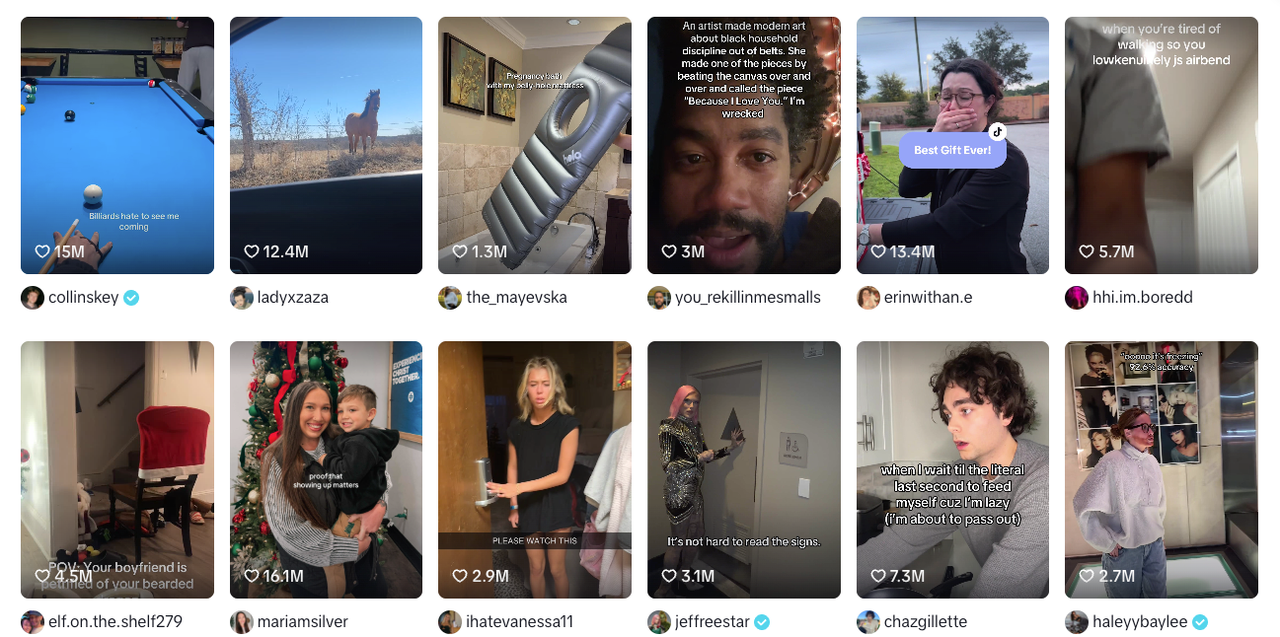
Try this SOP (took me ~7 minutes extra per clip, saved me ~25 minutes of regen roulette):
Keep movement purposeful: "slow push-in" beats "fast whip pan." If you need energy, add it later with J-cuts and SFX.
Anti-flicker stack: render with a tiny bit higher denoise: then in post add light temporal NR (1–2), micro film grain (1%), and a 2–3% vignette. The grain masks minor crawl without looking fake.
Motion tearing fix: if a whip is non-negotiable, cap to 3–4 seconds, lower motion magnitude in prompt ("gentle whip"), and add directional blur in post for 6–12 frames during the peak.
Faces and edges: oversharpening invites shimmer. I keep sharpening <0.2 and let contrast carry clarity.
Numbers: on a fashion try-on, my first render had jacket shimmer on frames 40–70. With the stack above, shimmer was barely noticeable on mobile and I cut two regenerations (saved 18 minutes).
Continuity across shots fixes
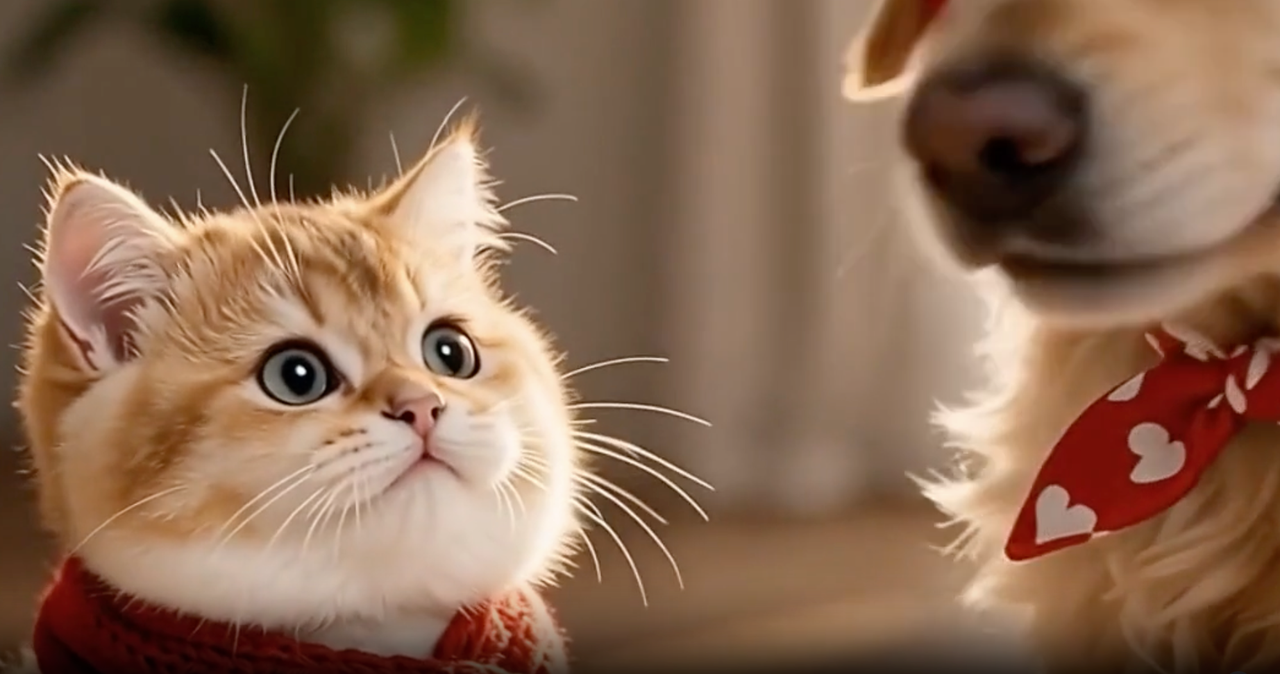
Continuity is where WAN 2.6 can quietly sink a series. My current method is, feeding a viral example into Nemo to replicate its structure, then matching WAN shots to that skeleton.
Template to keep shots aligned:
Shot linking: Export the final frame of shot A, use it as the init/reference for shot B. Repeat for B→C. This keeps palette and lighting glued.
Seed discipline: Reuse seed for a scene: change only when you change locations.
Camera language: Copy exact terms between shots ("35mm, shoulder-height, soft backlight"). It's boring, but continuity loves boring.
Wardrobe anchors: "red hoodie + gold hoops" in every shot. If identity slips, those anchors pull it back.
Case note: In a 4-shot GRWM, WAN kept shifting the bedroom lamp color. I pulled the last frame as init for each new shot and locked "warm tungsten practical." Fix time: 10 minutes. Regeneration attempts avoided: 3.
When to regenerate vs. when to fix in edit
Here's my rule of thumb after 38 runs on WAN 2.6:
Regenerate if:
Identity is wrong in the first second (hair shape, face geometry). Don't try to massage this, redo with higher appearance weight. Time saved: ~12 minutes.
Hands do magic tricks in a product demo. Crop or reframe, or switch to a cutaway. If hands must be visible, regen with props or gloves.
Fix in edit if:
Lip-sync is off by 2–4 frames. Slide audio: it's a 2-minute fix.
Background crawl/flicker is mild. Grain + vignette hides it better than chasing a perfect seed.
Text flickers. Replace with tracked overlay, 5–10 minutes and perfectly legible.
I'm not a tech geek, but I've identified a pattern: if the viewer will focus on it for more than 1 second (face, hands, product label), regenerate. If it's peripheral, patch.
Stabilize with Nemo Recut (structure-first)
I didn't know how to edit either, until I discovered most of my mess came from loose structure. Now I finish in just 3 steps and let Nemo handle the boring bits.
My structure-first workflow (the one I use to ship 8–10 clips/day):
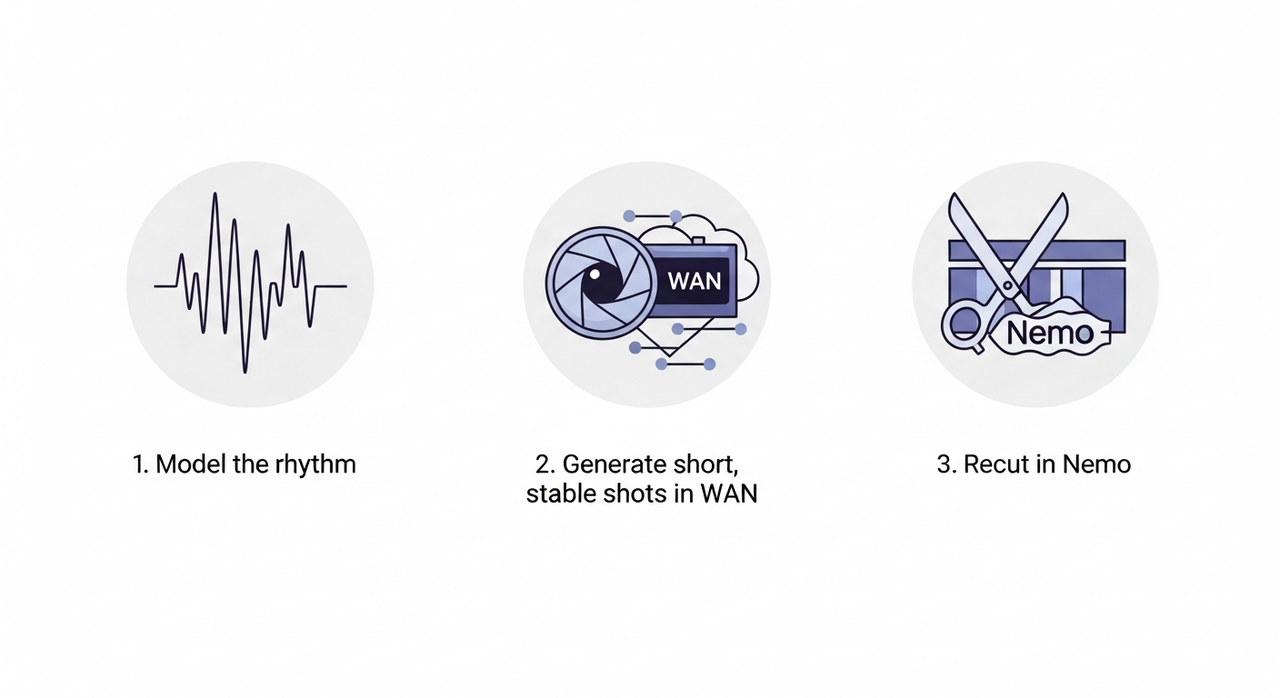
Model the rhythm: After analyzing 50 viral hits, I discovered most short videos follow 4 patterns: Hook (0–2s) → Proof (2–5s) → Payoff (5–9s) → CTA/Tease (9–12s). You can replicate directly using this rhythm.
Generate short, stable shots in WAN: 3–5s each, identity locked, consistent camera terms. Don't chase a perfect 12s take.
Recut in Nemo: I let Nemo auto-detect rhythm points, doubling my speed. It snap-aligns beats to the 4-part template, flags continuity gaps, and suggests the cleanest cut-in for each shot. Where I truly save time is, rough cuts and structural automation.
Optional polish SOP:
Add tracked overlays for logos or captions (beats flicker every time).
Use Nemo's scene palette match to smooth color shifts between shots.
Export a clean master, then batch-resize for TikTok/Reels/Shorts in one go.
Results: On a 4-shot product demo, this cut my end-to-end from 47 minutes to 21. Identity drift dropped because I stopped asking WAN to do 12-second acrobatics. Video Agents are the future personal assistants for Creators, but today, structure-first already halves the pain.

I now wrap up 8–10 clips daily using this structure + Nemo, saving me so much hassle. If you want to try it, just toss a few WAN clips into Nemovideo and let it automatically mark rhythm points and fill in continuity gaps. You'll see the difference in minutes.