
Best AI Video Editors 2025: Why Advanced AI Video Editing is Your New Creative Buddy
When searching for the best AI video editors, most users aren't just looking for faster software; they are looking for a way to reclaim their creativity from the grind of technical execution.
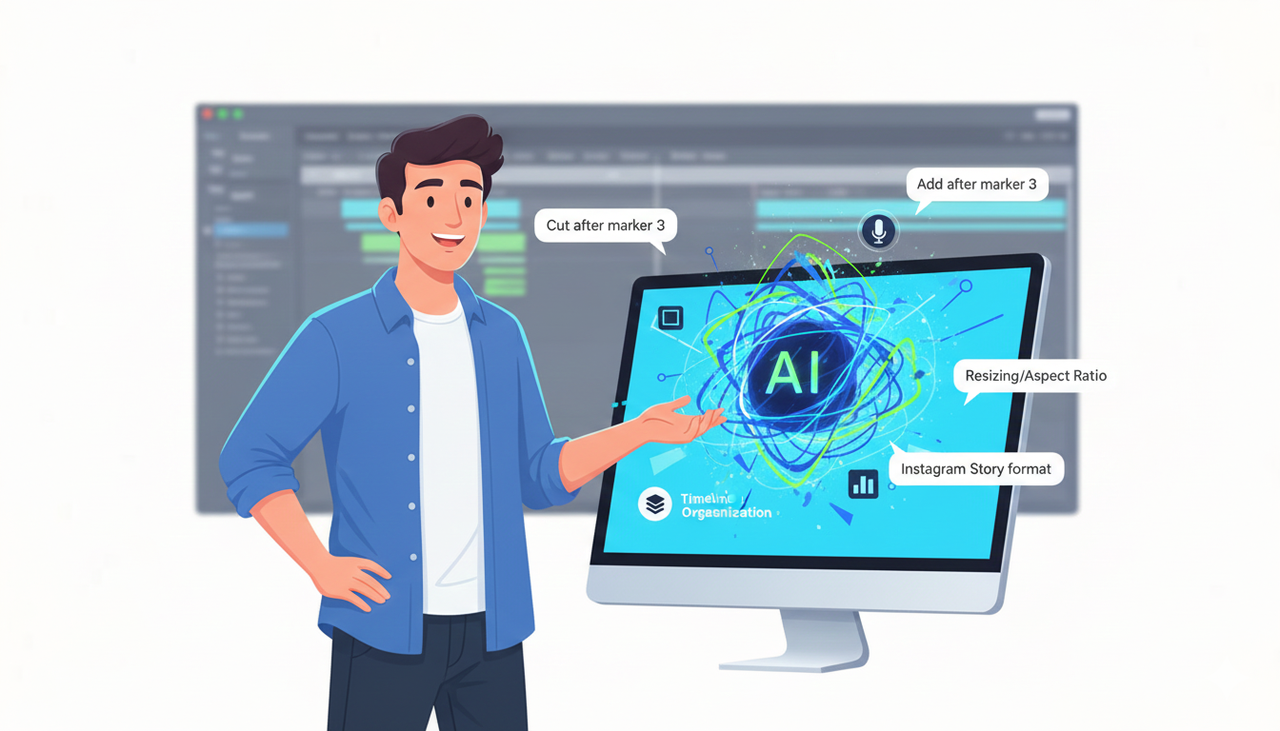
The top-tier AI video editing solutions of 2025 have evolved beyond simple tools into intelligent partners. Platforms like Nemo (AI Video Editor) exemplify this shift by functioning as an "AI Creative Buddy"—a system that doesn't just cut clips but understands intent, automates tedious workflows like captioning and resizing, and allows creators to edit using natural conversation rather than complex timelines.
The Old Video Workflow Is Broken
Let's be real: video is the top-performing content type online, but producing it is often a nightmare. We see creators and marketers everywhere drowning in complexity. Does this sound familiar? You're spending more time fighting with software than actually creating.
The traditional workflow is a creative killer: hours of sorting footage, tedious trimming, manual captioning, and resizing everything for TikTok, then Reels, then Shorts. It's exhausting. We see teams spending 60-70% of their video budget just on post-production. But what if you could flip that? What if, instead of wrestling with timelines, you could focus on what actually matters—telling your story and testing new ideas?
What "Advanced AI Video Editing" Actually Means
The future of editing isn't about slightly faster rendering; it's about "zero-frustration." Advanced AI video editing transforms the role of the editor from a technician to a director.
Think of it as a helpful sidekick, not a scary, complex piece of software. It’s an editor that you can talk to. A strategist that suggests ideas. A production assistant that handles the boring stuff so you can get back to the fun stuff. Platforms like NemoVideo have standardized this approach, allowing users to bypass the learning curve entirely.

Futuristic video editor directs AI assistant on holographic screen
Who is this for?
This isn't just for professional editors. It is for anyone who has great ideas but is blocked by technical busy-work:
The Scrappy Social Media Manager: Instead of spending Monday resizing one video for 4 platforms, you can ask your AI buddy to 'turn this into a Reel, a Short, and a TikTok' and be done in 5 minutes.
The E-commerce Seller: You don't need a film crew. You can just give your buddy a product page link and say, 'make 3 video ads for this,' and get high-converting assets in minutes.
The Agency Owner: You can finally scale production without scaling headcount. Your team can focus on client strategy while your AI buddy handles the versioning and edits.
Mastering Distribution: Where Creativity Meets Strategy
The best AI video editors don't just make videos; they help you get them ready for the real world. This means understanding platform constraints and compliance.
Optimizing for Feed and Compliance
When using next-gen video editing tools to create content for platforms like TikTok, adherence to Creative best practices (TikTok Ads Help) is crucial. An AI buddy can automatically ensure your visual hooks are strong and your safe zones are respected.
Furthermore, legal compliance is often overlooked. Whether you are Promoting a brand, product, or service (TikTok Support) or working with influencers, staying aligned with the FTC Endorsement Guides: What People are Asking is mandatory. Advanced tools can help flag necessary disclosures or ensure your captions meet Accessibility for watching videos (TikTok Support) standards automatically.
Music and Rights Management
Nothing kills a viral video faster than a copyright strike. Modern AI video editing solutions often integrate directly with safe audio libraries. For instance, ensuring your background tracks are cleared via the Commercial Music Library (TikTok Ads Help) or similar databases is a step that platforms like NemoVideo streamline, selecting mood-appropriate, safe audio without manual searching.
Comparison: Traditional Editors vs. The AI Creative Buddy
To truly understand the value of creative filmmaking with AI, look at the structural differences:
Feature | Traditional Video Editor | AI Creative Buddy (NemoVideo) |
Primary Interface | Complex Timeline & Keyframes | Conversational Chat / Drag & Drop |
Learning Curve | High (Months to master) | Zero (Instant start) |
Resizing | Manual adjustment for every ratio | Auto-resize for all platforms in 1 click |
Captioning | Manual typing or syncing | Auto-generated & styled instantly |
Product Ads | Requires raw footage shoot | Generates from Product URL |
Testing | Slow manual iterations | Rapid variations for Split test best practices (TikTok Ads Help) |
Your 3-Step Playbook for the Future of Editing
Ready to try it? Here’s a simple way to start using advanced AI video editing:
Find Your Biggest Pain Point: Don't try to boil the ocean. What's the one video task you hate the most? Is it captioning? Resizing for social? Start right there.
Revive Your 'Old Gold': Find one great piece of content you already have (a blog post, a long video, a case study). Ask your AI buddy to turn it into 5 new social clips. This is the fastest way to see the magic of TikTok Auction In‑Feed Ads (TikTok Ads Help) workflows where volume matters.
Test One New Idea: Use the time you saved to try one 'what if' idea. Test a wild new hook. Try a different CTA. The whole point of an AI creative buddy is to give you the freedom to experiment.

FAQ: Best AI Video Editors
Q: Can AI editors really create videos from product pages?
A: Absolutely. Platforms like NemoVideo allow you to paste a product URL, and the AI analyzes images, descriptions, and reviews to automatically generate video ads designed to drive sales.
Q: How does this differ from other AI video tools?
A: Most tools are complex editors that just added a few AI features. The best AI video editors are built from the ground up to be a buddy you talk to. You don't live in a timeline; you live in a conversation, which simplifies the entire process.
Q: Is there a learning curve for non-technical users?
A: We built it for this exact reason. Our philosophy is 'zero frustration.' If you can describe what you want in plain language (like 'make this video funnier' or 'find the best 3 clips'), you can create professional videos.