
Stop Wasting Ad Budget: How to Pre-Validate Your Ad Hook with AI Video Editing Tools Professional
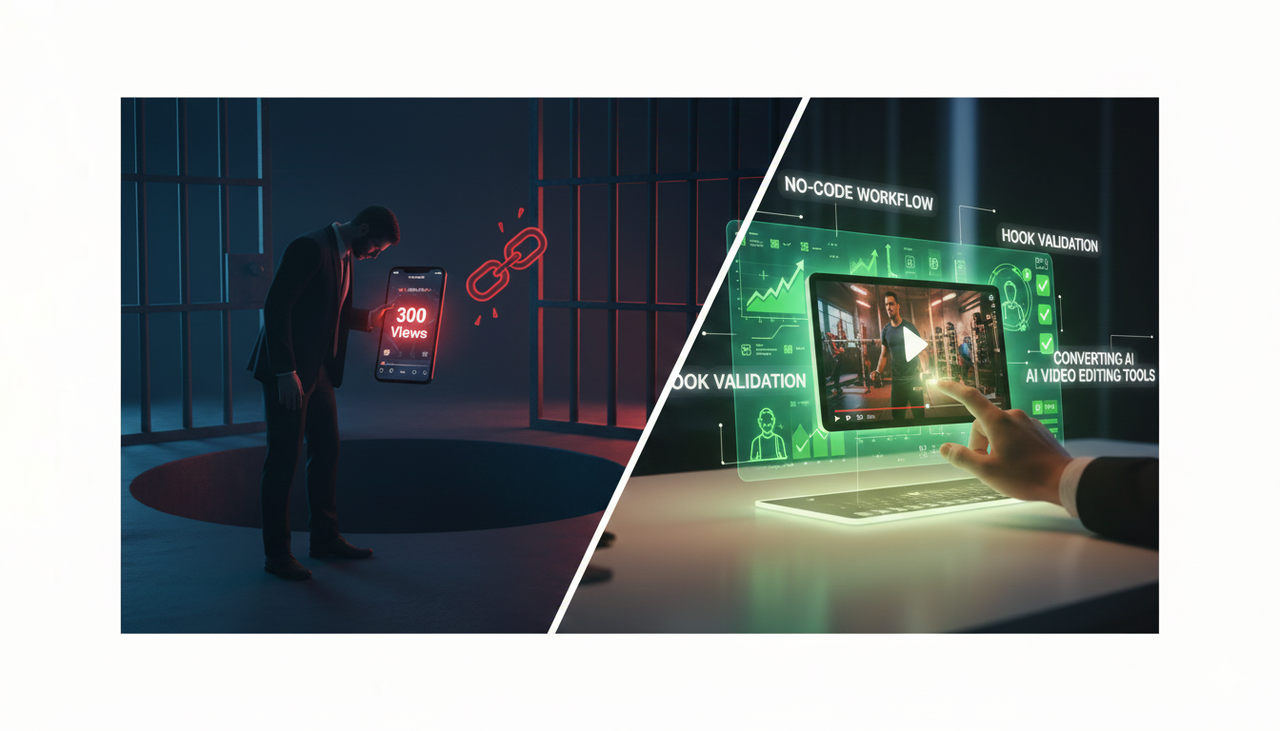
Have you ever launched a beautiful short-form video ad, only to see it sink instantly, stuck in the dreaded "300 views jail"? You are not alone! The problem is often simple: the hook—those critical first 1–3 seconds—just wasn't strong enough.
In the fast-paced world of short-form media, the hook is your only chance to stop the scroll and set an expectation that leads to a sale. Validating that hook before you put your budget behind it can save you a lot of time and ensure your paid tests are focused only on winners.
This guide gives you a practical, no-code workflow to stress-test your ad openings in about an hour or two. You will screen ideas with AI-powered checks, stress-test them using simulated audience panels, and run zero-budget micro-tests to confirm your direction. This is a game-changer for anyone needing AI video editing tools professional enough to convert.
Target Audience: US-based individuals (like realtors and fitness coaches) and marketers who struggle with low video views and low conversion rates.
What We’re Selling: A Better Way to Work
Why bother with pre-validation? Because every major platform tells you to prioritize your opening!
TikTok recommendations emphasize prioritizing your hook in the first seconds to boost engagement and watch time, encouraging suspense, surprise, or emotion, according to the Creative best practices for performance ads (2024–2025 guidance).
Google's YouTube Ads framework similarly highlights capturing attention immediately, summarized in the ABCDs of effective video ads (Google Business, 2024–2025).
By pre-validating your hooks, you narrow down variants to those most likely to earn attention, ensuring your marketing dollars aren't wasted on weak openers. This process positions you as the expert, not the victim, of the algorithm.
Comparison of Video Workflows
Here's a simple breakdown of how the old, complex way compares to the modern, "Creative Buddy" way:
Feature | Traditional/Manual Editing | AI-Enhanced Workflow (NemoVideo) |
Editing Time | Hours of repetitive, manual dirty work | Minutes, thanks to Dialogue-Driven Editing |
Skill Requirement | Professional editing skills for Adobe/Final Cut Pro | Zero-Frustration, conversational editing |
Testing Speed | Slow, production-heavy variant testing | Fast variant generation for A/B testing in minutes |
Watermark | Varies by tool; often ugly watermarks | Watermark-Free Export (even on the Free Tier) |
The 3-Step AI Validation Loop
You’ll run three passes: predictive checks, synthetic panel critique, and zero-budget micro-tests. Each step has a checkpoint, so you know whether to Promote, Improve, or Pause.
Step 1: Screen Hook Candidates with Predictive Checks
Goal: Ensure your opening is visually legible, focused, and compliant with US advertising standards.
Predictive Attention on the First Frame
Use attention prediction tools (like Alpha.One’s expoze.io) to see where eyes are likely to focus.
What to Look For: Is the focal cluster on your key subject or benefit? If the heatmap focuses on irrelevant areas, it's time to refine your composition.
Check Text Readability and Legibility
Keep any overlay text short, high-contrast, and large enough for mobile viewing.
US Compliance Note: Ensure your text clearly states any necessary disclaimers or disclosures, aligning with guides like the FTC Endorsement Guides: What People are Asking.
What to Look For: Short phrases (ideally <7 words per screen), high contrast, and crisp font weights.
Compliance and Platform Fit
Hooks must align with platform policies and brand safety.
Policy Check: Reference the TikTok Advertising Policies and suitability controls described in TikTok’s brand safety resources (e.g., Brand Safety Hub overview).
A Simple Rule: Check the basics: Vertical 9:16 framing, sound-on optionality (captions for sound-off, see Accessibility for watching videos), fast pacing, and native UI expectations.
Step 2: Stress-Test Hooks with Synthetic LLM Panels
Goal: Get structured, repeatable critique from simulated audience personas—this. This is where you use ai-video-tools-professional to generate insights.
Define Your Panel Persona(s)
Define who you are talking to. Example: “US-based realtor who needs to generate leads on Instagram, values short, informative videos, struggles with video production.”
Use a Structured Rubric
Score each hook (1–5) on: clarity of promise, specificity, novelty, visual immediacy, and platform fit. Ask for short rationales. Repeat this check with at least two different large language models (LLMs) to avoid single-model bias.
How to Use AI Tools Here (The "How It Works" Section)
NemoVideo (AI Video Editor) isn't just a powerful editor; it’s an AI Creative Buddy that accelerates this testing. You can use its features to spin up test variants incredibly fast:
Link-Start: Simply provide an existing product page URL, and NemoVideo can instantly draft multiple video ad hooks (Benefit-led, Problem-led, Curiosity-led).
Dialogue-Driven Editing: Because editing is conversational, you can easily tweak a script or change a visual with a simple text command, making variant generation painless.
Step 3: Run Zero-Budget Micro-Tests (Desire)
Goal: Confirm your direction with real signals without paying for media.
Organic Short-Form Trials
Post 2–3 variants on your organic channels (TikTok/Instagram) that differ mainly in the opening second. Compare:
Early retention (first 3–5 seconds).
3-second views and initial engagement against your baseline content.
Proximate A/B Tests
Turn your winning hooks into email subject lines, YouTube titles, or social captions and watch the open rate or CTR (Click-Through Rate) as a proxy attraction signal before you commit to production-heavy variants. Use best practices from guides like Split test best practices.
FAQs: Your Quick Answers
Q1: What exactly is an AI Creative Buddy?
A: It's a new brand philosophy. Instead of being a complex piece of software, NemoVideo is an intuitive, conversational partner designed to eliminate technical friction and unleash your creative potential. We are a helpful sidekick, not a scary, complex tool.
Q2: How does NemoVideo help me avoid the "long editing time" pain point?
A: NemoVideo uses Dialogue-Driven Editing, meaning you primarily edit by commanding the AI using text, cutting out hours of repetitive, manual "dirty work." You are working smarter, not harder.
Q3: Can I use the free version of NemoVideo to test ads for commercial use?
A: Yes! Unlike many competitors, our core value is a zero-frustration philosophy. The free tier supports complete, Watermark-Free Export, allowing you to test professional, high-quality ads without an upfront financial commitment.
Ready to Stop Editing and Start Creating?
If you follow this validation loop, you will massively increase the likelihood of running a high-performing ad campaign.
This process ensures your visual focus is right, your text is readable, your content is compliant with local rules, and you have consensus from both AI panels and real organic signals.
If you want to try AI-assisted variant generation to accelerate your Step 2 and 3 workflow, you can explore Nemo (AI Video Editor).
Stop struggling with inspirations, long editing times, and videos that don't convert. It's time to let your AI Creative Buddy handle technical friction.
Click here to get started with your free, watermark-free video creation today!