
The Ultimate TikTok AI Video Maker Workflow: Create Viral Videos in Minutes
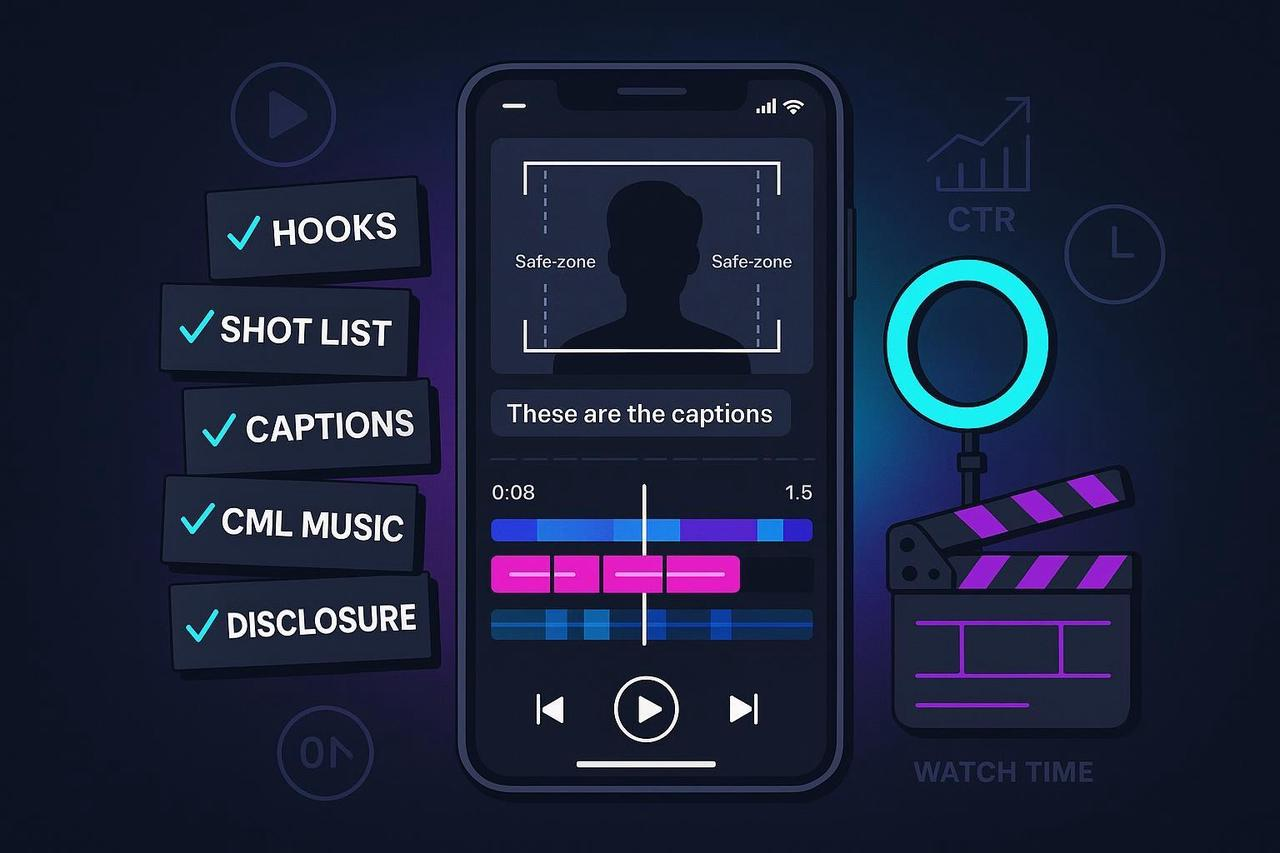
You know you need to be creating high-velocity TikTok content, but producing 5-10 variants per week feels impossible. The manual editing, the constant need for new ideas, and the fear of getting flagged for compliance issues is draining your team. You need a fast, reliable system.
As your AI Creative Buddy, I’m giving you the streamlined workflow that uses the power of a tiktok ai video maker to cut your production time from hours to minutes. This comprehensive guide answers: Can AI generate TikTok videos? Yes, and it's the only way to create viral TikTok videos in minutes consistently.
This is your practical, reusable Creative SOP—use it for every organic post and paid ad.
Phase 1: Pre-Production (Brief → Angle → Script → Shot Plan)
The success of your TikTok video is decided before you even hit record. You need a clear purpose and an irresistible hook. This is where your Free AI TikTok Video Generator strategy starts.
Define the single outcome for this creative.
Why it matters: A clear success metric (e.g., add-to-cart, install, follow) shapes your hook and CTA.
Build a tight creative brief (1 page max).
Include audience, promise/benefit, one core proof point, mandatory brand elements, delivery date, and who approves.
Choose 2–3 creative angles to test.
Examples: problem/solution, “I tried it so you don’t have to,” before/after, hack/tutorial, social proof.
Draft 3–5 hook options that land in the first 1–3 seconds.
Why it matters: TikTok rewards fast clarity and early relevance, as detailed in the official TikTok Ads help for in-feed ads.
Write beat-level script notes, not a rigid teleprompter.
Include: opening hook line, 2–3 proof moments, demo/visuals, and a direct CTA.
Prepare a shot list and B‑roll plan.
Cover A‑roll (talking shots) plus inserts: product close-ups, usage, reactions, UI/over‑the‑shoulder, results.
Select locations, props, and wardrobe that read clearly on mobile.
Favor simple backgrounds and contrasting colors.
Lock technical targets for capture.
Aim for vertical 9:16 framing, $\ge 1080 \times 1920$ resolution, and $\ge 30$ fps for smoother motion.
Plan on‑screen text moments.
Note where captions, claims, and CTAs appear so they stay inside safe areas later.
Prepare a UGC/creator brief if outsourcing.
Include deliverables (raw + final), rights/usage window, number of variants, disclosure expectations, and file naming conventions.
Phase 2: Production (Record Smart, Keep It Native)
Focus on capturing high-quality, native-looking footage that the algorithm loves.
Shoot vertical, full-frame 9:16.
Why it matters: Maximizes screen real estate and avoids pillarboxing.
Use stable framing and natural light or a soft key light.
Keep backgrounds uncluttered; avoid blown highlights.
Prioritize clean audio.
Use a lav mic when possible; reduce background noise.
Capture multiple takes of the hook and CTA.
Small variations can significantly change early attention and click-through.
Record purposeful B‑roll.
Show the product benefit, not just the product; get close-ups and movement.
Leave headroom and footer room for UI and captions.
This protects text from being covered by TikTok’s UI and ad captions.
Keep energy high and pacing brisk.
Think in beats: every 1–2 seconds a new visual or micro‑reveal.
Save and organize files immediately.
Use consistent folders and filenames that match your brief (e.g., date_project_angle_take#.mp4).
Phase 3: Post‑production (Edit, Pacing, Captions, Music)
This is where the tiktok ai video maker shines, automating the repetitive edits needed for high-velocity testing.
Cut for the hook first.
Start with the strongest line/visual; don’t bury your best moment.
Trim silence and dead time aggressively.
Maintain rhythm by cutting on action and tightening pauses.
Add on‑screen text that reinforces the spoken message.
Use large, high-contrast fonts; keep key text within safe zones.
Add open captions or enable accurate captions.
Why it matters: Many viewers watch with sound off; captions improve comprehension and accessibility, as outlined by TikTok’s guidance on accessibility.
Choose music that is safe for business/promotional use.
Use audio from TikTok’s Commercial Music Library or use original/cleared audio.
Export to platform-friendly specs.
Recommended: MP4/MOV, vertical 9:16, $\ge 1080 \times 1920$, and a bitrate that avoids compression artifacts.
Micro‑example: Organize hook and pacing variants with an AI editor.
Try generating multiple timelines that swap only the first 2–3 seconds, then alternate CTA endings. This accelerates A/B creative testing without re‑shooting.
NemoVideo Acceleration: What is the AI generator everyone is using on TikTok? While many tools exist, the most effective ones, like NemoVideo (our product), focus on speed-of-iteration. NemoVideo can auto‑surface the most compelling shots and produce bulk variants from one project. This is how you create viral TikTok videos in minutes. Find out more about how it works in the NemoVideo AI Video Editor Tool.
Phase 4: Pre‑publish QA & Compliance
High velocity requires high compliance. Don't let a viral video get taken down because you missed a disclosure.
Re‑verify the latest TikTok ad specs and safe‑zone guidance before major drops.
TikTok’s official in‑feed page lists accepted formats, durations (up to 10 minutes), and notes safe‑zone variability.
Aim for concise performance edits even though long durations are allowed.
TikTok’s creative documentation emphasizes strong early hooks and concise storytelling for performance: Creative best practices.
Place all key text, logos, and CTAs inside safe areas.
Preview with expected caption length and any add‑ons.
Confirm captions are accurate and legible on small screens.
High contrast, sufficient size, and no critical info hidden by UI.
Turn on TikTok’s content disclosure when promoting a brand, product, or service.
TikTok’s Help Center requires enabling the content disclosure setting for promotional content.
Follow local advertising disclosure laws in your region.
In the United States, the FTC’s guidance requires clear and conspicuous disclosure of material connections.
Double‑check music rights before publishing business content.
Business content must use the Commercial Music Library or original/cleared audio.
Provide accessibility basics.
Ensure sound‑off comprehension, readable text, and consider platform features like auto‑captions.
Phase 5 & 6: Launch, Measurement & Iteration
This is how AI TikTok videos make money—by rigorously testing and iterating on winners.
Launch & Distribution
For organic posts, write a caption that adds context and a clear CTA.
Avoid burying critical info in hashtags; keep it readable.
Select a strong cover frame.
Pick a frame that communicates the hook or result at a glance.
For ads, set up campaigns with clean taxonomy.
Name by objective, audience, angle, and variant (e.g., conv_us_broad_angleA_hook2_v1).
Keep placements and optimization consistent when testing creative.
Isolating the creative variable keeps tests interpretable.
Measurement & Iteration
Establish your core readouts per creative.
Track average watch time, 6‑second focused views, CTR, and conversion metrics.
Plan A/B tests that isolate one variable at a time.
Example variables: hook line/visual, first 3 seconds pacing, CTA wording, music bed.
Run structured split tests in Ads Manager when possible.
TikTok documents how to set up split tests, choose variables, and interpret significance over a sufficient window.
Use a weekly creative stand‑up and refresh cadence.
Retire underperformers; promote winners; queue 2–3 new variants each week.
Iterate with efficient versioning.
Re‑cut winners with new hooks, alternate opening shots, or different CTA frames to extend lifespan without re‑shooting.
Final Note: Is there a free AI video generator for TikTok without watermark? While basic, un-watermarked generators exist, you risk quality and professional features needed for high-velocity ad creative. Investing in a professional tool ensures high resolution and the speed to keep up with this demanding SOP.