
Unleash Your Reach: The Best AI Subtitle Automation Tools for High-Volume Video Content
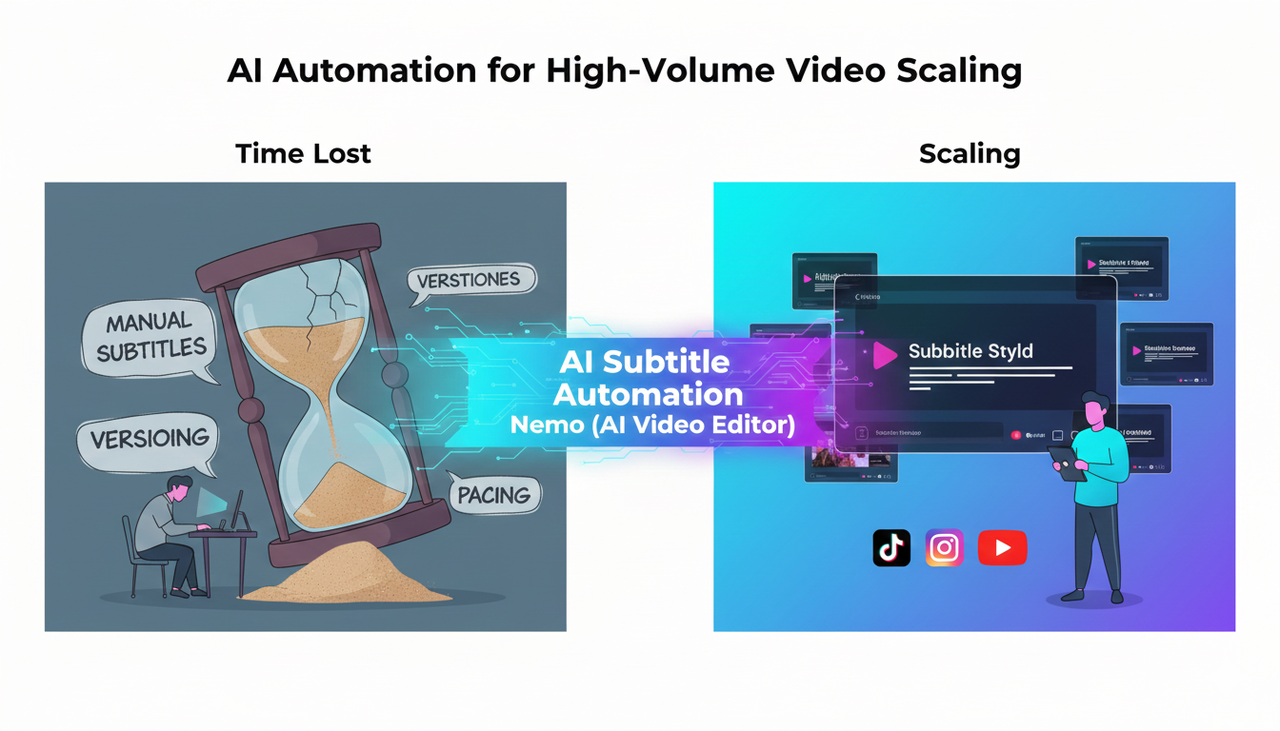
If you're a high-volume creator or performance marketer, the biggest obstacle to scaling your video content is time—specifically, the hours lost to repetitive editing like manual subtitling, versioning, and pacing. The solution lies in AI subtitle automation tools that streamline production and enhance accessibility.
NemoVideo (AI Video Editor) stands out as a powerful example in this space, leveraging cutting-edge AI to automatically generate, style, and sync subtitles while simultaneously optimizing your content for platform-specific ad formats. This allows you to focus on strategy instead of spending all your time on manual execution.
Why AI Subtitles Are Non-Negotiable for Reach
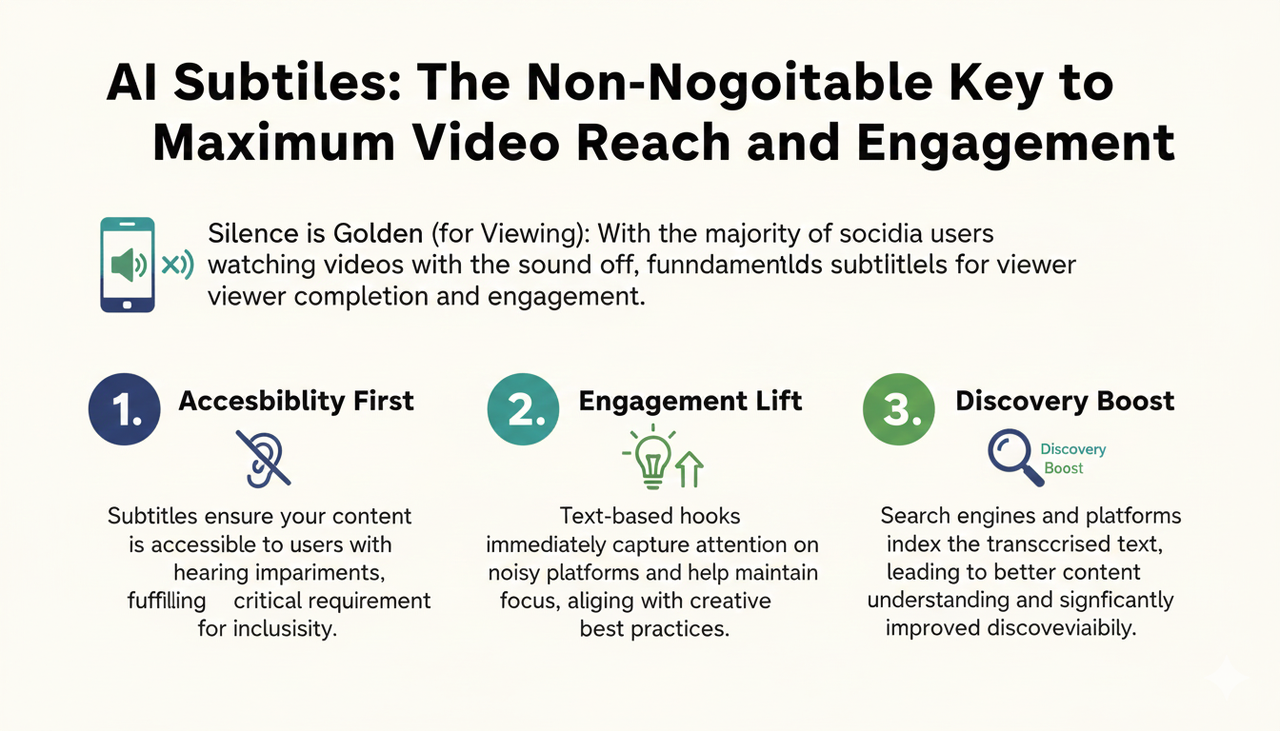
Subtitles are no longer an optional feature; they are a fundamental requirement for video content. With most social media users watching videos with the sound off, subtitles directly impact engagement and viewing completion.
Engagement Lift: On noisy platforms, text-based hooks capture attention immediately and help maintain focus, which is a key part of Creative best practices.
Discovery Boost: Search engines and platforms use the transcribed text to better understand and index your content, improving discoverability.
The Scenario-Action Module: How AI Eliminates Editing Grind
The true power of modern AI editors is their ability to transform multi-step, technical commands into single-phrase instructions, making subtitle creation effortless.
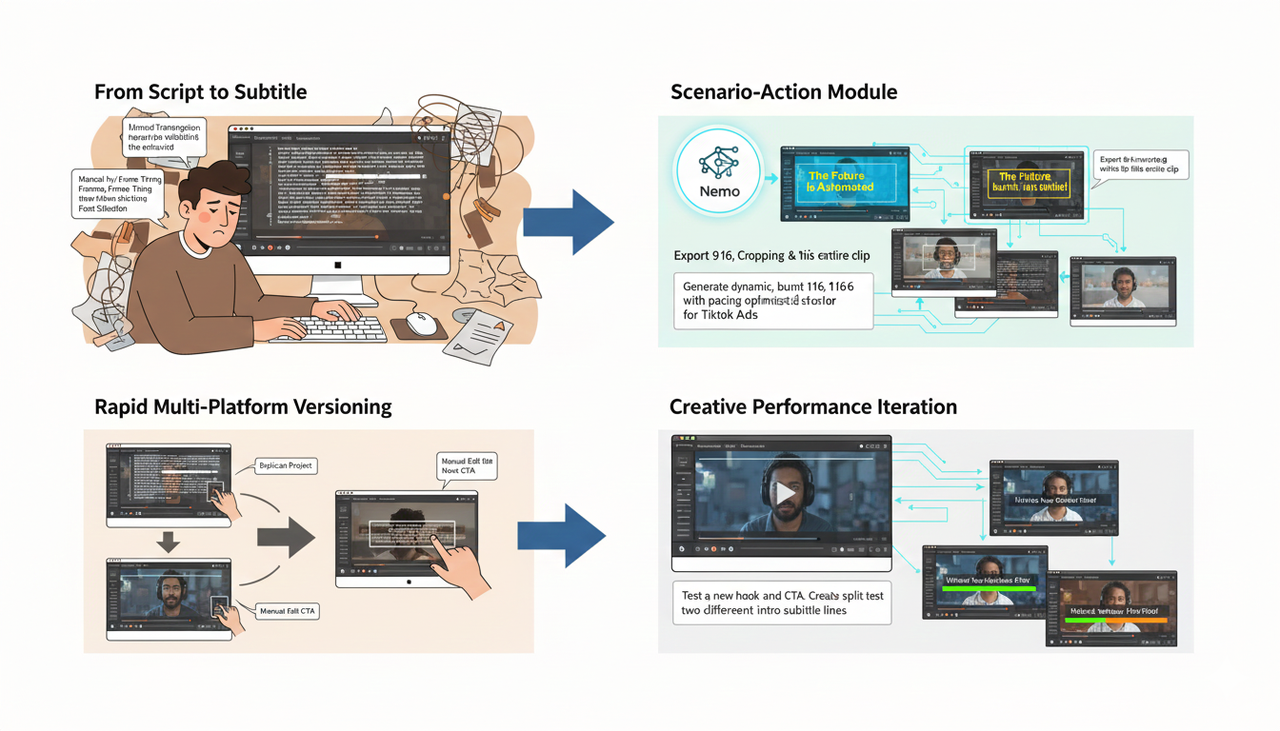
From Script to Synced Subtitle
Traditional Method: You manually transcribe the entire video, adjust timing for every sentence, and then worry about font style and line breaks.
Scenario-Action: Instead of manual transcription, you simply open the editor and give the command: 'Generate dynamic, burnt-in subtitles for this entire clip.' The tool instantly uses its cutting-edge AI to transcribe the speech, apply a high-contrast style optimized for short-form video, and sync it perfectly to the speaker’s pacing.
Rapid Multi-Platform Versioning
Traditional Method: After subtitling, you manually crop the video for 9:16 (TikTok), 1:1 (Instagram), and 16:9 (YouTube), then re-check the pacing in each.
Scenario-Action: With a tool like Nemo (AI Video Editor), you simply give the command: 'Export 9:16, 1:1, and 16:9 versions with the pacing optimized for TikTok Auction In‑Feed Ads.' The platform automates the crop, adjusts the timing of visual elements, and bulk-exports all necessary variants in a single, time-saving step.
Creative Performance Iteration
Traditional Method: To A/B test a different hook or call-to-action (CTA), you have to duplicate the entire project and manually edit the first 3 seconds of footage and the final frame.
Scenario-Action: The Nemo (AI Video Editor) workflow allows you to give the command: 'Test a new hook and CTA. Create a split test focusing on two different intro subtitle lines for this campaign.' The system uses the existing structure to instantly generate the two test creatives, ready for your Split test best practices campaign setup.
Comparison Table: Manual vs. AI Automation
Dimension | Traditional Manual Editing (Slow) | Nemo Video (AI-Automated) |
Subtitle Creation | Manual transcription, timing, and styling. High error rate. | AI subtitle automation tools generate and sync instantly with dynamic styles. |
A/B Versioning | Duplicate project, crop, and re-edit elements for each platform (Meta, TikTok, etc.). | Bulk exports of platform-specific versions (9:16, 1:1) from a single master file. |
Pacing/Engagement | Subjective, time-consuming manual cuts. | Uses cutting-edge AI to align pacing to known viral structures for short-form video. |
Risk/Cost | High labor cost; delayed testing velocity. | Low labor cost; rapid testing velocity for improved ROAS. |
Frequently Asked Questions
Q: How does AI help with enhance accessibility for my content?
A: AI editors automatically generate highly accurate subtitles, a crucial step for meeting the accessibility standards of platforms like TikTok. This ensures viewers with hearing impairments can consume your video content, while also helping users who watch without sound.
Q: Why is brand visibility important even when using AI tools?
A: Even when leveraging AI subtitle automation tools, you must maintain strong brand visibility. This includes ensuring your content adheres to platform rules regarding transparency, especially when Promoting a brand, product, or service , and guidelines like the FTC Endorsement Guides: What People are Asking.
Q: Can AI tools help me manage music rights for my ads?
A: While AI tools expedite editing, you still need to be aware of licensing. When running ad campaigns, always ensure your audio use complies with guidelines such as the Commercial Music Library (TikTok Ads Help) to avoid issues.
Ready to stop wasting time on manual subtitles and start creating high-impact, high-volume ads that win on engagement? Explore NemoVideo (AI Video Editor) today.